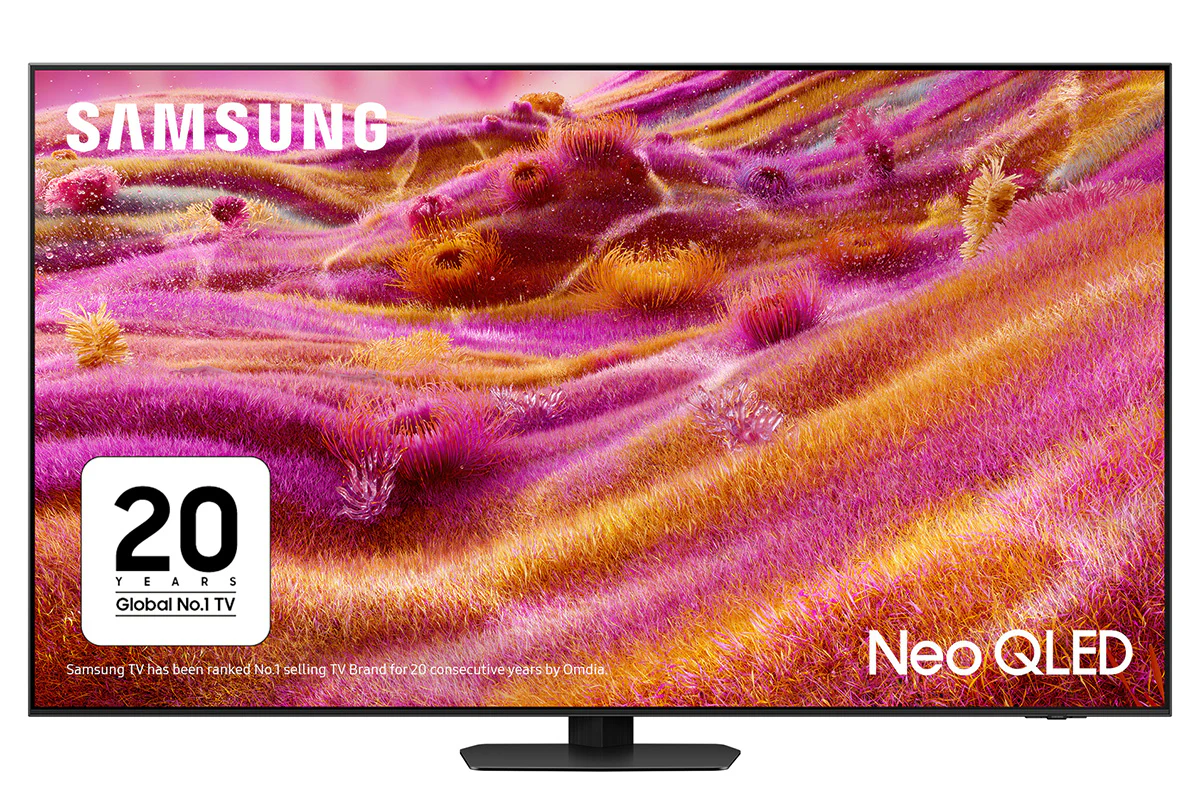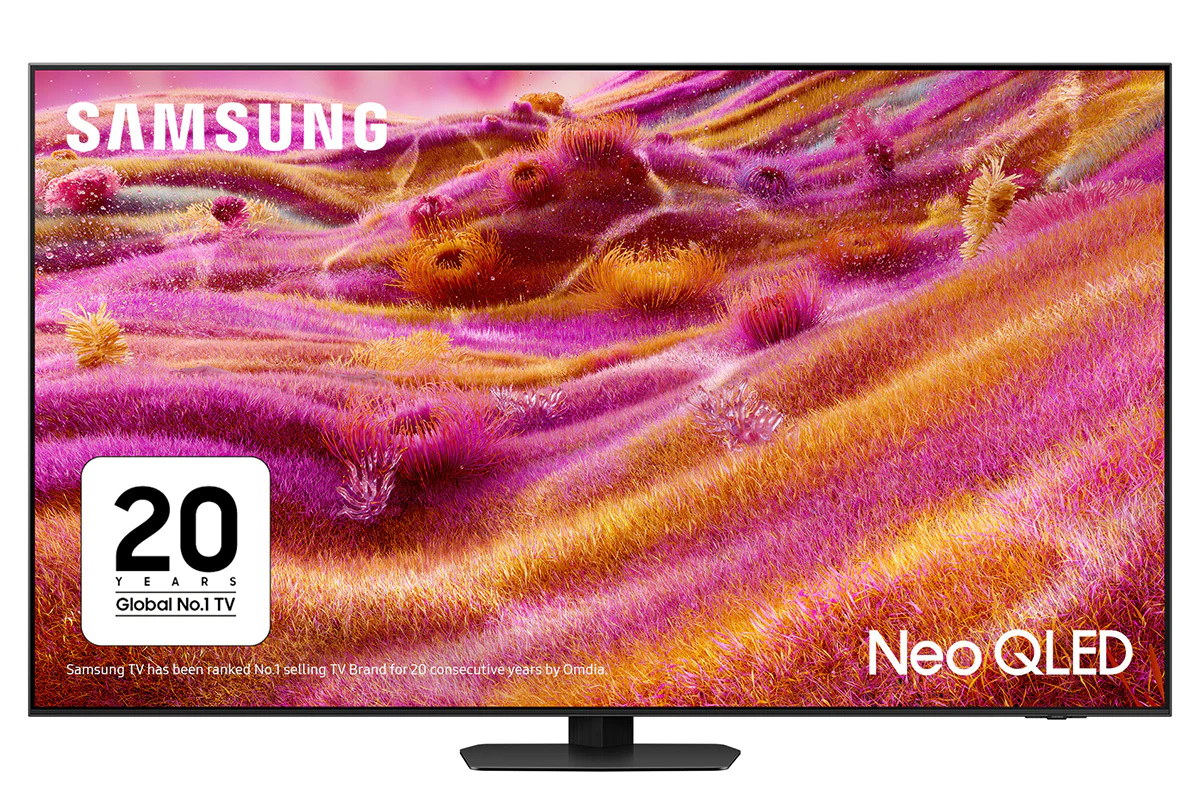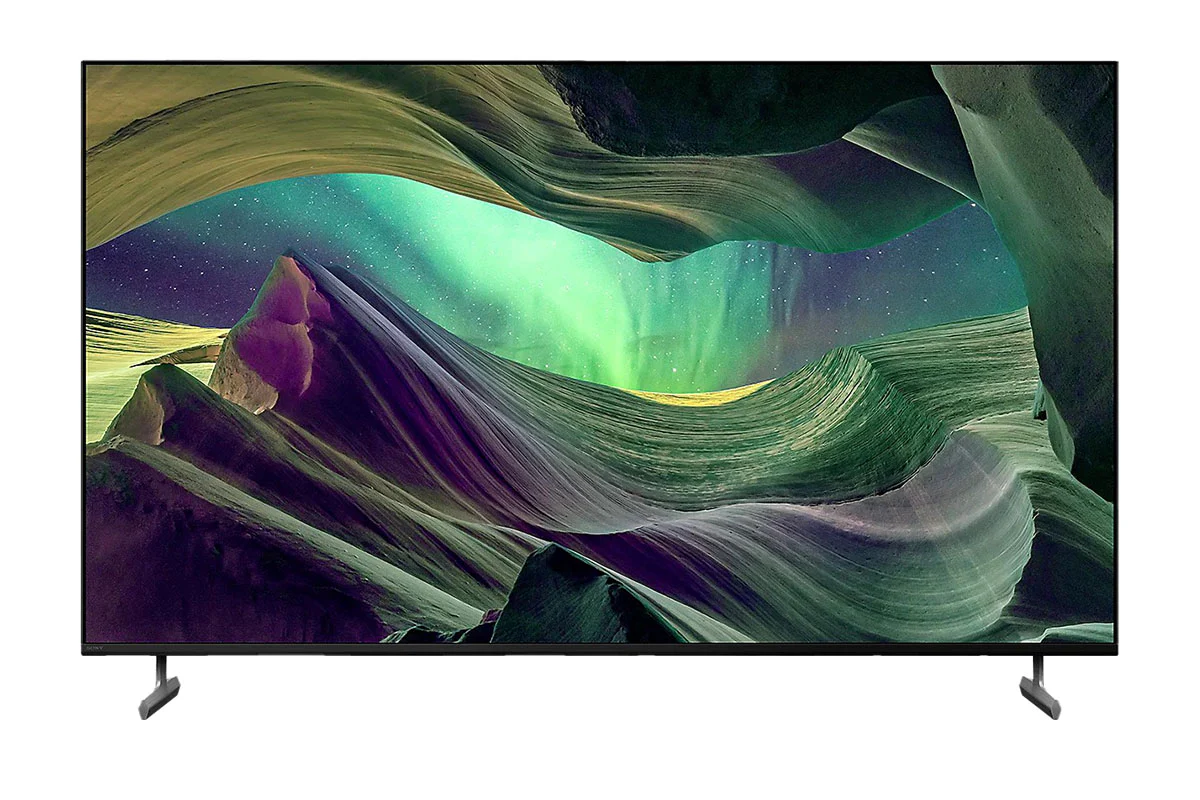
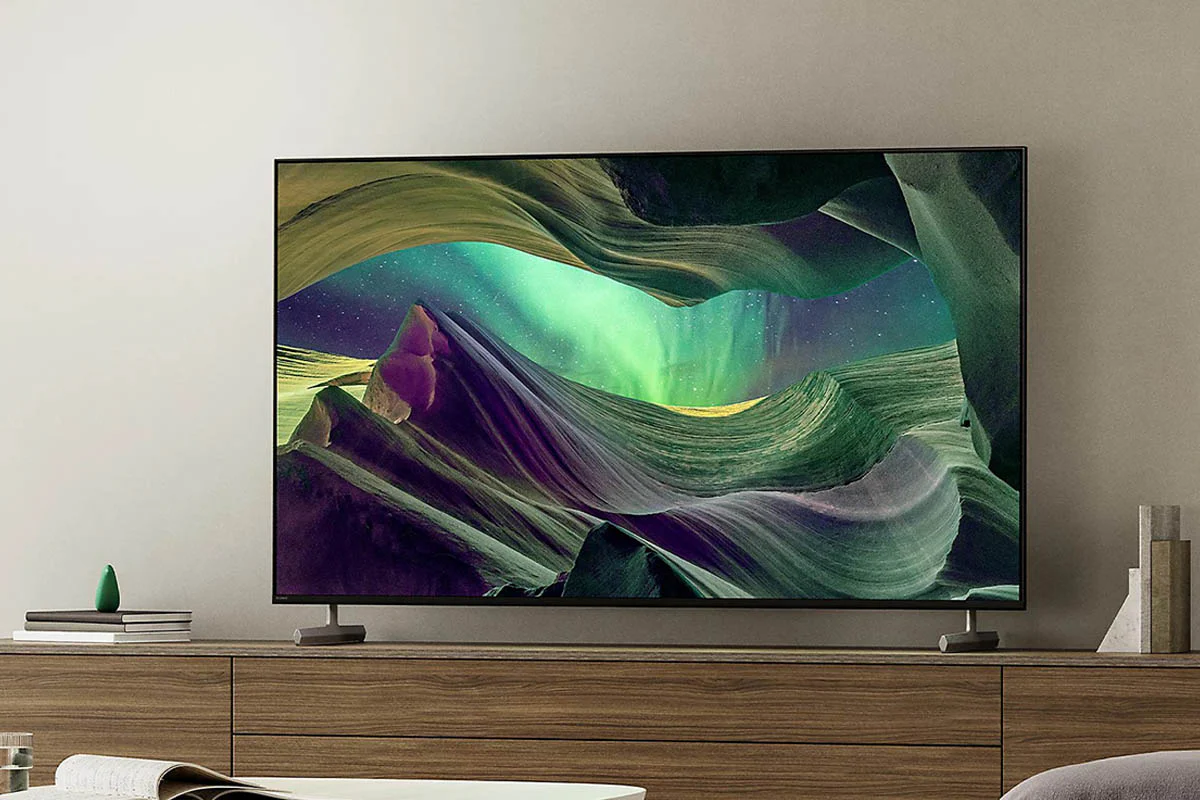
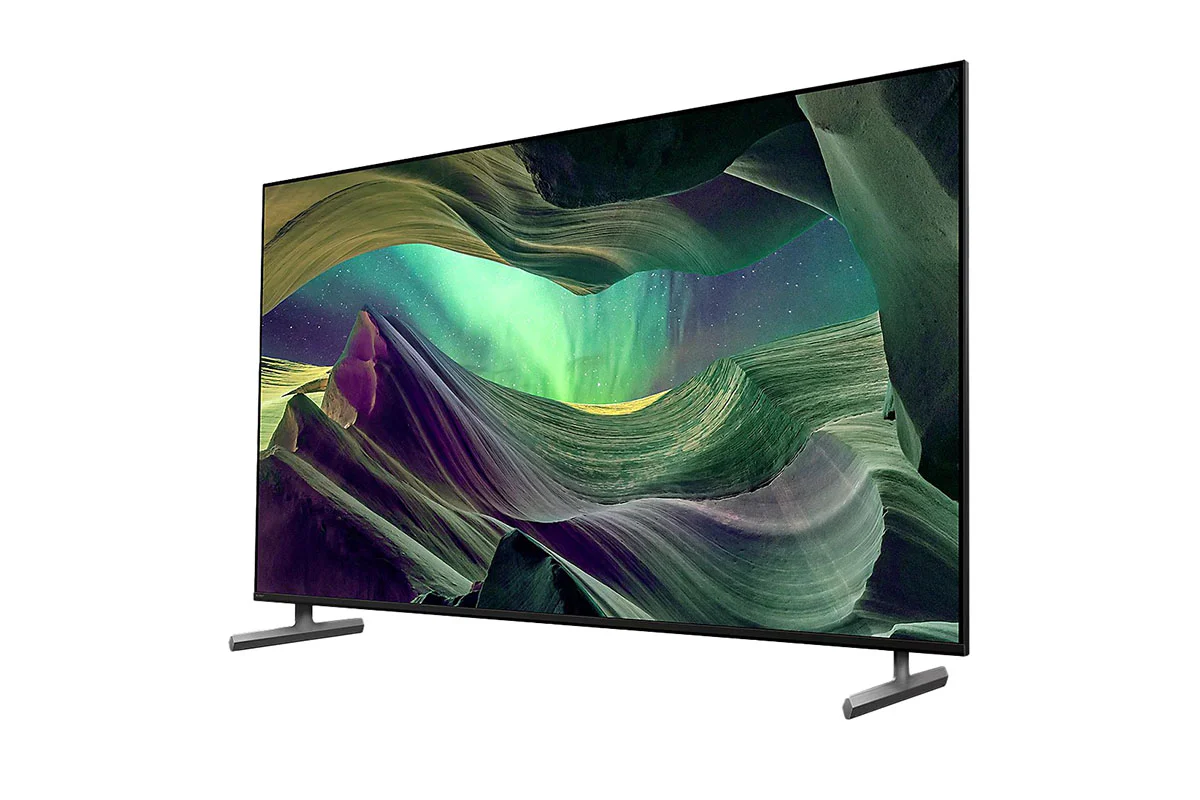
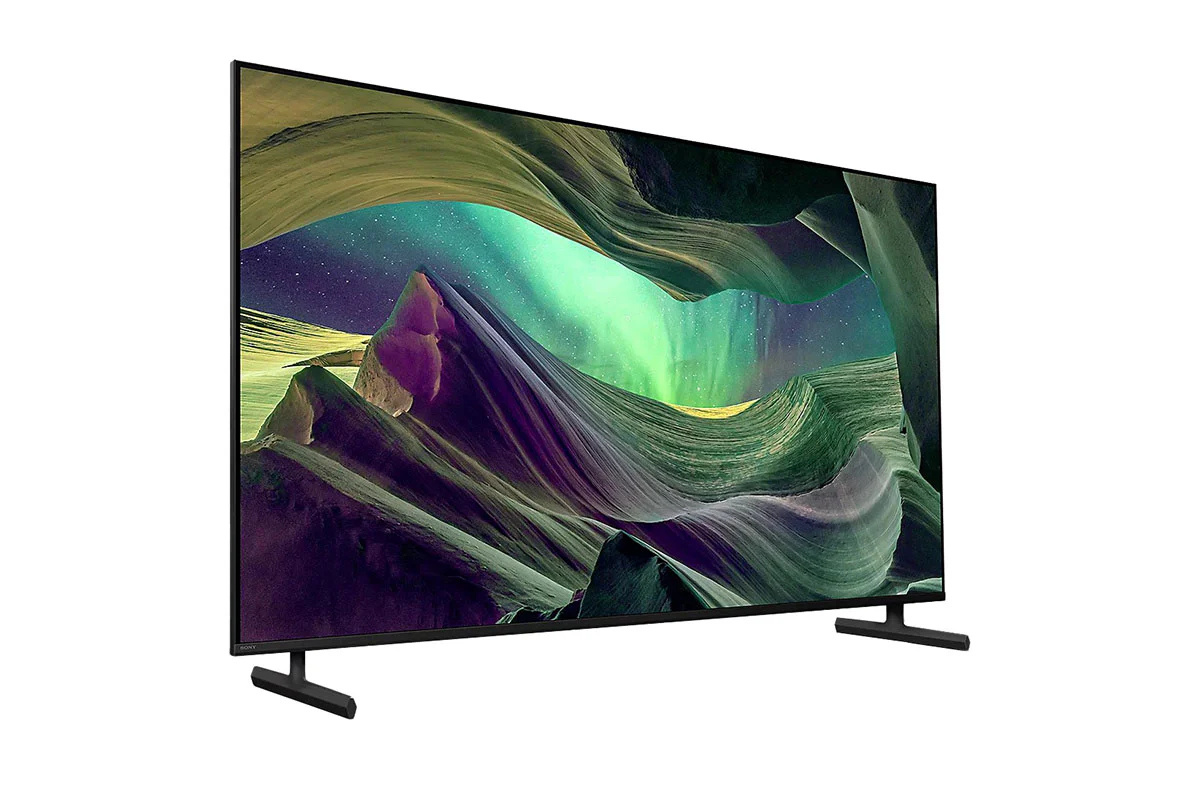
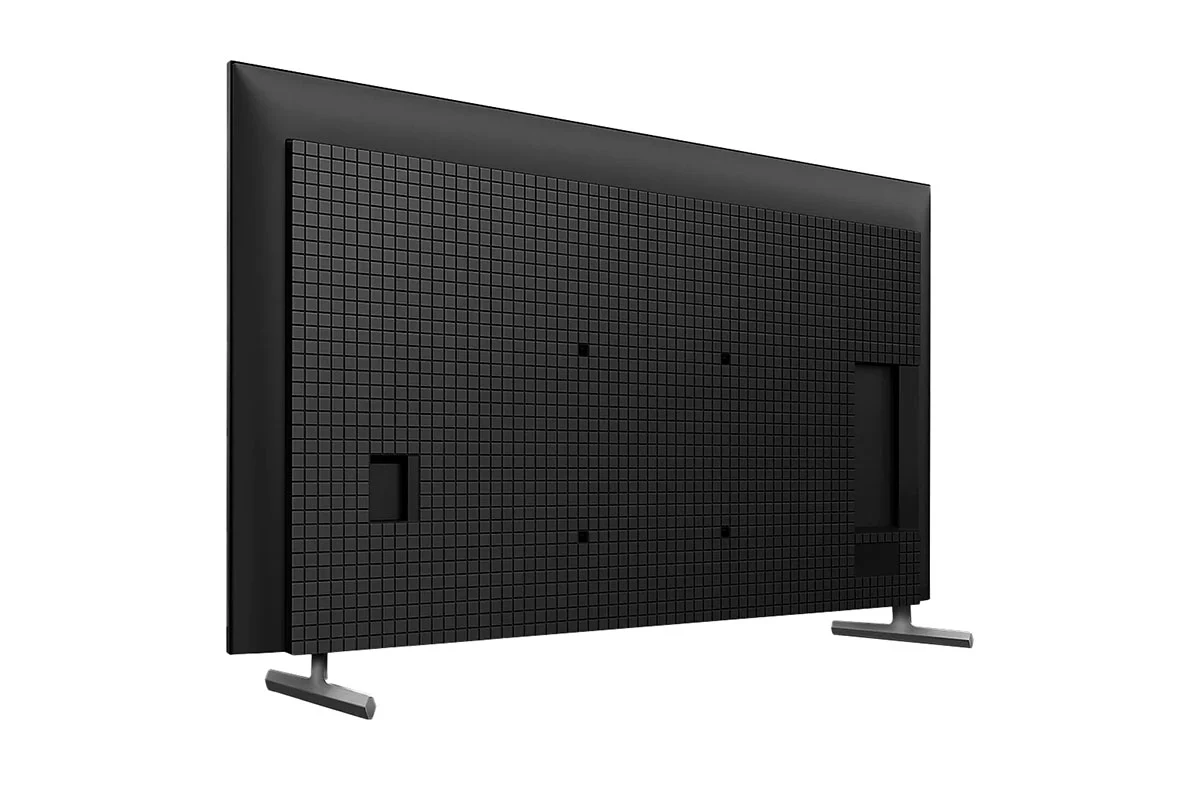
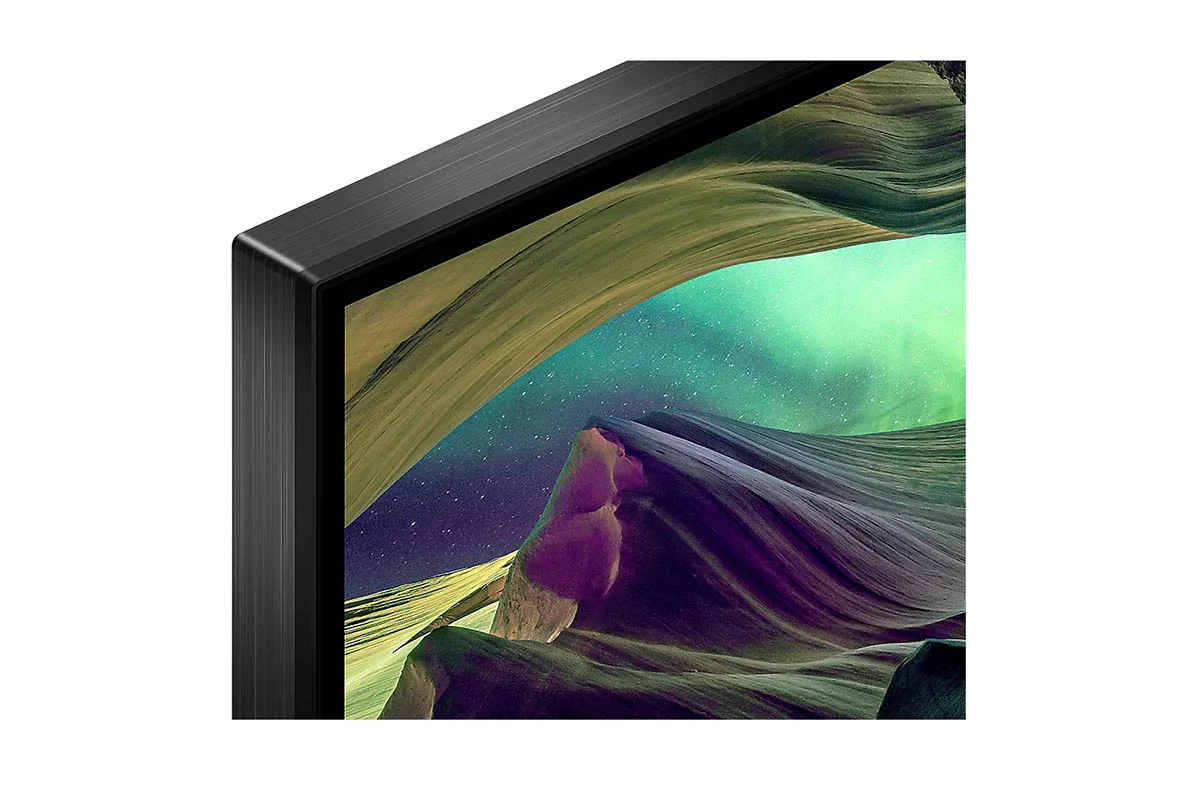
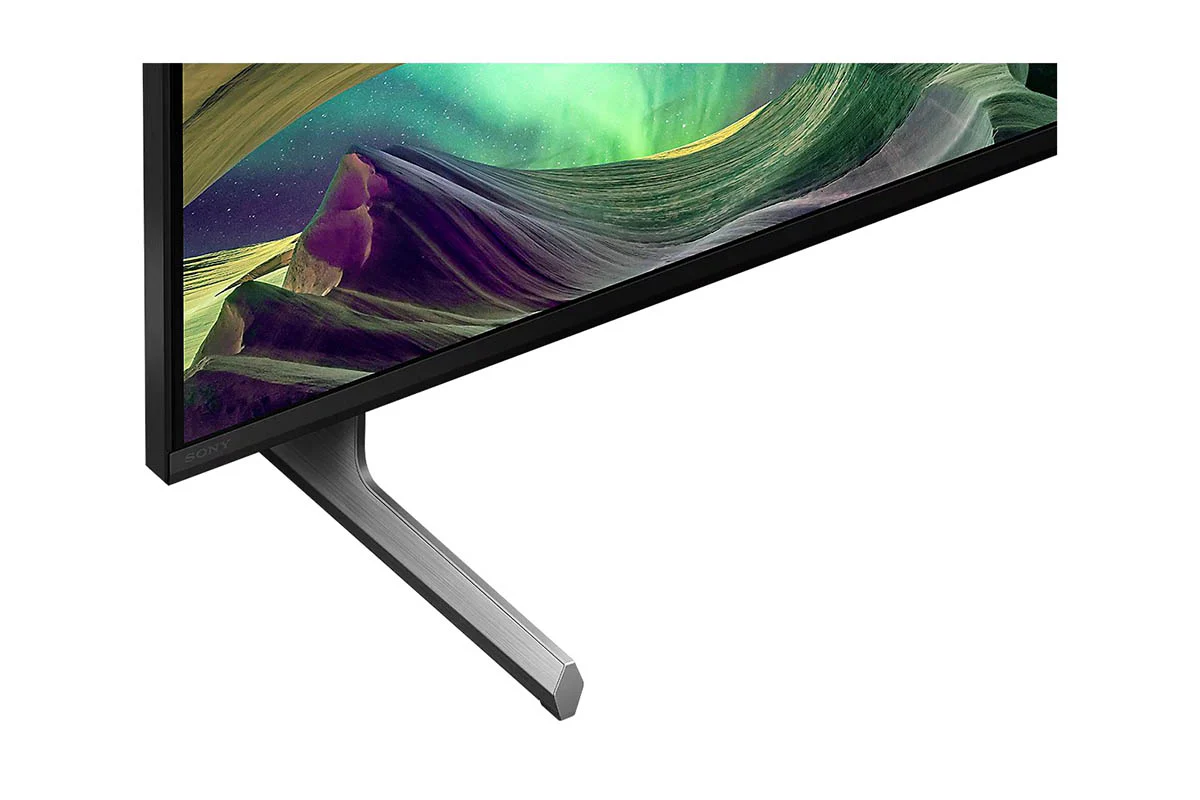
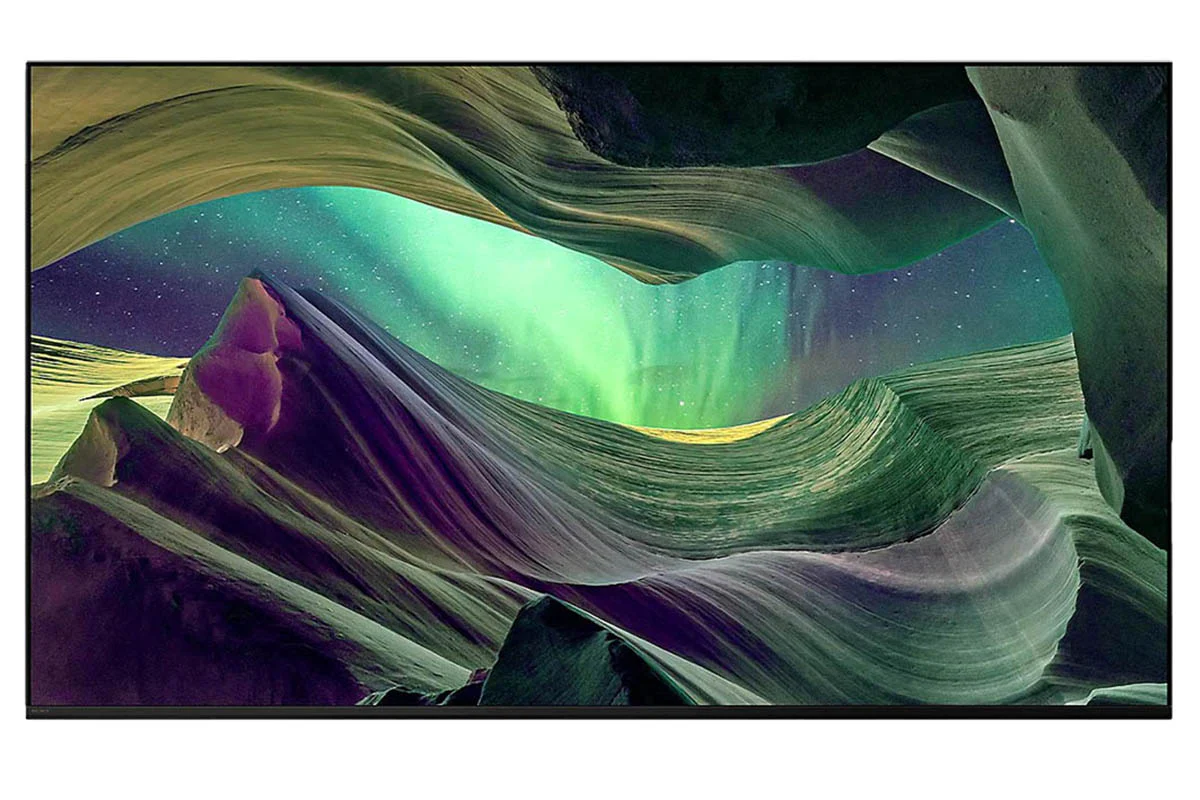
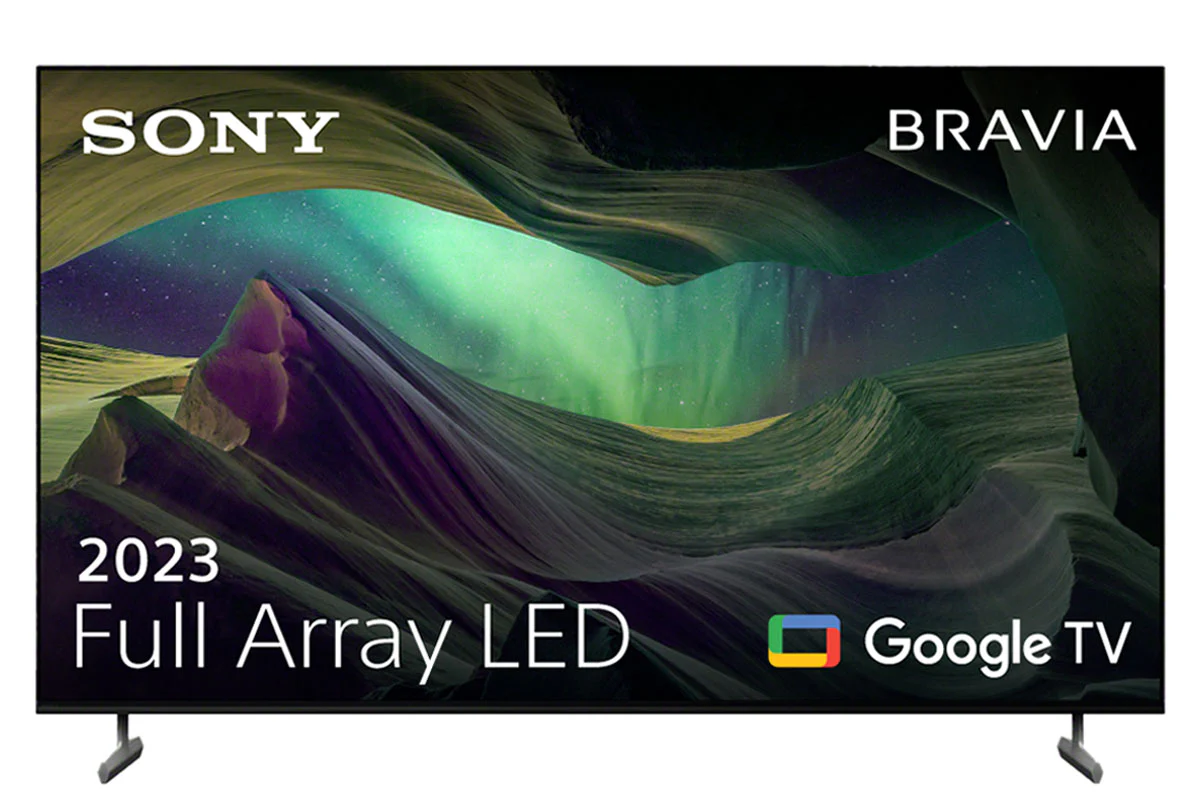

Sony Bravia 65" Full Array LED X85L 4K Smart TV 2023 | KD65X85LU
Find Your Perfect TV Mount
Use Sanus MountFinder to find the right TV mount for you.
Click here to start

Contrast That Feels Real
From light to dark, contrast is realistic across the screen thanks to a Full Array LED and 4K HDR Processor X1.[1]
1. TV image is simulated. The actual look of the TV may differ, depending on model, size and region.

Every Moment in High Contrast Realism
See how Sony Full Array LED and 4K HDR Processor X1 reproduce realistic contrast in bright and dark areas for scenes full of detail.

Colours That Bring Everything to Life
Billions of colours from a wide colour panel. Intense brightness and contrast. Sony 4K HDR Processor X1 brings scenes vividly to life so everything feels real.

Exceptionally Clear, Whatever You Watch
Even your favourites filmed in 2K and HD are upscaled close to 4K quality. Sony 4K X-Reality PRO uses a unique 4K database to recreate missing data.[1]
1. 4K: 3,840 x 2,160 pixels. Upscaled, simulated and enhanced 4K images will vary based on source content.

See Everything, Even in Fast Action Scenes
X-Motion Clarity uses an independent panel control to optimise light emission and keep scenes smooth and clear without losing brightness.
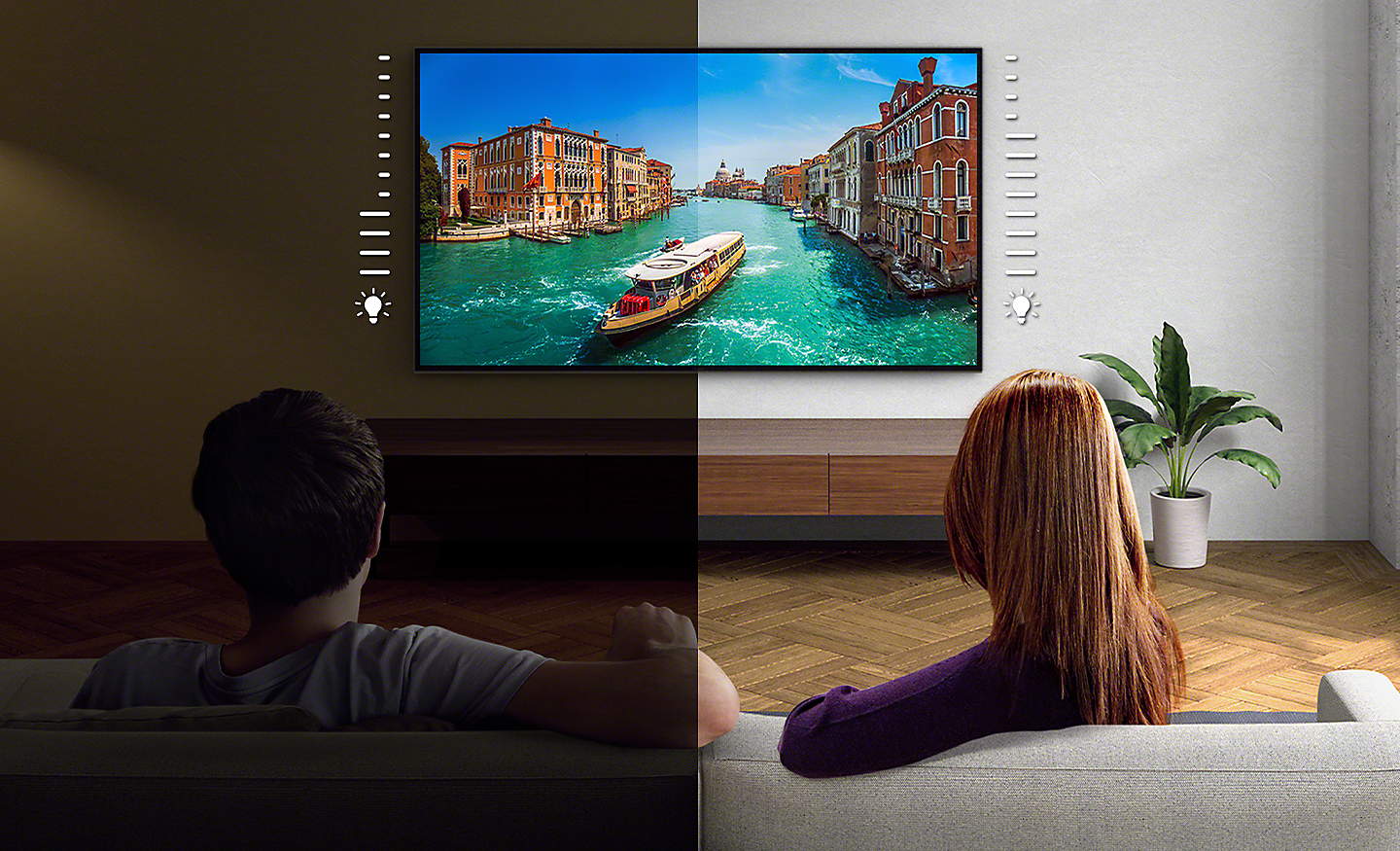
Brightness Optimised, Tuned to Your Room
A light sensor optimises brightness to room conditions, boosting brightness in light rooms and reducing it in dark ones so you always get a suitable picture.
Big on Bass, Touches Your Heart
Whether it’s action, drama or musical scenes, you’ll hear everything clearly with a powerful X-Balanced Speaker that’s designed to keep the screen beautifully slim.[1]
1. TV image is simulated. The actual look of the TV may differ, depending on model, size and region.

Bigger Pressure and Bass for Clearer Sound
Complementing the TVs slimness, Sony uniquely-shaped X-Balanced Speaker drives movies and music with clear sound and rich bass.

Room-filling Dolby Atmos Sound
Hear movie soundtracks and music playlists with more depth, clarity and detail. Dolby Atmos draws you in deeper for seriously immersive spatial sound.[1]
1. Dolby Vision and/or Atmos content compatible streaming services or compatible content device connected via HDMI input (sold separately) required.
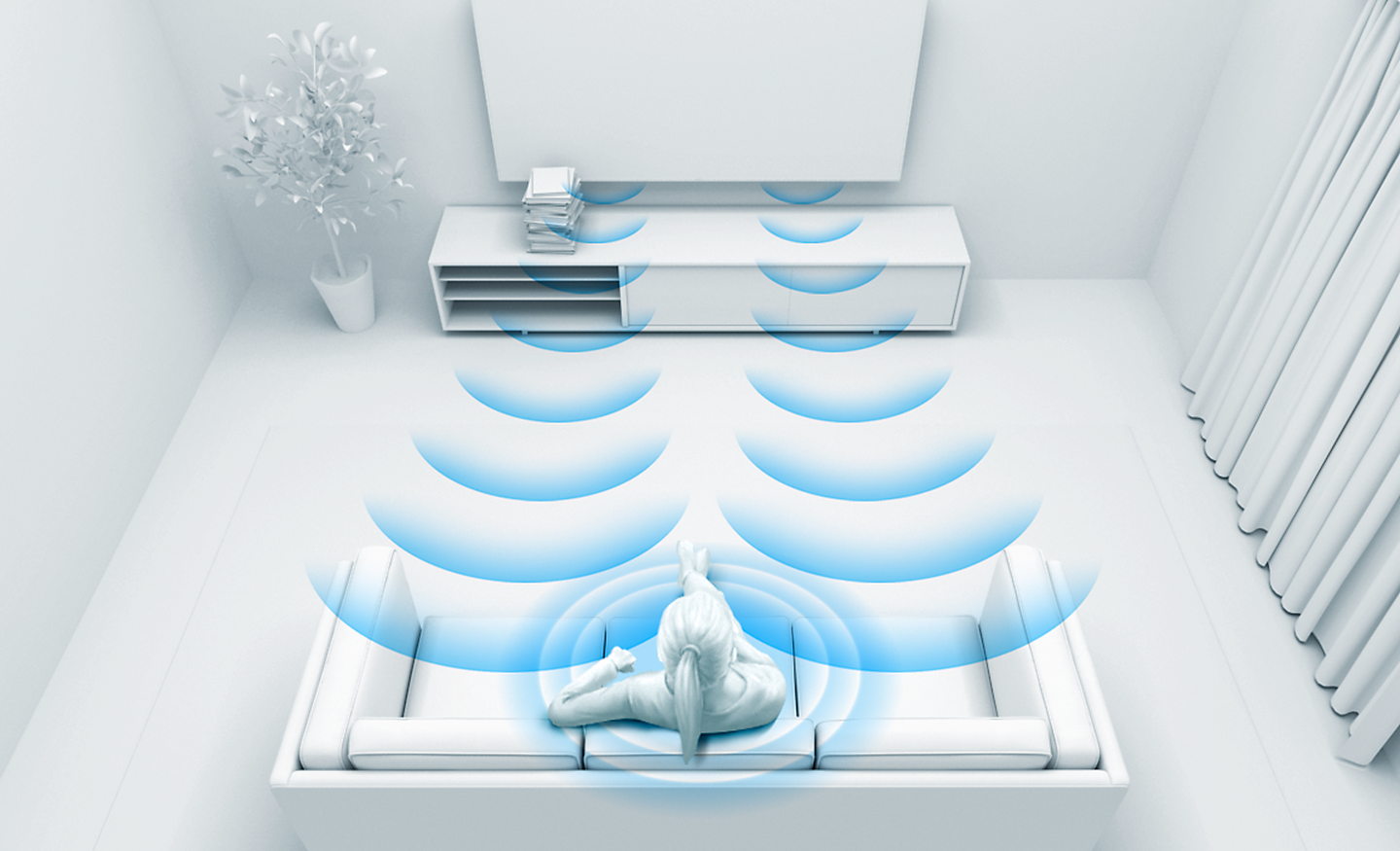
Sound Optimised, Tailored to Your Room
With Acoustic Auto Calibration, this TV detects items in a room that compromise sound quality, then enhances and optimises sound to your unique layout.

Game Features
Jaw-dropping Graphics. Immersive Soundscapes. Game on
Be right at the heart of the action with BRAVIA . Awe-inspiring scenes, atmospheric sound and exclusive new features bring your go-to games to life like never before.[1][2]
2022 Sony Interactive Entertainment LLC. God of War is a registered trademark of Sony Interactive Entertainment LLC and related companies in the U.S. and other countries.
PS5 system sold separately. Design and specifications are subject to change without notice. “PlayStation” and "PS5" are registered trademarks or trademarks of Sony Interactive Entertainment Inc. God of War Ragnarök available now.
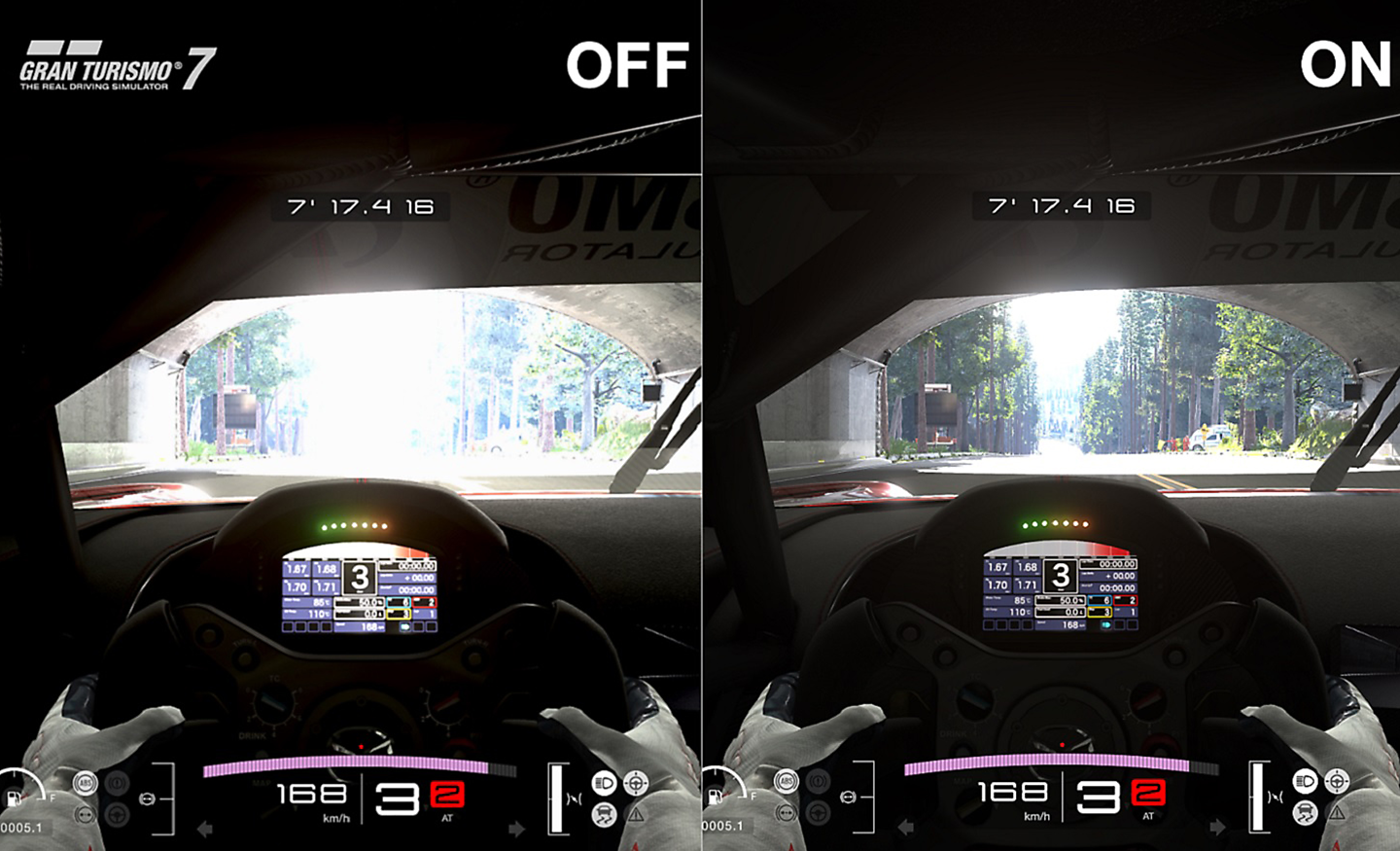
Auto HDR Tone Mapping
Auto HDR Tone Mapping instantly optimises HDR settings during your PS5 initial setup. Even in dark shadow and bright highlights, you’ll see fine details and true colours.[3][4]
2022 Sony Interactive Entertainment Inc. Developed by Polyphony Digital Inc. “Polyphony Digital logo”, “Gran Turismo” and “GT” are registered trademarks of Sony Interactive Entertainment Inc. Manufacturers, cars, names, brands and associated imagery featured in this game in some cases include trademarks and/or copyrighted materials of their respective owners. Any depiction or recreation of real-world locations, entities, businesses or organizations is not intended to be or imply any sponsorship or endorsement of this game by such party or parties. All rights reserved.
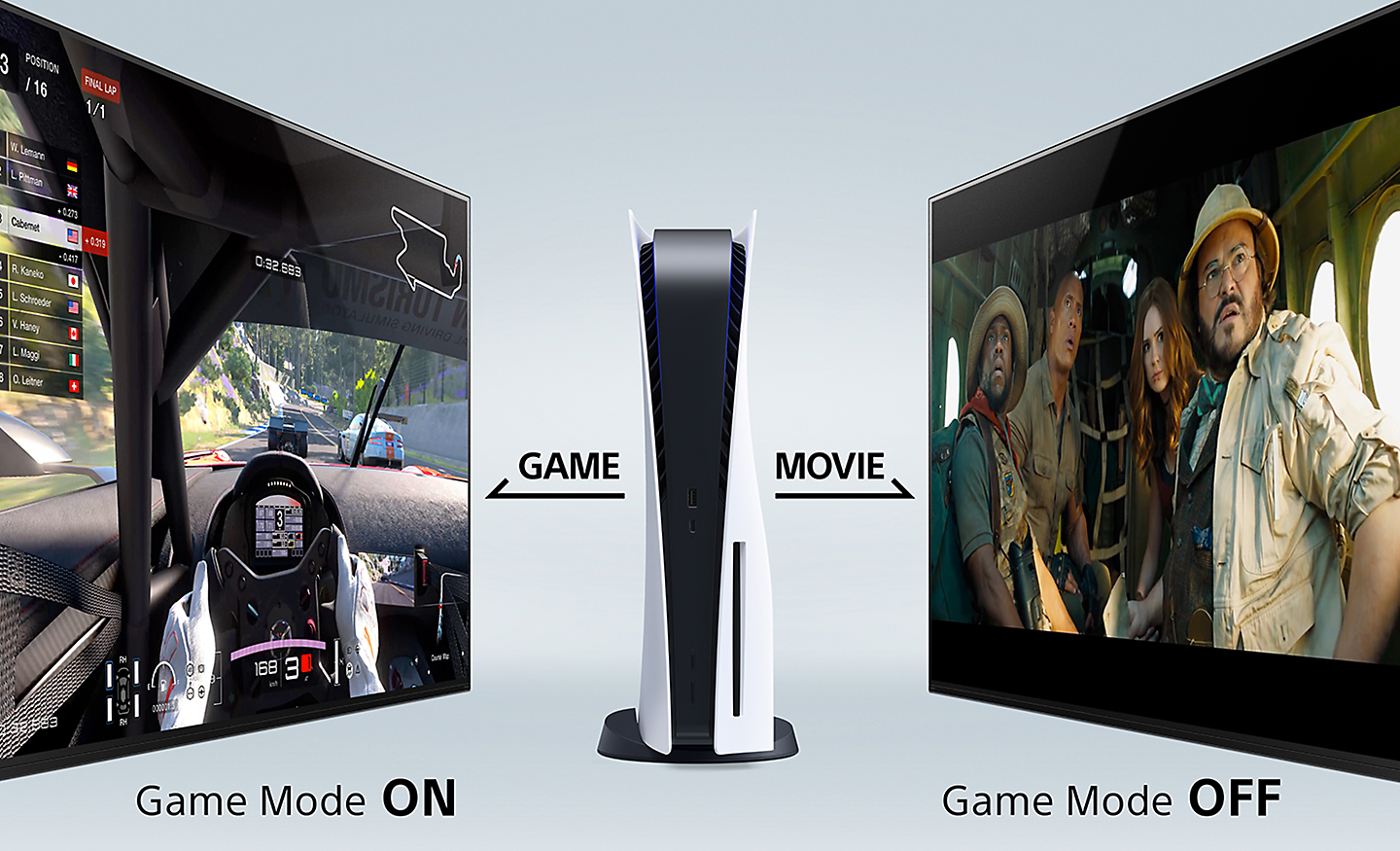
Auto Genre Picture Mode
BRAVIA automatically switches into Game Mode with PS5 to minimise lag and maximise responsiveness. It switches back to Standard Mode when watching movies for more expressive scenes.[4][5]
This function works when Auto Picture Mode is ON.
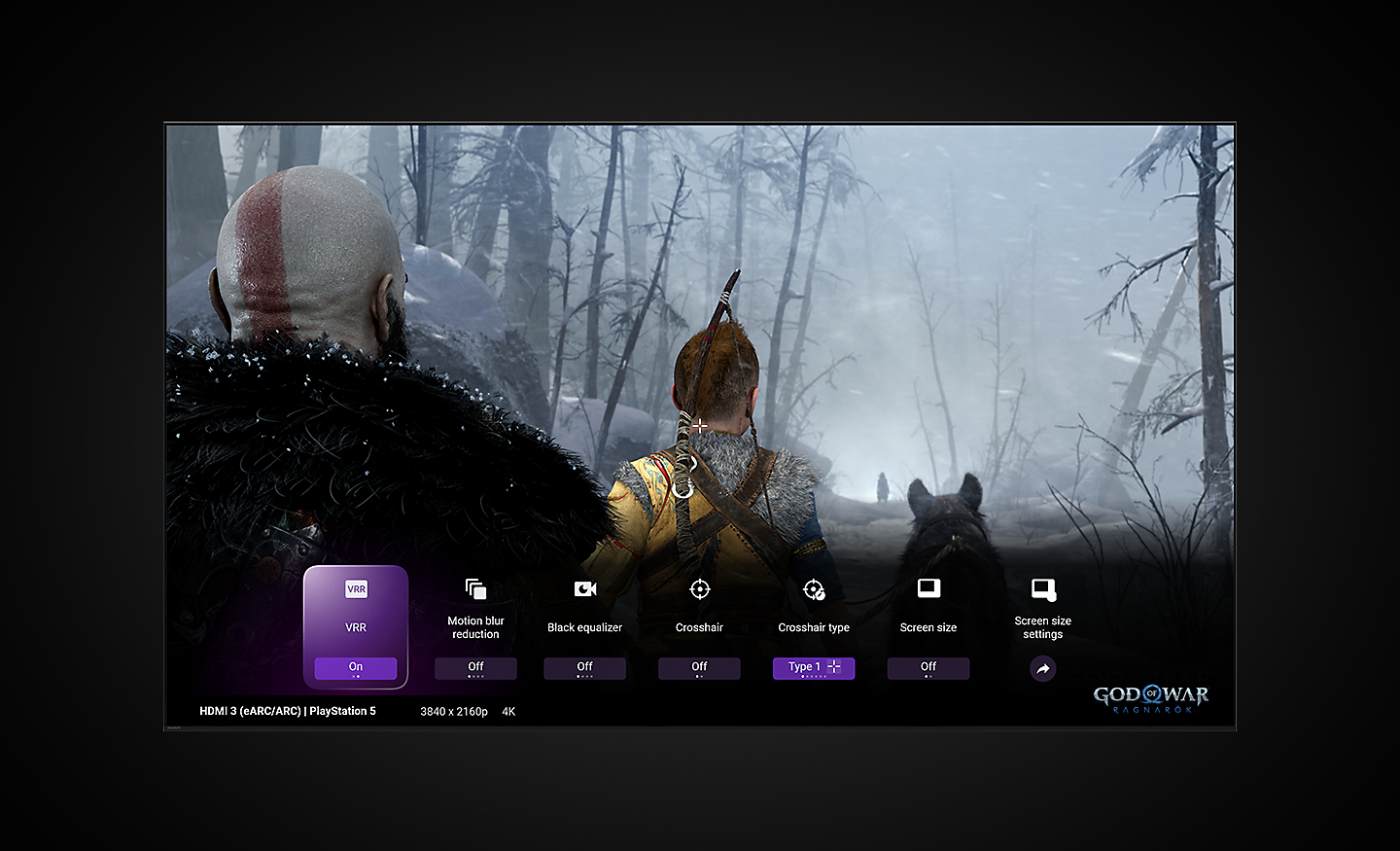
One Place for All Your Game Settings
Never has it been easier to fine-tune your game status, settings and assist functions. All the essentials are at your fingertips for ease and comfort.[6][7][8]
Some features will be available via a future firmware update.
The UI Image is simulated. For illustrative purposes only. Actual UI may be different.
Available functions may vary depending on model, region, or country.

Various Features in HDMI 2.1
With 4K/120fps, a Variable Refresh Rate and Auto Low Latency Mode, Sony TVs give you smooth and clear movement for responsive gameplay.[9][10]
Game supporting 4K/120fps required.
The latest system software update on PS5 consoles is required for VRR to be available.
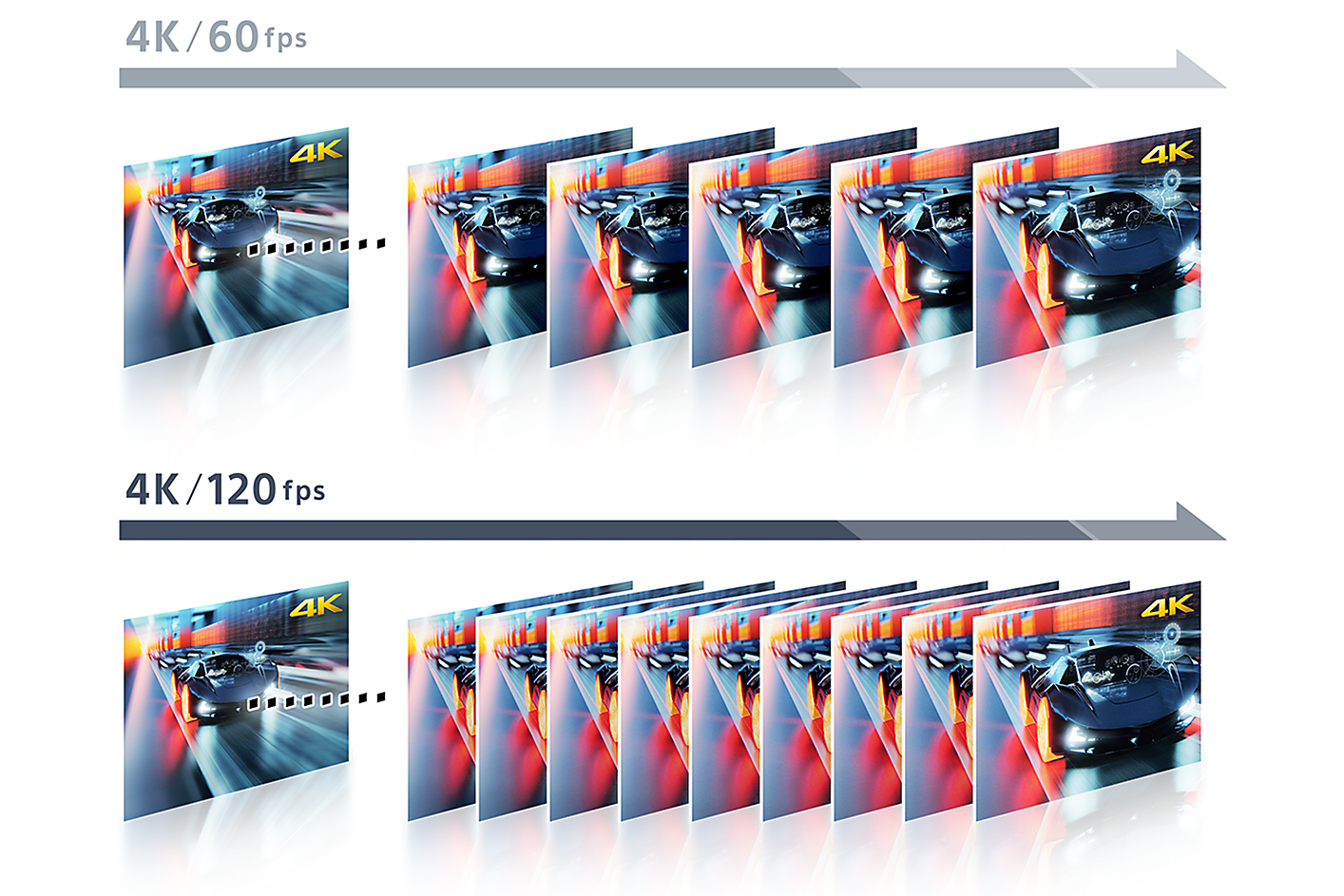
4K / 120fps [11][12]
The input lag time is measured with BRAVIA XR models via 4K/120fps game HDMI input based on internal conditions, and may differ in models, real-time usage environment or specific conditions. 4K: 3840 x 2160 pixels.
Game supporting 4K/120fps required.
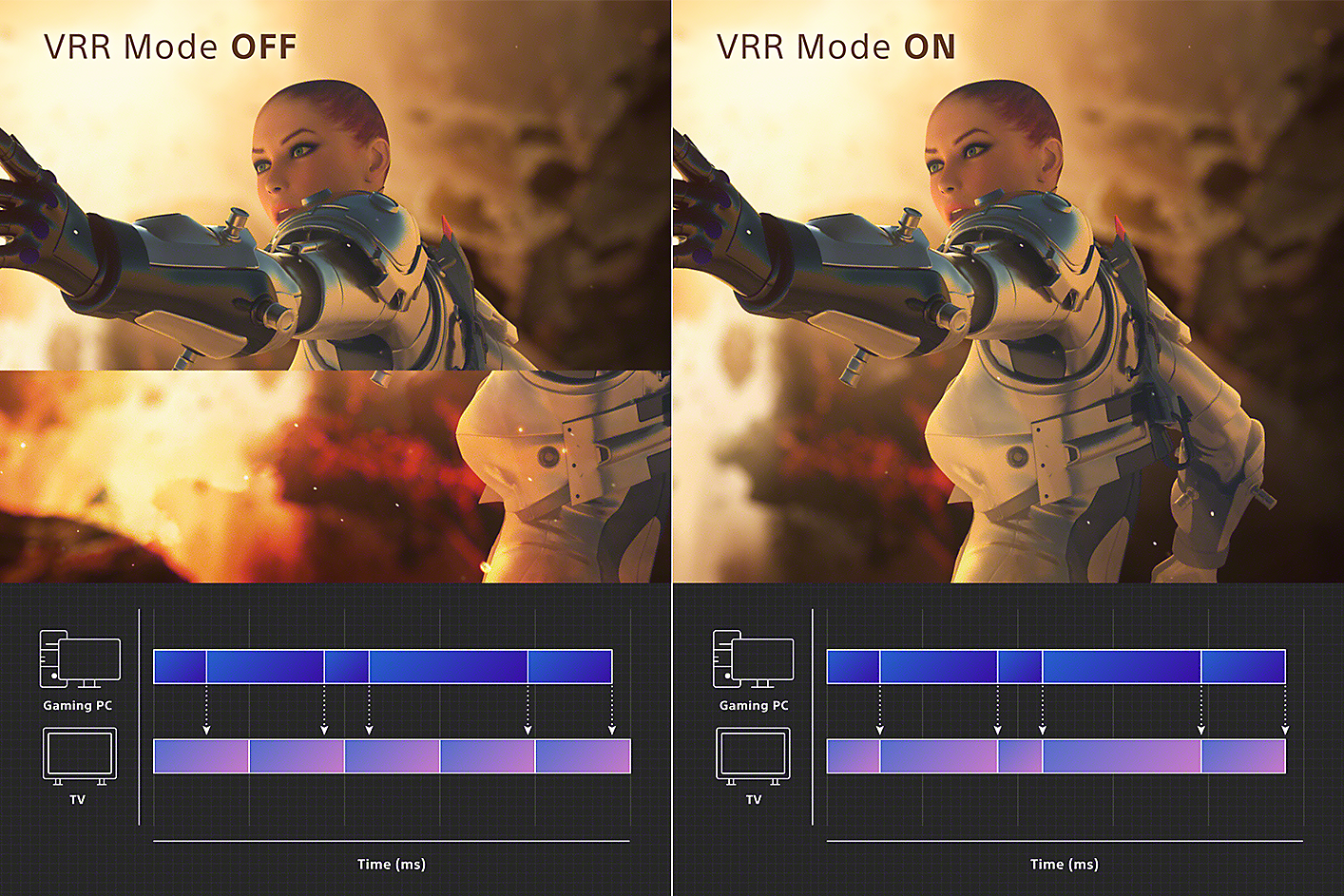
Variable Refresh Rate (VRR)[12][13][14]
VRR compatibility varies by model. See each model’s specifications for details.
Results may vary depending on the game you’re playing. If enabling VRR results in any unexpected visual effects, you can turn it off at any time.
The game image is simulated, and not an actual game.
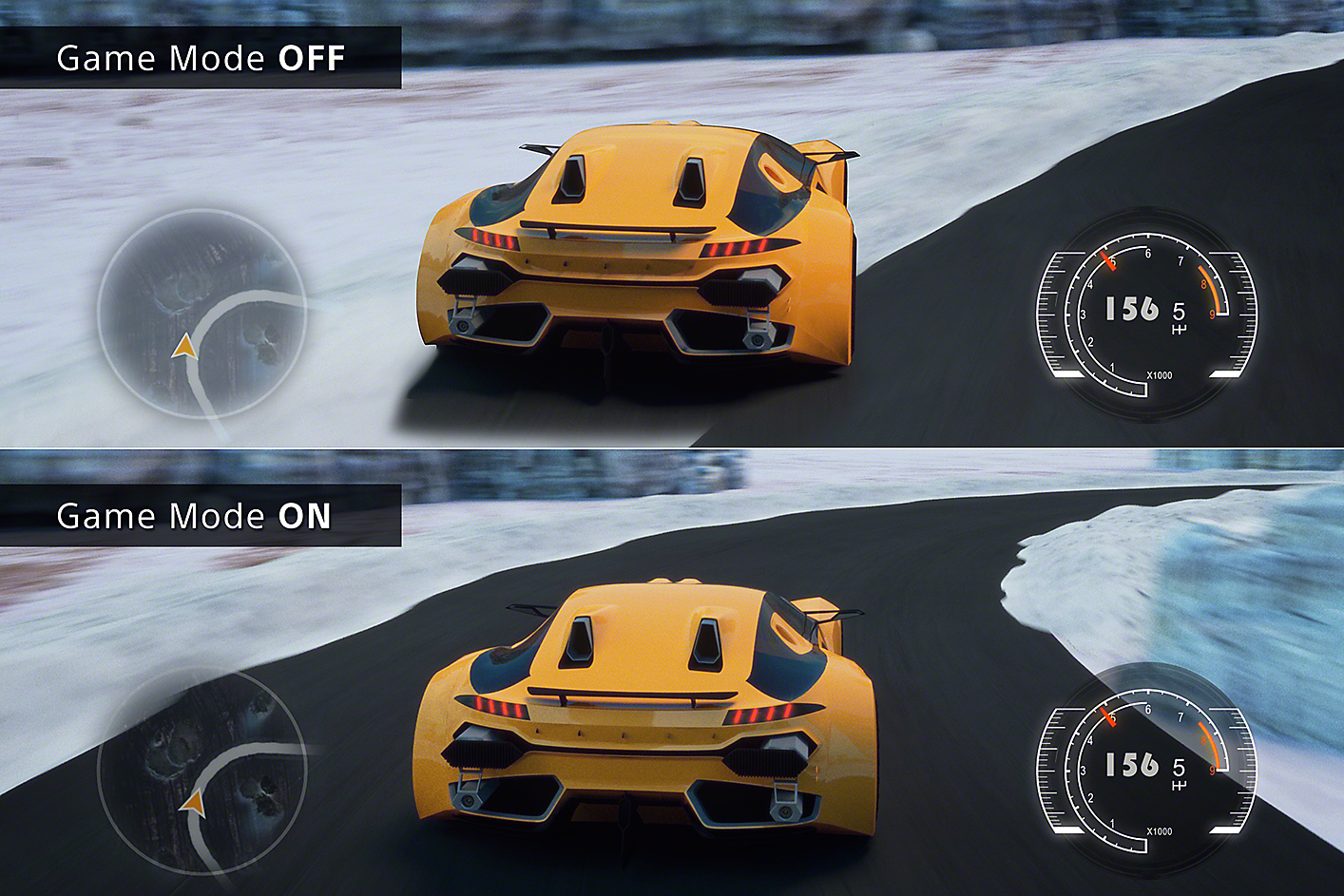
Auto Low Latency Mode (ALLM)
Entertainment You Love. With Help From Google
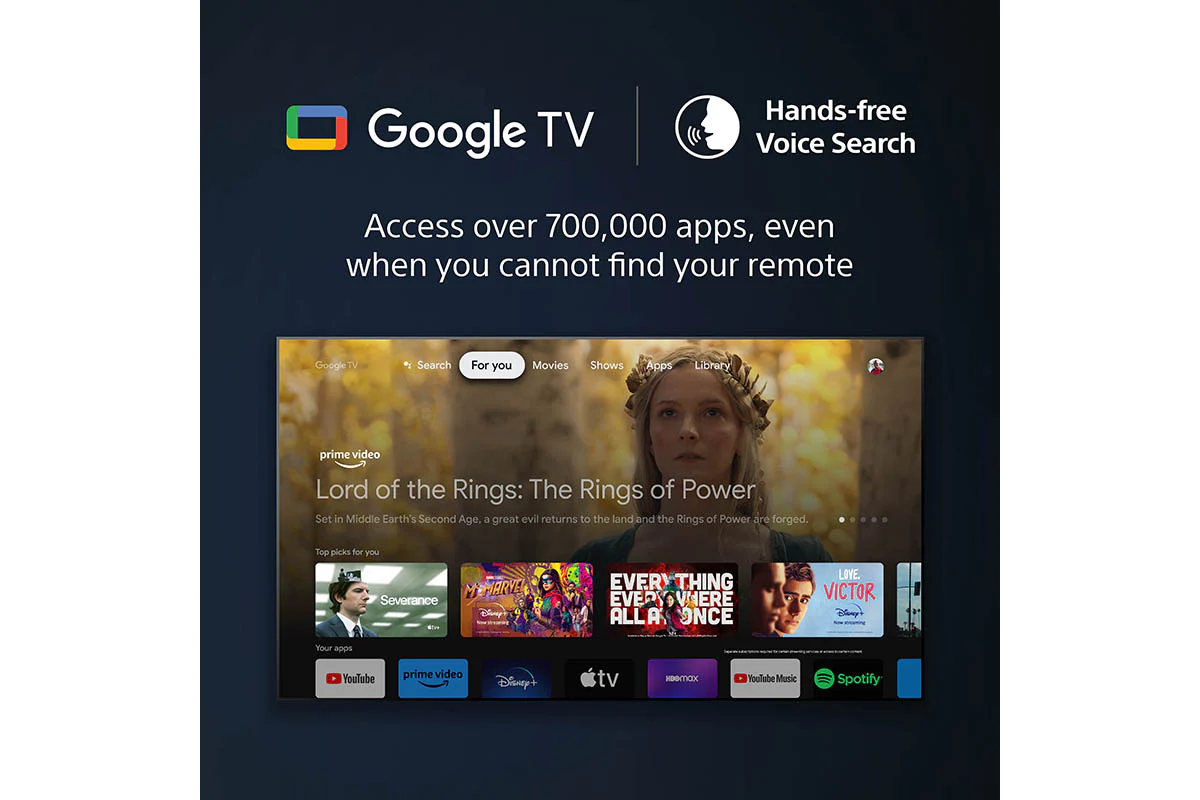
Google TV brings together movies, shows, and more from across your apps and subscriptions and organises them just for you.[1][2][3][4]
1. TV image is simulated. The actual look of the TV may differ, depending on model, size and region.
2. Some apps, contents and/or features may not be available in all countries. Subject to availability.
3. User must accept Google Terms of Service (http://www.google.com/policies/terms/ ), Play Terms of Service (https://play.google.com/intl/en-US_us/about/play-terms/index.html ) and Privacy Policy (http://www.google.com/policies/privacy/ ) to use TV. User must connect to a Google account to use certain advertised features, including voice to activate linked apps, and install certain apps and operating software during setup. Use of TV without connecting to a Google account allows only basic TV features and certain apps. Wireless connectivity requires 802.11 home network (802.11n recommended). Network services, content, operating system and software of this product may be subject to separate or third-party terms and conditions and changed, interrupted or discontinued at any time and may require fees, registration and credit card information. Apps must be compatible with TV. App availability varies by region and device.
4. Google TV is the name of this device's software experience and a trademark of Google LLC. Google, YouTube, Chromecast built-in, Google Meet, and other marks are trademarks of Google LLC.
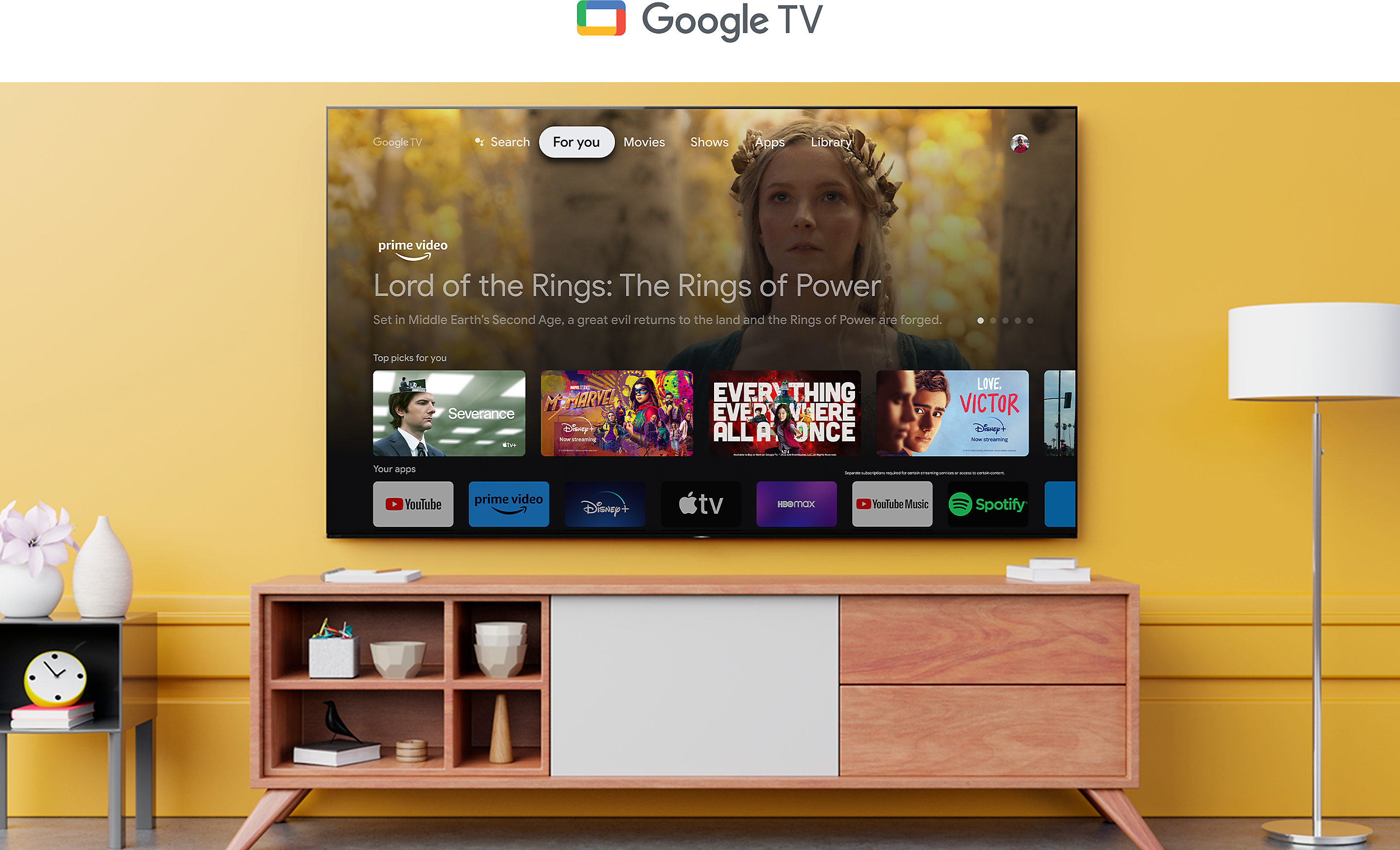
What You Want to Watch All in One Place
Browse 700,000+ movies and TV episodes from across your streaming services, all in one place and organised into topics and genres based on what interests you.[1][2][3]
1. Some apps, contents and/or features may not be available in all countries. Subject to availability.
2. User must connect to a Google account to use certain advertised features.
3. Google TV is the name of this device's software experience and a trademark of Google LLC. Google, YouTube, Chromecast built-in, Google Meet, and other marks are trademarks of Google LLC.

Over 10,000 Apps and Games, Straight to Your TV[4][5][6][7][8]
4. Amazon, Prime Video and all related logos are trademarks of Amazon.com, Inc. or its affiliates.
5. Netflix and the Netflix logo are registered trademarks of Netflix Inc.
6.Apple, the Apple logo, and Apple TV are trademarks of Apple Inc., registered in the U.S. and other countries. Apple TV app available soon via automatic or manual software update on the following Sony BRAVIA TVs in the following regions. https://support.apple.com/guide/tvplus
7. Disney+ subscription required. Disney+ and all marks and logos are trademarks of Disney Enterprises, Inc., used with permission.
8. All third party apps, network services, content, the operating system and software may be subject to individual terms and conditions and changed, interrupted or discontinued at any time and may require fees, registration and credit card information. Requires product to be connected to the wireless network.
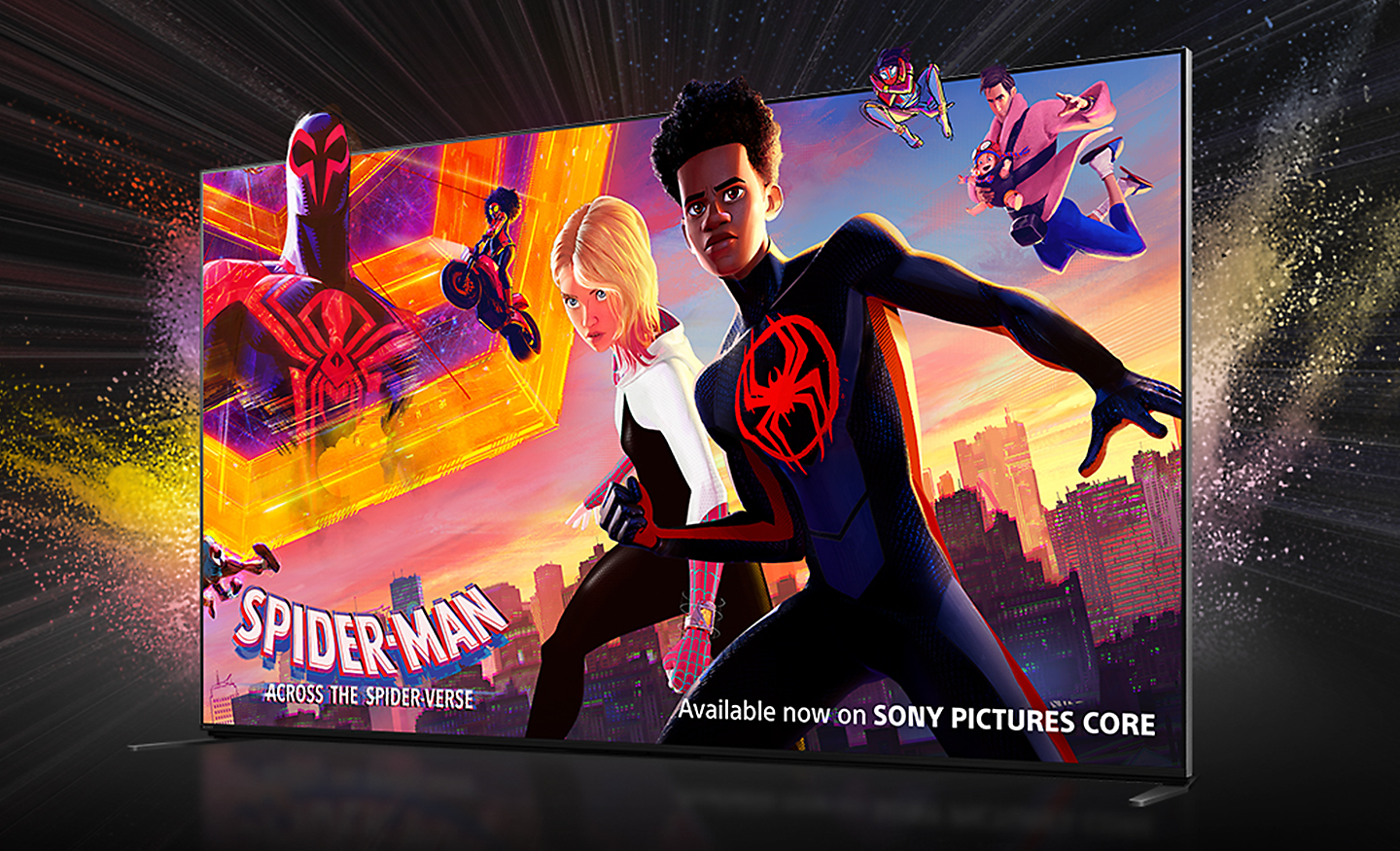
Bring the Cinematic Experience Home, Enjoy Movies Included With Bravia
Instantly enjoy top movies with SONY PICTURES CORE. Your BRAVIA TV comes with movie credits so you can immediately watch some of the latest releases. Redeem up to 15 movies plus enjoy up to 24 months access to a curated selection of up to 100 movies, updated regularly.[9][10][12][13]
9. Time period that streaming is available for depends on model.
10. Number of credits differs depending on model.
12. 2023 Sony Pictures Animation Inc. All Rights Reserved.
13. Feature availability depends on regions and countries.
Connect. Cast. Control

Just Use Your Voice to Control Your TV With Help From Google
Your TV is more helpful than ever. Ask Google to find movies, stream apps, play music, and control the TV - all with your voice. Even get answers, control smart home devices, and more. Just say “Ok Google” to get started.[14][15][16][17][18]
- Google TV
- Ok Google
14. User must accept Google Terms of Service (http://www.google.com/policies/terms/ ), Play Terms of Service (https://play.google.com/intl/en-US_us/about/play-terms/index.html ) and Privacy Policy (http://www.google.com/policies/privacy/ ) to use TV. User must connect to a Google account to use certain advertised features, including voice to activate linked apps, and install certain apps and operating software during setup. Use of TV without connecting to a Google account allows only basic TV features and certain apps. Wireless connectivity requires 802.11 home network (802.11n recommended). Network services, content, operating system and software of this product may be subject to separate or third-party terms and conditions and changed, interrupted or discontinued at any time and may require fees, registration and credit card information. Apps must be compatible with TV. App availability varies by region and device.
15. Hands Free feature availability depends on language and may need software update. Please check Sony support page for further information; https://www.sony.net/tv-hf-ww/
16. Google TV is the name of this device's software experience and a trademark of Google LLC. Google and Chromecast built-in are trademarks of Google LLC.
17. Google Assistant is not available in certain countries and languages. Availability of services varies by country and language.
18. Feature, searching by genre, will be available via a future firmware update.
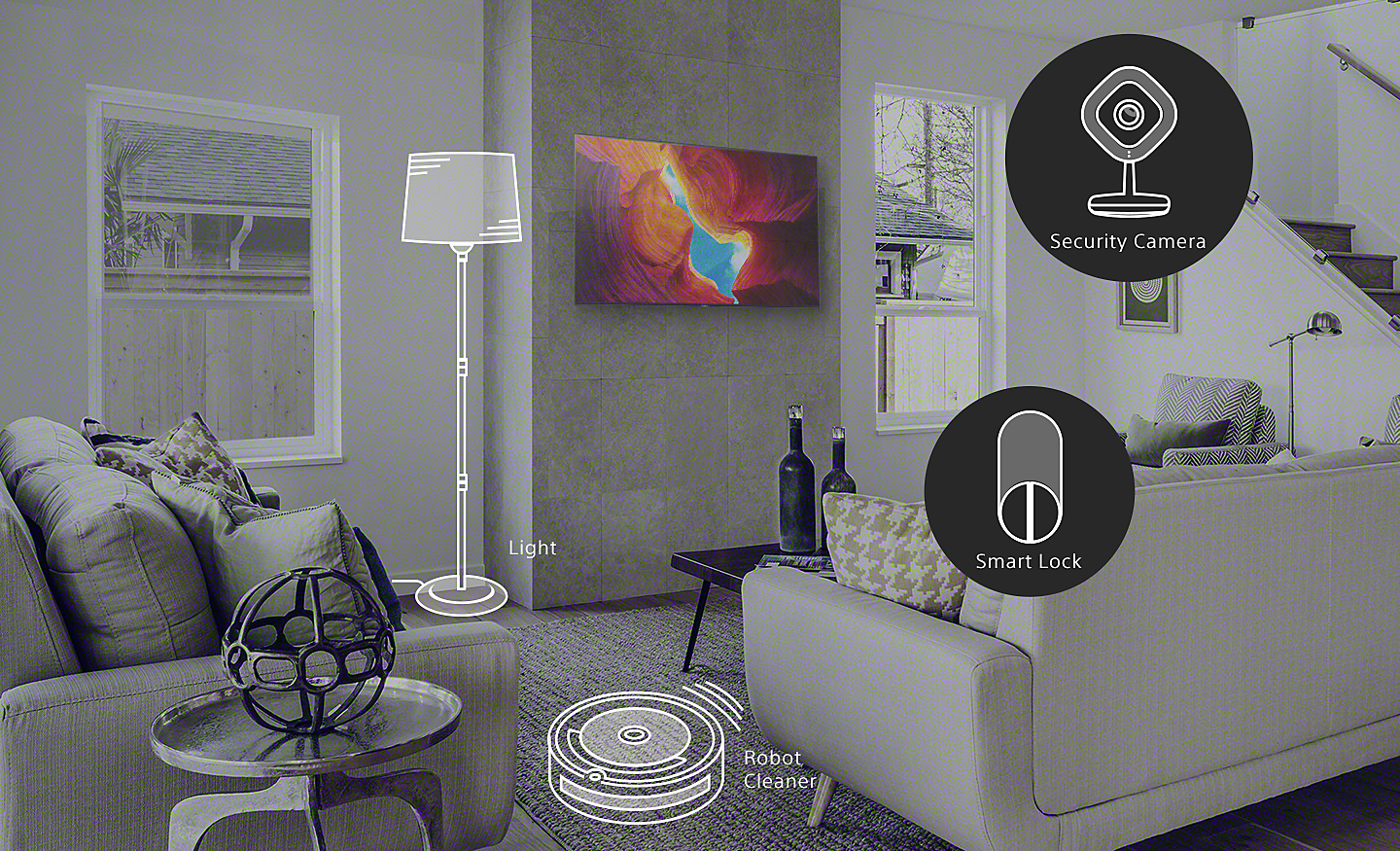
Control Your Smart Home With Help From Google
Use your voice to create the perfect viewing environment. Control smart home devices throughout your home. Adjust room temperature, lighting, see who’s at the front door, and more.[16][19][20]
16. Google TV is the name of this device's software experience and a trademark of Google LLC. Google and Chromecast built-in are trademarks of Google LLC.
19. Google Assistant is not available in certain countries and languages. Availability of services varies by region, country and language.
20. Some smart home devices are required.
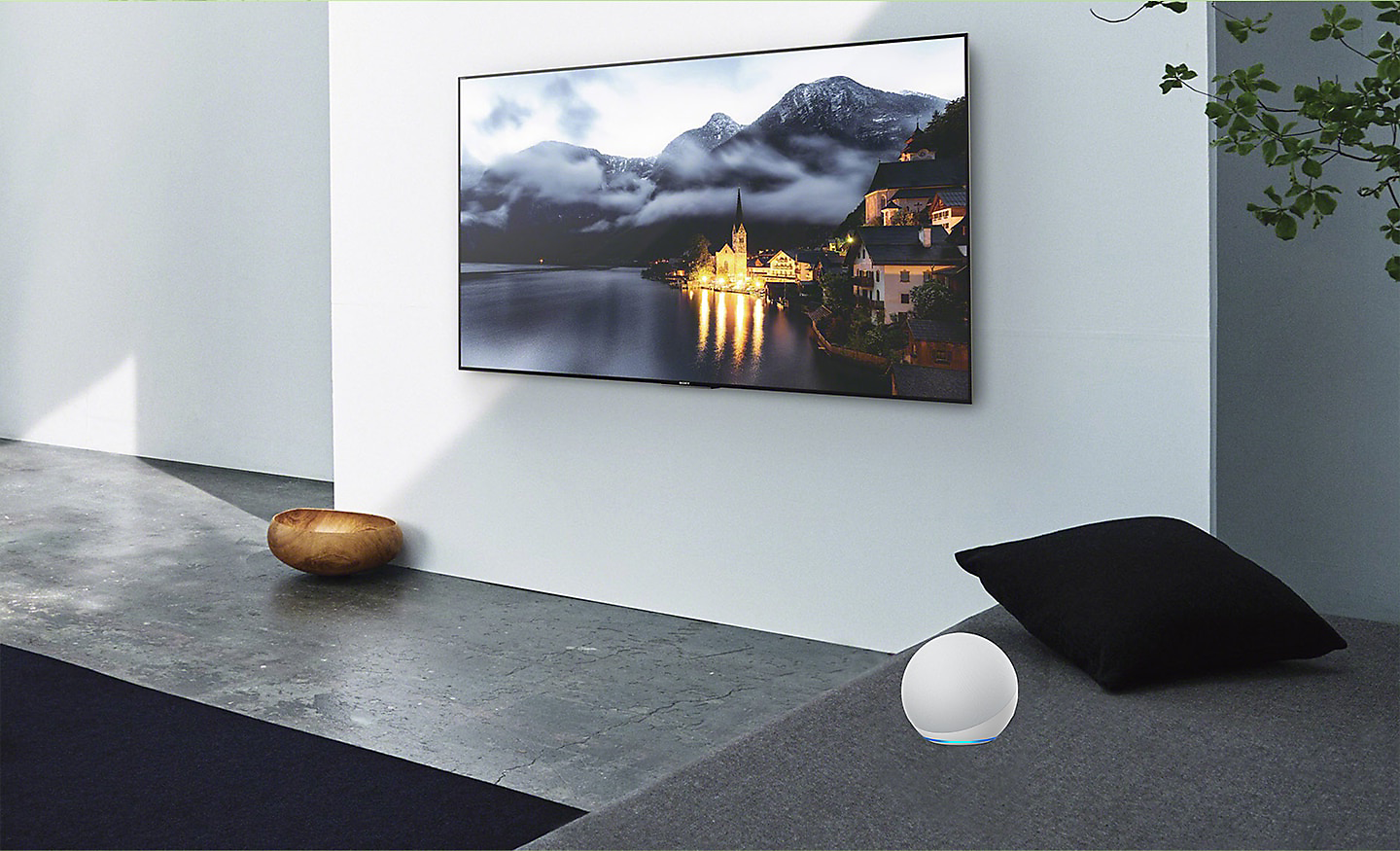
Connect With Your Alexa
Connect your Alexa enabled devices for seamless hands-free control of BRAVIA. With Alexa, you can power up your TV, change channels, control volume and more.[21][22]
- works with alexa
21. Amazon Alexa enabled devices (sold separately) compatible with Sony TV’s powered by Android TV. Amazon account required. Subscriptions may be required to access certain content.
22. Amazon, Alexa and all related logos are trademarks of Amazon.com, Inc. or its affiliates. Please refer to product page for service availability of each product.
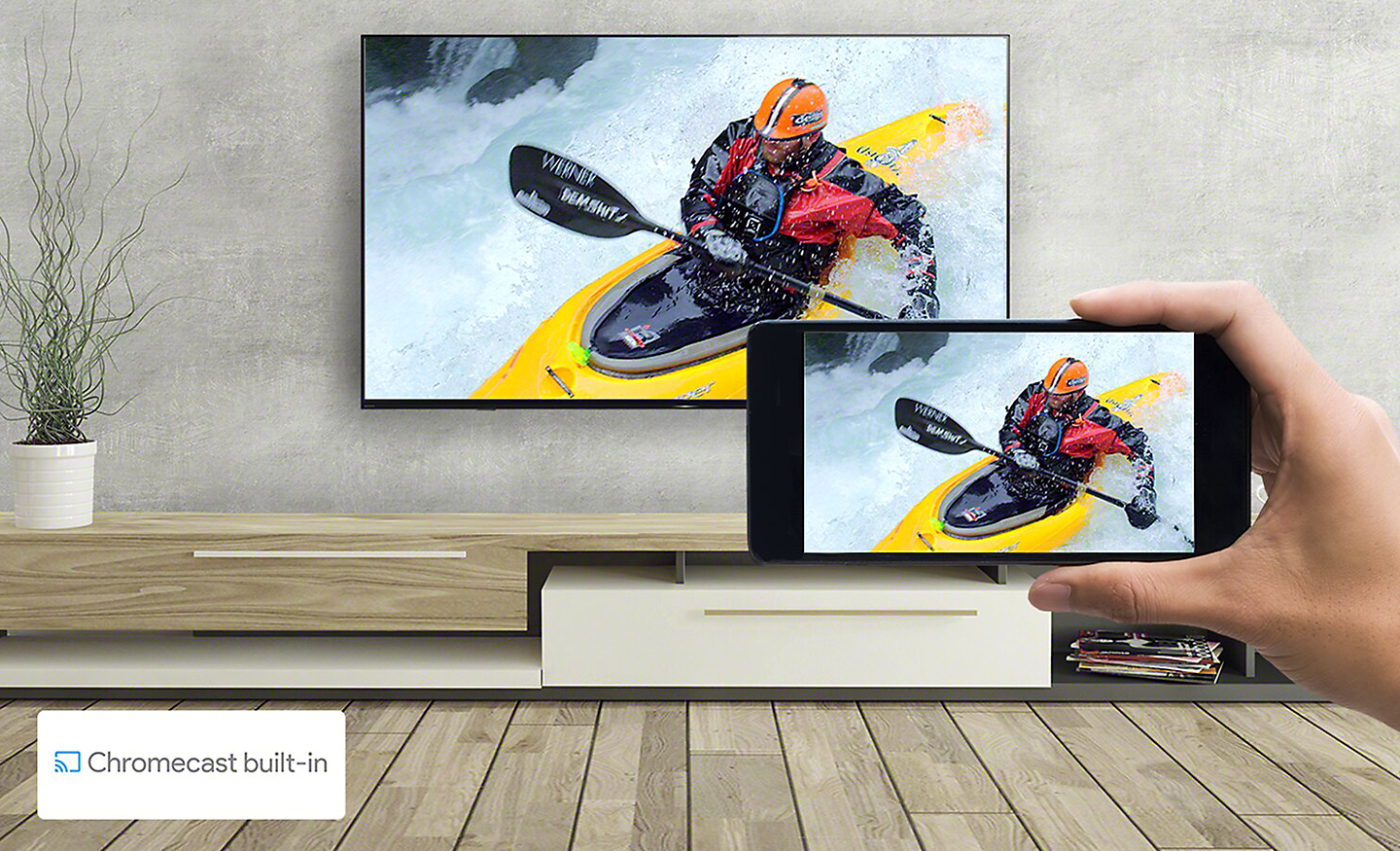
Chromecast Built-in
Stream from your device. Easily cast movies, shows, photos, and more from your phone right to your TV.[23]
23. Chromecast built-in is a trademark of Google LLC. Chromecast built-in compatibility dependent on app.
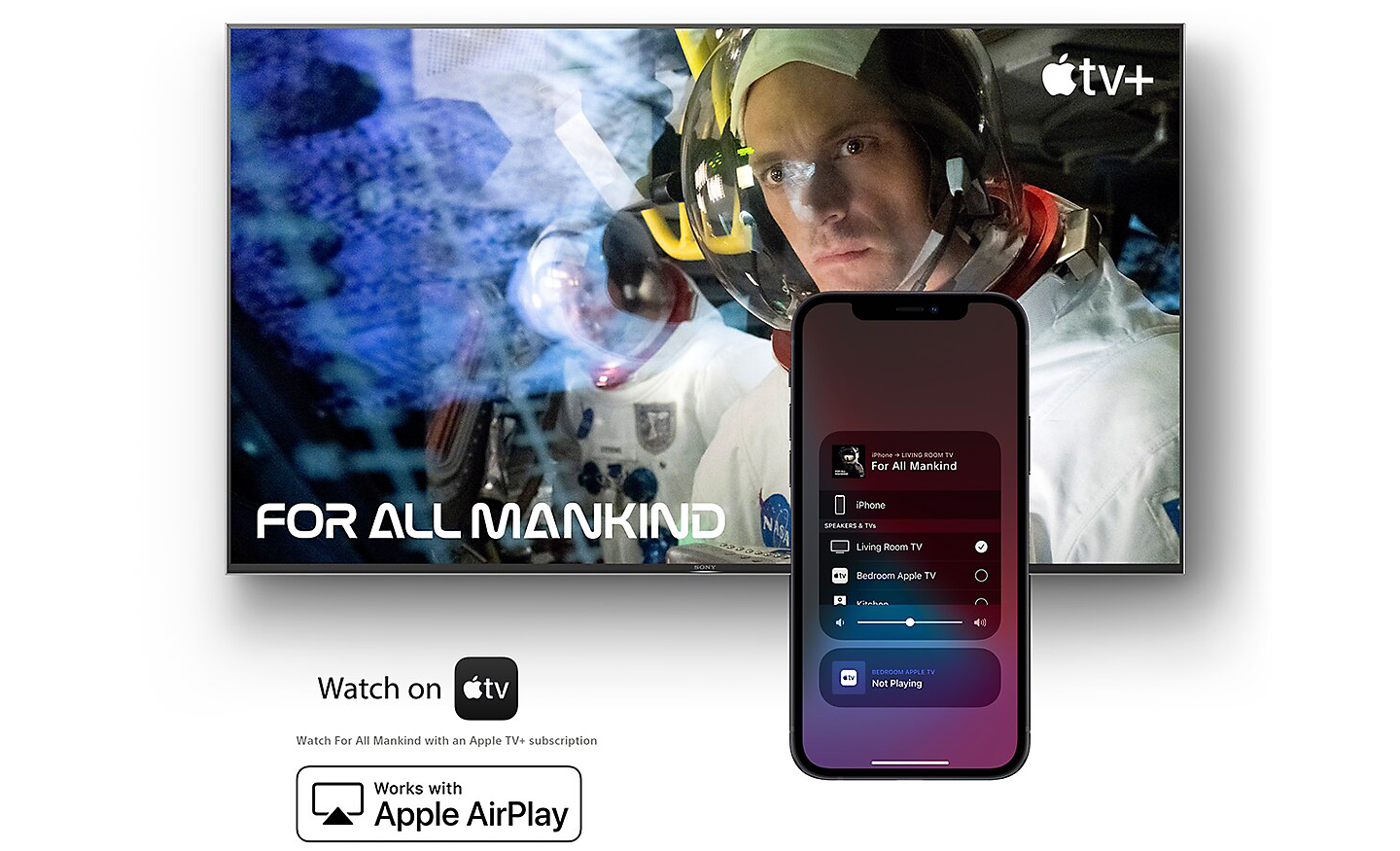
Compatible With Apple Airplay
Stream effortlessly to your TV from your iPhone, iPad or Mac. Watch movies from apps or Safari. Share photos with friends in the room.[24][25]
- Works with Apple AirPlay
24. Apple, AirPlay, iPhone, iPad, Mac and HomeKit are trademarks of Apple Inc., registered in the U.S. and other countries and regions.
25. To use Apple AirPlay and HomeKit with this TV, the latest version of iOS, iPadOS, or macOS is recommended.
Ask Siri to Control Your TV With Just Your Voice
With Apple Home, you can easily and securely control a Sony TV with the Home app and Siri on your Apple device, using HomeKit technology. Set up your TV in a few simple steps and control with a tap or by asking Siri.[26][25]
- Works with Apple HomeKit
26. Apple, Apple Home, AirPlay, Siri and HomeKit are trademarks of Apple Inc., registered in the U.S. and other countries and regions.
25. To use Apple AirPlay and HomeKit with this TV, the latest version of iOS, iPadOS, or macOS is recommended.
Simple Remote
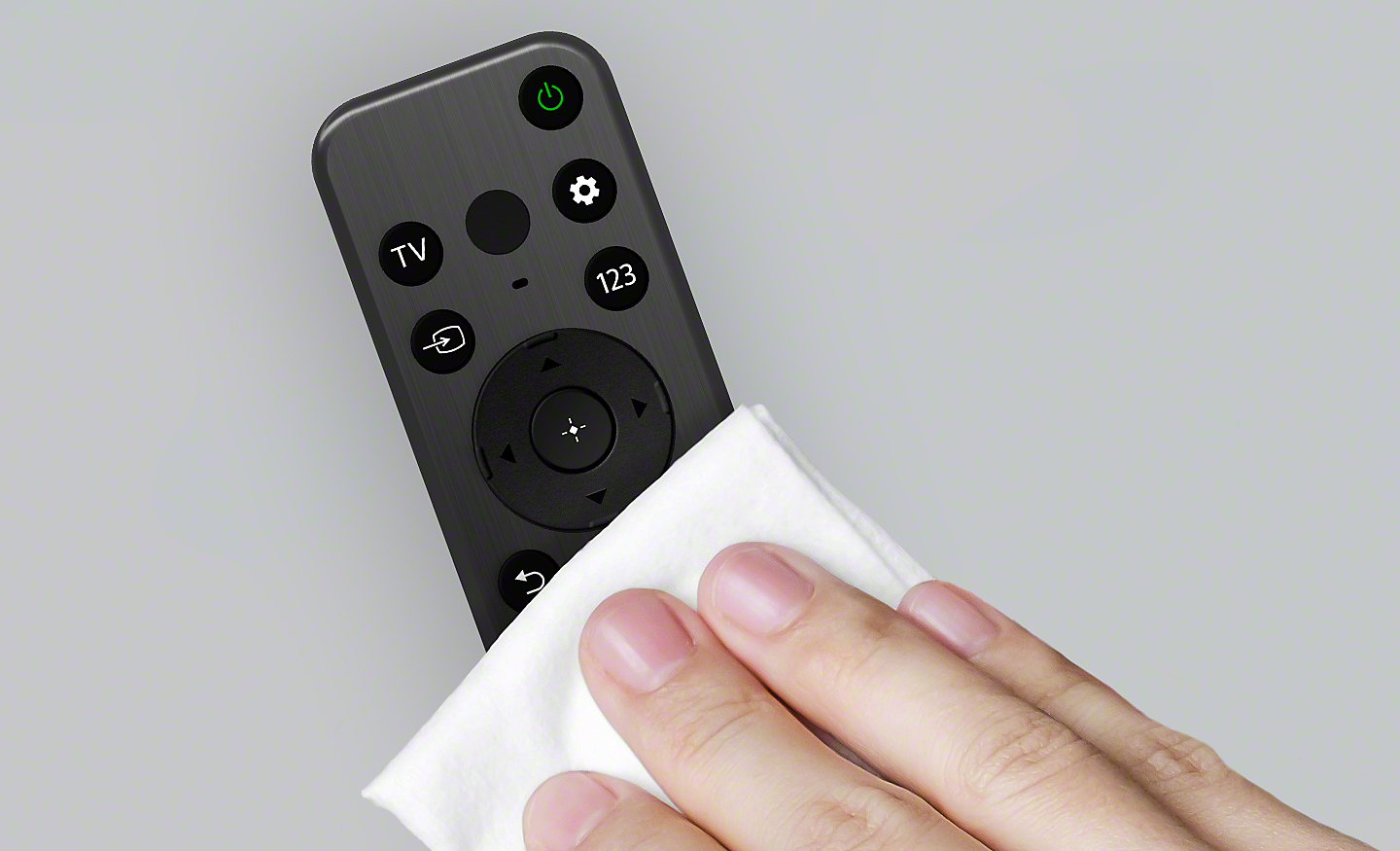
Easy to Wipe, Always Stays Clean
Say goodbye to dirt and dust. With a flush surface featuring lower buttons and a special polyurethane coating, Sony remote is easy to wipe and keep clean. All buttons are specially coated with antibacterial material.[27][28][29]
27. Clean exterior surfaces gently with a dry, clean cloth or household disinfectant wipe (such as Clorox Disinfecting Wipes). Do not spray disinfectant directly on the remote.
28. Proven 99.9% or more effective against bacterial growth on remote control buttons based on JIS Z2801 testing. This material is not antiviral. There is no guaranteed effect against viruses such as COVID-19.
29. Remote design and specification differ depending on region and country.
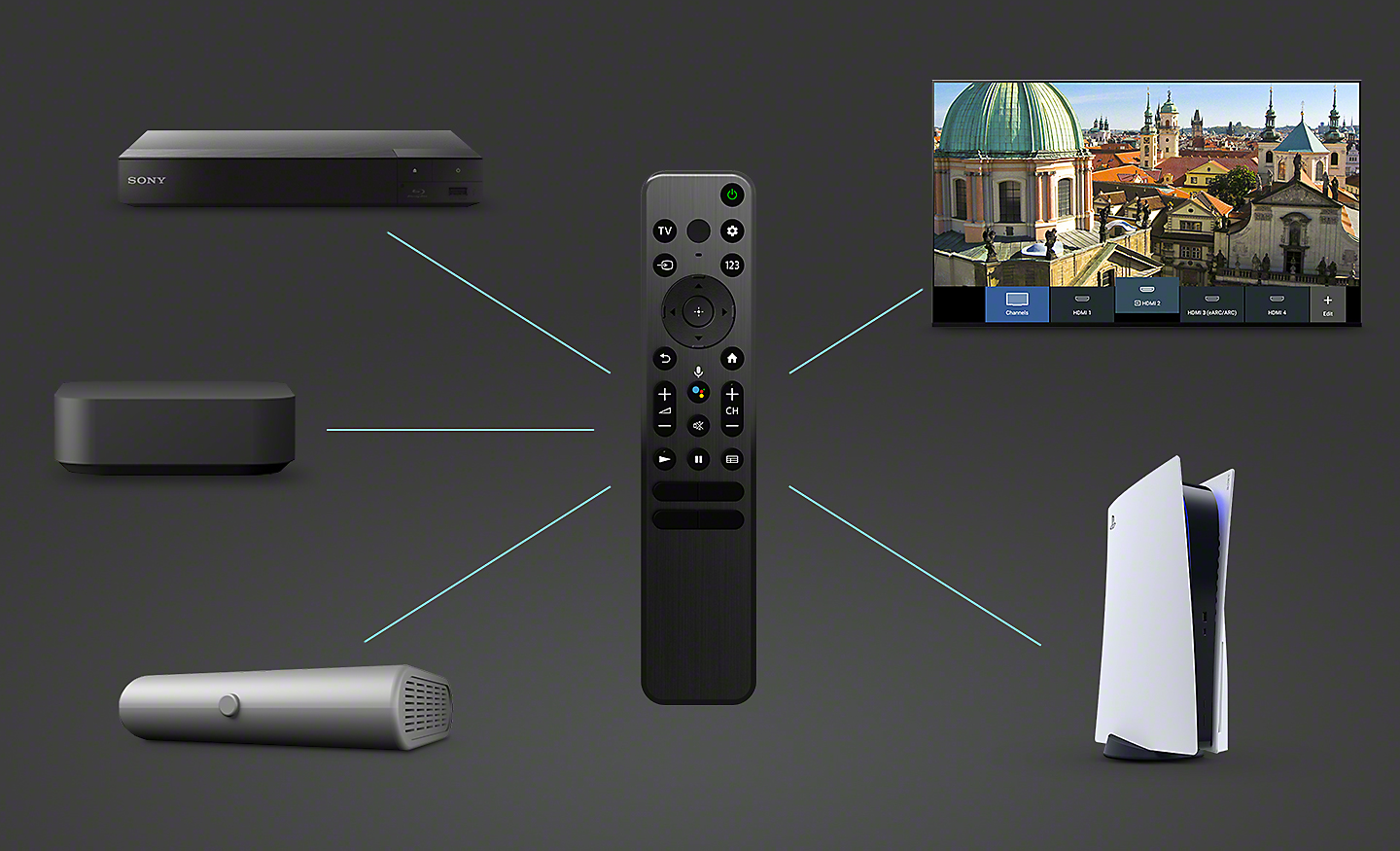
Control All Your Devices With One Smart Remote
As simple as a single touch. All your connected devices can be controlled with Sony smart remote. One button access to video on demand services brings shows and movies into your room in seconds.[30][31]
30. Remote design and specification differ depending on region and country.
31. Controllable device and feature depends on region, country and device.
Bravia Cam
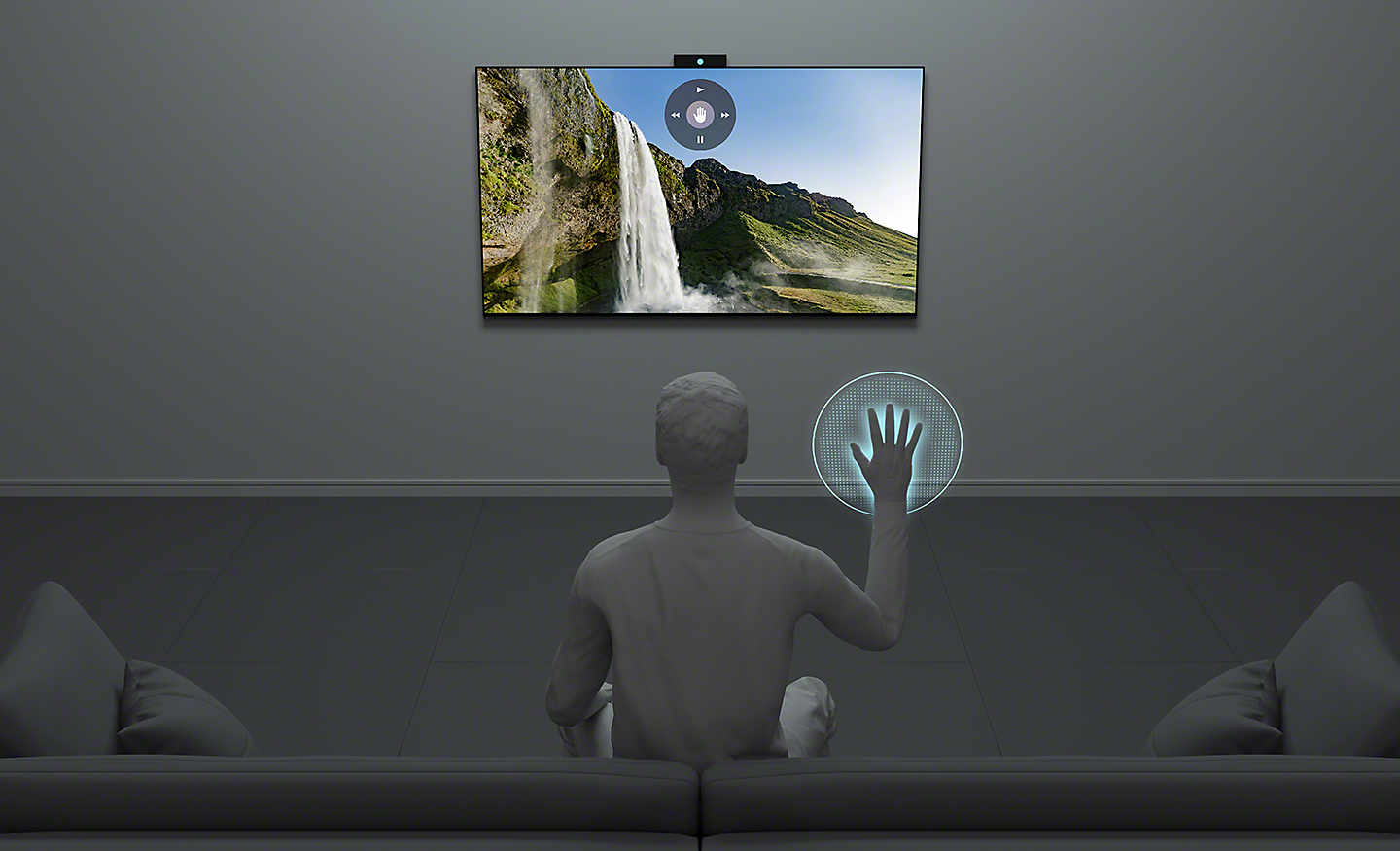
A Handy Way to Control Your TV
As easy as a flick of the fingers. Gesture Control enables you to change channels, adjust volume and more using simple gestures, no remote required.[32]
32. Feature will be available via a future firmware update.
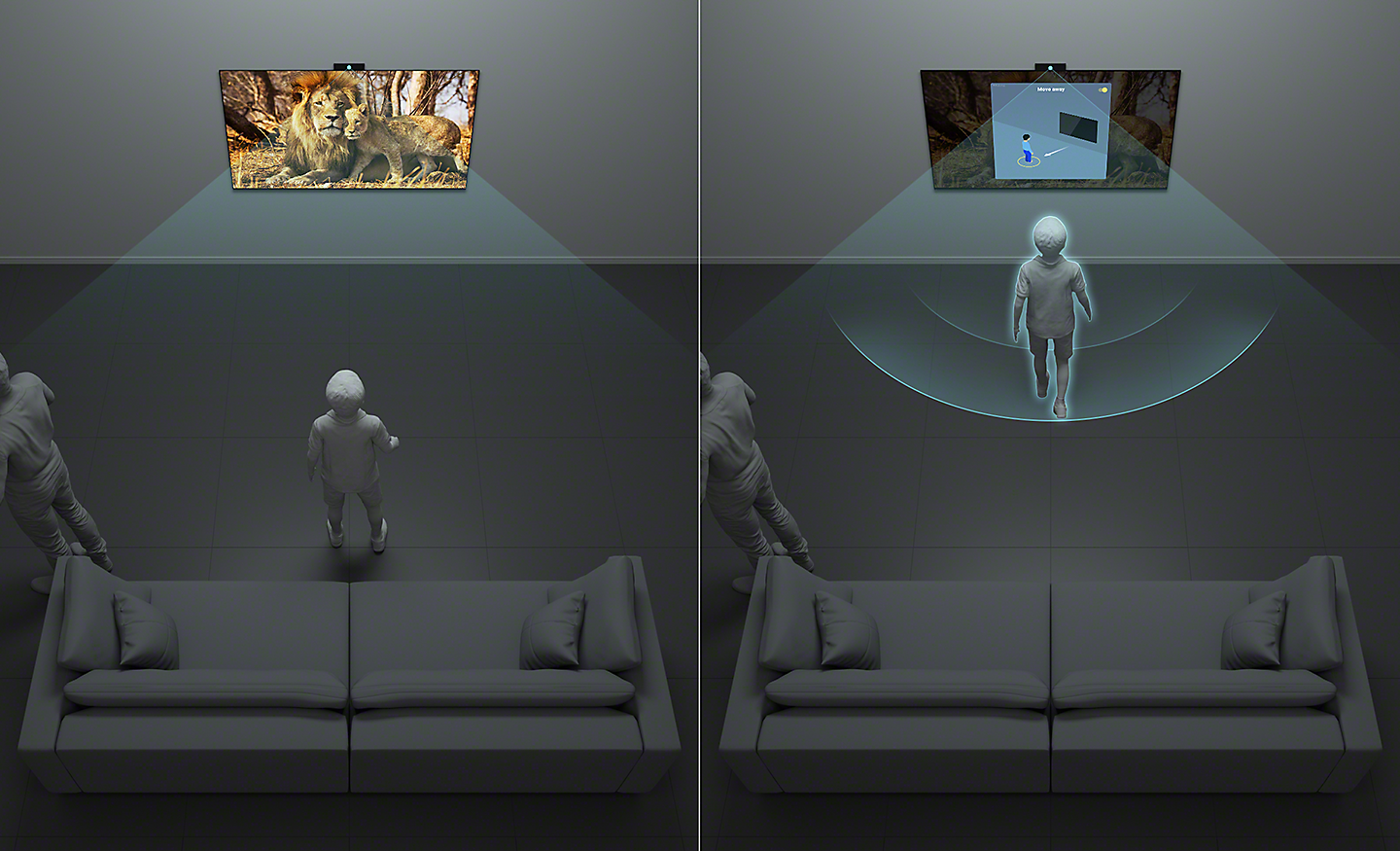
Proximity Alert
Keep your kids a step back. Proximity Alert allows you to set a recommended viewing distance for your child and alerts them if they get too close to the TV.[32]
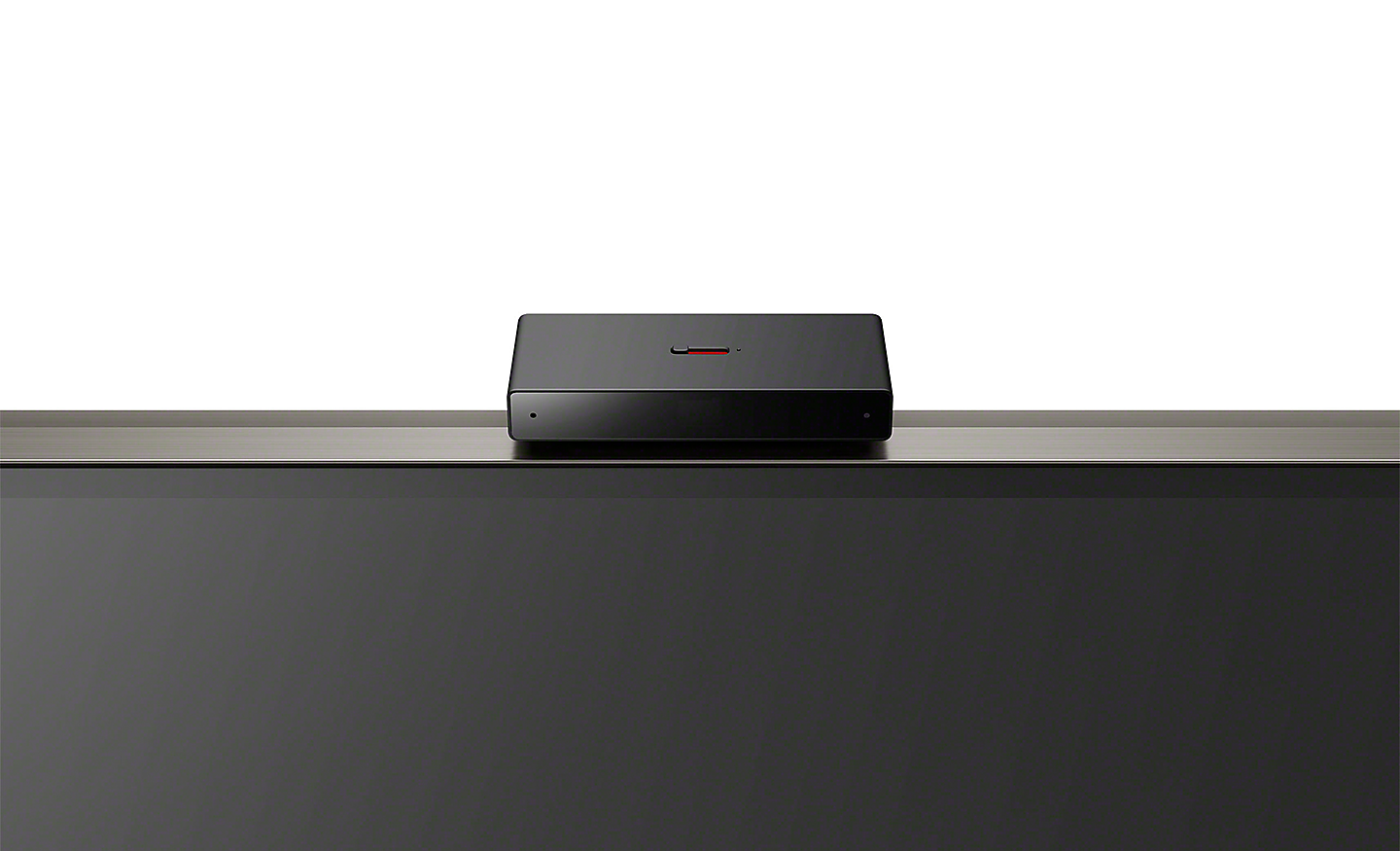
Camera Covered, Privacy Protected
One Swipe Protects Your Privacy. Simply Use the Switch on Top of Bravia Cam to Close the Camera Cover. Attaching and Detaching Bravia Cam is So Easy.
Assistive Technology on Google TV
Sony TVs include visual, hearing and mobility accessible technology.
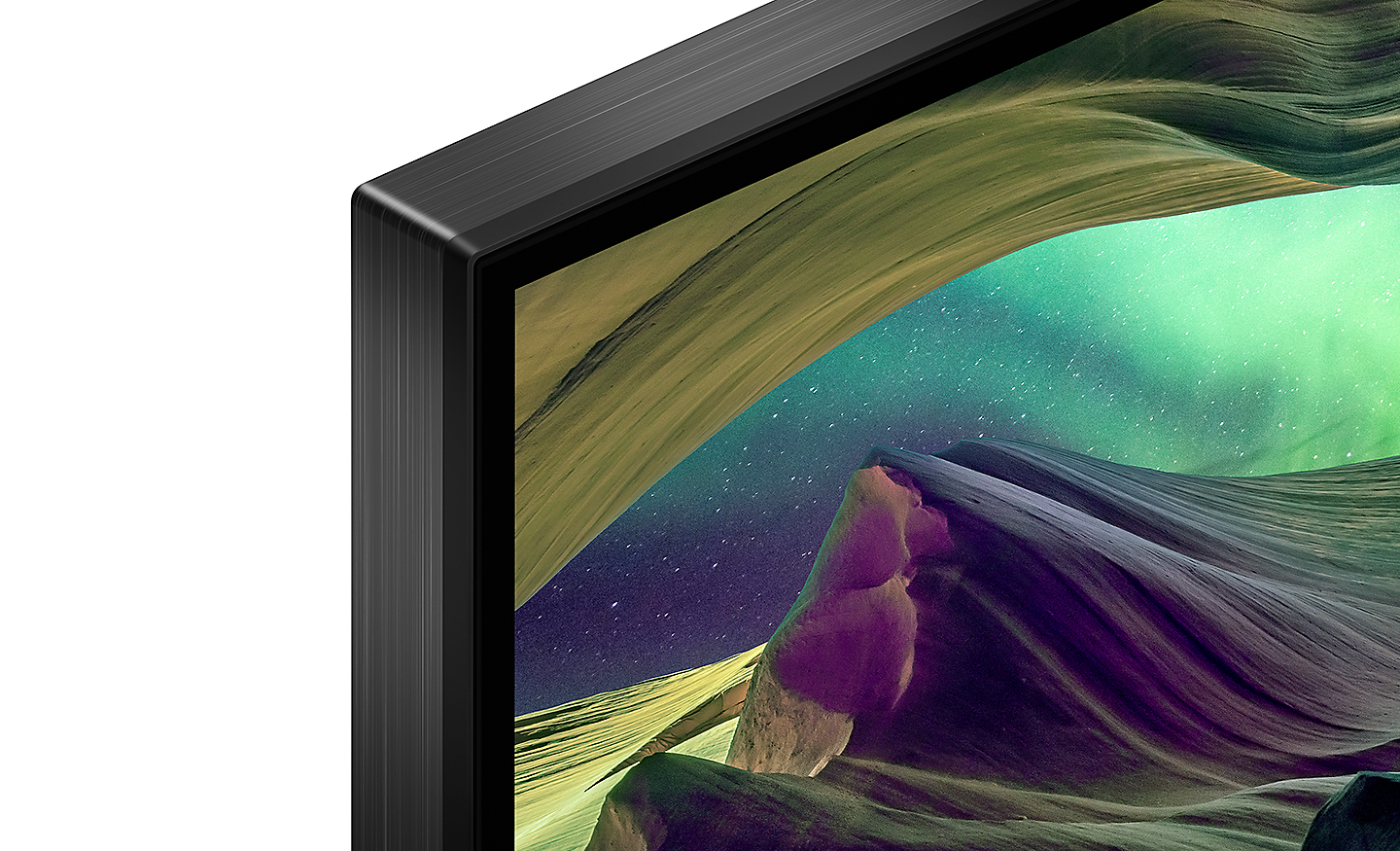
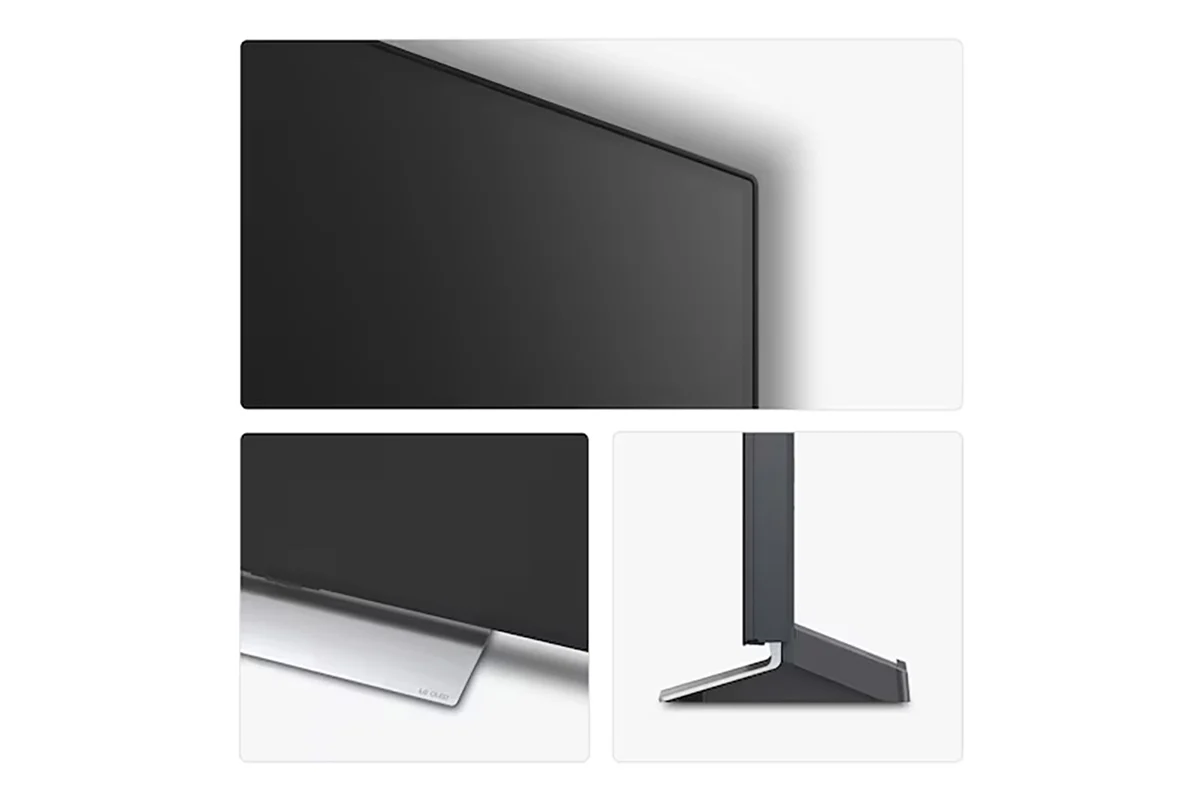
Slim Styling. Narrow Bezel. All Immersion
A narrow bezel is designed to maximise the screen that you see, keeping your focus where it’s supposed to be.[5]
5. Actual look may differ depending on TV size, region and country.
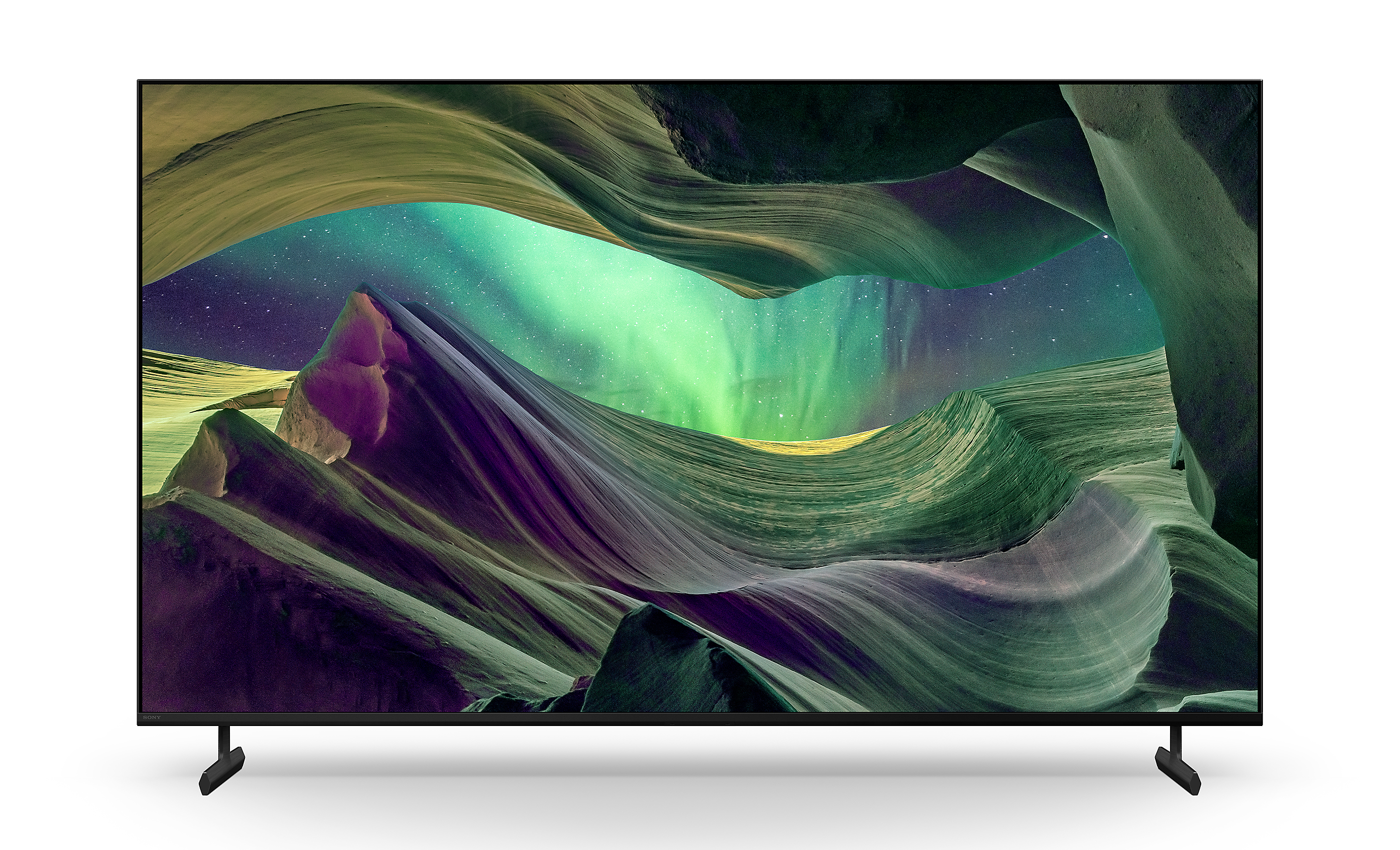
Minimalist Design. All Immersion
Sporting a new design for this class of bravia with a dramatically thin bezel, this TV looks metallic and premium.[1]
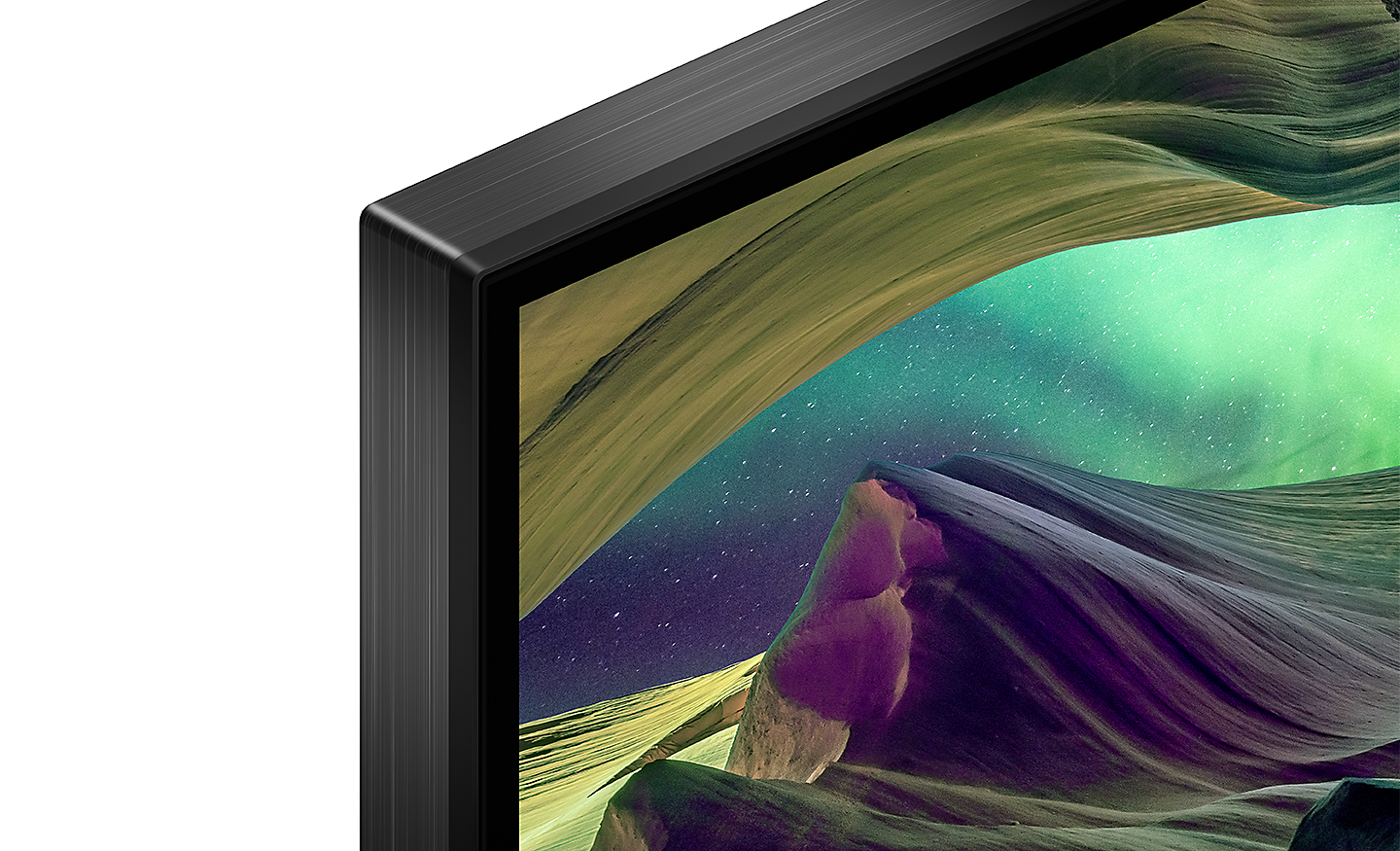
Flush Surface. Undisturbed Viewing
Sony premium design with an extremely narrow bezel focuses your eyes naturally on the picture, not what's around it.[1]
1. Actual look may differ depending on TV size
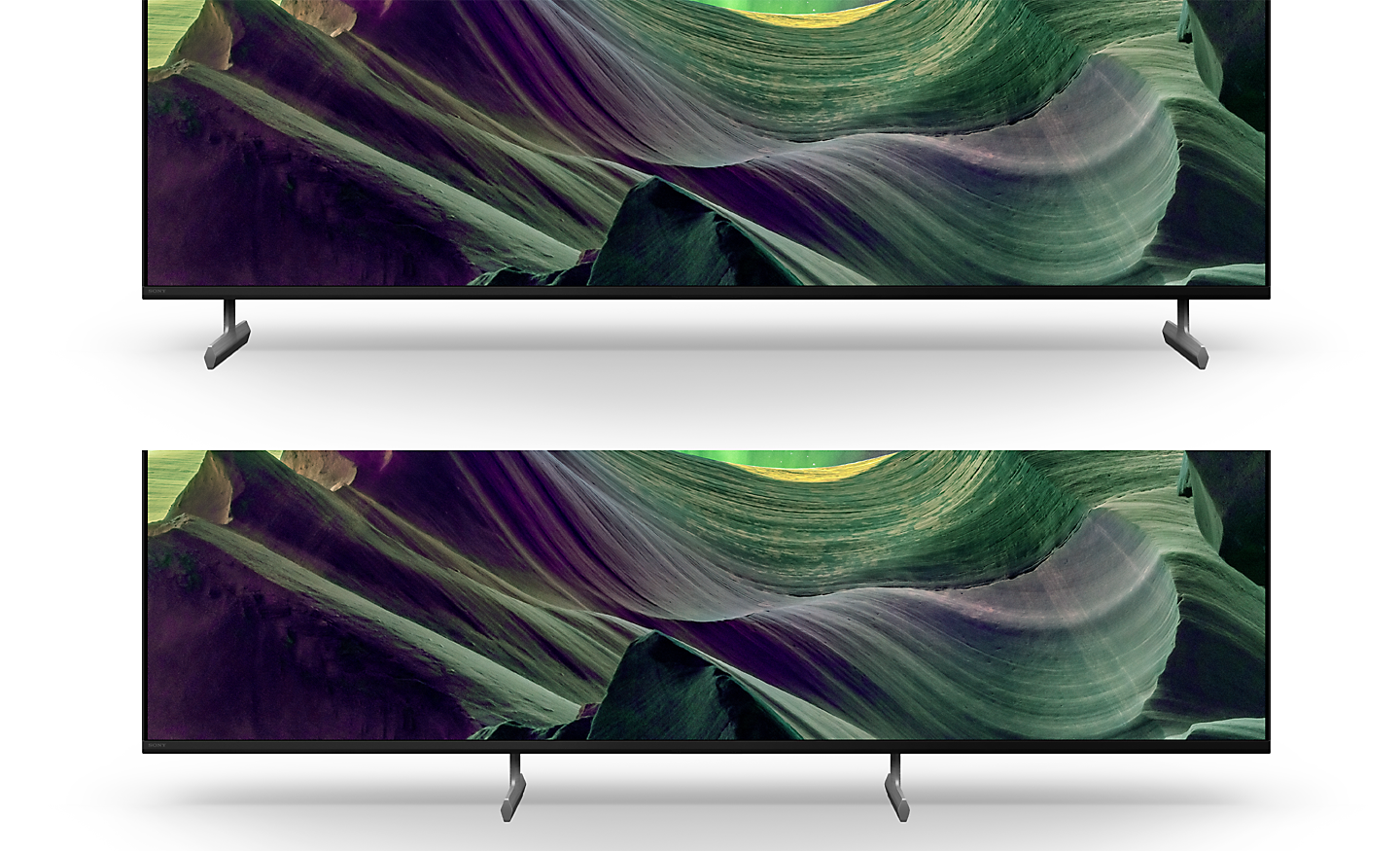
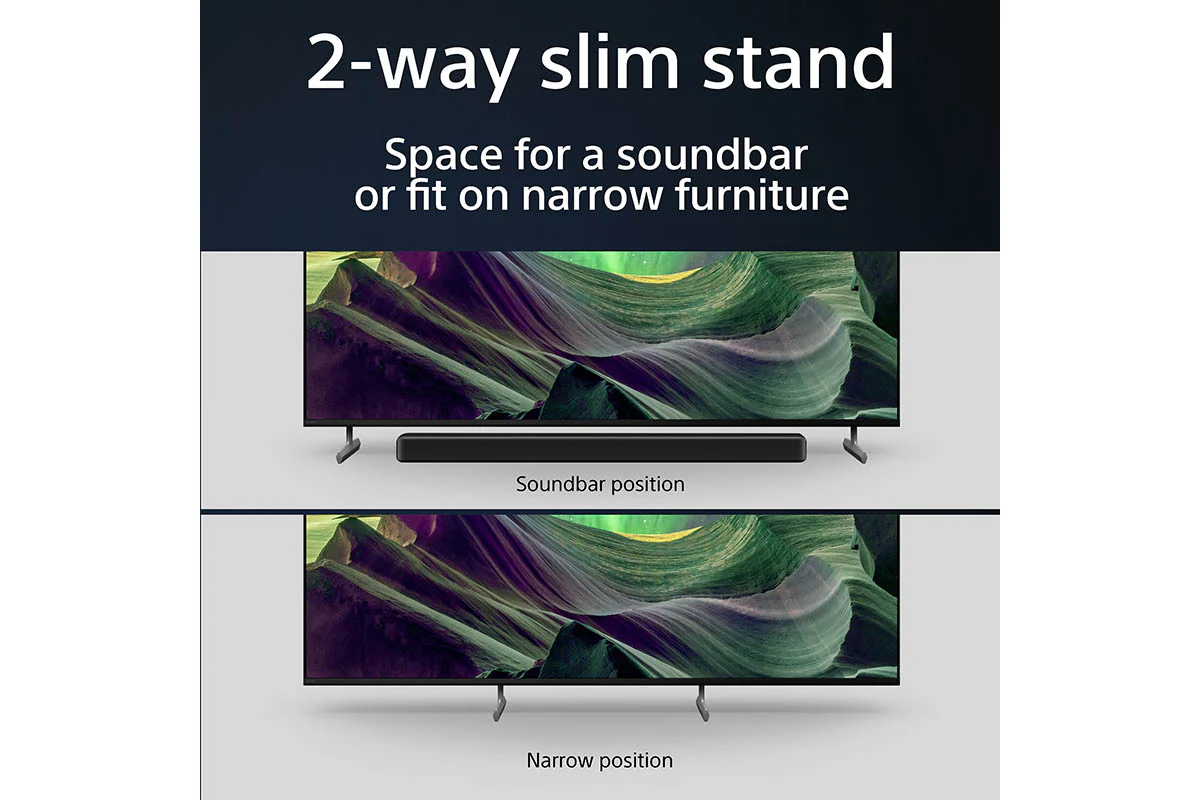
2-way Stand, Smart and Versatile
Choose from a standard setting that focuses you on the picture or a narrow setting for smaller shelves.[1]
1. Actual look may differ depending on TV size.
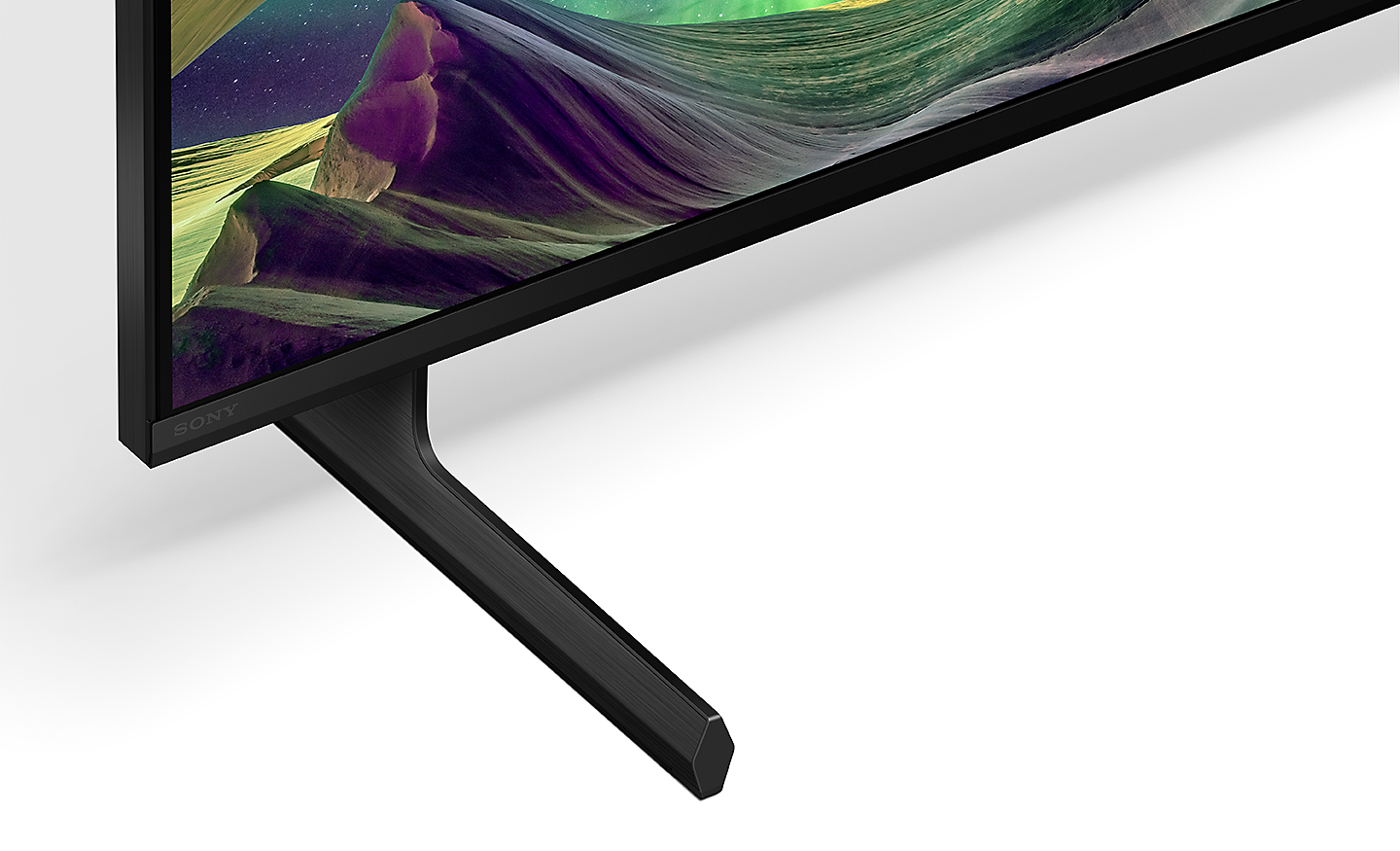
Slim T-shape Wedged Stand
A sleek and seamless stand designed to perfectly match the TV and harmonise with your room and decor.[1]
1. Actual look may differ depending on TV size.
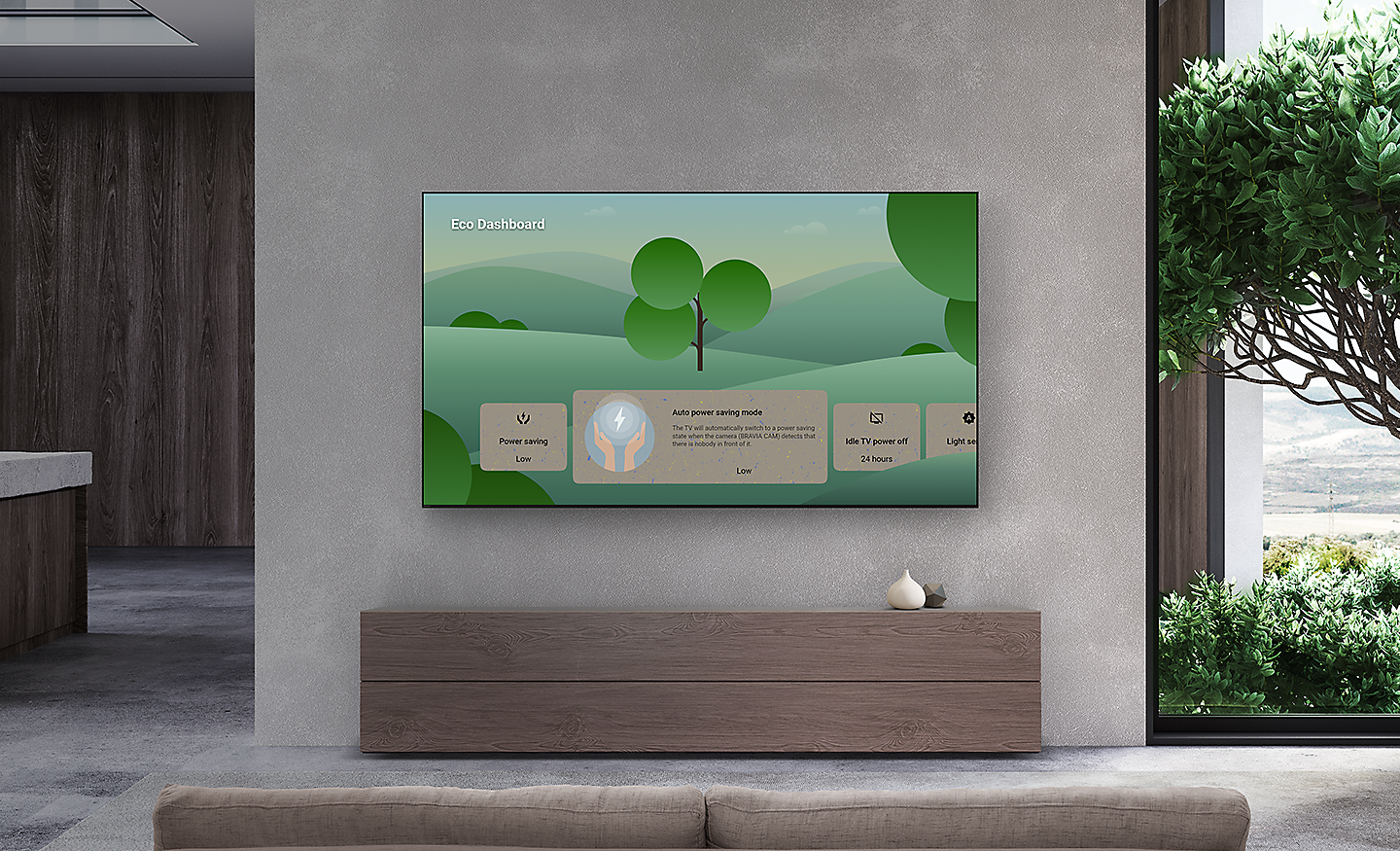
Packed With Eco-friendly Features[6]
Great pictures and sound should never compromise the environment. Sony work tirelessly to help reduce Sony impact on the planet.[7]
6. Sony new packaging is 15% smaller and 12% lighter which optimises transport efficiency and reduces CO2 emissions by as much as 15%.
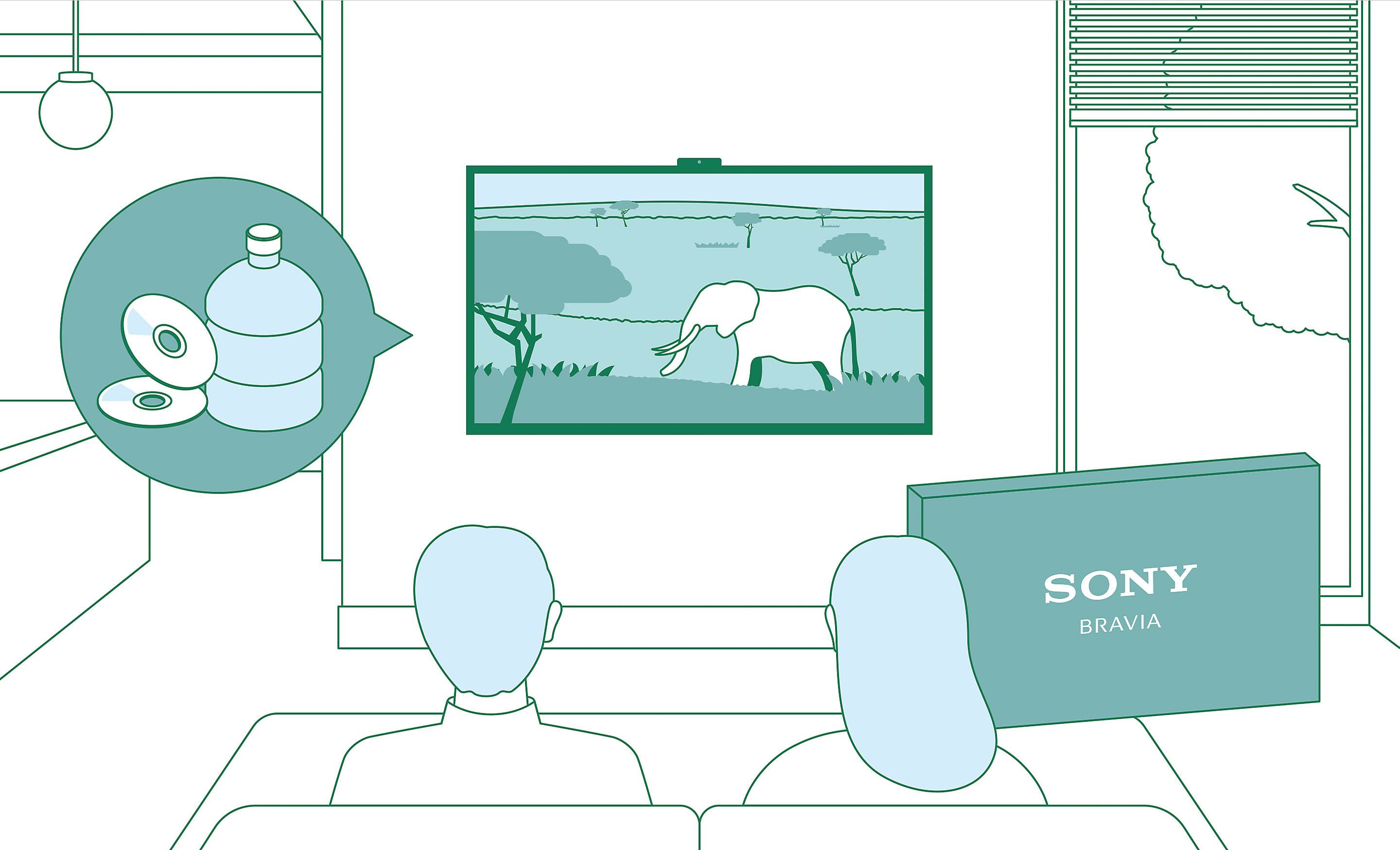
Designed With Eco-friendly Features
Bravia combines high picture and sound quality and also cares about with initiatives that helping to reduce environmental impact, such as enabling the user to reduce using low energy consumption with the new eco dashboard tv app, reducing overall virgin plastic use of the tv chassis by approximately 60% and cutting package size by 15% and total weight by 12%.
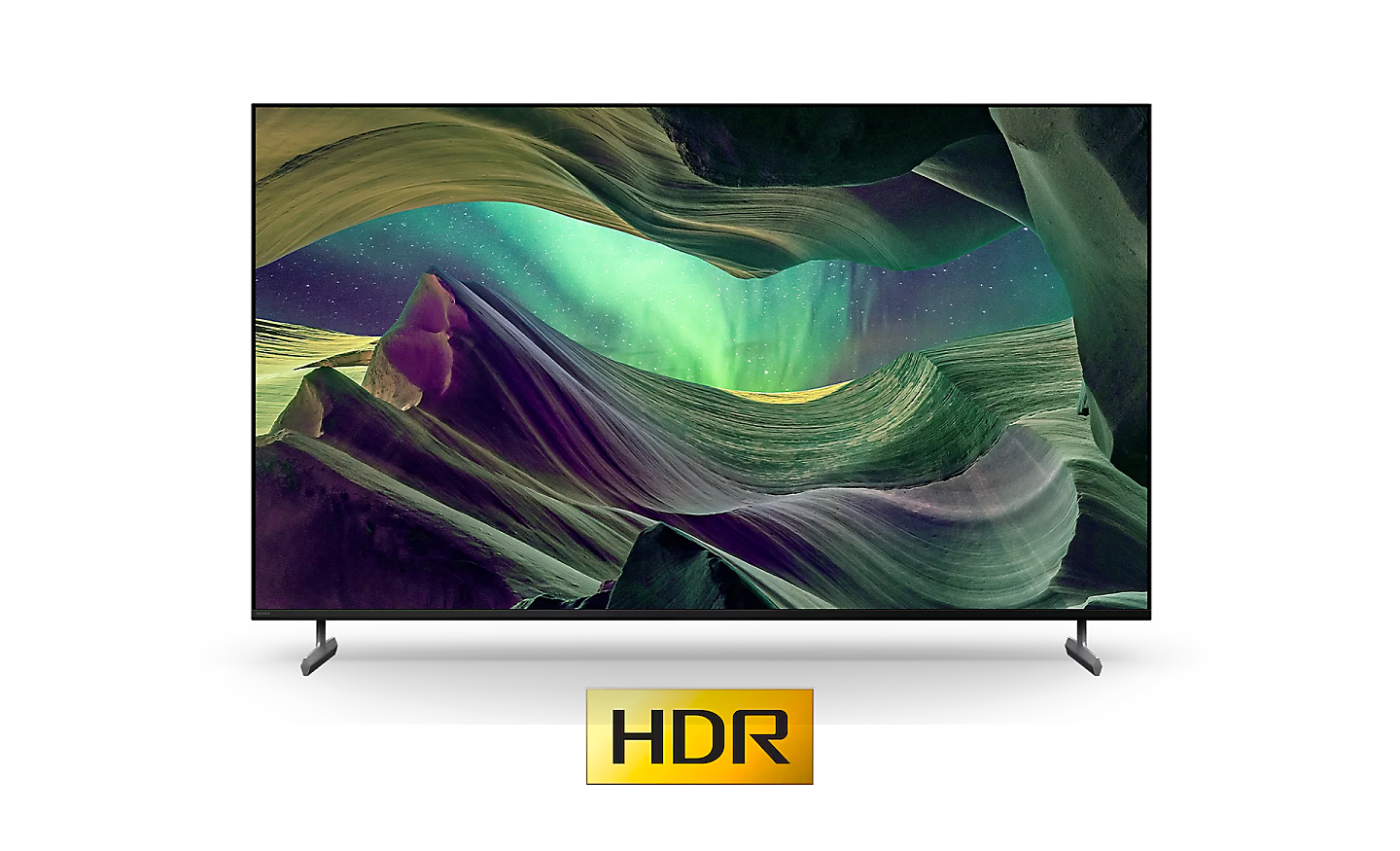
Save Energy with Bravia Xr
X85L series are up to 60% more energy efficient when watching HDR content compared to the main TV competitors in the market[1]
1. 75X85L vs compared to EPREL registration number 1438745.
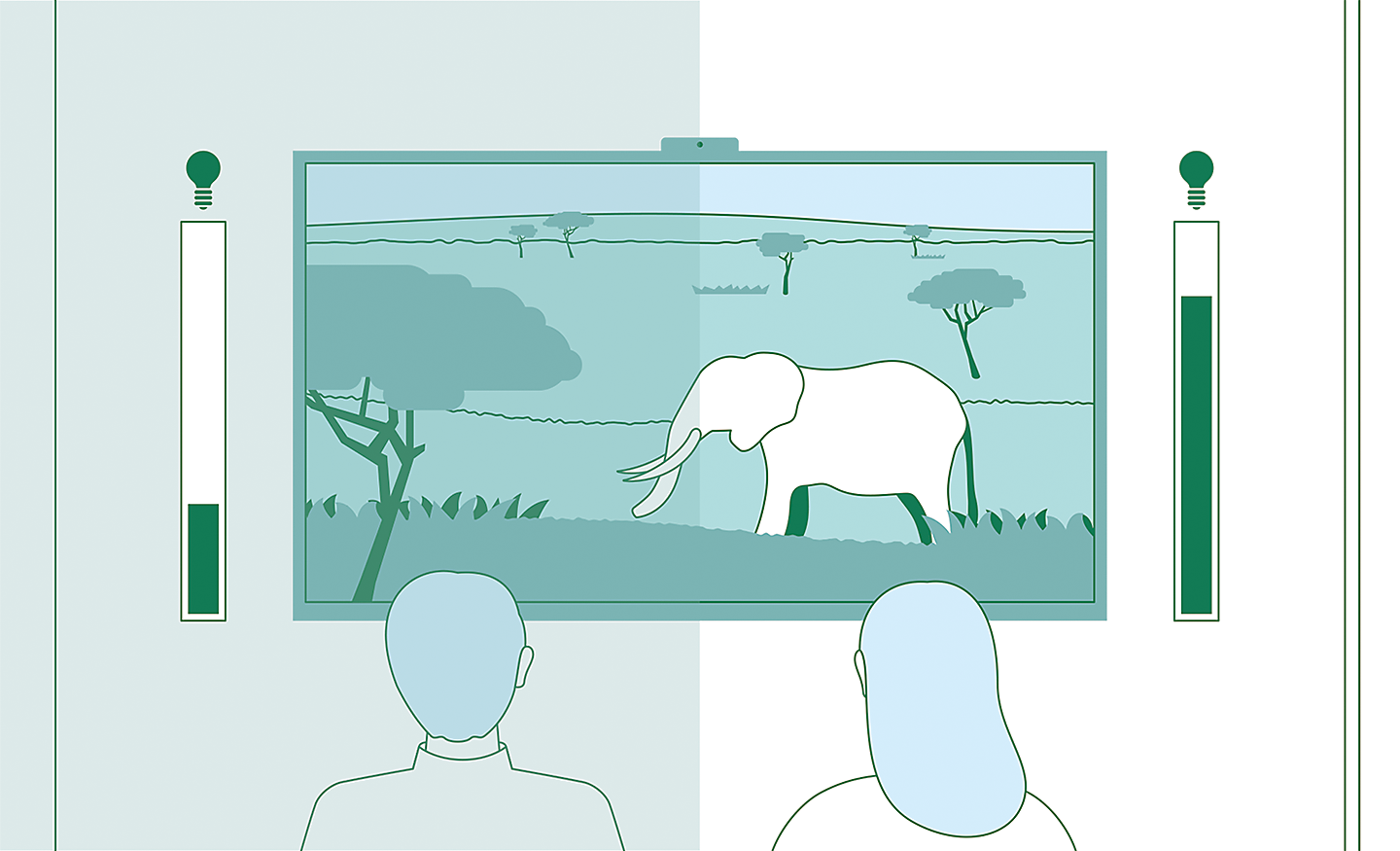
Optimising Brightness and Power Consumption
Ambient light sensing optimises screen brightness to room conditions for efficient power usage. Every part of a picture is optimised based on the brightness of each image.
Auto Power Saving
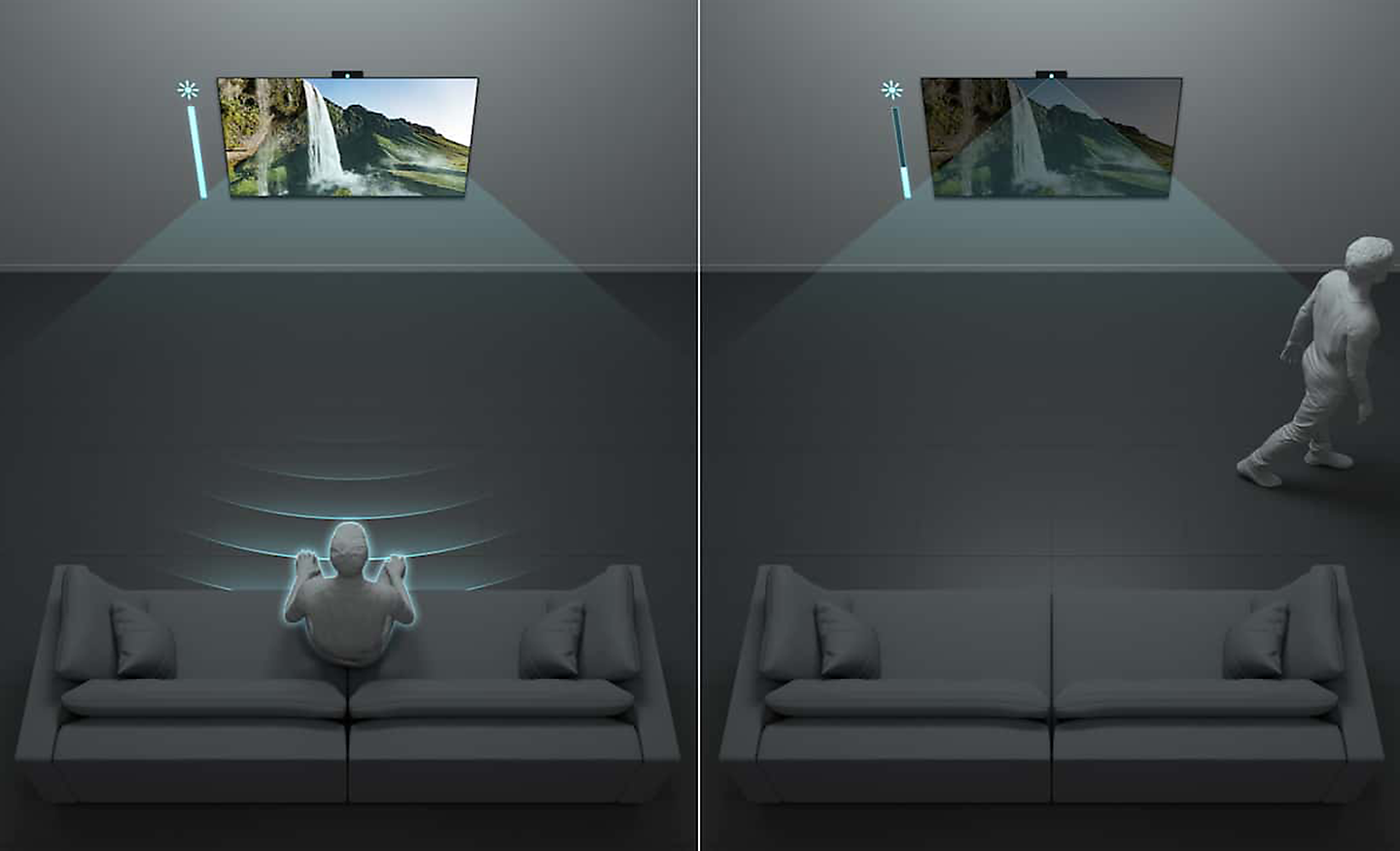
With BRAVIA CAM, Auto Power Saving Mode optimises your power consumption by darkening the screen automatically when you are not in front of the TV.[2][3][4][5]
2. BRAVIA CAM availability varies by country and region.
3. BRAVIA CAM might need to be purchased separately depending on the model.
4. Feature will be available via a future firmware update.
5. This function can be turned ON and OFF. The time until dimming and the level of darkness is adjustable.
All Your Eco in One Place
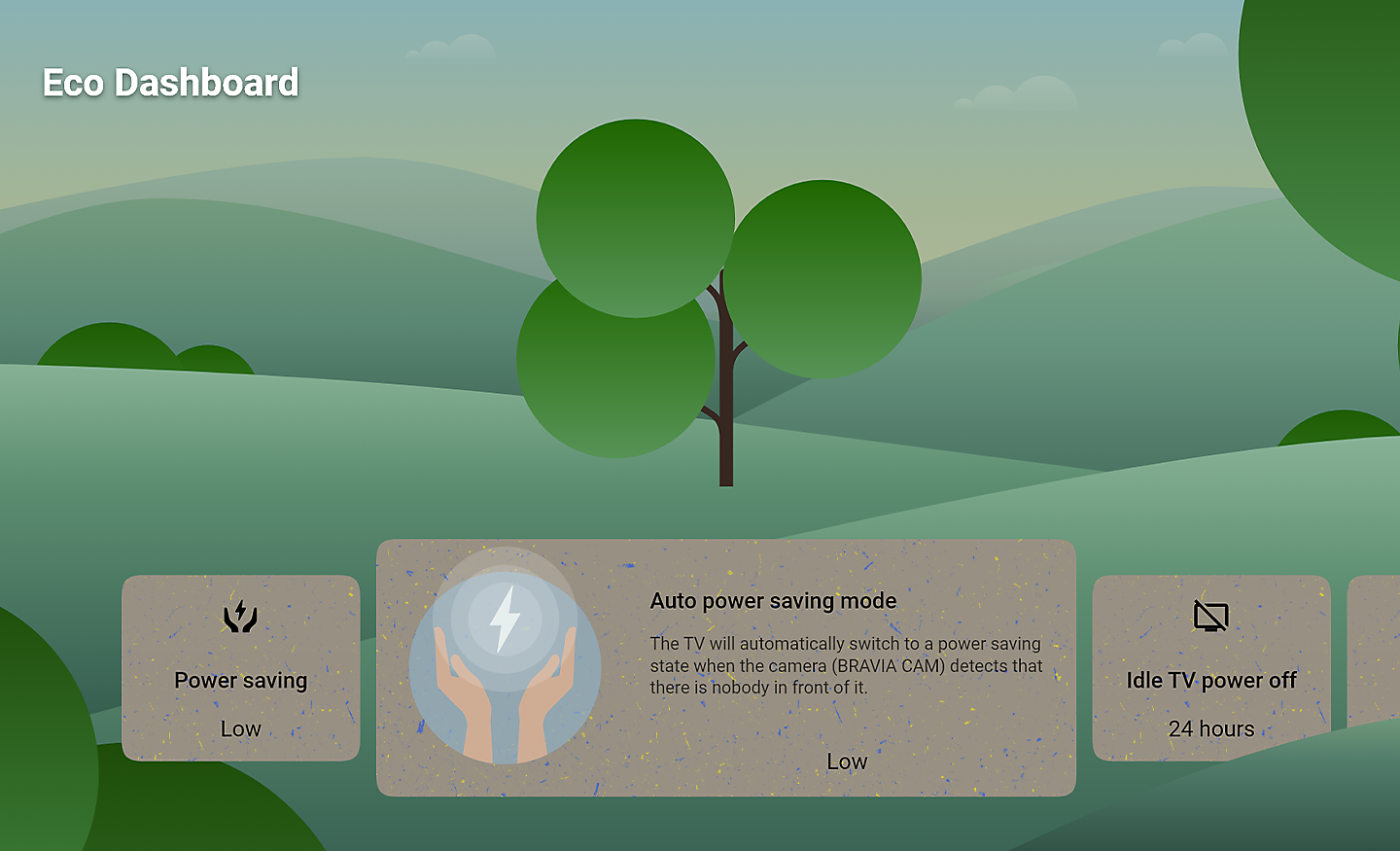
The Eco Dashboard keeps all eco-related settings in one place, making it easy to change them individually or in one go.
Beautiful Design. Made Durable. With Less Virgin Plastic
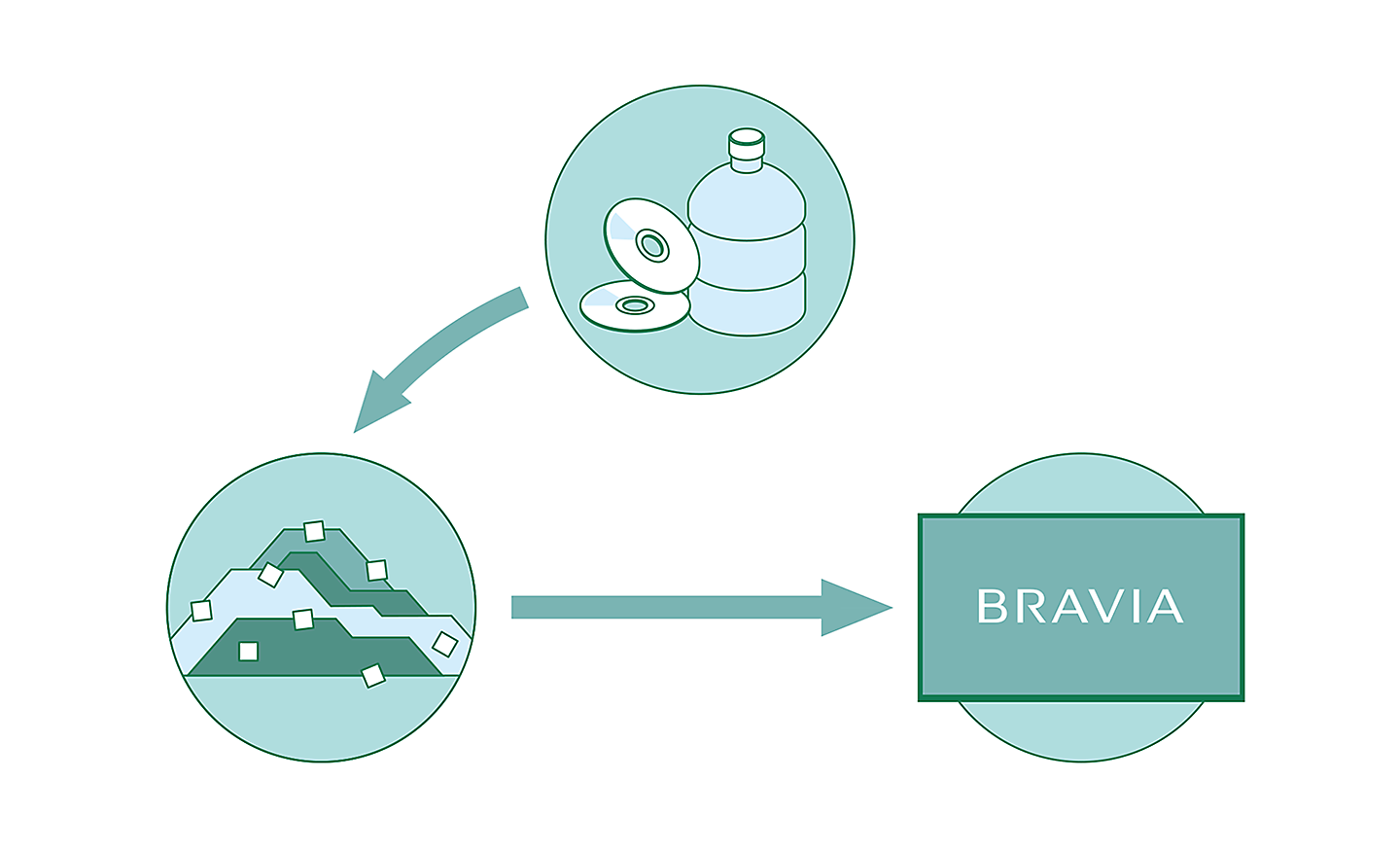
Sony-developed sorplas recycled plastics are used in Sony tvs to minimise virgin plastics by approximately 60%, maintain durability and achieve the beautiful high gloss black finish synonymous with bravia. What's more, Sony new packaging uses around 48% less plastic volume.[6][7][8][9]
6. SORPLAS may not be used for parts depending on the time of production.
7. SORPLAS usage depends on product and varies by region and country.
8. Compared to FY18 models. The ratio may vary by model and size.
9. The products with 60% reduction are only available with certain models and in certain regions and countries.
What's in the Box:
- AC power cord
- Batteries
- Operating instructions
- Quick setup guide
- Remote control
- Table top stand
- Voice remote control
Product Features:
- Auto HDR tone mapping
- Auto genre picture mode
- Features specified in HDMI 2.1: 4K120/eARC/VRR/ALLM
- Contrast enhancement: X-tended dynamic range, object-based HDR remaster, dynamic contrast enhancer
- Acoustic auto calibration: Room compensation
Product Information
Product Information
Shipping & Returns
Shipping & Returns
Description
Find Your Perfect TV Mount
Use Sanus MountFinder to find the right TV mount for you.
Click here to start
Contrast That Feels Real
From light to dark, contrast is realistic across the screen thanks to a Full Array LED and 4K HDR Processor X1.[1]
1. TV image is simulated. The actual look of the TV may differ, depending on model, size and region.
Every Moment in High Contrast Realism
See how Sony Full Array LED and 4K HDR Processor X1 reproduce realistic contrast in bright and dark areas for scenes full of detail.
Colours That Bring Everything to Life
Billions of colours from a wide colour panel. Intense brightness and contrast. Sony 4K HDR Processor X1 brings scenes vividly to life so everything feels real.
Exceptionally Clear, Whatever You Watch
Even your favourites filmed in 2K and HD are upscaled close to 4K quality. Sony 4K X-Reality PRO uses a unique 4K database to recreate missing data.[1]
1. 4K: 3,840 x 2,160 pixels. Upscaled, simulated and enhanced 4K images will vary based on source content.
See Everything, Even in Fast Action Scenes
X-Motion Clarity uses an independent panel control to optimise light emission and keep scenes smooth and clear without losing brightness.
Brightness Optimised, Tuned to Your Room
A light sensor optimises brightness to room conditions, boosting brightness in light rooms and reducing it in dark ones so you always get a suitable picture.
Big on Bass, Touches Your Heart
Whether it’s action, drama or musical scenes, you’ll hear everything clearly with a powerful X-Balanced Speaker that’s designed to keep the screen beautifully slim.[1]
1. TV image is simulated. The actual look of the TV may differ, depending on model, size and region.
Bigger Pressure and Bass for Clearer Sound
Complementing the TVs slimness, Sony uniquely-shaped X-Balanced Speaker drives movies and music with clear sound and rich bass.
Room-filling Dolby Atmos Sound
Hear movie soundtracks and music playlists with more depth, clarity and detail. Dolby Atmos draws you in deeper for seriously immersive spatial sound.[1]
1. Dolby Vision and/or Atmos content compatible streaming services or compatible content device connected via HDMI input (sold separately) required.
Sound Optimised, Tailored to Your Room
With Acoustic Auto Calibration, this TV detects items in a room that compromise sound quality, then enhances and optimises sound to your unique layout.
Game Features
Jaw-dropping Graphics. Immersive Soundscapes. Game on
Be right at the heart of the action with BRAVIA . Awe-inspiring scenes, atmospheric sound and exclusive new features bring your go-to games to life like never before.[1][2]
2022 Sony Interactive Entertainment LLC. God of War is a registered trademark of Sony Interactive Entertainment LLC and related companies in the U.S. and other countries.
PS5 system sold separately. Design and specifications are subject to change without notice. “PlayStation” and "PS5" are registered trademarks or trademarks of Sony Interactive Entertainment Inc. God of War Ragnarök available now.
Auto HDR Tone Mapping
Auto HDR Tone Mapping instantly optimises HDR settings during your PS5 initial setup. Even in dark shadow and bright highlights, you’ll see fine details and true colours.[3][4]
2022 Sony Interactive Entertainment Inc. Developed by Polyphony Digital Inc. “Polyphony Digital logo”, “Gran Turismo” and “GT” are registered trademarks of Sony Interactive Entertainment Inc. Manufacturers, cars, names, brands and associated imagery featured in this game in some cases include trademarks and/or copyrighted materials of their respective owners. Any depiction or recreation of real-world locations, entities, businesses or organizations is not intended to be or imply any sponsorship or endorsement of this game by such party or parties. All rights reserved.
Auto Genre Picture Mode
BRAVIA automatically switches into Game Mode with PS5 to minimise lag and maximise responsiveness. It switches back to Standard Mode when watching movies for more expressive scenes.[4][5]
This function works when Auto Picture Mode is ON.
One Place for All Your Game Settings
Never has it been easier to fine-tune your game status, settings and assist functions. All the essentials are at your fingertips for ease and comfort.[6][7][8]
Some features will be available via a future firmware update.
The UI Image is simulated. For illustrative purposes only. Actual UI may be different.
Available functions may vary depending on model, region, or country.
Various Features in HDMI 2.1
With 4K/120fps, a Variable Refresh Rate and Auto Low Latency Mode, Sony TVs give you smooth and clear movement for responsive gameplay.[9][10]
Game supporting 4K/120fps required.
The latest system software update on PS5 consoles is required for VRR to be available.
4K / 120fps [11][12]
The input lag time is measured with BRAVIA XR models via 4K/120fps game HDMI input based on internal conditions, and may differ in models, real-time usage environment or specific conditions. 4K: 3840 x 2160 pixels.
Game supporting 4K/120fps required.
Variable Refresh Rate (VRR)[12][13][14]
VRR compatibility varies by model. See each model’s specifications for details.
Results may vary depending on the game you’re playing. If enabling VRR results in any unexpected visual effects, you can turn it off at any time.
The game image is simulated, and not an actual game.
Auto Low Latency Mode (ALLM)
Entertainment You Love. With Help From Google
Google TV brings together movies, shows, and more from across your apps and subscriptions and organises them just for you.[1][2][3][4]
1. TV image is simulated. The actual look of the TV may differ, depending on model, size and region.
2. Some apps, contents and/or features may not be available in all countries. Subject to availability.
3. User must accept Google Terms of Service (http://www.google.com/policies/terms/ ), Play Terms of Service (https://play.google.com/intl/en-US_us/about/play-terms/index.html ) and Privacy Policy (http://www.google.com/policies/privacy/ ) to use TV. User must connect to a Google account to use certain advertised features, including voice to activate linked apps, and install certain apps and operating software during setup. Use of TV without connecting to a Google account allows only basic TV features and certain apps. Wireless connectivity requires 802.11 home network (802.11n recommended). Network services, content, operating system and software of this product may be subject to separate or third-party terms and conditions and changed, interrupted or discontinued at any time and may require fees, registration and credit card information. Apps must be compatible with TV. App availability varies by region and device.
4. Google TV is the name of this device's software experience and a trademark of Google LLC. Google, YouTube, Chromecast built-in, Google Meet, and other marks are trademarks of Google LLC.
What You Want to Watch All in One Place
Browse 700,000+ movies and TV episodes from across your streaming services, all in one place and organised into topics and genres based on what interests you.[1][2][3]
1. Some apps, contents and/or features may not be available in all countries. Subject to availability.
2. User must connect to a Google account to use certain advertised features.
3. Google TV is the name of this device's software experience and a trademark of Google LLC. Google, YouTube, Chromecast built-in, Google Meet, and other marks are trademarks of Google LLC.
Over 10,000 Apps and Games, Straight to Your TV[4][5][6][7][8]
4. Amazon, Prime Video and all related logos are trademarks of Amazon.com, Inc. or its affiliates.
5. Netflix and the Netflix logo are registered trademarks of Netflix Inc.
6.Apple, the Apple logo, and Apple TV are trademarks of Apple Inc., registered in the U.S. and other countries. Apple TV app available soon via automatic or manual software update on the following Sony BRAVIA TVs in the following regions. https://support.apple.com/guide/tvplus
7. Disney+ subscription required. Disney+ and all marks and logos are trademarks of Disney Enterprises, Inc., used with permission.
8. All third party apps, network services, content, the operating system and software may be subject to individual terms and conditions and changed, interrupted or discontinued at any time and may require fees, registration and credit card information. Requires product to be connected to the wireless network.
Bring the Cinematic Experience Home, Enjoy Movies Included With Bravia
Instantly enjoy top movies with SONY PICTURES CORE. Your BRAVIA TV comes with movie credits so you can immediately watch some of the latest releases. Redeem up to 15 movies plus enjoy up to 24 months access to a curated selection of up to 100 movies, updated regularly.[9][10][12][13]
9. Time period that streaming is available for depends on model.
10. Number of credits differs depending on model.
12. 2023 Sony Pictures Animation Inc. All Rights Reserved.
13. Feature availability depends on regions and countries.
Connect. Cast. Control
Just Use Your Voice to Control Your TV With Help From Google
Your TV is more helpful than ever. Ask Google to find movies, stream apps, play music, and control the TV - all with your voice. Even get answers, control smart home devices, and more. Just say “Ok Google” to get started.[14][15][16][17][18]
- Google TV
- Ok Google
14. User must accept Google Terms of Service (http://www.google.com/policies/terms/ ), Play Terms of Service (https://play.google.com/intl/en-US_us/about/play-terms/index.html ) and Privacy Policy (http://www.google.com/policies/privacy/ ) to use TV. User must connect to a Google account to use certain advertised features, including voice to activate linked apps, and install certain apps and operating software during setup. Use of TV without connecting to a Google account allows only basic TV features and certain apps. Wireless connectivity requires 802.11 home network (802.11n recommended). Network services, content, operating system and software of this product may be subject to separate or third-party terms and conditions and changed, interrupted or discontinued at any time and may require fees, registration and credit card information. Apps must be compatible with TV. App availability varies by region and device.
15. Hands Free feature availability depends on language and may need software update. Please check Sony support page for further information; https://www.sony.net/tv-hf-ww/
16. Google TV is the name of this device's software experience and a trademark of Google LLC. Google and Chromecast built-in are trademarks of Google LLC.
17. Google Assistant is not available in certain countries and languages. Availability of services varies by country and language.
18. Feature, searching by genre, will be available via a future firmware update.
Control Your Smart Home With Help From Google
Use your voice to create the perfect viewing environment. Control smart home devices throughout your home. Adjust room temperature, lighting, see who’s at the front door, and more.[16][19][20]
16. Google TV is the name of this device's software experience and a trademark of Google LLC. Google and Chromecast built-in are trademarks of Google LLC.
19. Google Assistant is not available in certain countries and languages. Availability of services varies by region, country and language.
20. Some smart home devices are required.
Connect With Your Alexa
Connect your Alexa enabled devices for seamless hands-free control of BRAVIA. With Alexa, you can power up your TV, change channels, control volume and more.[21][22]
- works with alexa
21. Amazon Alexa enabled devices (sold separately) compatible with Sony TV’s powered by Android TV. Amazon account required. Subscriptions may be required to access certain content.
22. Amazon, Alexa and all related logos are trademarks of Amazon.com, Inc. or its affiliates. Please refer to product page for service availability of each product.
Chromecast Built-in
Stream from your device. Easily cast movies, shows, photos, and more from your phone right to your TV.[23]
23. Chromecast built-in is a trademark of Google LLC. Chromecast built-in compatibility dependent on app.
Compatible With Apple Airplay
Stream effortlessly to your TV from your iPhone, iPad or Mac. Watch movies from apps or Safari. Share photos with friends in the room.[24][25]
- Works with Apple AirPlay
24. Apple, AirPlay, iPhone, iPad, Mac and HomeKit are trademarks of Apple Inc., registered in the U.S. and other countries and regions.
25. To use Apple AirPlay and HomeKit with this TV, the latest version of iOS, iPadOS, or macOS is recommended.
Ask Siri to Control Your TV With Just Your Voice
With Apple Home, you can easily and securely control a Sony TV with the Home app and Siri on your Apple device, using HomeKit technology. Set up your TV in a few simple steps and control with a tap or by asking Siri.[26][25]
- Works with Apple HomeKit
26. Apple, Apple Home, AirPlay, Siri and HomeKit are trademarks of Apple Inc., registered in the U.S. and other countries and regions.
25. To use Apple AirPlay and HomeKit with this TV, the latest version of iOS, iPadOS, or macOS is recommended.
Simple Remote
Easy to Wipe, Always Stays Clean
Say goodbye to dirt and dust. With a flush surface featuring lower buttons and a special polyurethane coating, Sony remote is easy to wipe and keep clean. All buttons are specially coated with antibacterial material.[27][28][29]
27. Clean exterior surfaces gently with a dry, clean cloth or household disinfectant wipe (such as Clorox Disinfecting Wipes). Do not spray disinfectant directly on the remote.
28. Proven 99.9% or more effective against bacterial growth on remote control buttons based on JIS Z2801 testing. This material is not antiviral. There is no guaranteed effect against viruses such as COVID-19.
29. Remote design and specification differ depending on region and country.
Control All Your Devices With One Smart Remote
As simple as a single touch. All your connected devices can be controlled with Sony smart remote. One button access to video on demand services brings shows and movies into your room in seconds.[30][31]
30. Remote design and specification differ depending on region and country.
31. Controllable device and feature depends on region, country and device.
Bravia Cam
A Handy Way to Control Your TV
As easy as a flick of the fingers. Gesture Control enables you to change channels, adjust volume and more using simple gestures, no remote required.[32]
32. Feature will be available via a future firmware update.
Proximity Alert
Keep your kids a step back. Proximity Alert allows you to set a recommended viewing distance for your child and alerts them if they get too close to the TV.[32]
Camera Covered, Privacy Protected
One Swipe Protects Your Privacy. Simply Use the Switch on Top of Bravia Cam to Close the Camera Cover. Attaching and Detaching Bravia Cam is So Easy.
Assistive Technology on Google TV
Sony TVs include visual, hearing and mobility accessible technology.
Slim Styling. Narrow Bezel. All Immersion
A narrow bezel is designed to maximise the screen that you see, keeping your focus where it’s supposed to be.[5]
5. Actual look may differ depending on TV size, region and country.
Minimalist Design. All Immersion
Sporting a new design for this class of bravia with a dramatically thin bezel, this TV looks metallic and premium.[1]
Flush Surface. Undisturbed Viewing
Sony premium design with an extremely narrow bezel focuses your eyes naturally on the picture, not what's around it.[1]
1. Actual look may differ depending on TV size
2-way Stand, Smart and Versatile
Choose from a standard setting that focuses you on the picture or a narrow setting for smaller shelves.[1]
1. Actual look may differ depending on TV size.
Slim T-shape Wedged Stand
A sleek and seamless stand designed to perfectly match the TV and harmonise with your room and decor.[1]
1. Actual look may differ depending on TV size.
Packed With Eco-friendly Features[6]
Great pictures and sound should never compromise the environment. Sony work tirelessly to help reduce Sony impact on the planet.[7]
6. Sony new packaging is 15% smaller and 12% lighter which optimises transport efficiency and reduces CO2 emissions by as much as 15%.
Designed With Eco-friendly Features
Bravia combines high picture and sound quality and also cares about with initiatives that helping to reduce environmental impact, such as enabling the user to reduce using low energy consumption with the new eco dashboard tv app, reducing overall virgin plastic use of the tv chassis by approximately 60% and cutting package size by 15% and total weight by 12%.
Save Energy with Bravia Xr
X85L series are up to 60% more energy efficient when watching HDR content compared to the main TV competitors in the market[1]
1. 75X85L vs compared to EPREL registration number 1438745.
Optimising Brightness and Power Consumption
Ambient light sensing optimises screen brightness to room conditions for efficient power usage. Every part of a picture is optimised based on the brightness of each image.
Auto Power Saving
With BRAVIA CAM, Auto Power Saving Mode optimises your power consumption by darkening the screen automatically when you are not in front of the TV.[2][3][4][5]
2. BRAVIA CAM availability varies by country and region.
3. BRAVIA CAM might need to be purchased separately depending on the model.
4. Feature will be available via a future firmware update.
5. This function can be turned ON and OFF. The time until dimming and the level of darkness is adjustable.
All Your Eco in One Place
The Eco Dashboard keeps all eco-related settings in one place, making it easy to change them individually or in one go.
Beautiful Design. Made Durable. With Less Virgin Plastic
Sony-developed sorplas recycled plastics are used in Sony tvs to minimise virgin plastics by approximately 60%, maintain durability and achieve the beautiful high gloss black finish synonymous with bravia. What's more, Sony new packaging uses around 48% less plastic volume.[6][7][8][9]
6. SORPLAS may not be used for parts depending on the time of production.
7. SORPLAS usage depends on product and varies by region and country.
8. Compared to FY18 models. The ratio may vary by model and size.
9. The products with 60% reduction are only available with certain models and in certain regions and countries.
What's in the Box:
- AC power cord
- Batteries
- Operating instructions
- Quick setup guide
- Remote control
- Table top stand
- Voice remote control
Product Features:
- Auto HDR tone mapping
- Auto genre picture mode
- Features specified in HDMI 2.1: 4K120/eARC/VRR/ALLM
- Contrast enhancement: X-tended dynamic range, object-based HDR remaster, dynamic contrast enhancer
- Acoustic auto calibration: Room compensation