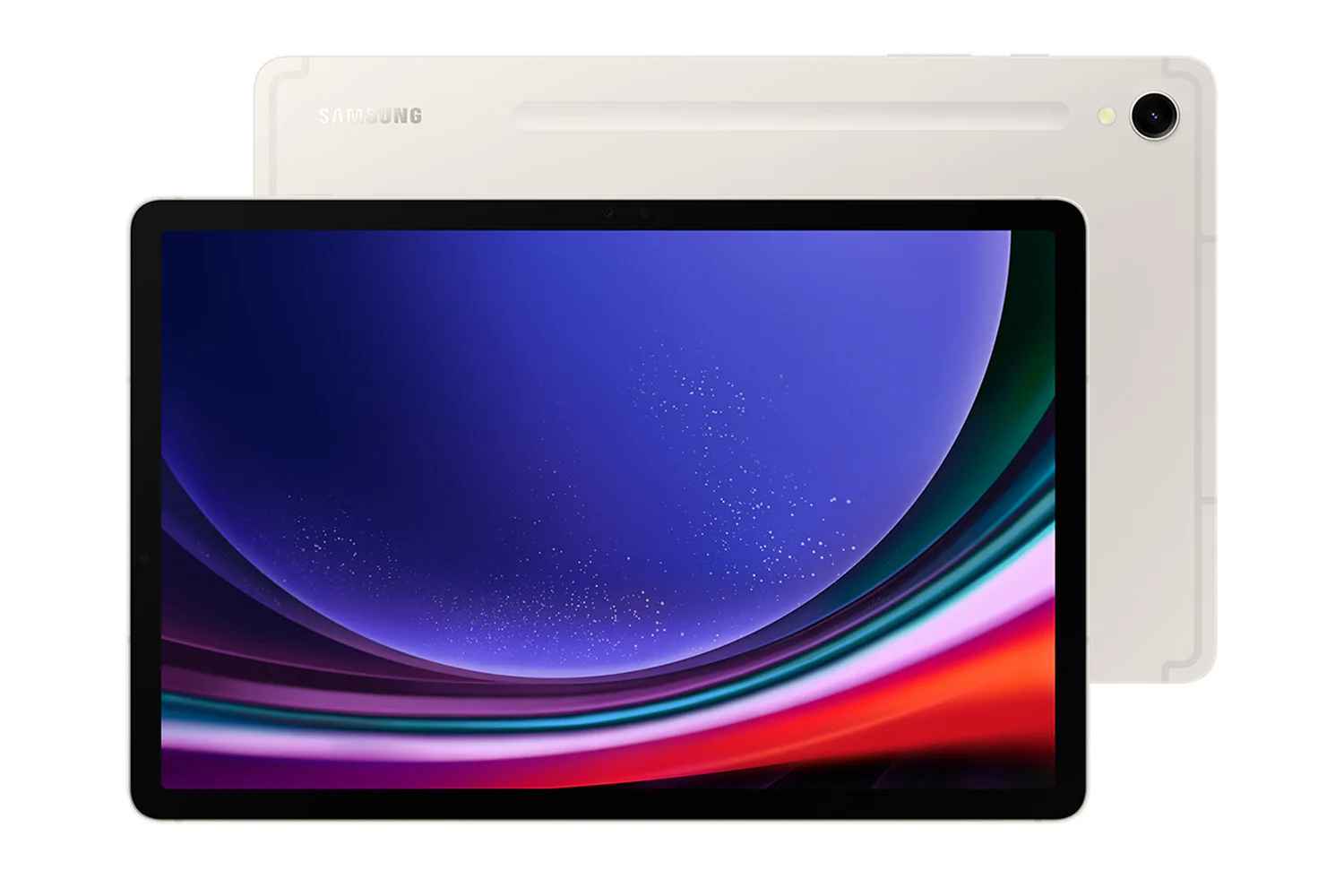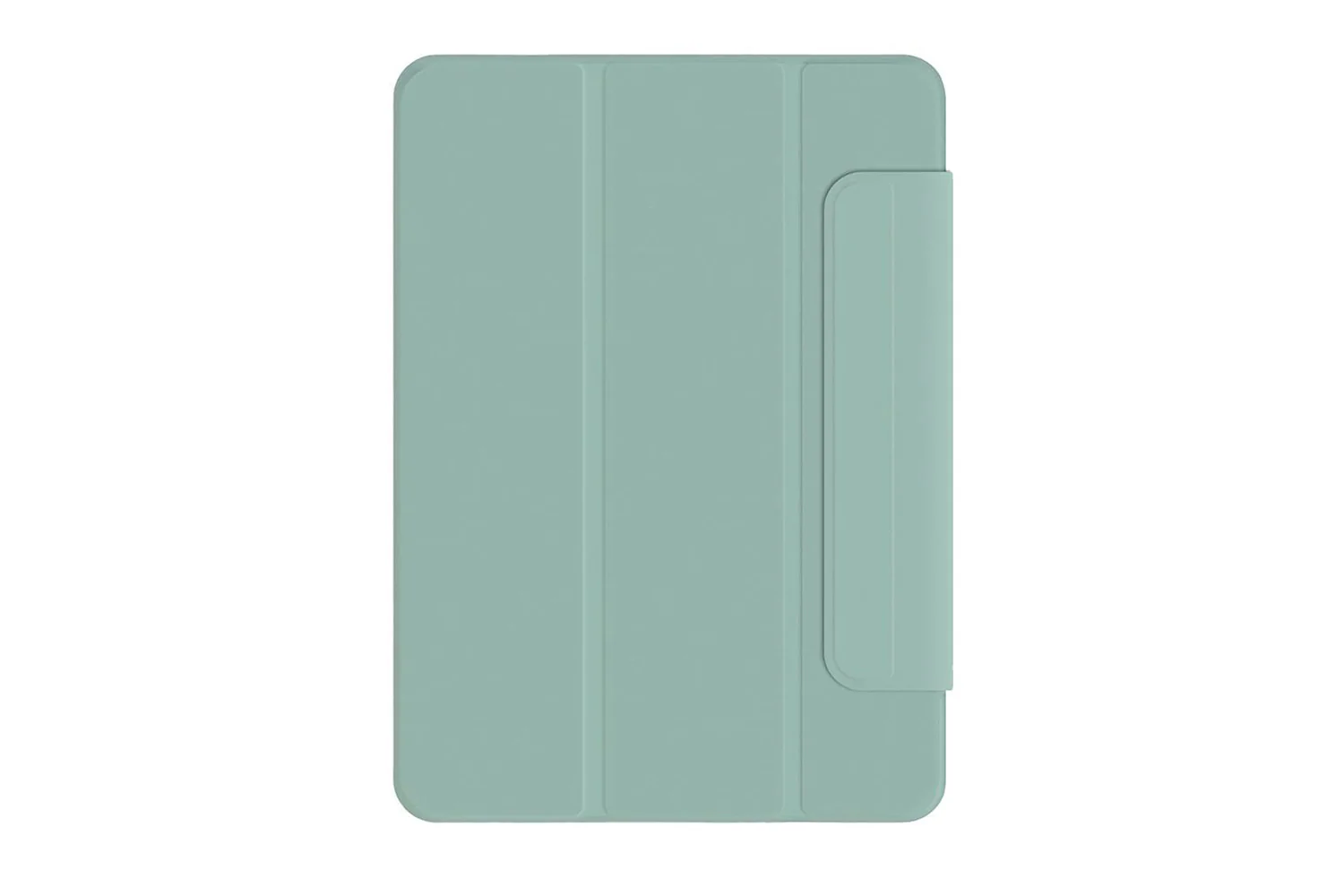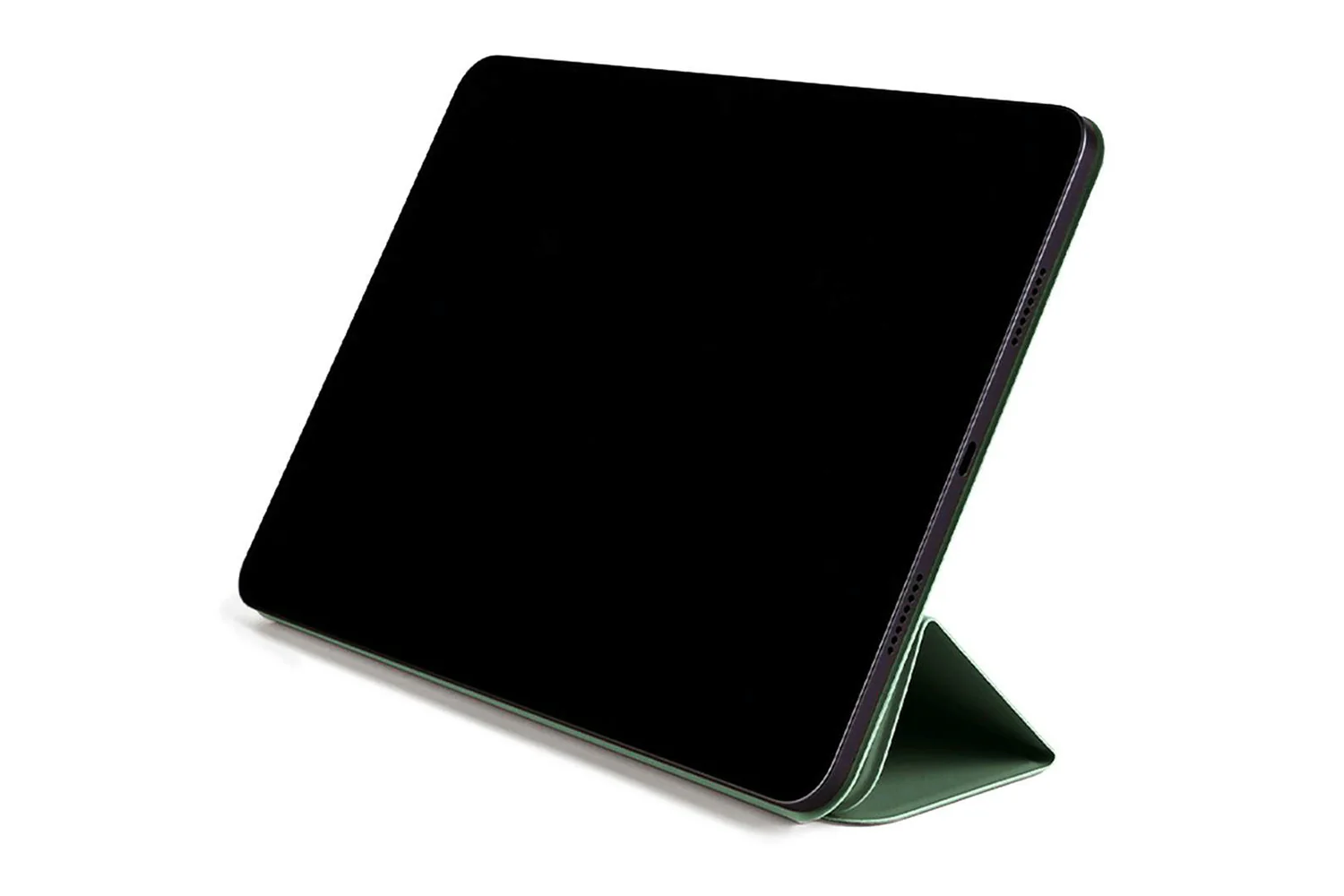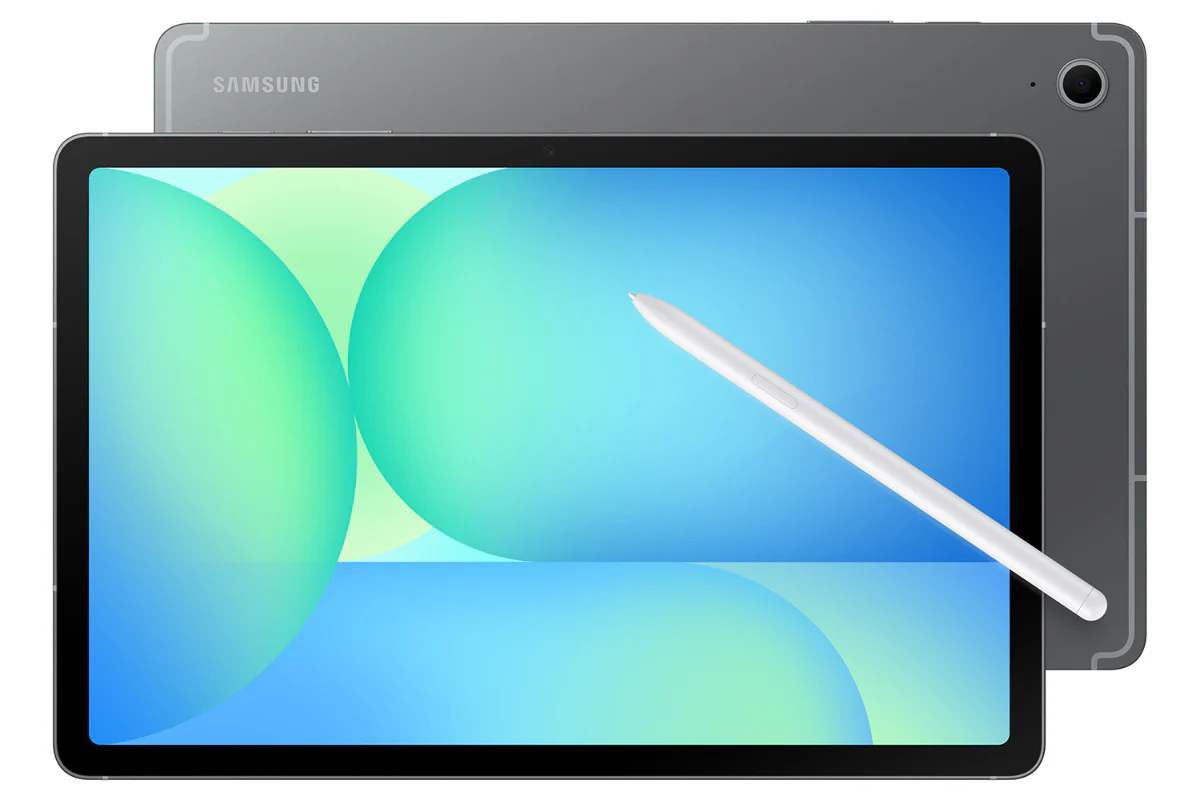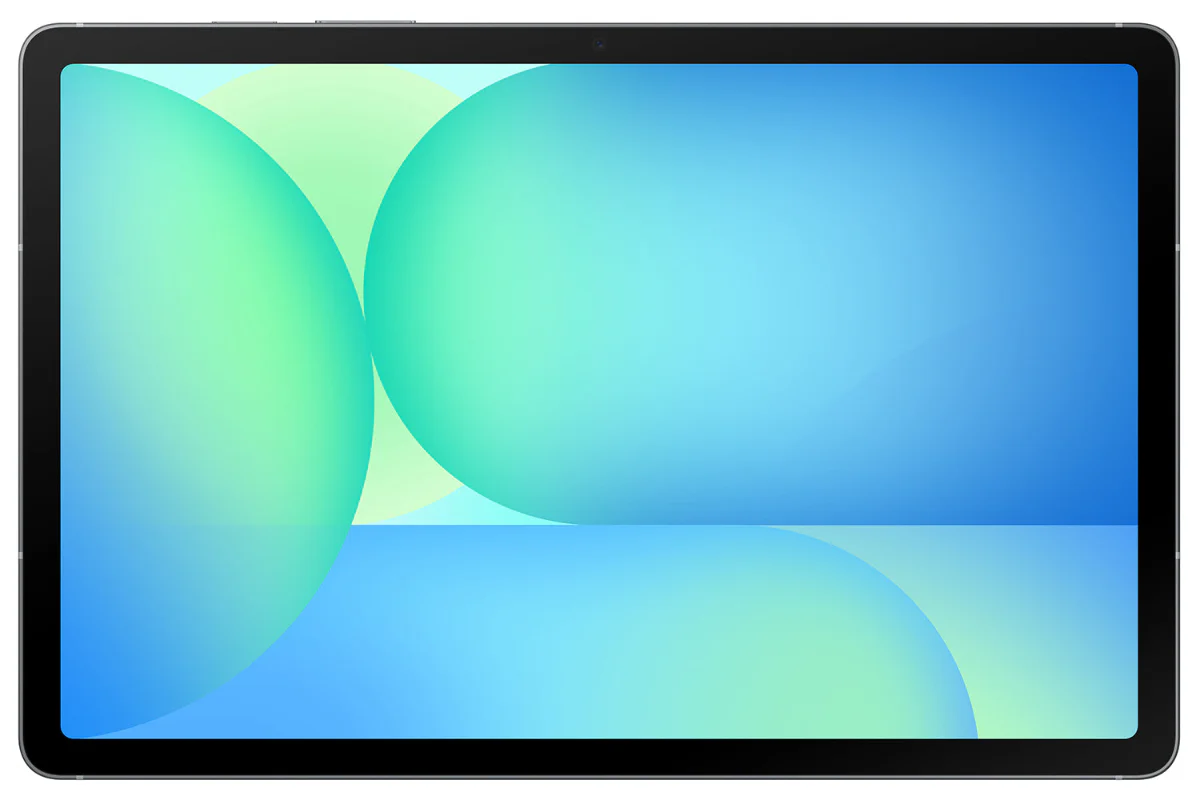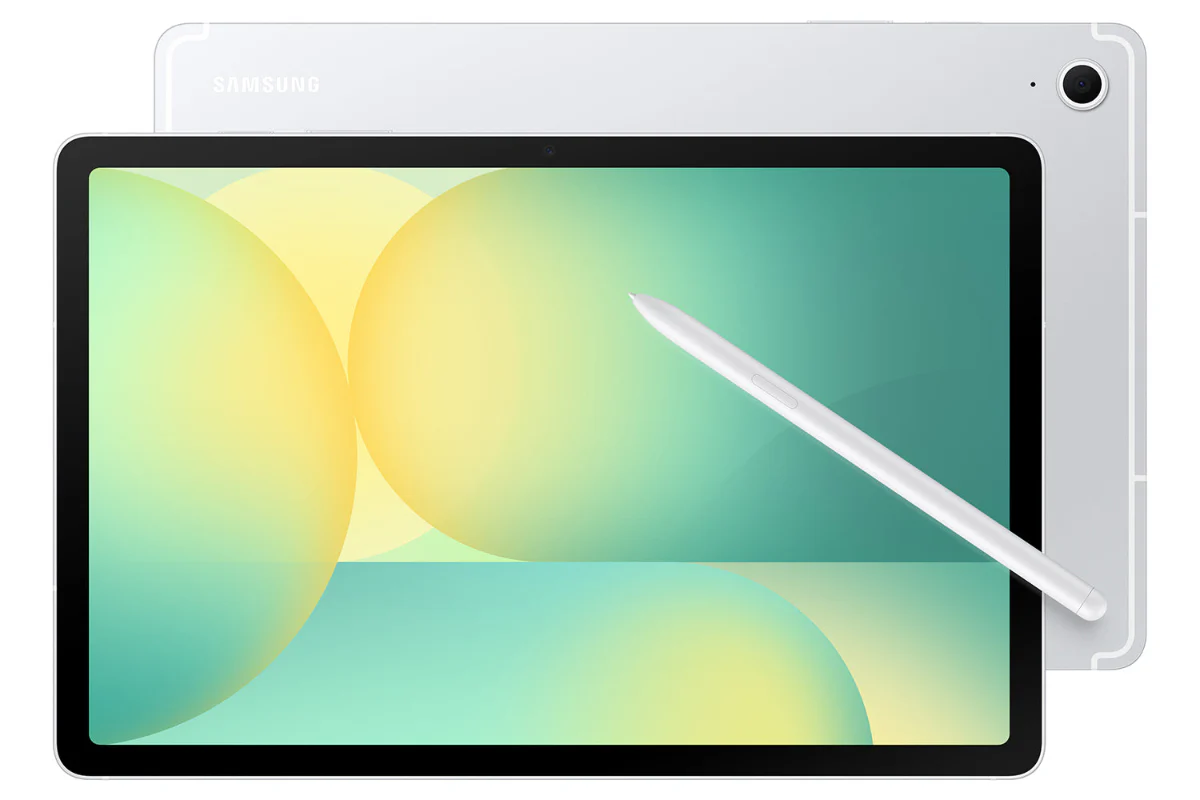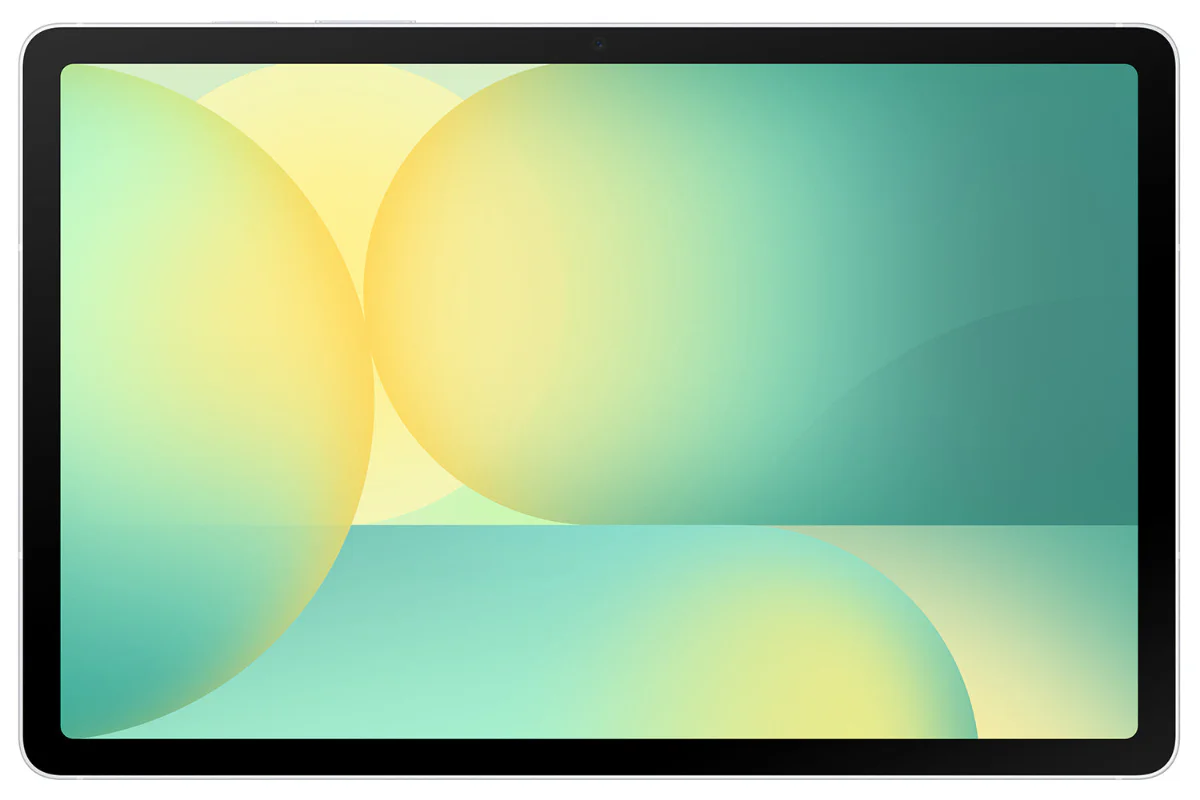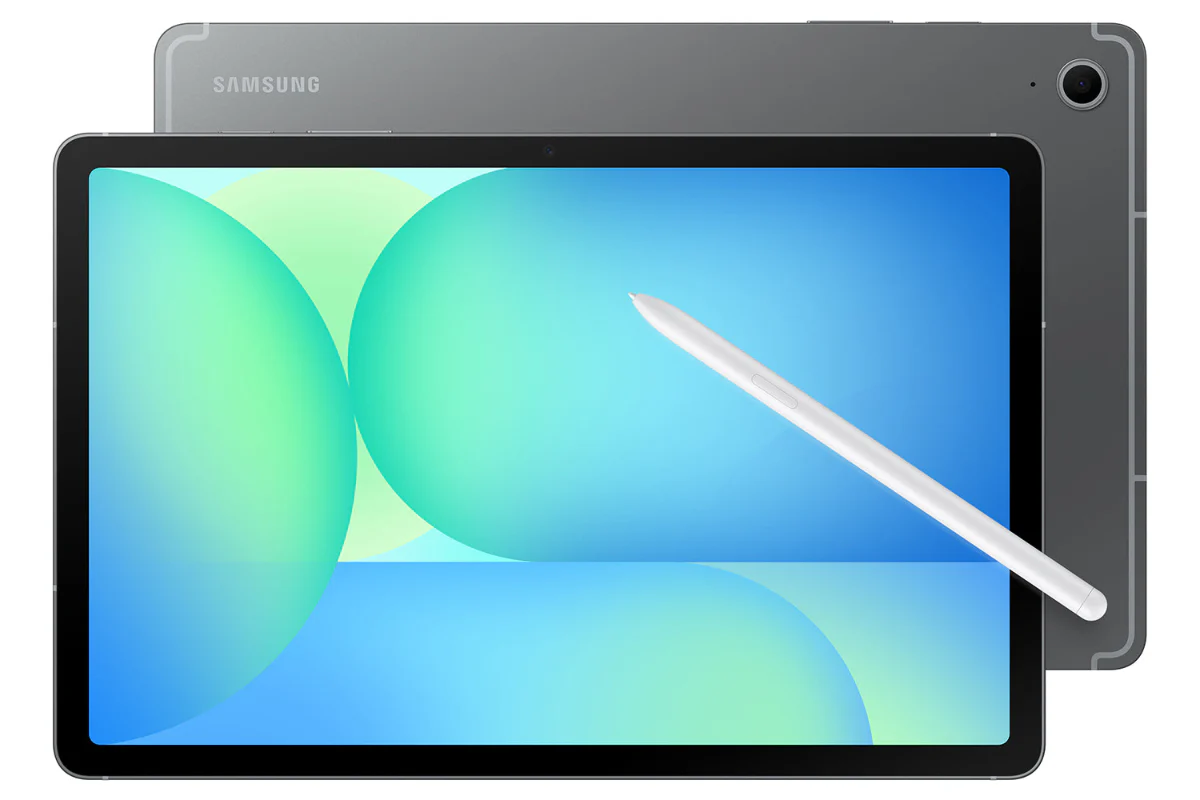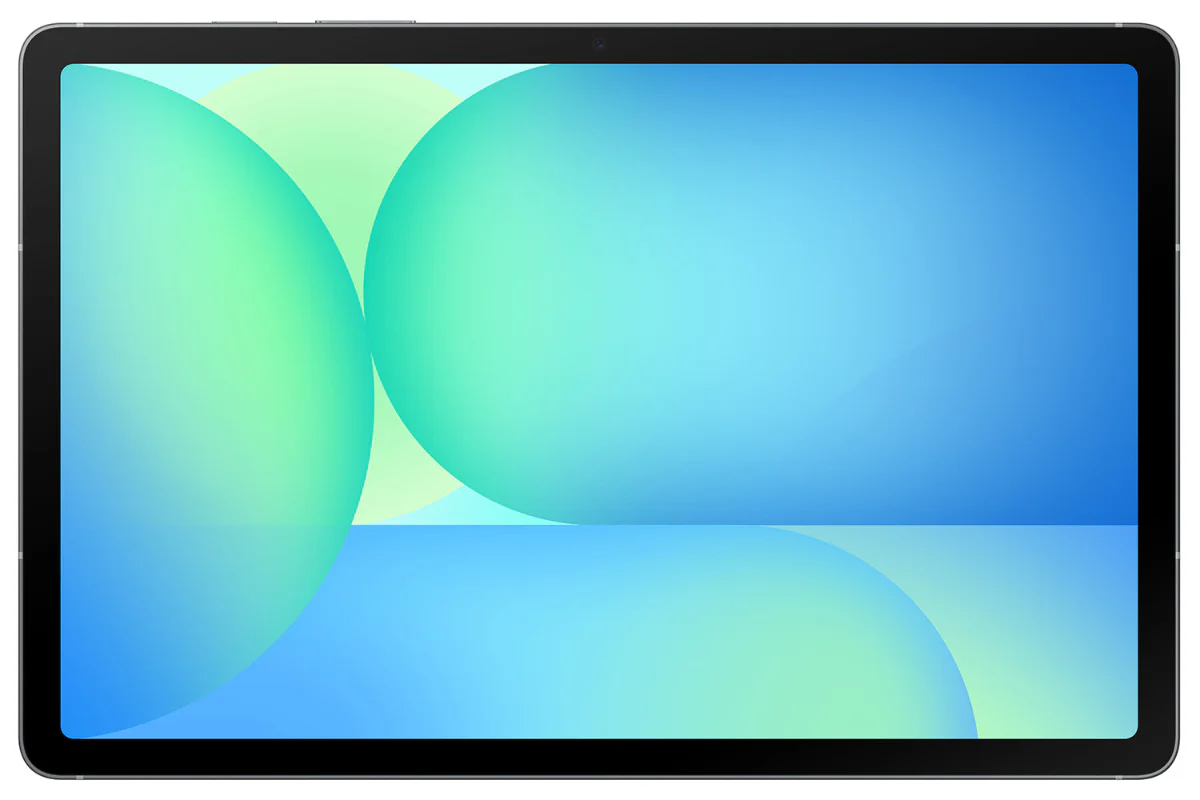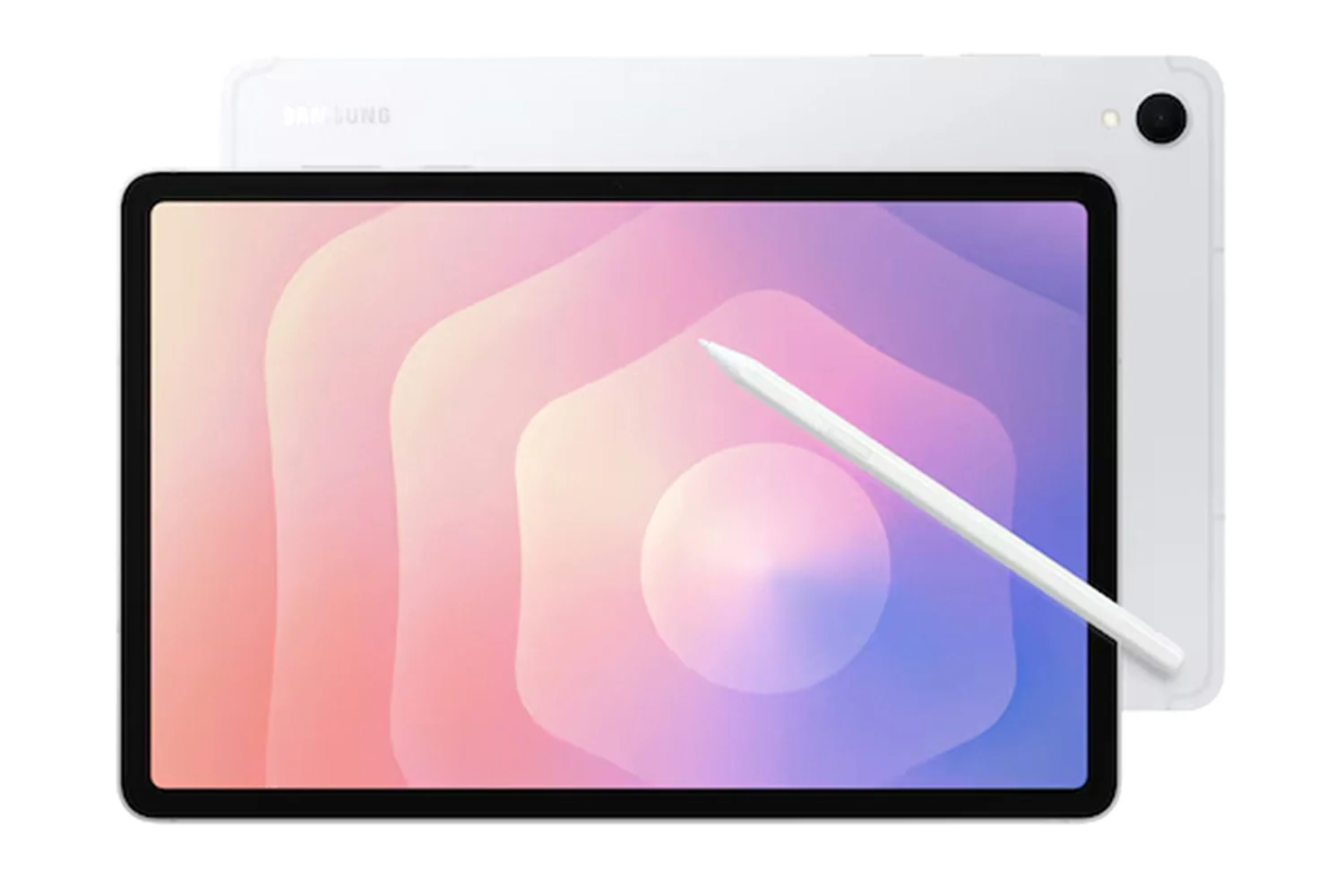
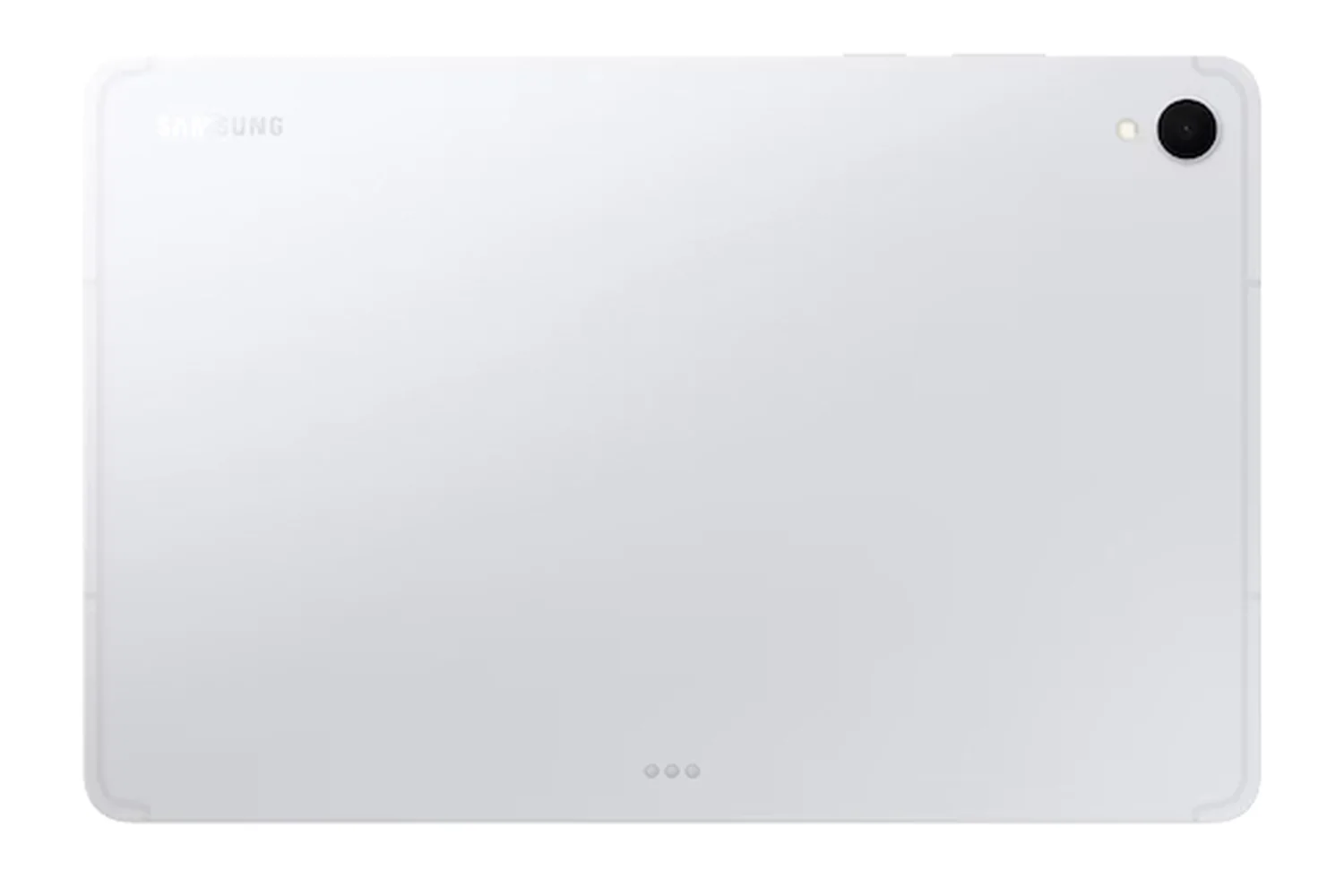
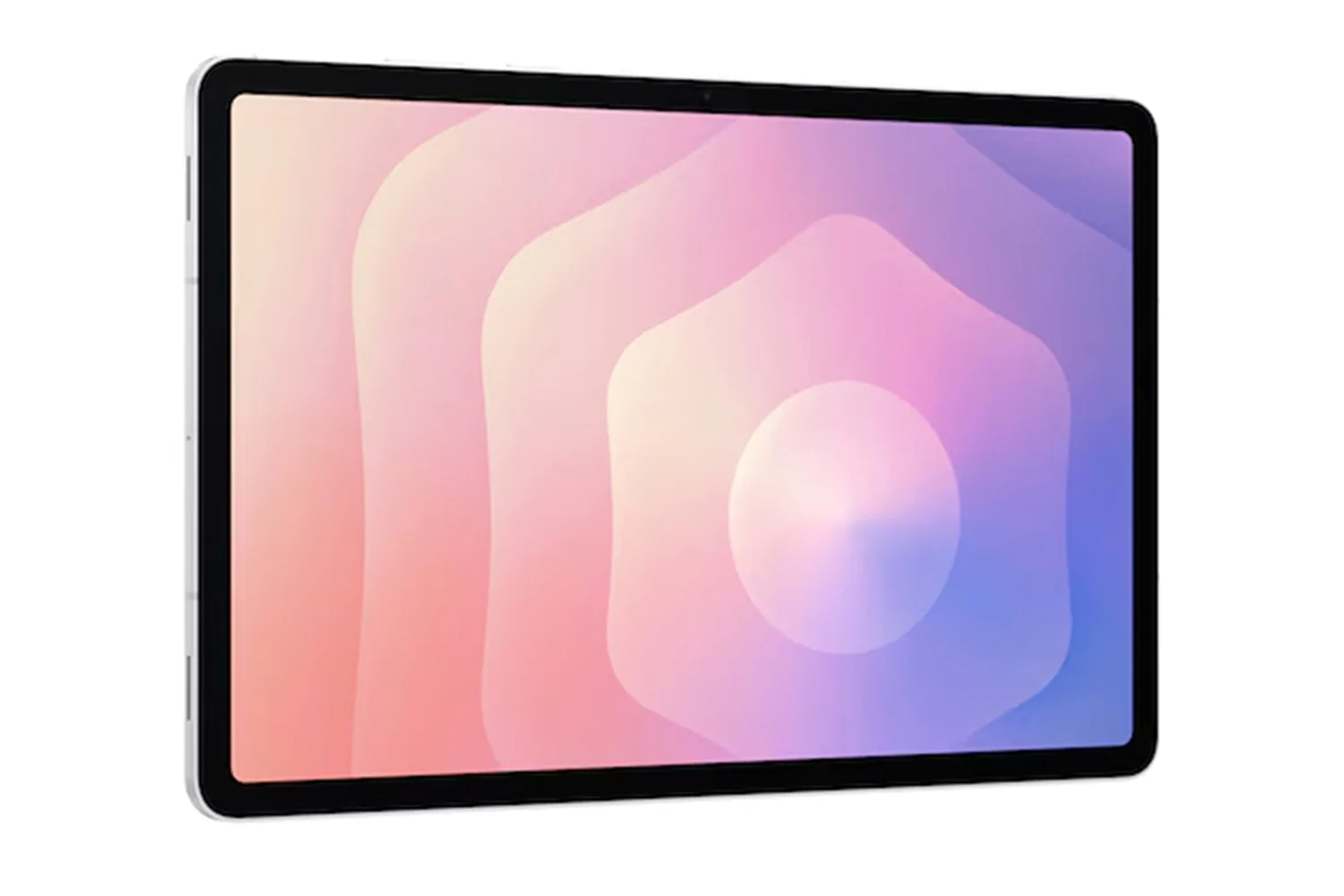
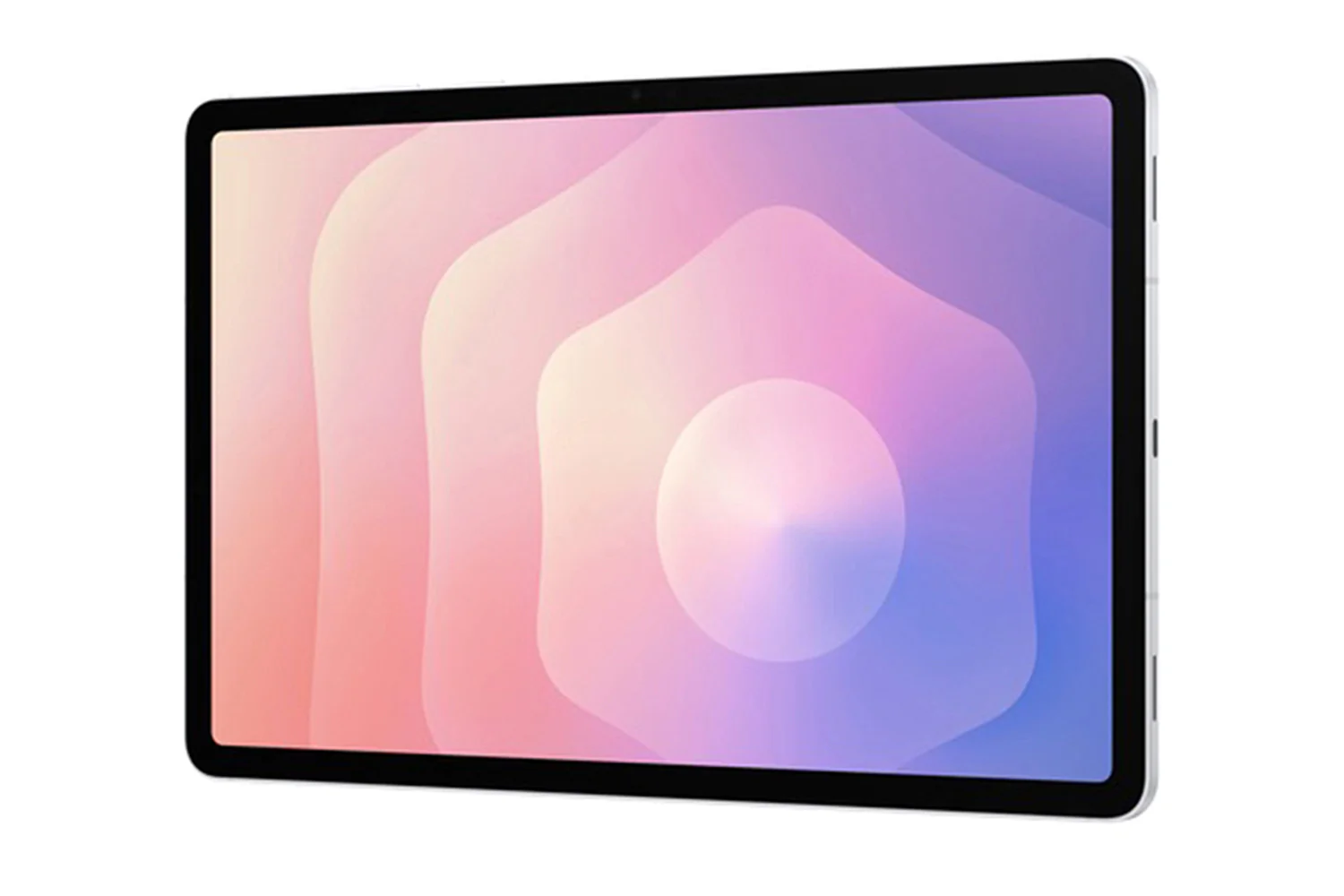
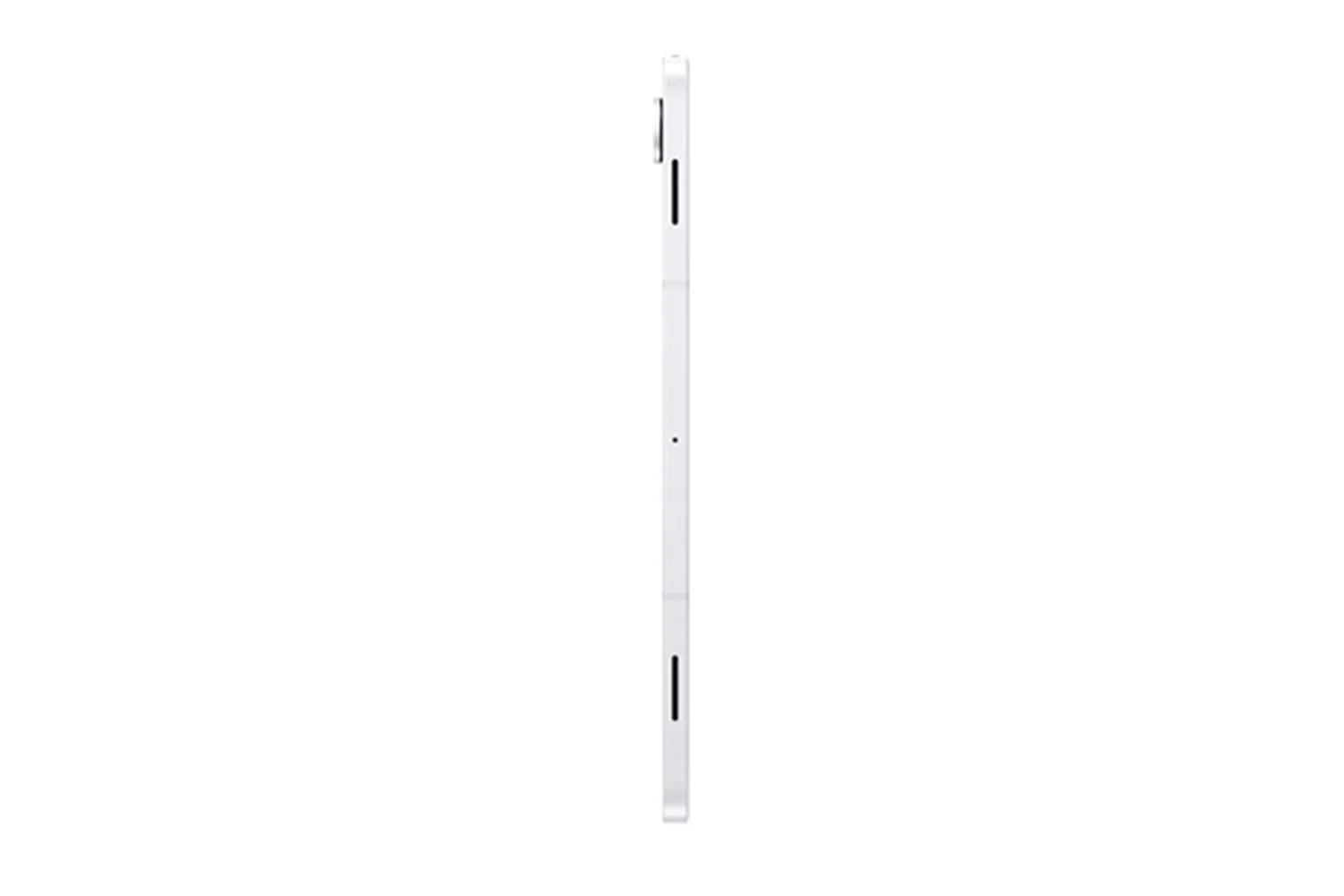
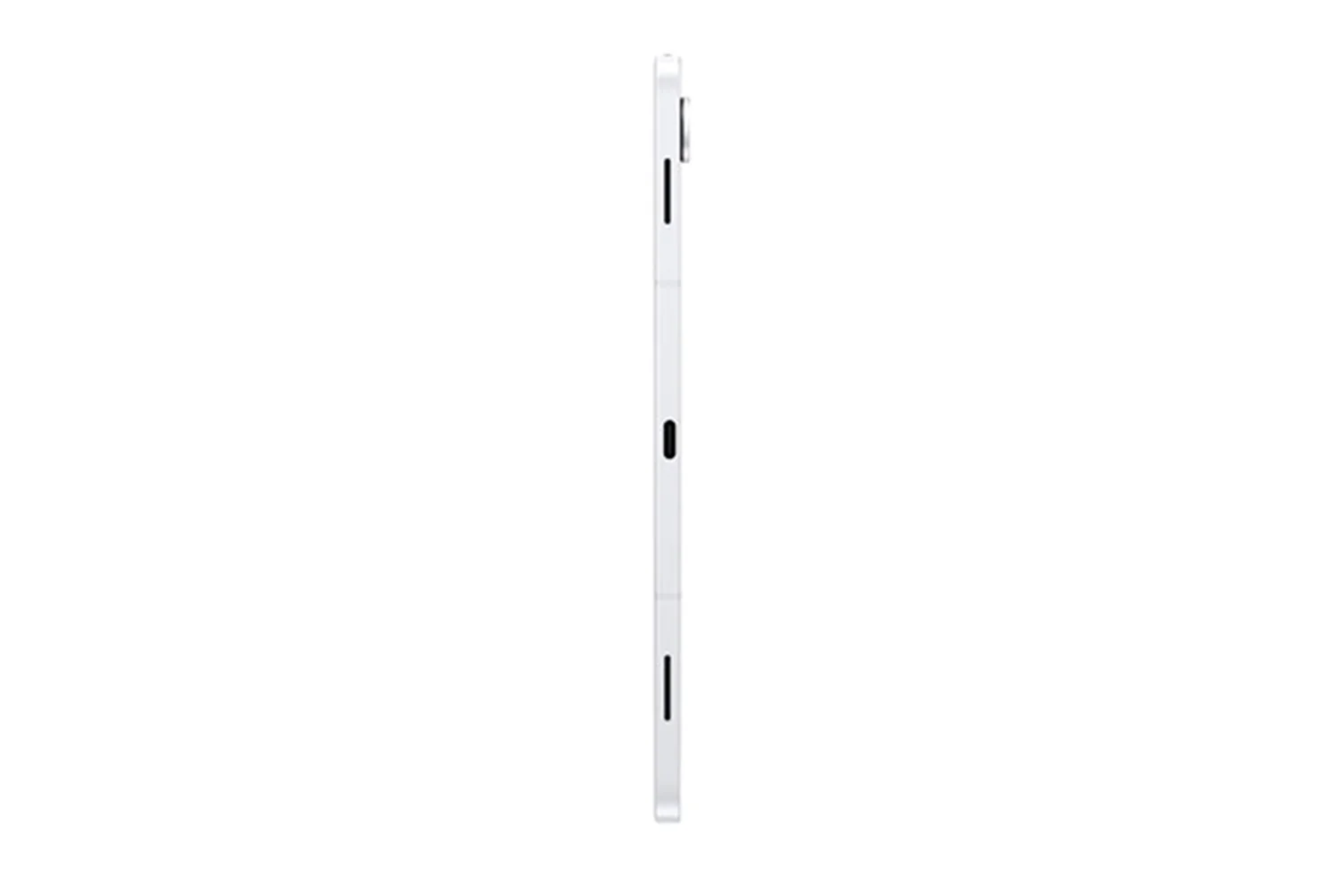
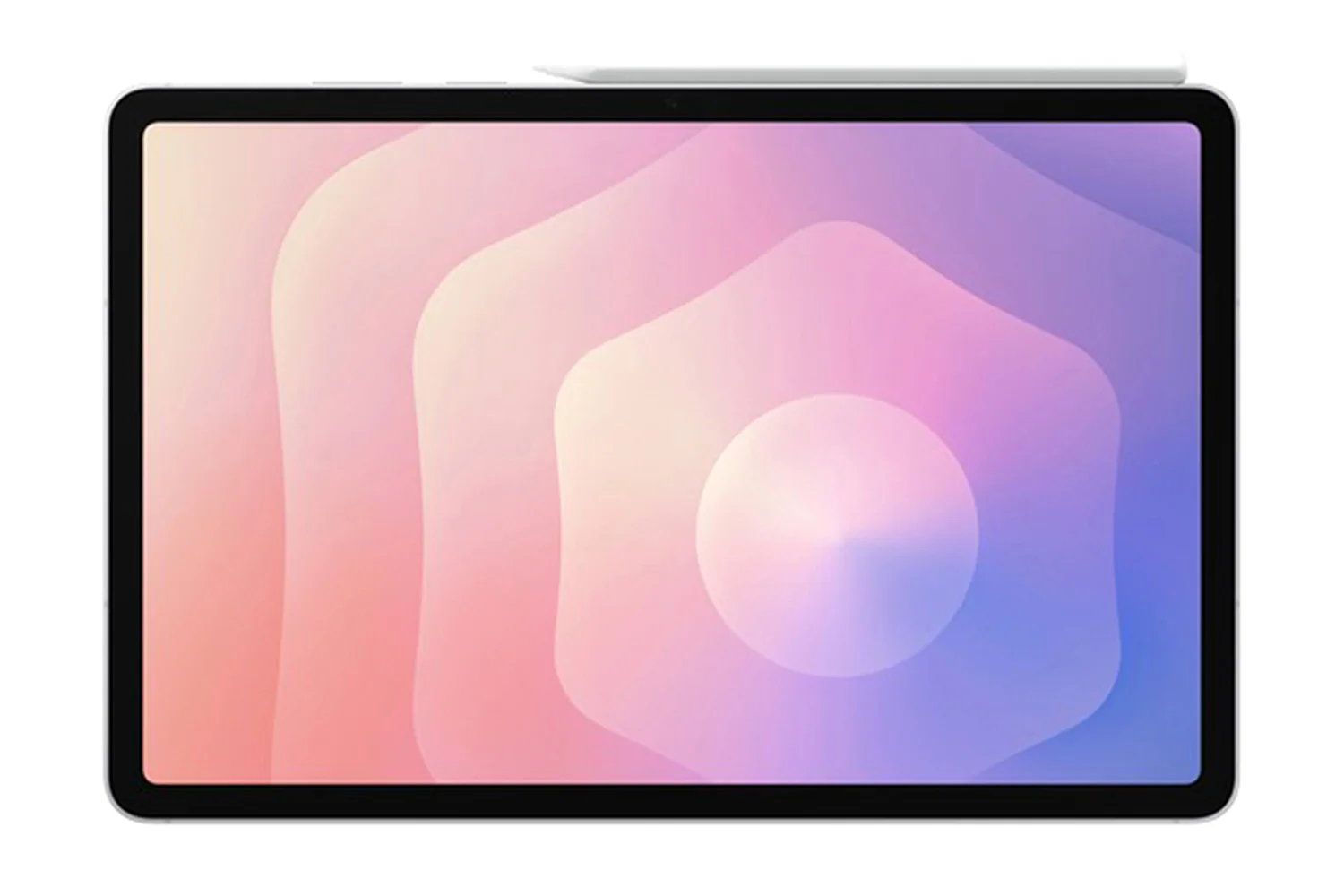
Samsung Galaxy Tab S11 11" 5G | 12GB | 128GB | Silver
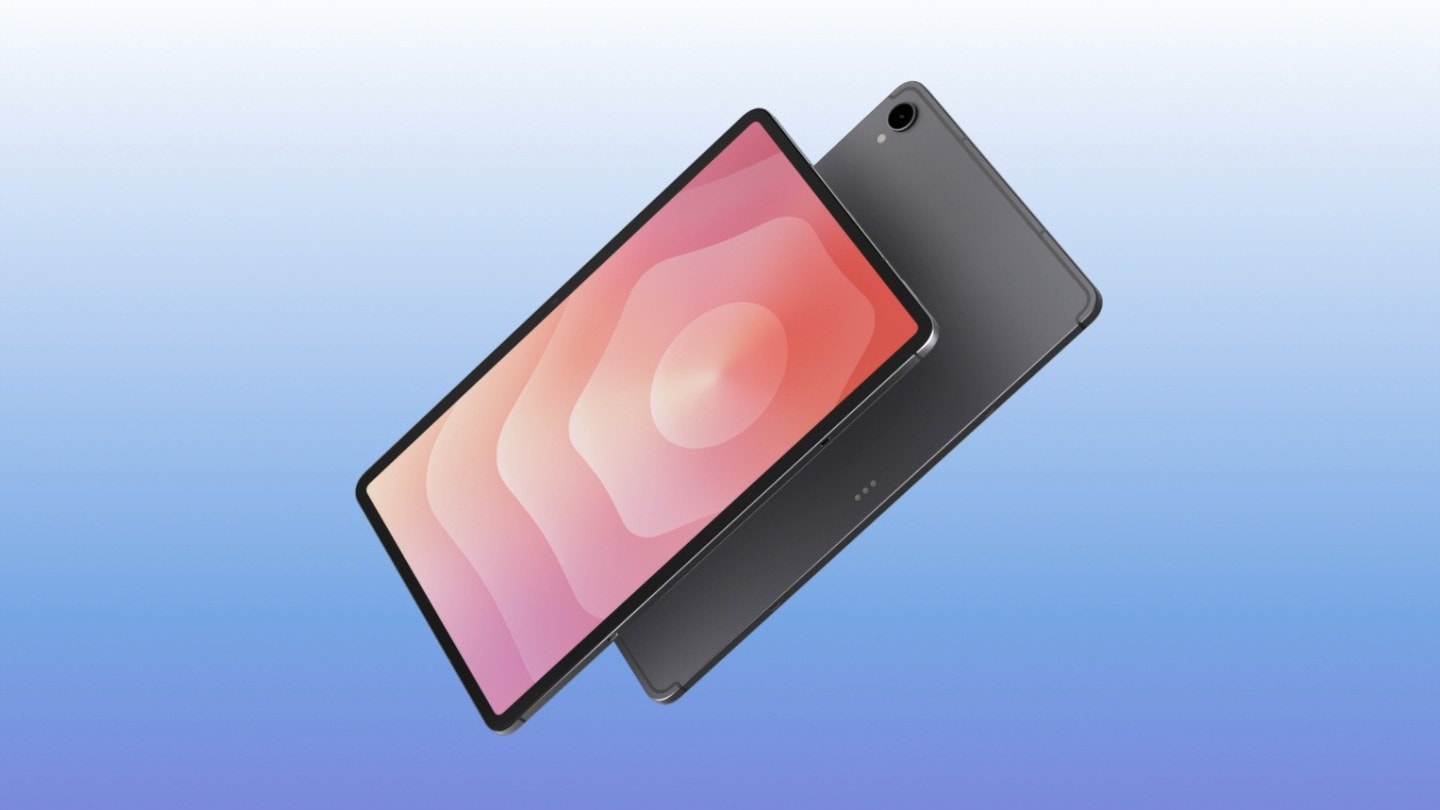
Slim and Light. Feels Just Right
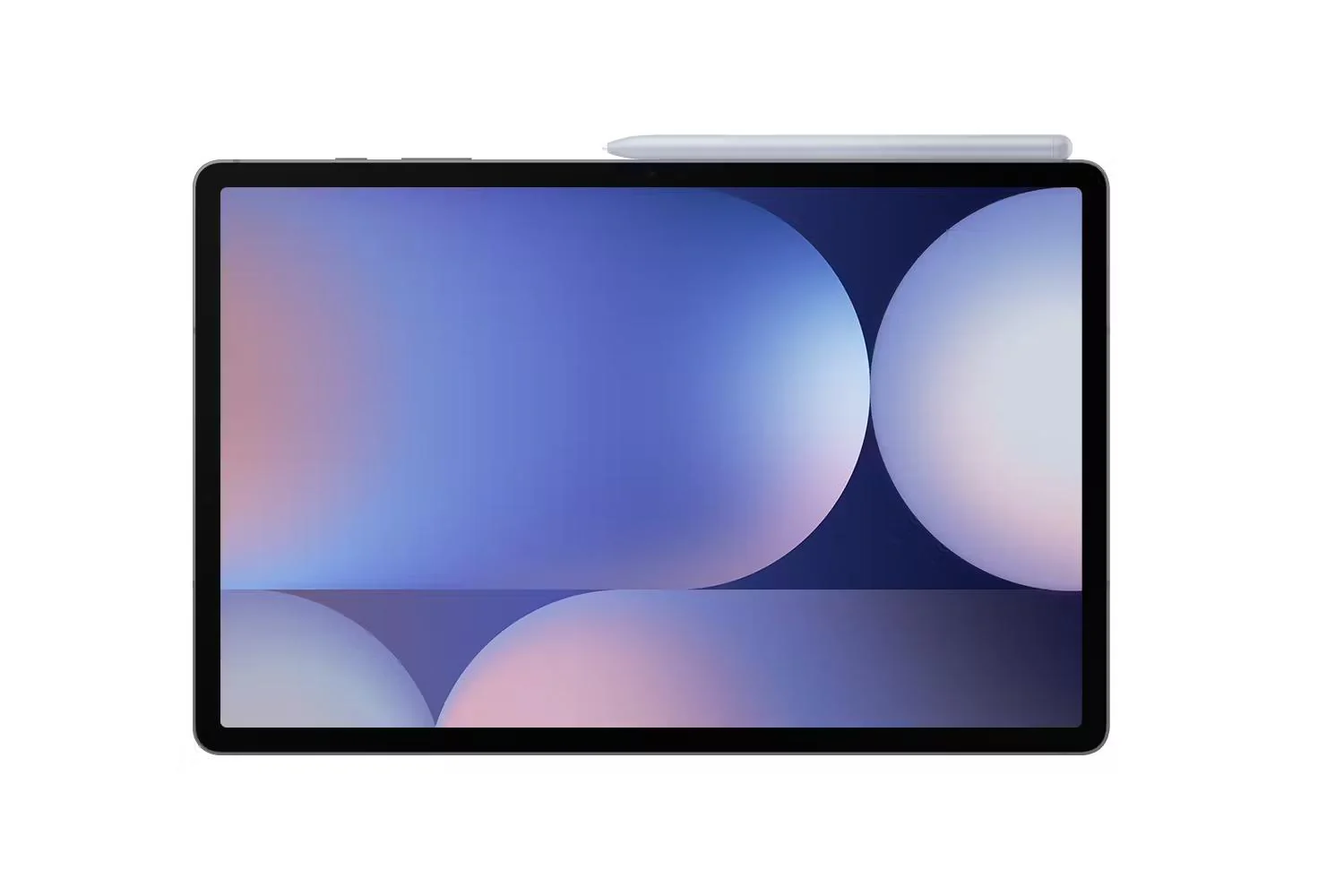
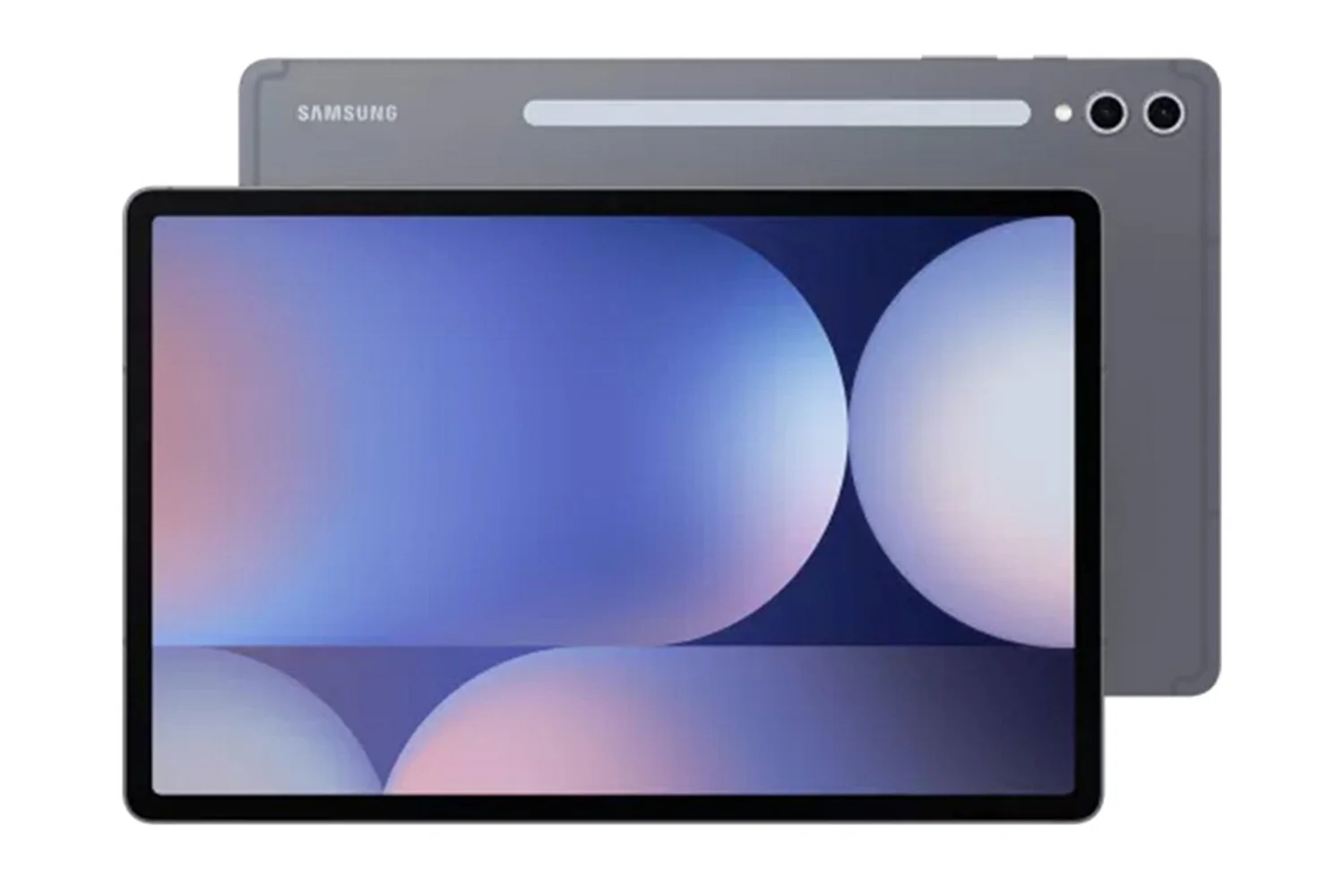
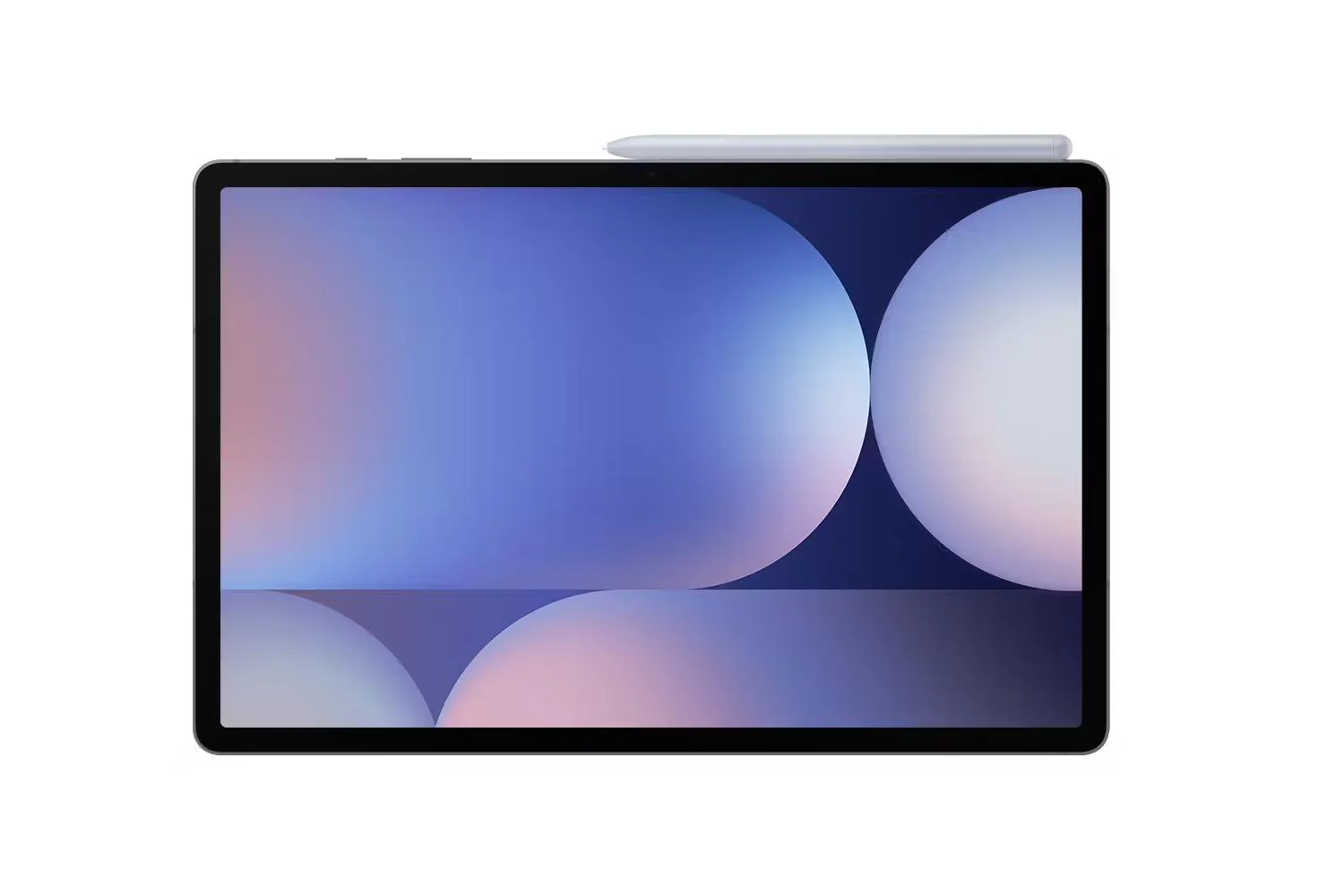
Packing powerful AI features in a slim, lightweight design, galaxy tab S11 is a productivity powerhouse everywhere you go. Its brilliant display and charge-less, hexagon-shaped pen make galaxy tab S11 the ultimate creative companion when you need it. And its lightweight, slim, design make it effortlessly portable when you're on the move.
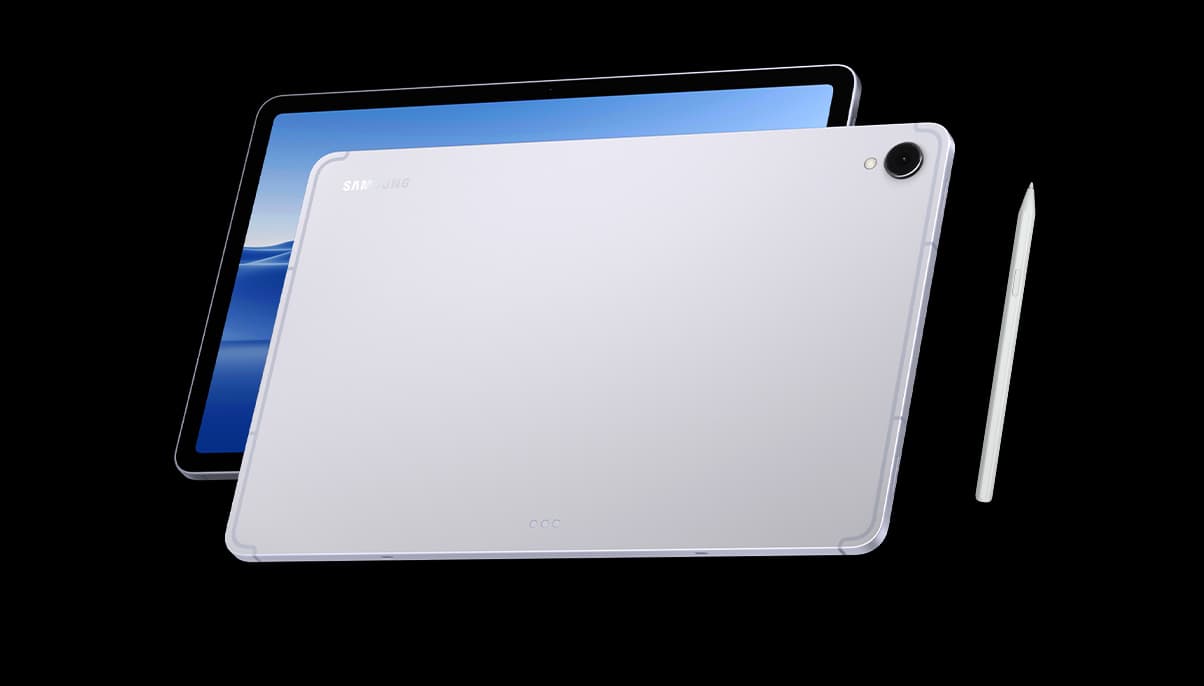
Sleek. Seamless. Refined
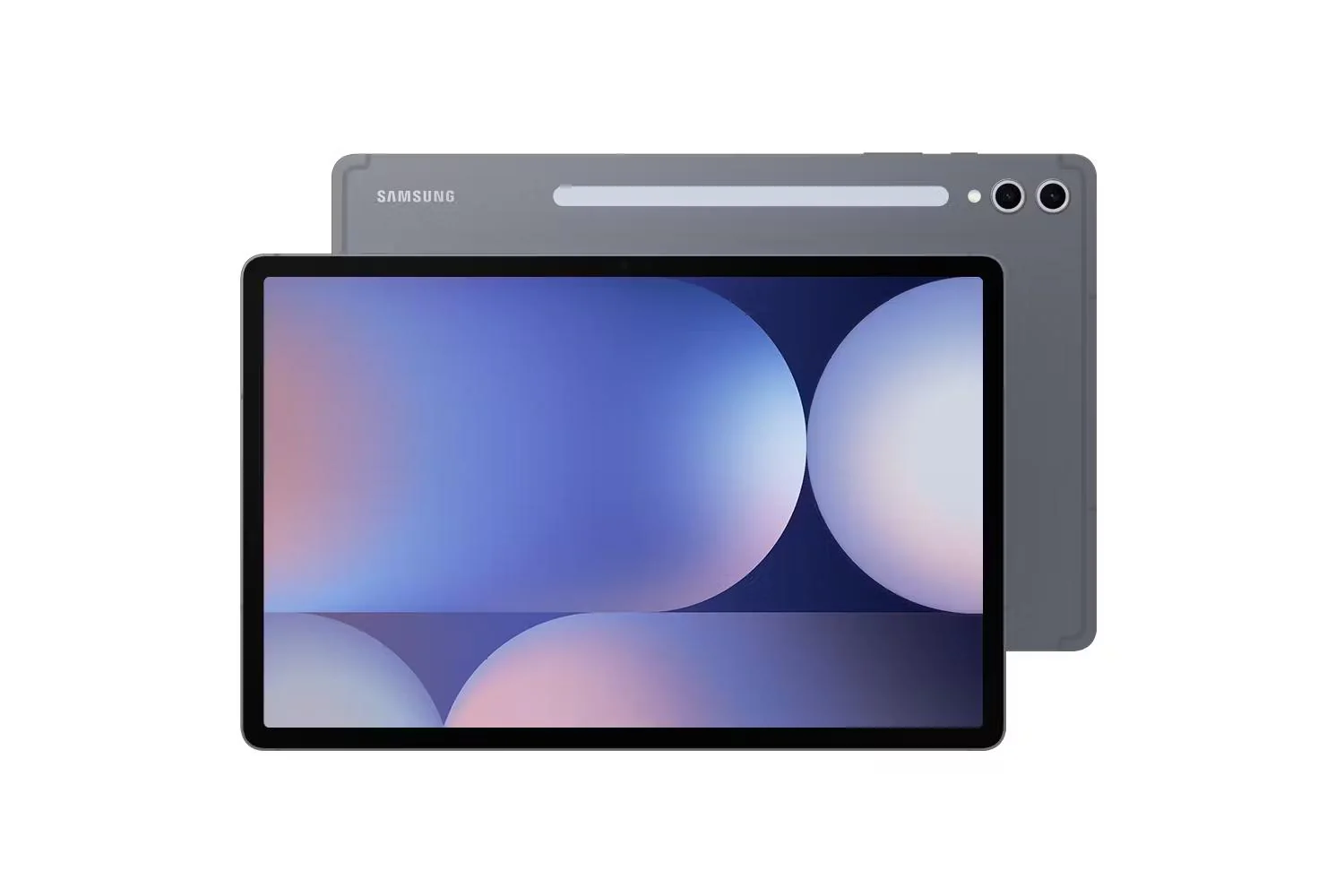
Every detail of galaxy tab s11 is streamlined to give you powerful performance into a beautifully sleek form. From improved camera design, to the removed wireless charging slot and enhanced slim bezel, every angle is thoughtfully engineered to seamlessly merge superior function with elegant design. Choose from silver, stylish colour that look as premium as they feel.
Check out the video:
Galaxy AI Meets Next-gen Productivity: Talk to Google Gemini About Anything You See
Use screen sharing on your galaxy tab S11 to get information in real time with gemini live. Just long press the side button to get started and share your screen with google gemini to ask for advice. It may even ask you questions, prompting a free-flowing conversation that can help you get the answers you're looking for.
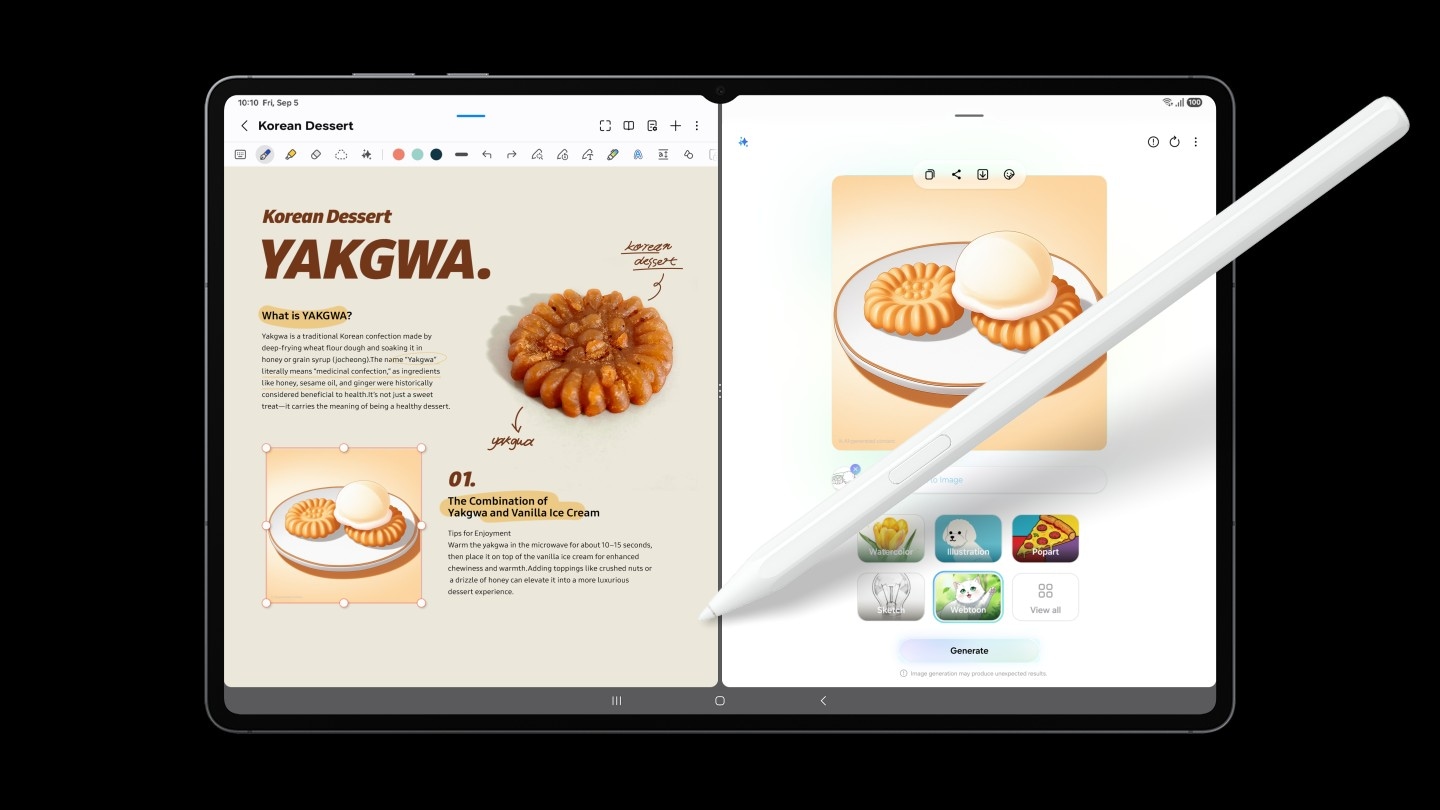
From Idea to AI-sketch to Notes, Instantly
Just sketch it, and let AI take it from there. With Drawing Assist, your rough drawing is transformed into a polished AI-generated image in seconds. Once it's ready, drop it into Notes to keep your ideas going. Quick, simple, and seamless.[1]
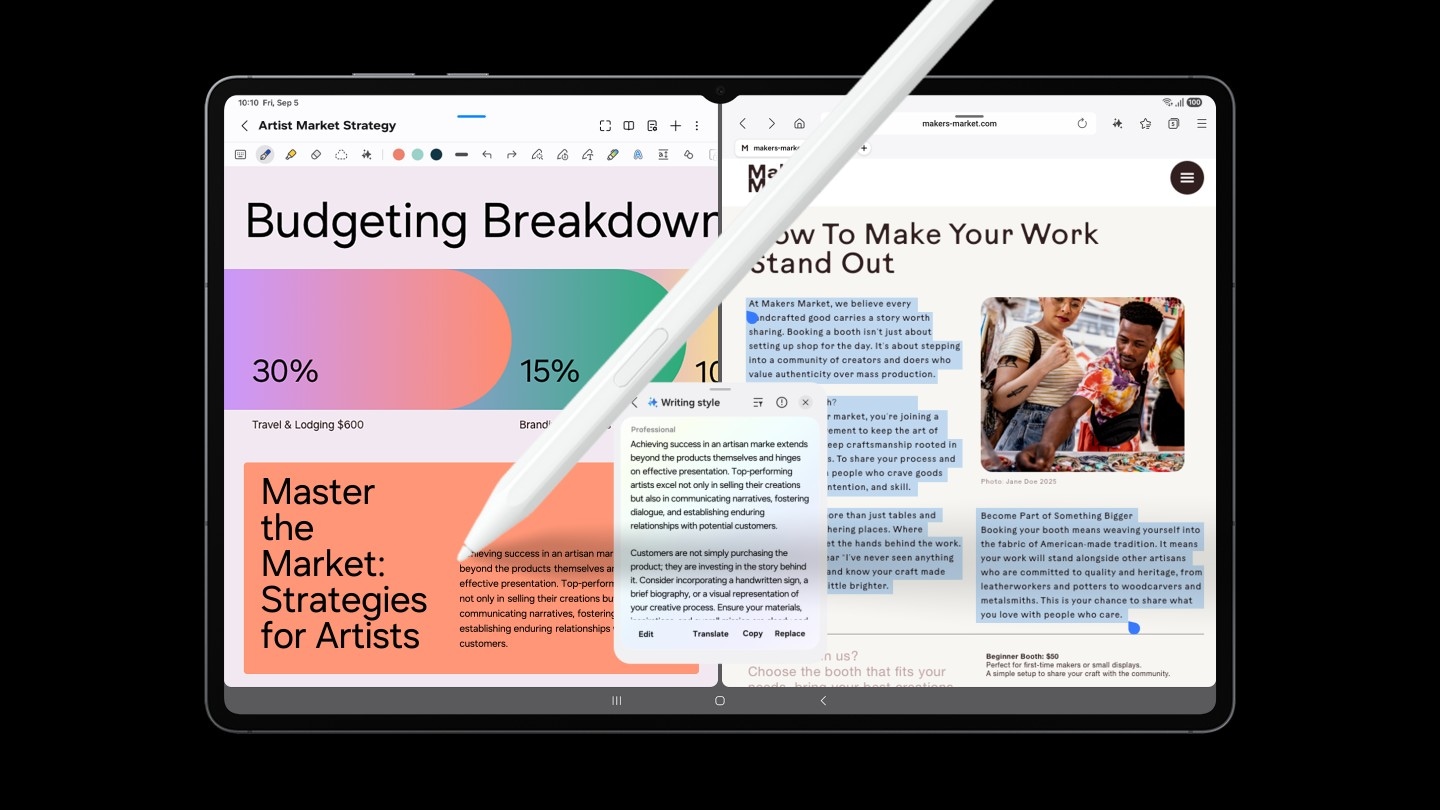
Smarter Writing, Made Simple
Writing Assist helps you refine and transform your text in seconds. Effortlessly draft, craft and revise any piece of writing to match your intended meaning and turn thoughts into polished, ready-to-use content. Adjust the style and tone with a few taps, to convey your message just the way you want it. Then easily drag and drop the enhanced version into one of many supported apps in your workspace.[2]
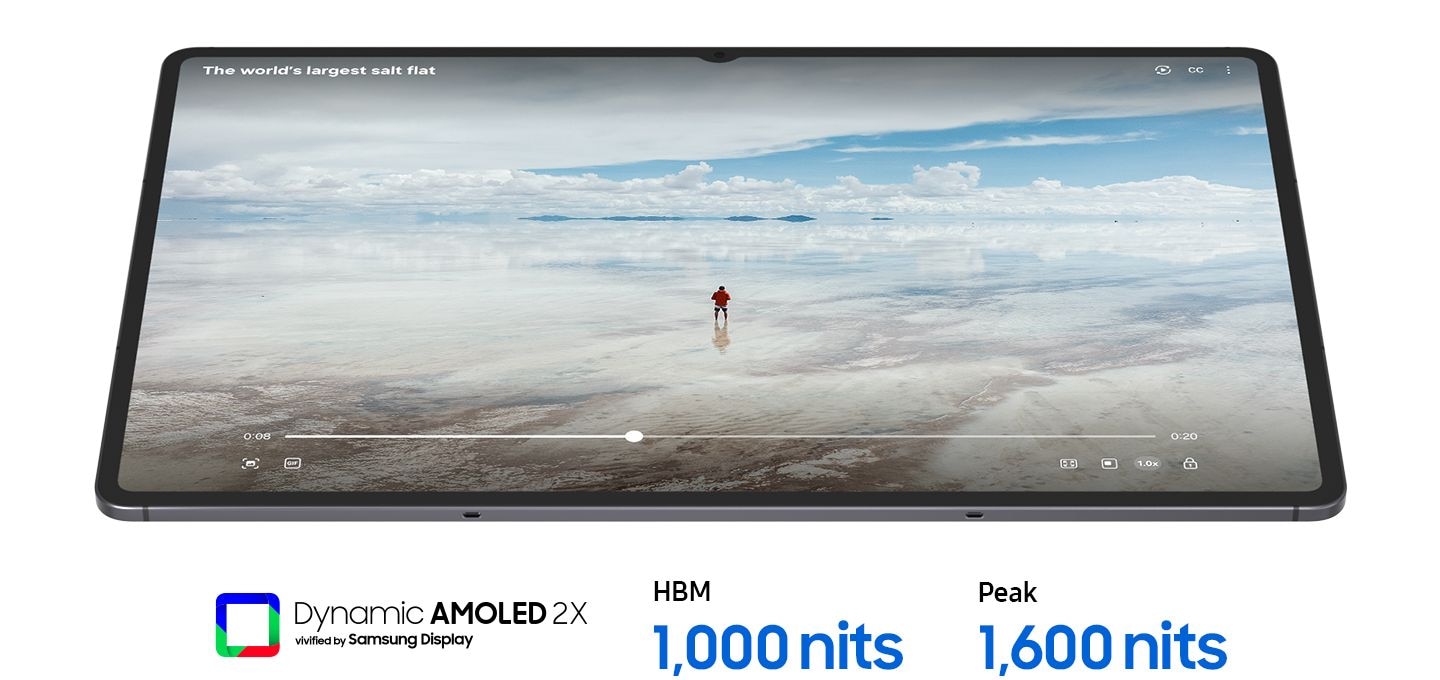
Light to Carry. Built to Perform
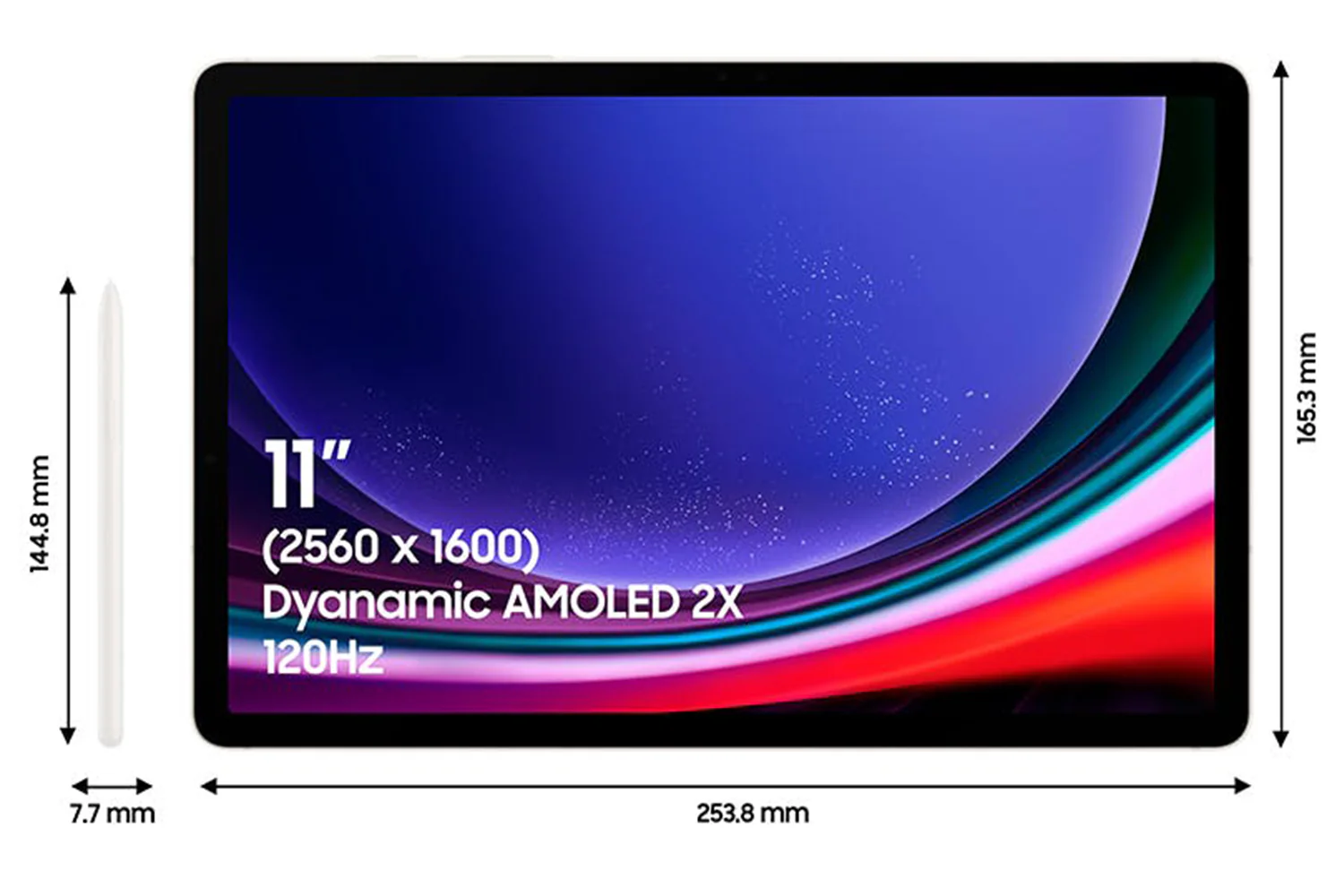
From its super slim bezel to its upgraded brightness, galaxy tab S11’s 11.0" dynamic amoled 2x displays deliver incredibly immersive visuals, even in bright outdoor light, with improved brightness over galaxy tab s9. From streaming to gaming, the superior display let's you experience your favorite entertainment like never before—at home and on the go.[3]
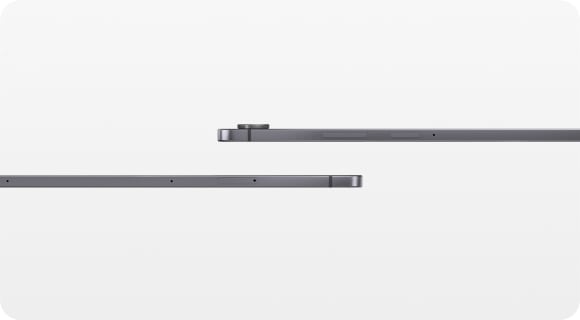
Slim. Thin. Optimised
Galaxy tab S11 is even slimmer and lighter than galaxy tab s9. Its refined profile makes it easy to hold, pack, and carry. So you can work and create wherever inspiration strikes.
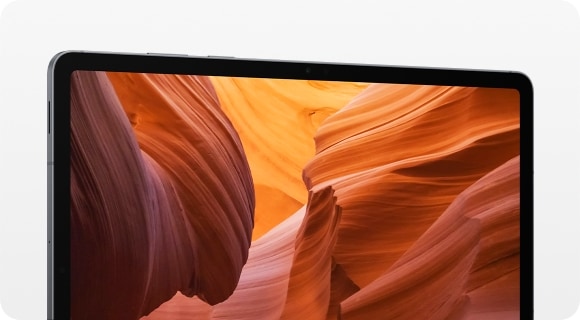
Upgraded for More Angles
Enjoy a more immersive view from every angle with the galaxy tab S11's thinner bezel design and upgraded brightness. Fully immerse yourself in massive displays that deliver stunning visuals, even in bright, sunlit outdoor environments.
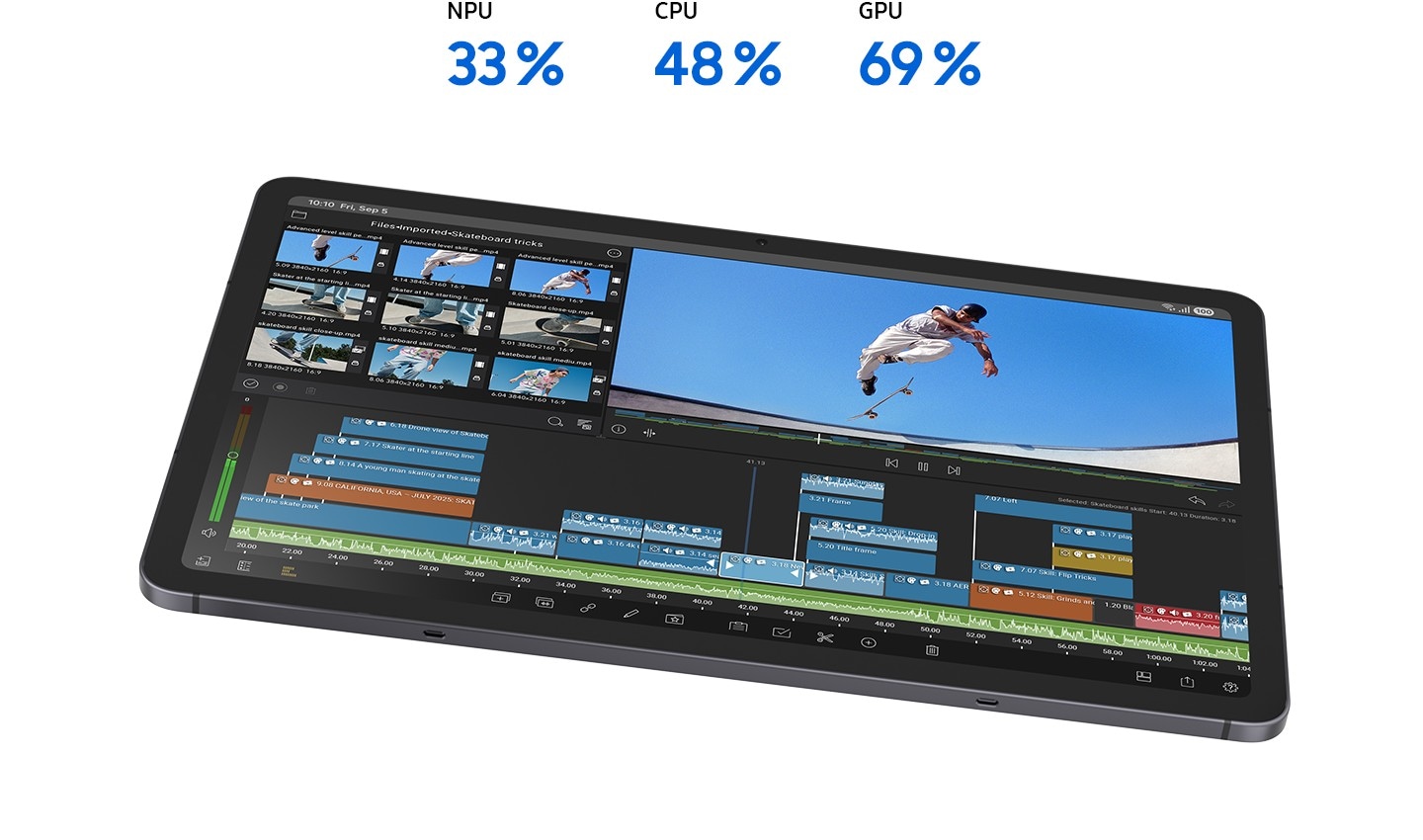
Smart Ai. Seamless Performance
Fuel every moment with ultra-fast performance, now enhanced for AI. Galaxy tab S11’s upgraded processor works to deliver stunning graphics, smooth multitasking and next-level speed. Improved NPU, CPU and GPU let you experience silky smooth scrolling and ultra low lag as you seamlessly switch between all your favorite features, apps and content in the blink of an eye.[4]
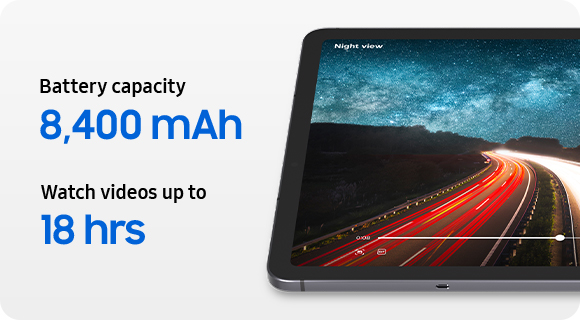
Lasts as long as you do
Stay powered through your busiest days with lightning fast charging, longer-lasting battery that delivers up to 18 hours of video playback.[5]
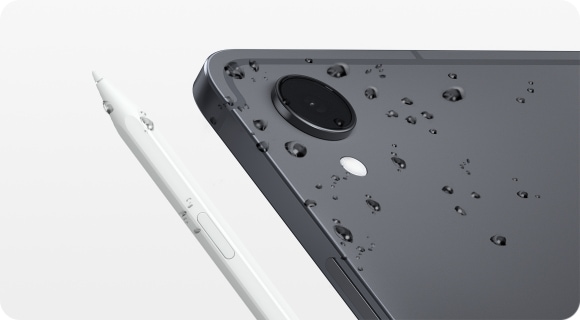
Safe From Drops and Dust
Wrapped in enhanced armor aluminum and IP68 galaxy tab S11 is built to withstand whatever the day throws it's way.[6]
Check out the video:
Productivity Powerhouse With Samsung Dex
Samsung DeX lets you extend your Galaxy Tab S11’s display to create a seamless multitasking environment of up to 4 workspaces. Move apps freely and easily between screens to keep your workflow smooth and efficient. Increase your productivity with a multi-screen experience as you drag and drop windows between screens, or enjoy content saved to your Galaxy Tab S11 in a home-theater setting by mirroring it to your monitor.
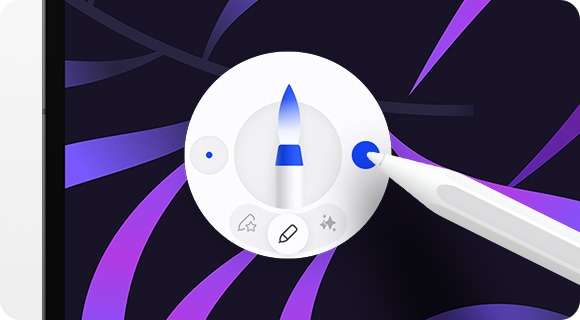
Quick Access to Quick Tools
Instantly access the Quick tools menu right from S Pen. Update settings like thickness, colour, favourites, Note Assist, and more in a flash.[7]
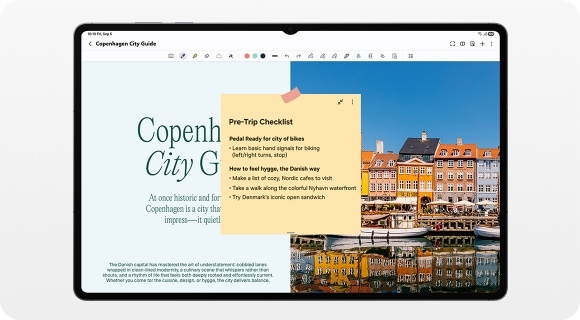
Quick Thoughts. Big Impact
Easily attach Sticky note to Samsung Notes files using the S Pen. Keep important details in sight where you need them, every time.
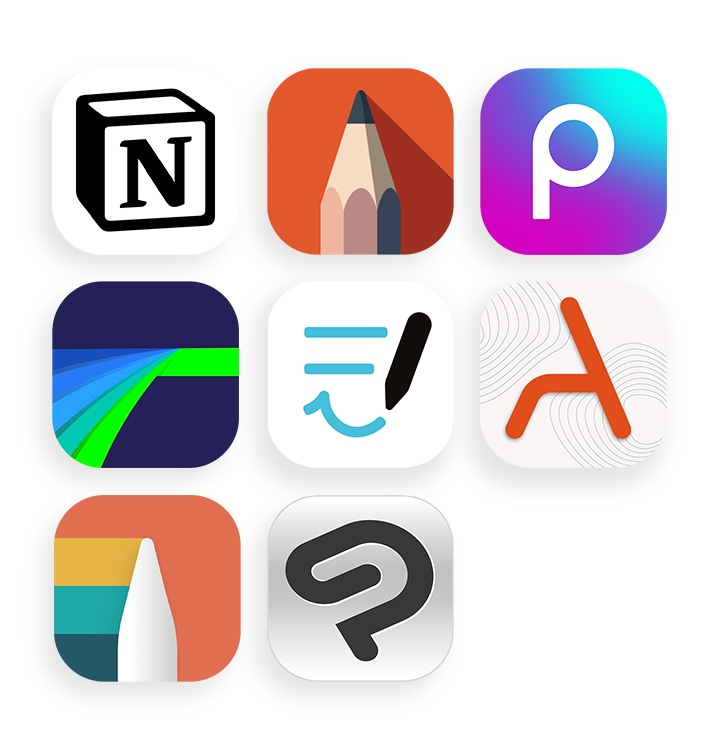
Your Apps. Your Way
Galaxy tab s11 comes preloaded with apps like goodnotes, lumafusion, clip studio paint, and notion. Making it easy to take notes, edit, draw and stay organised from the start. You’ll also have access to optimised apps like noteshelf 3, arcsite, sketchbook, and picsart, all designed to run smoothly and enhance your creative experience.
Notes:
1. Drawing Assist feature requires a network connection and Samsung Account login. *A visible watermark is overlaid on the image output upon saving in order to indicate that the image is generated by AI. *The accuracy and reliability of the generated output is not guaranteed.
2. Writing Assist requires a network connection and Samsung Account login. *Must meet length requirements to activate feature. Service availability may vary by language. *Accuracy of results is not guaranteed.
3. Model availability may vary depending on country, region or carrier.*Measured diagonally, Galaxy Tab S11's screen size is 11.0" in the full rectangle and 10.9" accounting for the rounded corners. Actual viewable area is less due to the rounded corners and the camera hole.*Galaxy Tab S11 have maximum brightness of 1600 nits and outdoor brightness of 1000 nits in High Brightness Mode.
4. The enhanced performance figures are based on a comparison of Galaxy Tab S11 to Galaxy Tab S9.*Actual performance will depend on user environment, conditions and pre-installed software and applications.
5. Typical value tested under third-party laboratory conditions. Typical value is the estimated average value considering the deviation in battery capacity among the battery samples tested under IEC61960 standard. Rated (minimum) capacity is 8,160 mAh for Galaxy Tab S11.*Based on Samsung internal lab test conditions with pre-release version of given model connected to earphone via Bluetooth under default settings over LTE. Estimated against battery capacity and measured current over battery power consumption during video playback (video file resolution 720 p, saved on device), respectively. Actual video playback times vary by network connection, settings, file format, screen brightness, battery condition and many other factors.*Fast Charging speed may vary depending on charging conditions and other factors.*Using the original Samsung data cable is recommended.
6. Galaxy Tab S11 and the included S Pen are rated IP68 under IEC standard 60529. Based on lab test conditions submersion in up to 1.5 meters of freshwater for up to 30 minutes (IP68). Not advised for beach or pool use. Water and dust resistance of device is not permanent and may diminish over time because of normal wear and tear.*Dust resistance rating is tested under lab conditions by a third party: 2 kg of talc powder (max. diameter of 0.05 mm) per cubic meter was blown into a test chamber housing the device (air pressure within device kept below surrounding air) for 2 hours. Rated IP6X. Dust resistance may vary by actual usage conditions.
7. Quick tools are available in Samsung Notes and PENUP. UI/UX may vary by app.
8. In-box items may vary by country, region, or service provider.*The data cable is available in white only.*Travel Adapter is NOT included.
9. Colour availability may vary depending on country or carrier.
10. Gemini is a trademark of Google LLC. Results for illustrative purposes. Gemini Live feature requires internet connection and Google Account login. Service availability may vary by country, language, device model. Features may differ depending on subscription and results may vary. Compatible with certain features and certain accounts. Currently, you can use a personal Google Account that you manage on your own, or a work or school account for which your administrator has enabled access to Gemini. You must be 13 (or the applicable age in your country) or over to use Gemini with a personal or school Google Account and 18 or over to use Gemini with a work account.*Drawing Assist and Writing Assist features require a network connection and Samsung Account login. *A visible watermark is overlaid on the image output upon saving in order to indicate that the image is generated by AI.
11. Accessories sold separately.*Availability and sales of accessories may vary by country or region.*Features and keyboard layout may vary by model or type of language.
12. Availability and timing of Android OS upgrades and security updates may vary by device model and market.
13. Wired transfers from iOS require the receiving device to have Android 5.0 or later and the sending device to have iOS 5 or later. Transfers can be completed without a cable through a wireless connection or iCloud. For wireless connections, the receiving device must have Android 5.0 or later and the sending device must have iOS 12 or later. iCloud transfers require the receiving device to have Android 5.0 or later and the sending device to have iOS 5 or later. Open Smart Switch Mobile in “Settings” on the receiving Galaxy device or download the Smart Switch Mobile app from the Galaxy Store. For wireless transfers, download Smart Switch for iOS from the App Store on your iPhone or iPad. Data, content and apps available for transfer may vary by transmission method. Contacts, gallery, videos, calendars and reminders can be transferred wirelessly from an iOS device.
14. To be eligible for trade in, your qualifying device must meet all trade in Program eligibility requirements.
What's in the Box:
- S pen
- Data cable (USB-C type)
- Eject pin
Product Features:
- MicroSD (Up to 2TB)
- USB version: USB 3.2 Gen 1
- Location technology: GPS, Glonass, Beidou, Galileo, QZSS
- Sensors: Accelerometer, Fingerprint Sensor, Gyro Sensor, Geomagnetic Sensor, Hall Sensor, Light Sensor
- Smartthings support
Original: $1,126.51
-65%$1,126.51
$394.28Product Information
Product Information
Shipping & Returns
Shipping & Returns
Description
Slim and Light. Feels Just Right
Packing powerful AI features in a slim, lightweight design, galaxy tab S11 is a productivity powerhouse everywhere you go. Its brilliant display and charge-less, hexagon-shaped pen make galaxy tab S11 the ultimate creative companion when you need it. And its lightweight, slim, design make it effortlessly portable when you're on the move.
Sleek. Seamless. Refined
Every detail of galaxy tab s11 is streamlined to give you powerful performance into a beautifully sleek form. From improved camera design, to the removed wireless charging slot and enhanced slim bezel, every angle is thoughtfully engineered to seamlessly merge superior function with elegant design. Choose from silver, stylish colour that look as premium as they feel.
Check out the video:
Galaxy AI Meets Next-gen Productivity: Talk to Google Gemini About Anything You See
Use screen sharing on your galaxy tab S11 to get information in real time with gemini live. Just long press the side button to get started and share your screen with google gemini to ask for advice. It may even ask you questions, prompting a free-flowing conversation that can help you get the answers you're looking for.
From Idea to AI-sketch to Notes, Instantly
Just sketch it, and let AI take it from there. With Drawing Assist, your rough drawing is transformed into a polished AI-generated image in seconds. Once it's ready, drop it into Notes to keep your ideas going. Quick, simple, and seamless.[1]
Smarter Writing, Made Simple
Writing Assist helps you refine and transform your text in seconds. Effortlessly draft, craft and revise any piece of writing to match your intended meaning and turn thoughts into polished, ready-to-use content. Adjust the style and tone with a few taps, to convey your message just the way you want it. Then easily drag and drop the enhanced version into one of many supported apps in your workspace.[2]
Light to Carry. Built to Perform
From its super slim bezel to its upgraded brightness, galaxy tab S11’s 11.0" dynamic amoled 2x displays deliver incredibly immersive visuals, even in bright outdoor light, with improved brightness over galaxy tab s9. From streaming to gaming, the superior display let's you experience your favorite entertainment like never before—at home and on the go.[3]
Slim. Thin. Optimised
Galaxy tab S11 is even slimmer and lighter than galaxy tab s9. Its refined profile makes it easy to hold, pack, and carry. So you can work and create wherever inspiration strikes.
Upgraded for More Angles
Enjoy a more immersive view from every angle with the galaxy tab S11's thinner bezel design and upgraded brightness. Fully immerse yourself in massive displays that deliver stunning visuals, even in bright, sunlit outdoor environments.
Smart Ai. Seamless Performance
Fuel every moment with ultra-fast performance, now enhanced for AI. Galaxy tab S11’s upgraded processor works to deliver stunning graphics, smooth multitasking and next-level speed. Improved NPU, CPU and GPU let you experience silky smooth scrolling and ultra low lag as you seamlessly switch between all your favorite features, apps and content in the blink of an eye.[4]
Lasts as long as you do
Stay powered through your busiest days with lightning fast charging, longer-lasting battery that delivers up to 18 hours of video playback.[5]
Safe From Drops and Dust
Wrapped in enhanced armor aluminum and IP68 galaxy tab S11 is built to withstand whatever the day throws it's way.[6]
Check out the video:
Productivity Powerhouse With Samsung Dex
Samsung DeX lets you extend your Galaxy Tab S11’s display to create a seamless multitasking environment of up to 4 workspaces. Move apps freely and easily between screens to keep your workflow smooth and efficient. Increase your productivity with a multi-screen experience as you drag and drop windows between screens, or enjoy content saved to your Galaxy Tab S11 in a home-theater setting by mirroring it to your monitor.
Quick Access to Quick Tools
Instantly access the Quick tools menu right from S Pen. Update settings like thickness, colour, favourites, Note Assist, and more in a flash.[7]
Quick Thoughts. Big Impact
Easily attach Sticky note to Samsung Notes files using the S Pen. Keep important details in sight where you need them, every time.
Your Apps. Your Way
Galaxy tab s11 comes preloaded with apps like goodnotes, lumafusion, clip studio paint, and notion. Making it easy to take notes, edit, draw and stay organised from the start. You’ll also have access to optimised apps like noteshelf 3, arcsite, sketchbook, and picsart, all designed to run smoothly and enhance your creative experience.
Notes:
1. Drawing Assist feature requires a network connection and Samsung Account login. *A visible watermark is overlaid on the image output upon saving in order to indicate that the image is generated by AI. *The accuracy and reliability of the generated output is not guaranteed.
2. Writing Assist requires a network connection and Samsung Account login. *Must meet length requirements to activate feature. Service availability may vary by language. *Accuracy of results is not guaranteed.
3. Model availability may vary depending on country, region or carrier.*Measured diagonally, Galaxy Tab S11's screen size is 11.0" in the full rectangle and 10.9" accounting for the rounded corners. Actual viewable area is less due to the rounded corners and the camera hole.*Galaxy Tab S11 have maximum brightness of 1600 nits and outdoor brightness of 1000 nits in High Brightness Mode.
4. The enhanced performance figures are based on a comparison of Galaxy Tab S11 to Galaxy Tab S9.*Actual performance will depend on user environment, conditions and pre-installed software and applications.
5. Typical value tested under third-party laboratory conditions. Typical value is the estimated average value considering the deviation in battery capacity among the battery samples tested under IEC61960 standard. Rated (minimum) capacity is 8,160 mAh for Galaxy Tab S11.*Based on Samsung internal lab test conditions with pre-release version of given model connected to earphone via Bluetooth under default settings over LTE. Estimated against battery capacity and measured current over battery power consumption during video playback (video file resolution 720 p, saved on device), respectively. Actual video playback times vary by network connection, settings, file format, screen brightness, battery condition and many other factors.*Fast Charging speed may vary depending on charging conditions and other factors.*Using the original Samsung data cable is recommended.
6. Galaxy Tab S11 and the included S Pen are rated IP68 under IEC standard 60529. Based on lab test conditions submersion in up to 1.5 meters of freshwater for up to 30 minutes (IP68). Not advised for beach or pool use. Water and dust resistance of device is not permanent and may diminish over time because of normal wear and tear.*Dust resistance rating is tested under lab conditions by a third party: 2 kg of talc powder (max. diameter of 0.05 mm) per cubic meter was blown into a test chamber housing the device (air pressure within device kept below surrounding air) for 2 hours. Rated IP6X. Dust resistance may vary by actual usage conditions.
7. Quick tools are available in Samsung Notes and PENUP. UI/UX may vary by app.
8. In-box items may vary by country, region, or service provider.*The data cable is available in white only.*Travel Adapter is NOT included.
9. Colour availability may vary depending on country or carrier.
10. Gemini is a trademark of Google LLC. Results for illustrative purposes. Gemini Live feature requires internet connection and Google Account login. Service availability may vary by country, language, device model. Features may differ depending on subscription and results may vary. Compatible with certain features and certain accounts. Currently, you can use a personal Google Account that you manage on your own, or a work or school account for which your administrator has enabled access to Gemini. You must be 13 (or the applicable age in your country) or over to use Gemini with a personal or school Google Account and 18 or over to use Gemini with a work account.*Drawing Assist and Writing Assist features require a network connection and Samsung Account login. *A visible watermark is overlaid on the image output upon saving in order to indicate that the image is generated by AI.
11. Accessories sold separately.*Availability and sales of accessories may vary by country or region.*Features and keyboard layout may vary by model or type of language.
12. Availability and timing of Android OS upgrades and security updates may vary by device model and market.
13. Wired transfers from iOS require the receiving device to have Android 5.0 or later and the sending device to have iOS 5 or later. Transfers can be completed without a cable through a wireless connection or iCloud. For wireless connections, the receiving device must have Android 5.0 or later and the sending device must have iOS 12 or later. iCloud transfers require the receiving device to have Android 5.0 or later and the sending device to have iOS 5 or later. Open Smart Switch Mobile in “Settings” on the receiving Galaxy device or download the Smart Switch Mobile app from the Galaxy Store. For wireless transfers, download Smart Switch for iOS from the App Store on your iPhone or iPad. Data, content and apps available for transfer may vary by transmission method. Contacts, gallery, videos, calendars and reminders can be transferred wirelessly from an iOS device.
14. To be eligible for trade in, your qualifying device must meet all trade in Program eligibility requirements.
What's in the Box:
- S pen
- Data cable (USB-C type)
- Eject pin
Product Features:
- MicroSD (Up to 2TB)
- USB version: USB 3.2 Gen 1
- Location technology: GPS, Glonass, Beidou, Galileo, QZSS
- Sensors: Accelerometer, Fingerprint Sensor, Gyro Sensor, Geomagnetic Sensor, Hall Sensor, Light Sensor
- Smartthings support