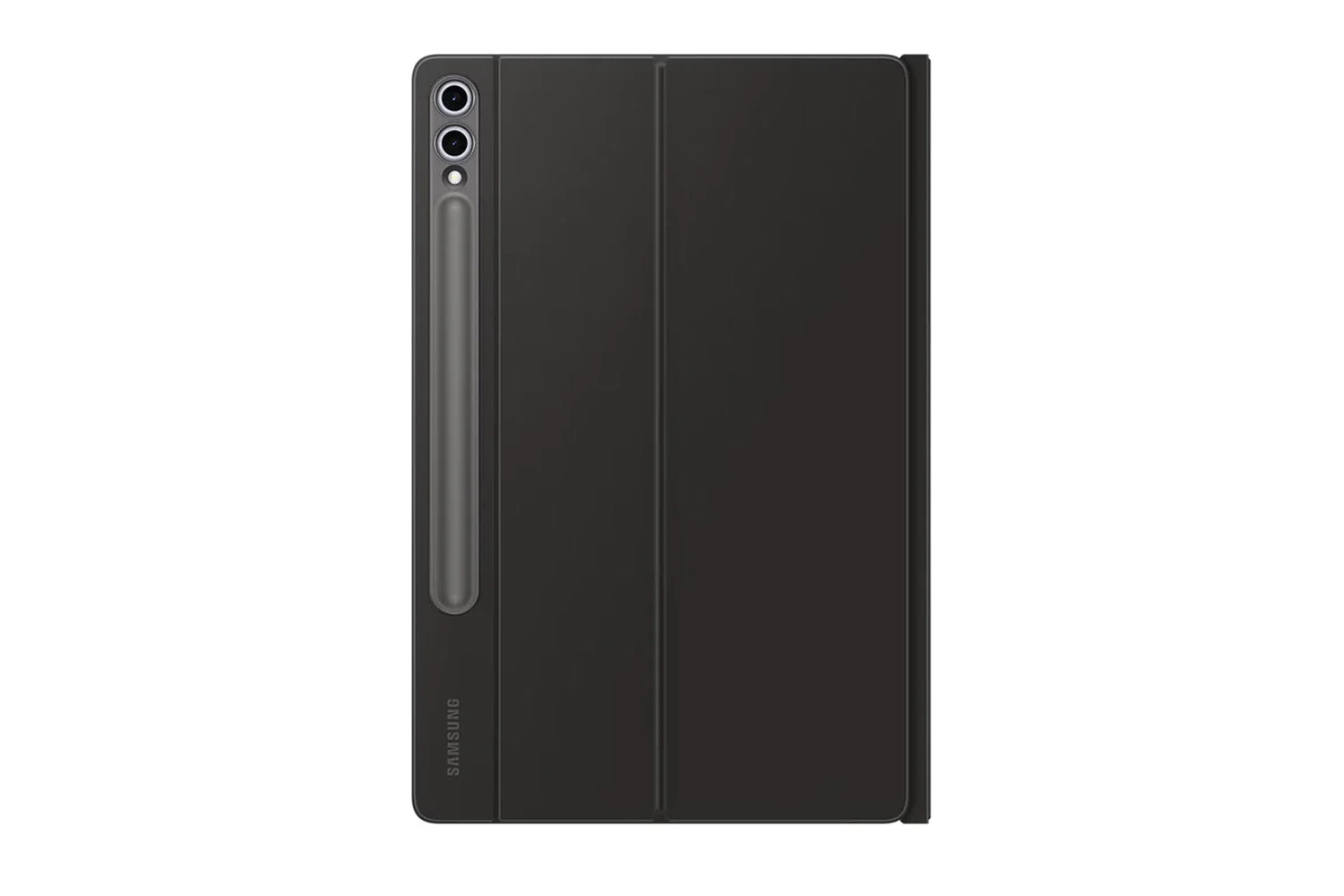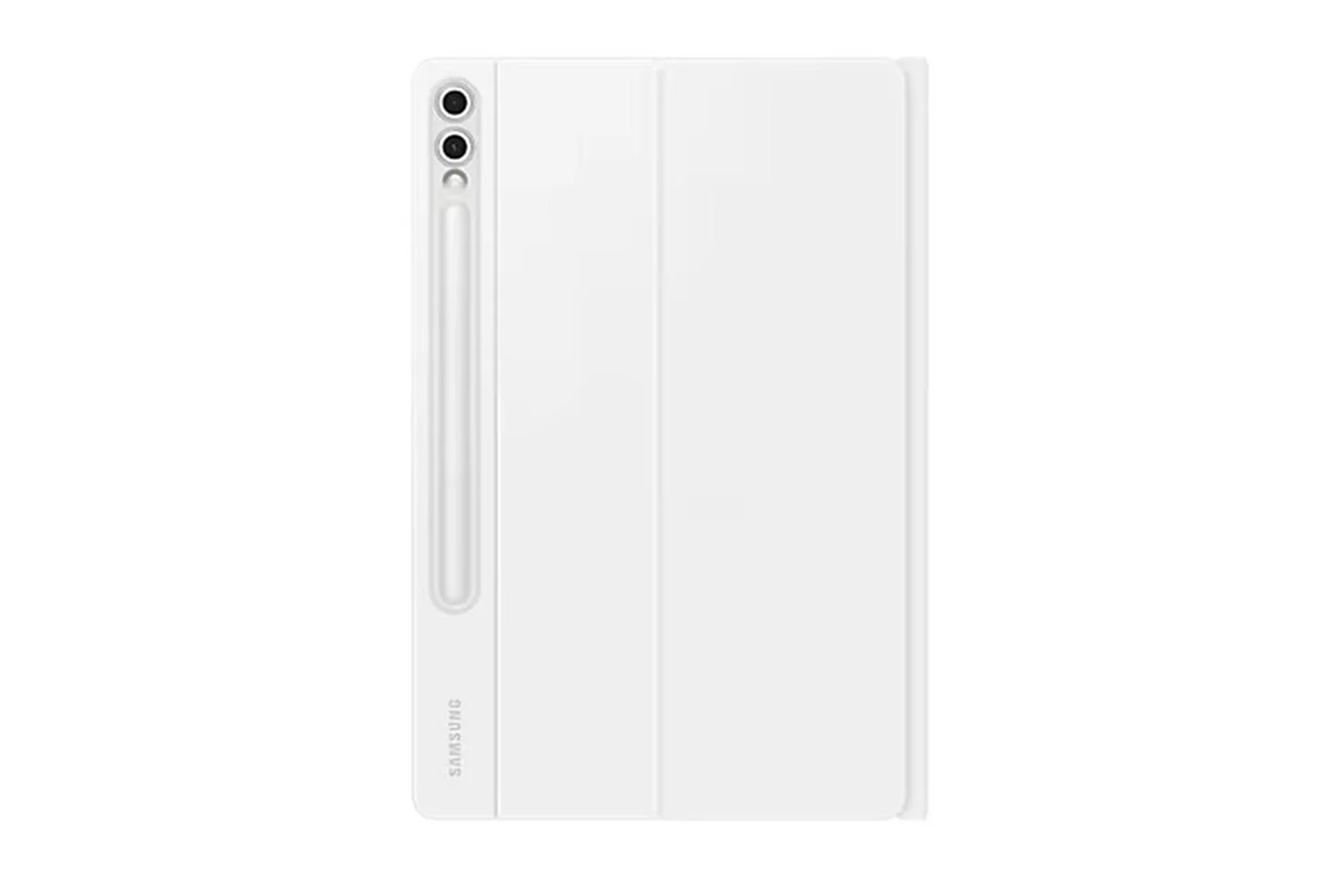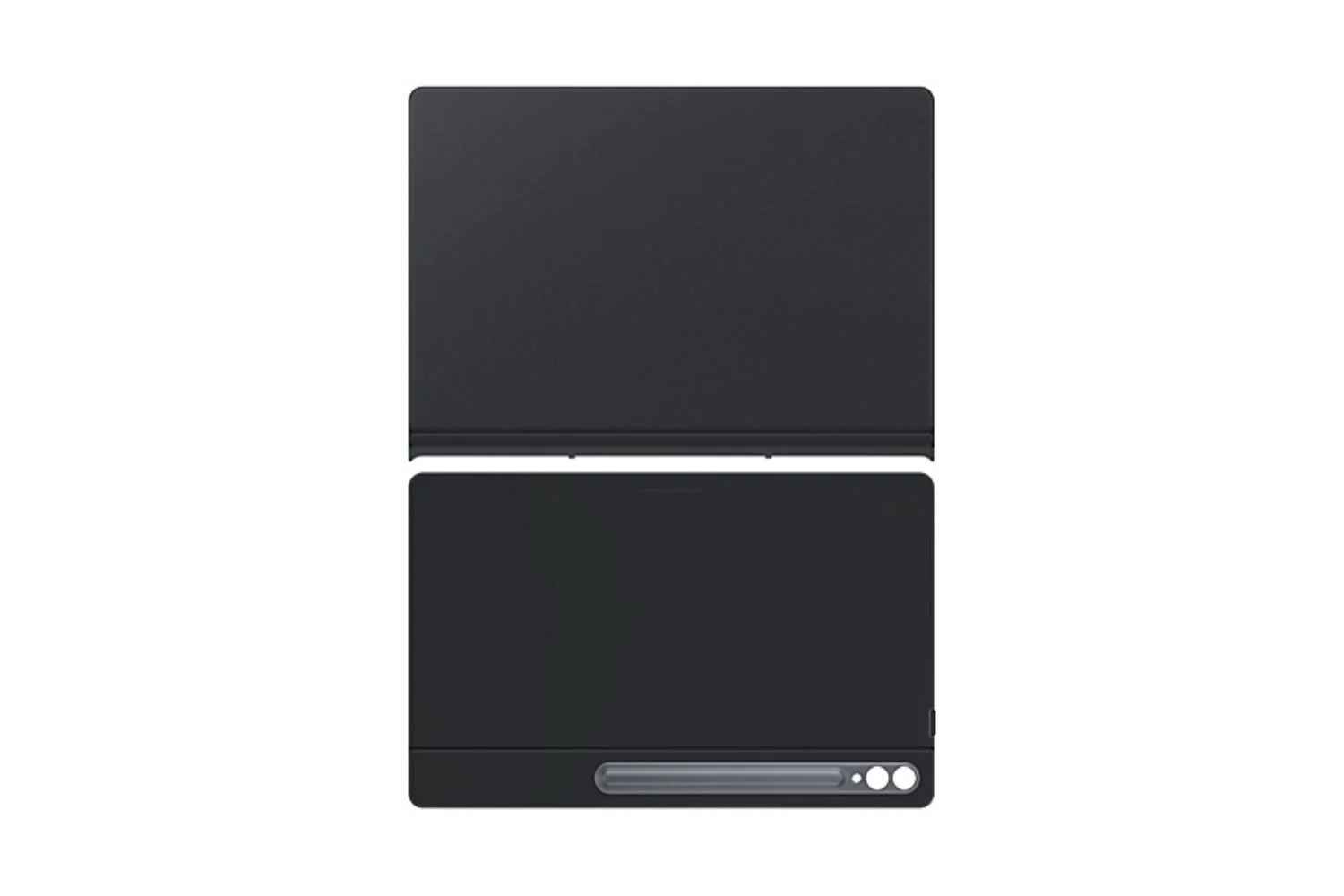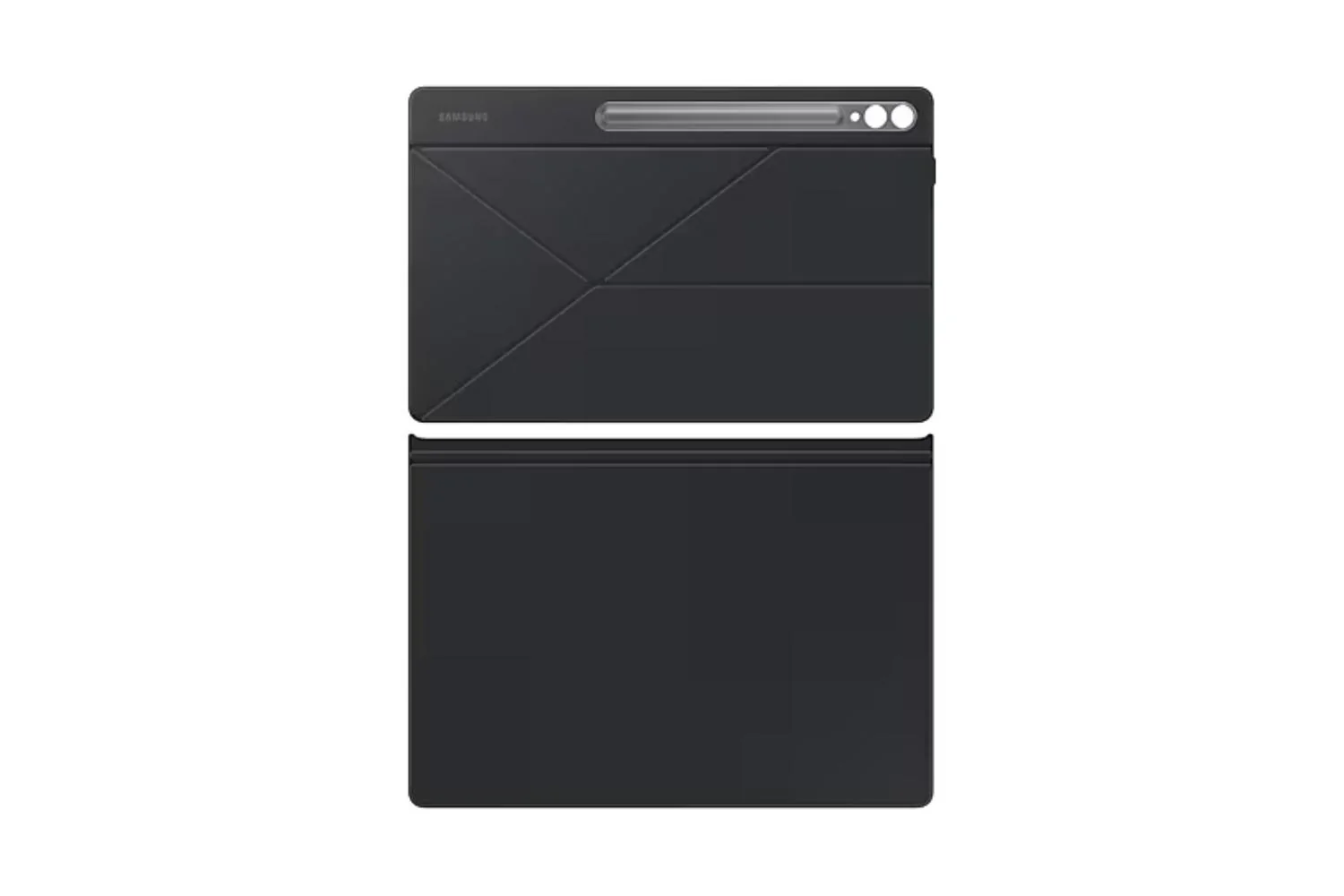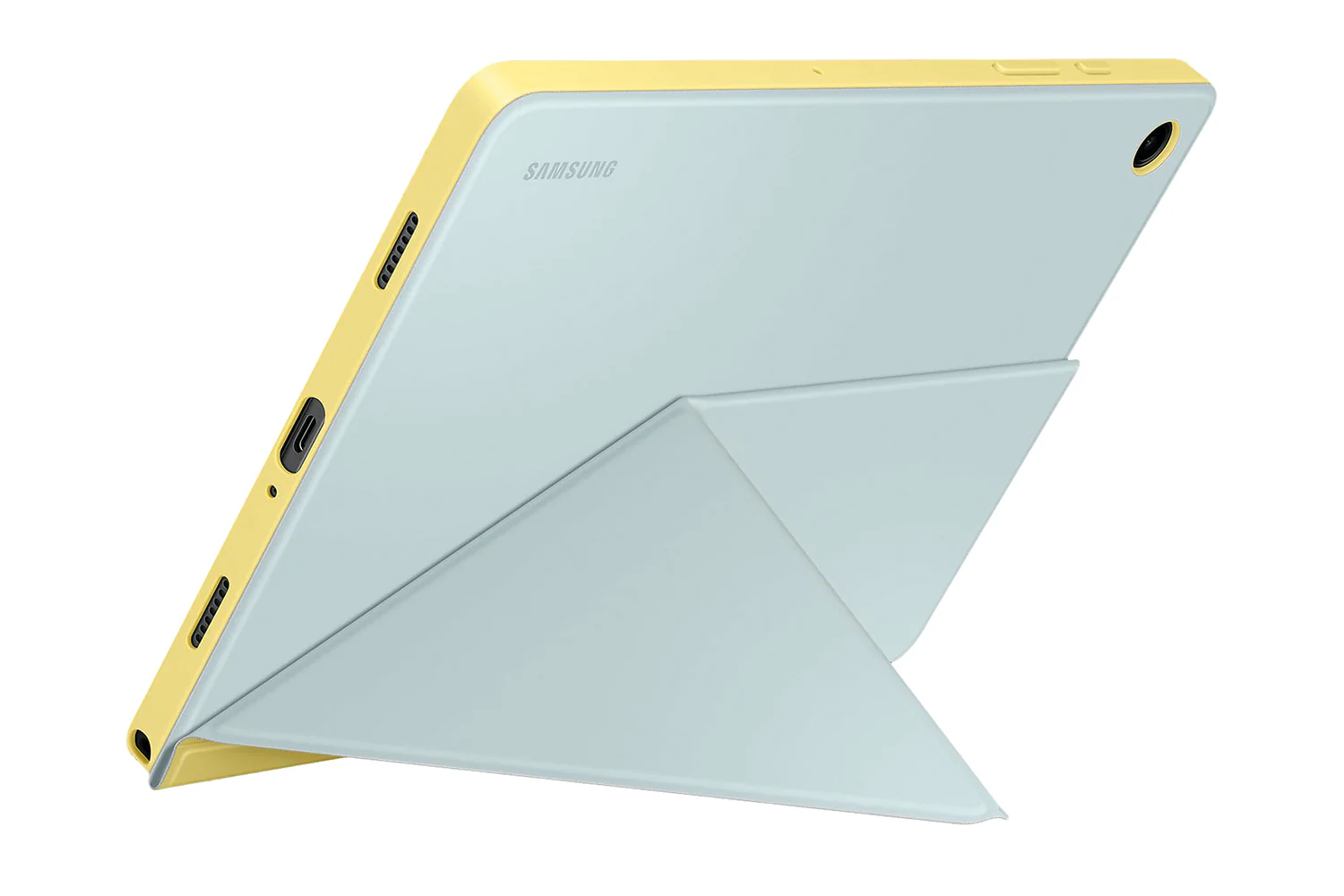

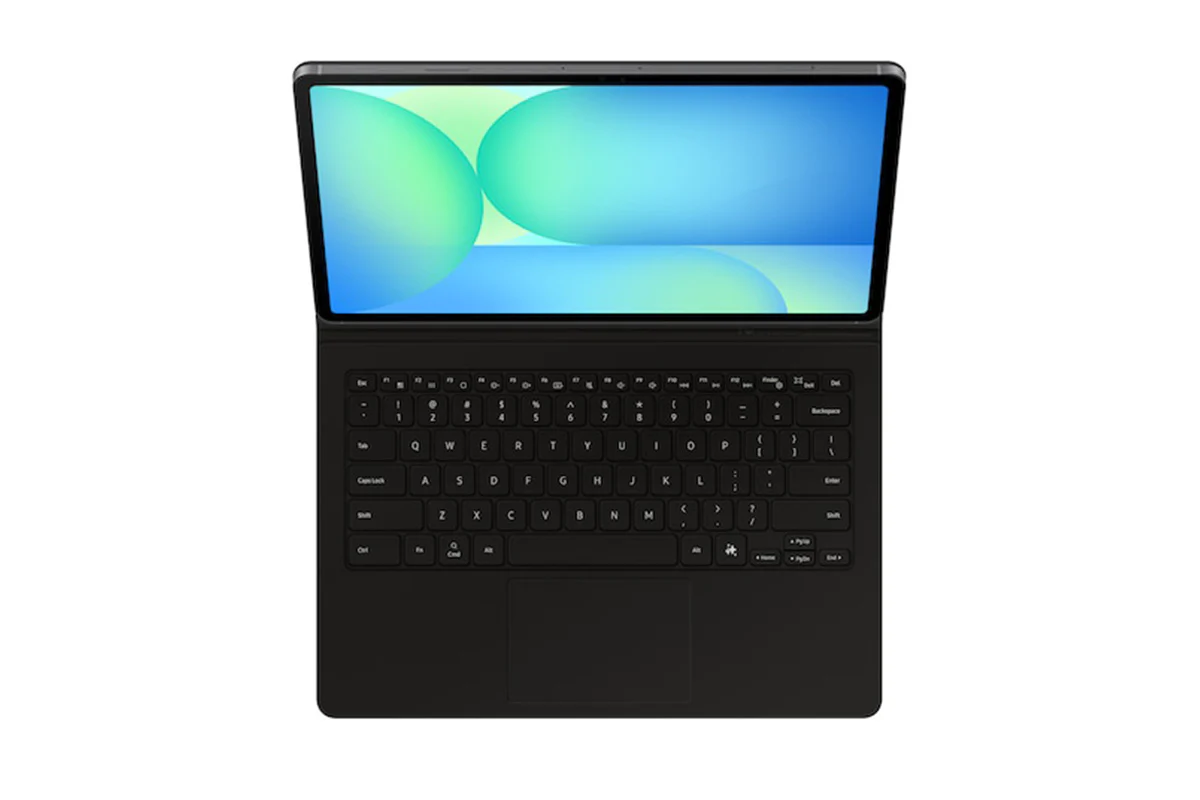
Samsung Galaxy Tab S10 FE+ AI Book Cover Keyboard Case | Black
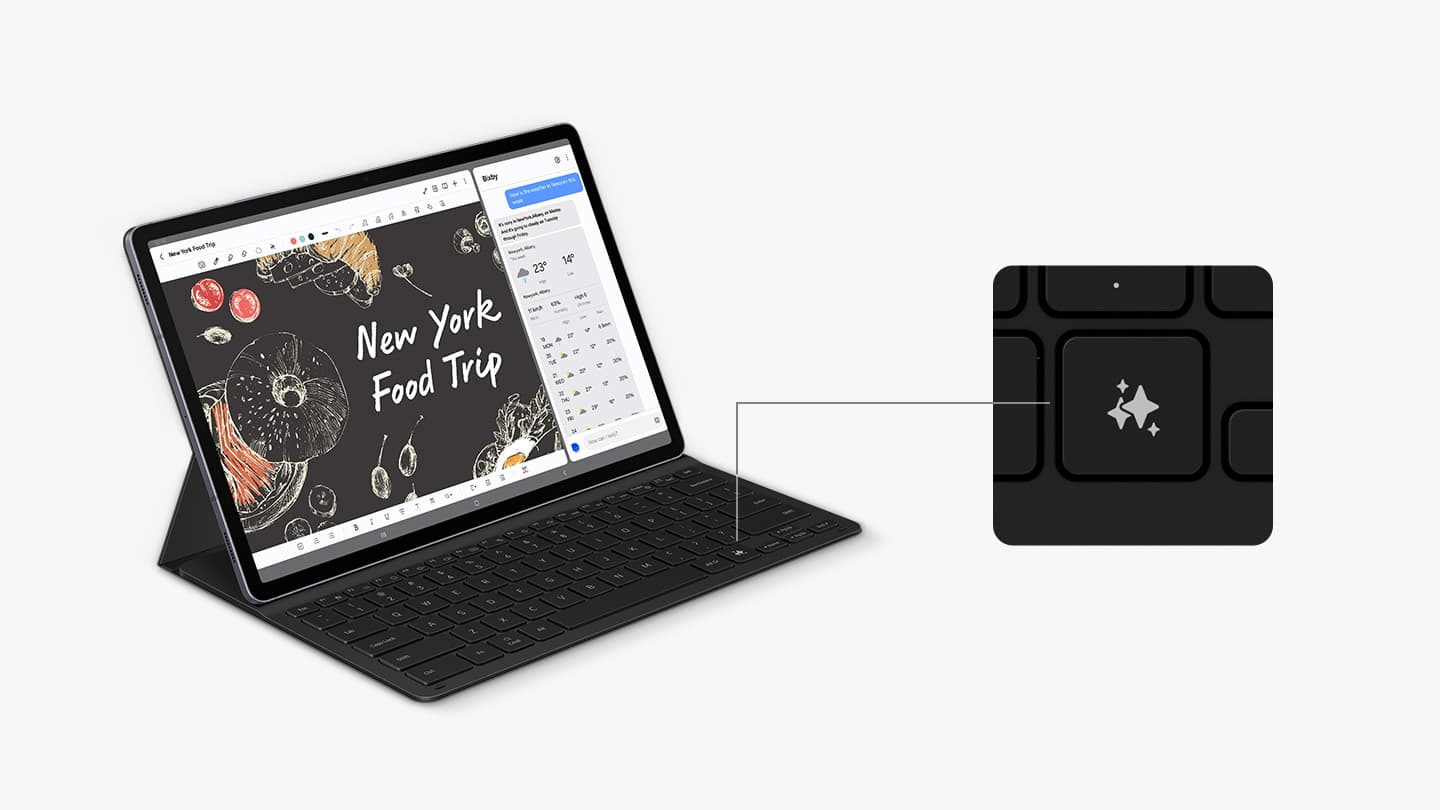
Your Key to Instant AI Access
Galaxy AI Key gives you easy access to AI-powered assistant, Bixby or Gemini. Simply tap the dedicated key and let your AI assistant handle your query - it's that simple to get things done.[1]

PC-like Experience with a Single Tap
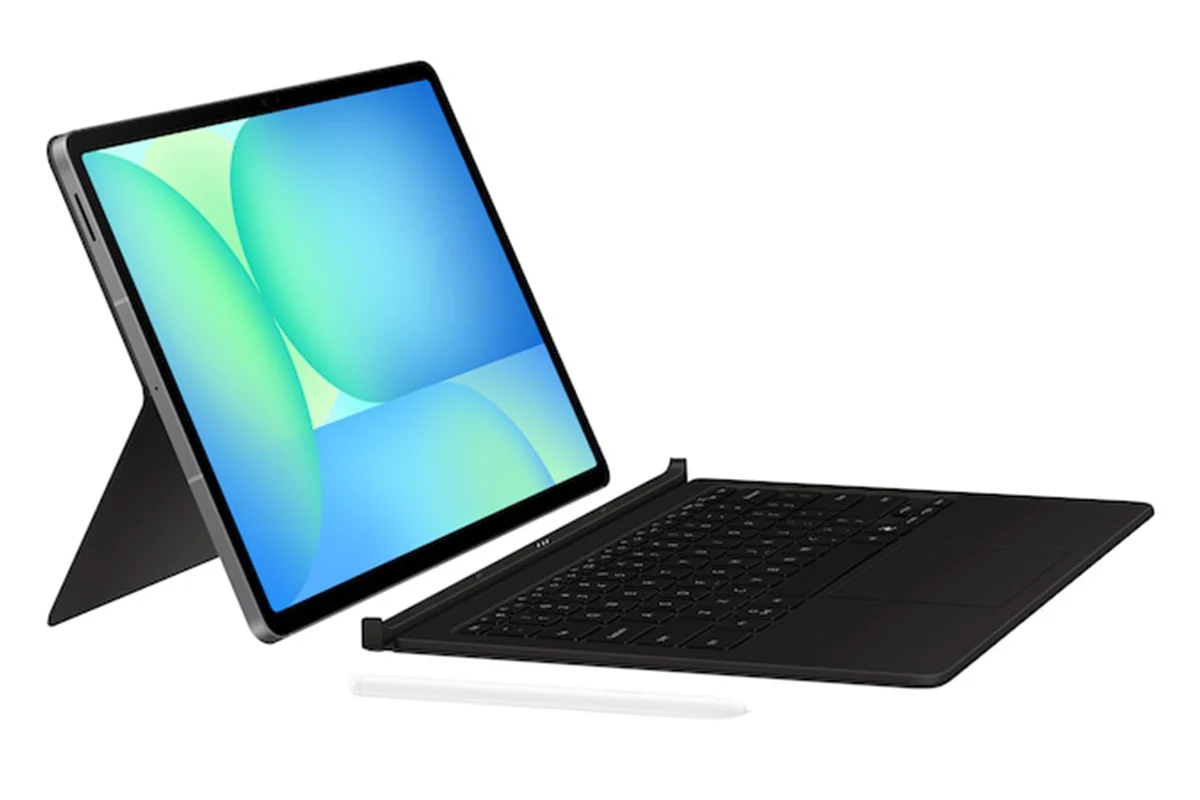
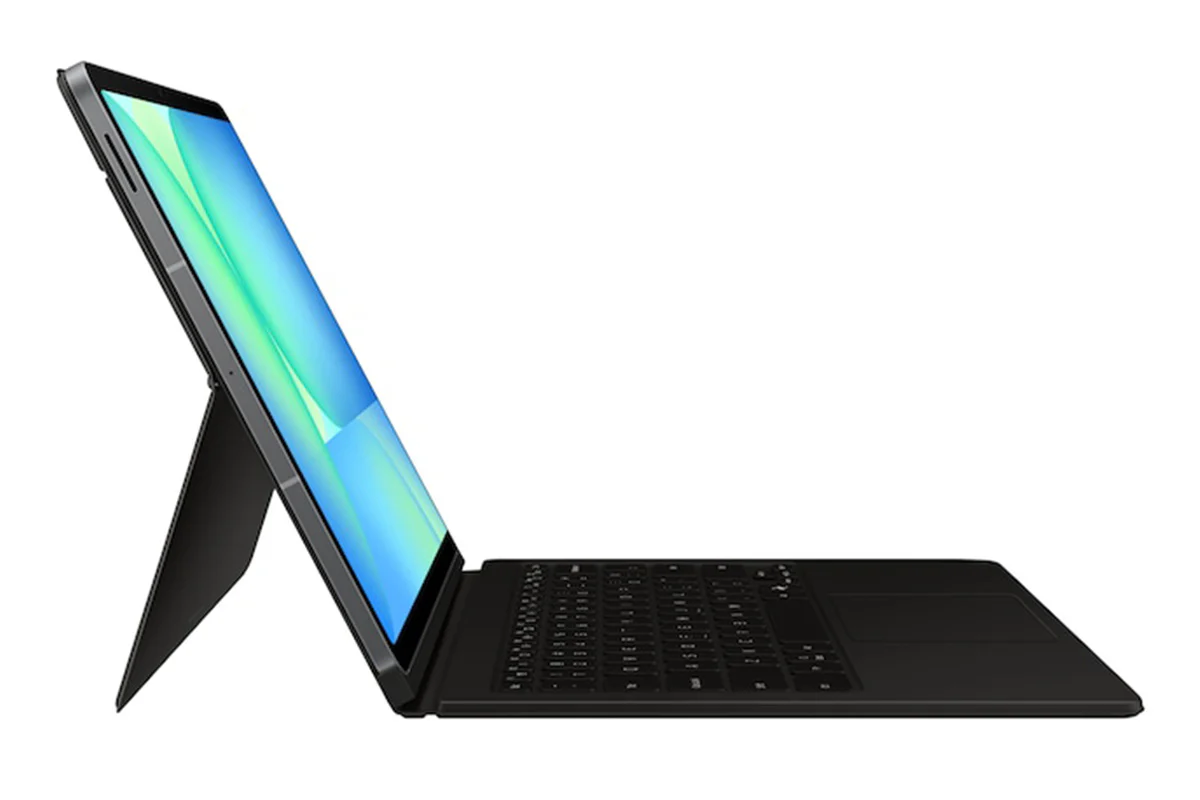
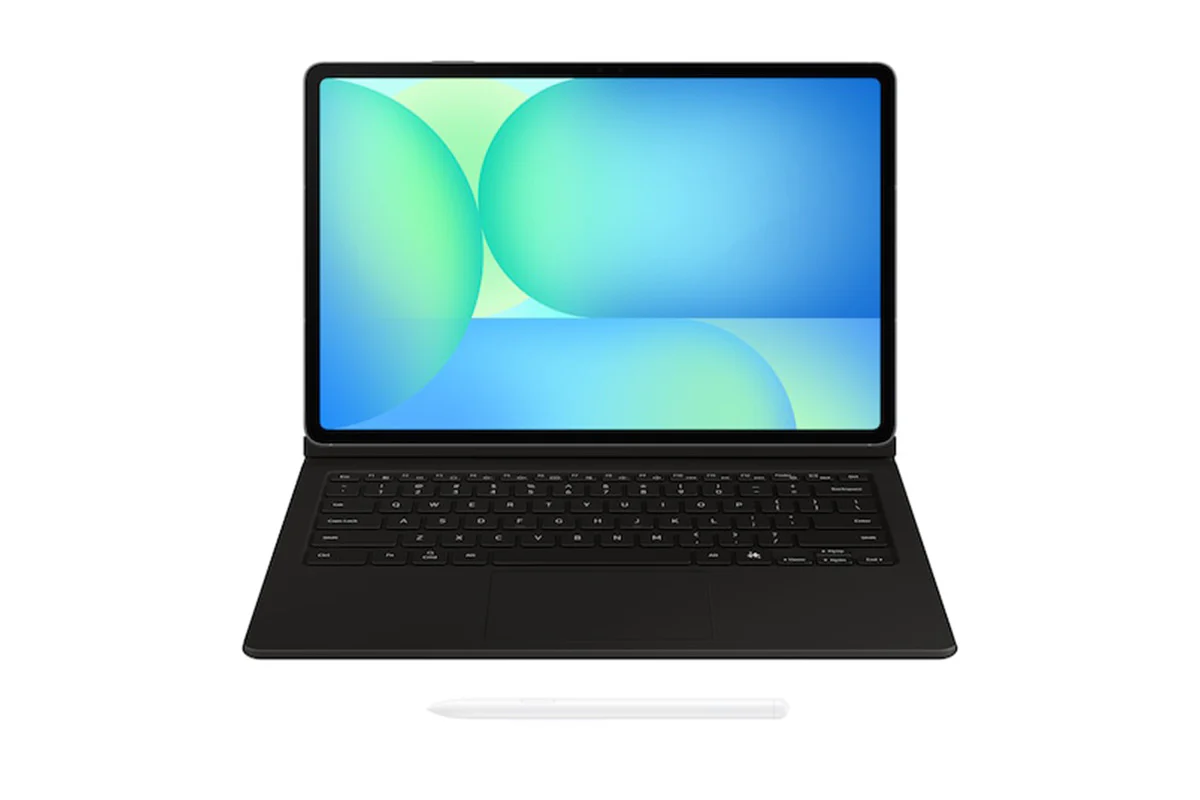
Get things done easily with the Book Cover Keyboard. The full-size keycaps, function keys and trackpad, combined with DeX mode, deliver a PC-like experience with a single tap.[2]
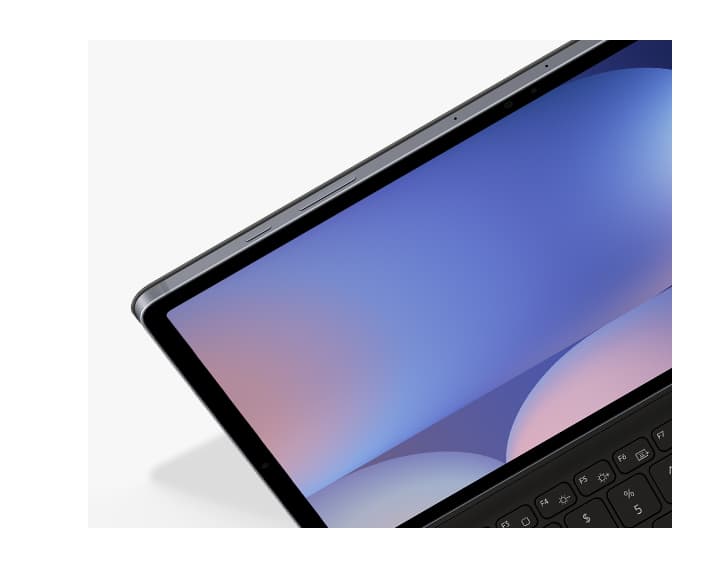
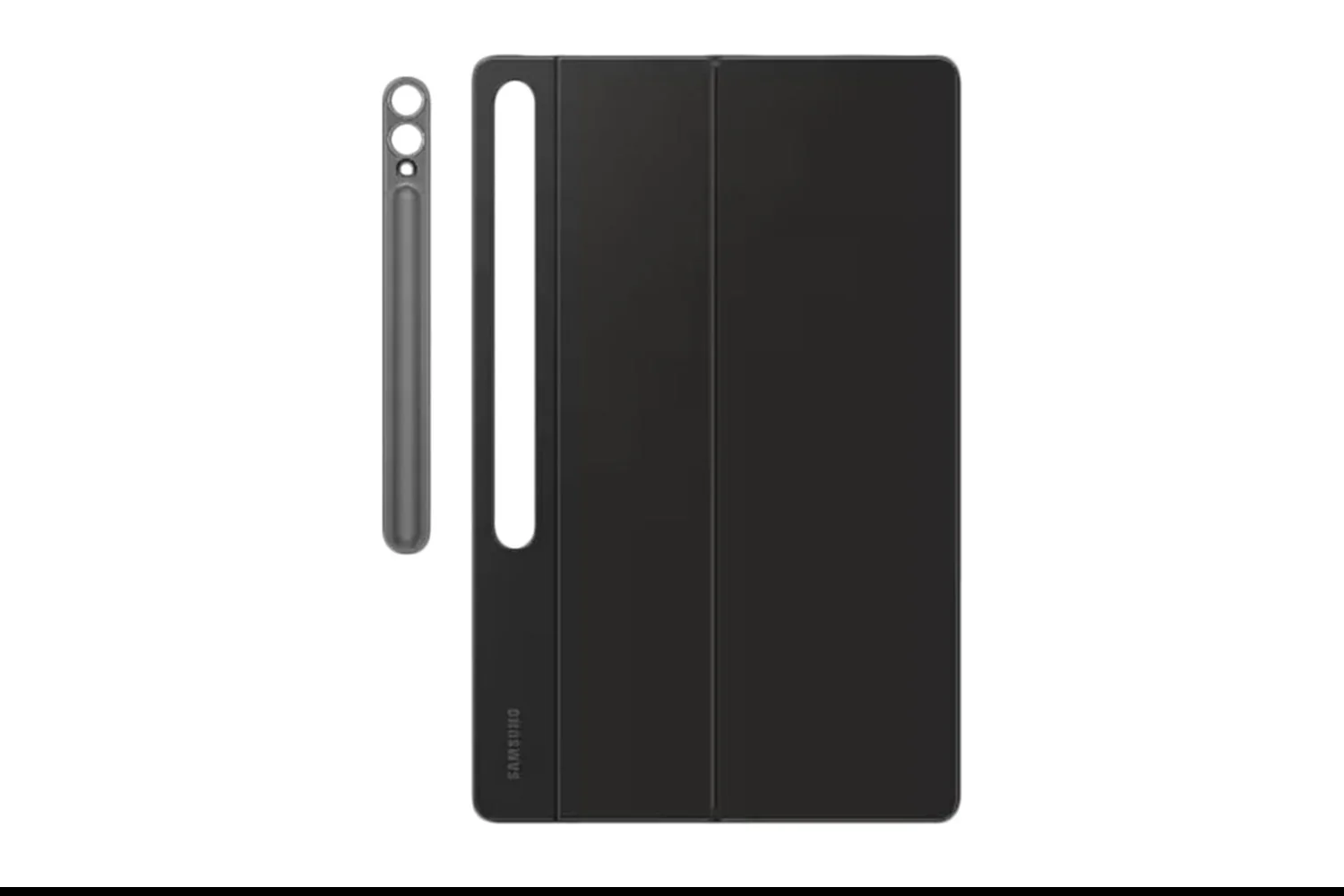
Magnetically Attachable for Easy Replacement
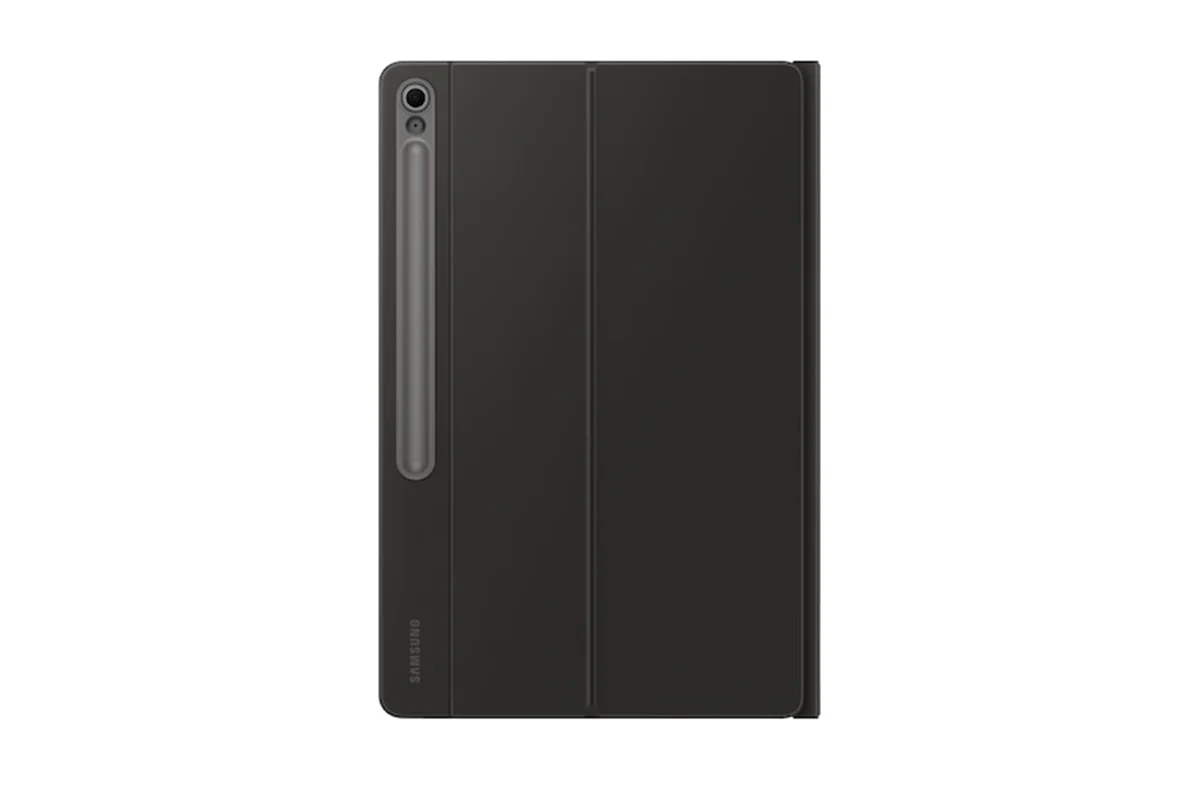
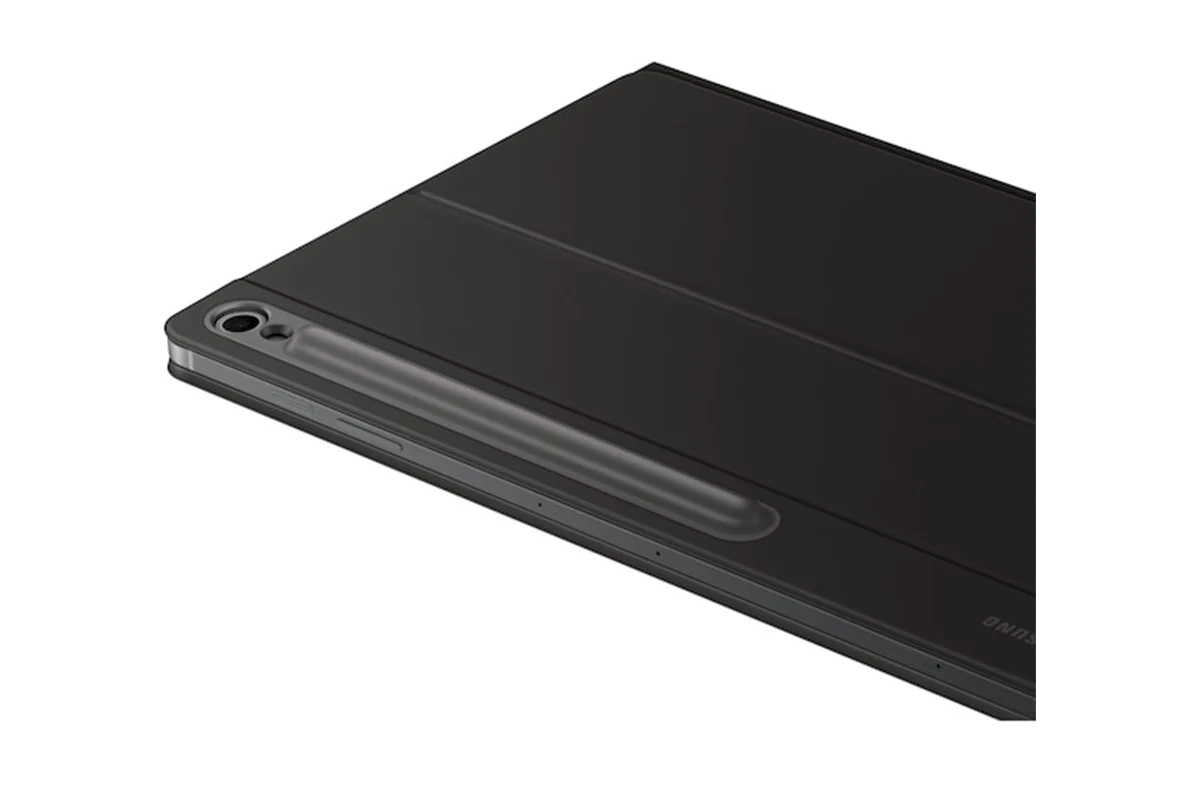
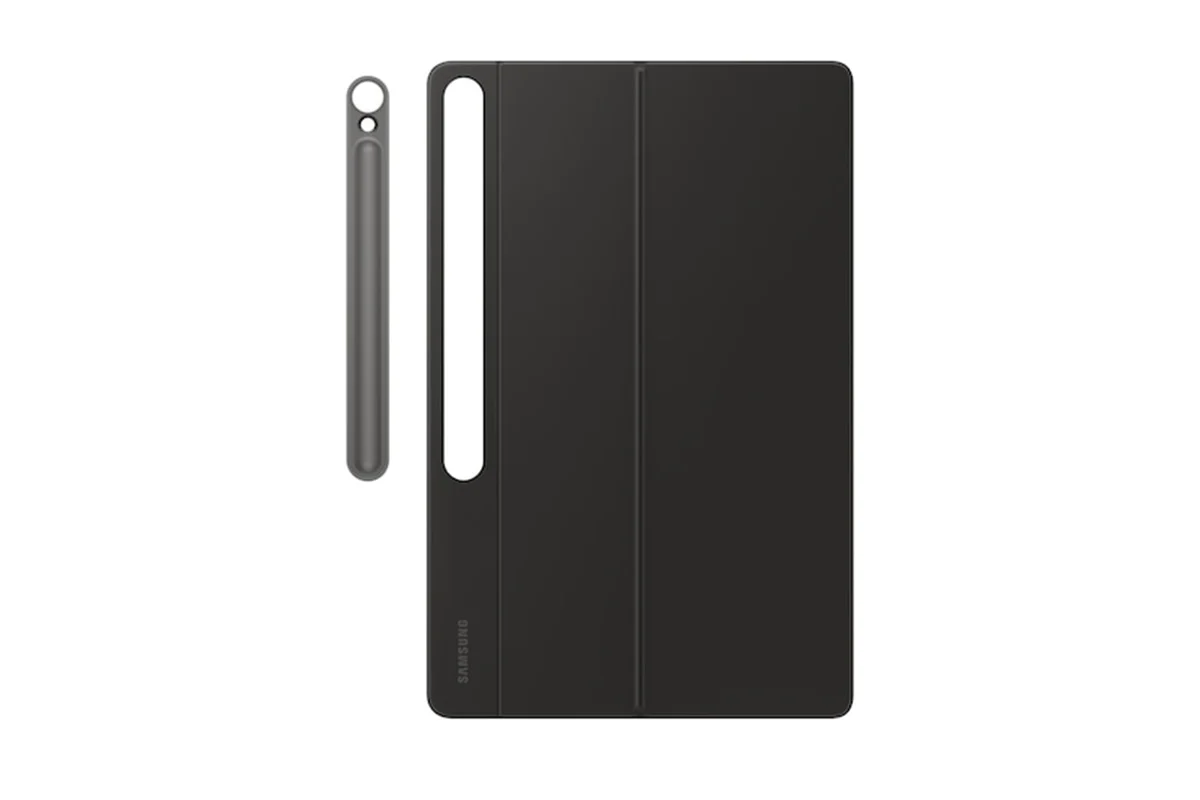
With its magnetic design, you can easily attach and detach the back cover to personalise your device. Replace it according to your preference to fit your everyday needs.[3]
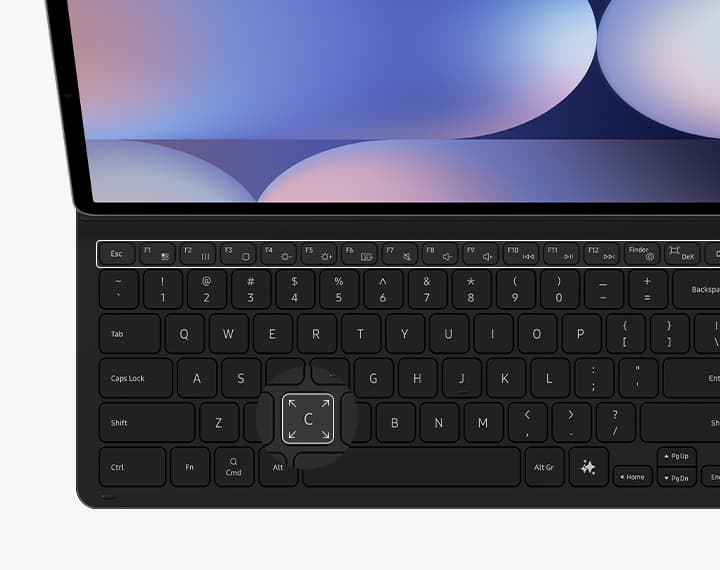
Effortless Comes in 150°
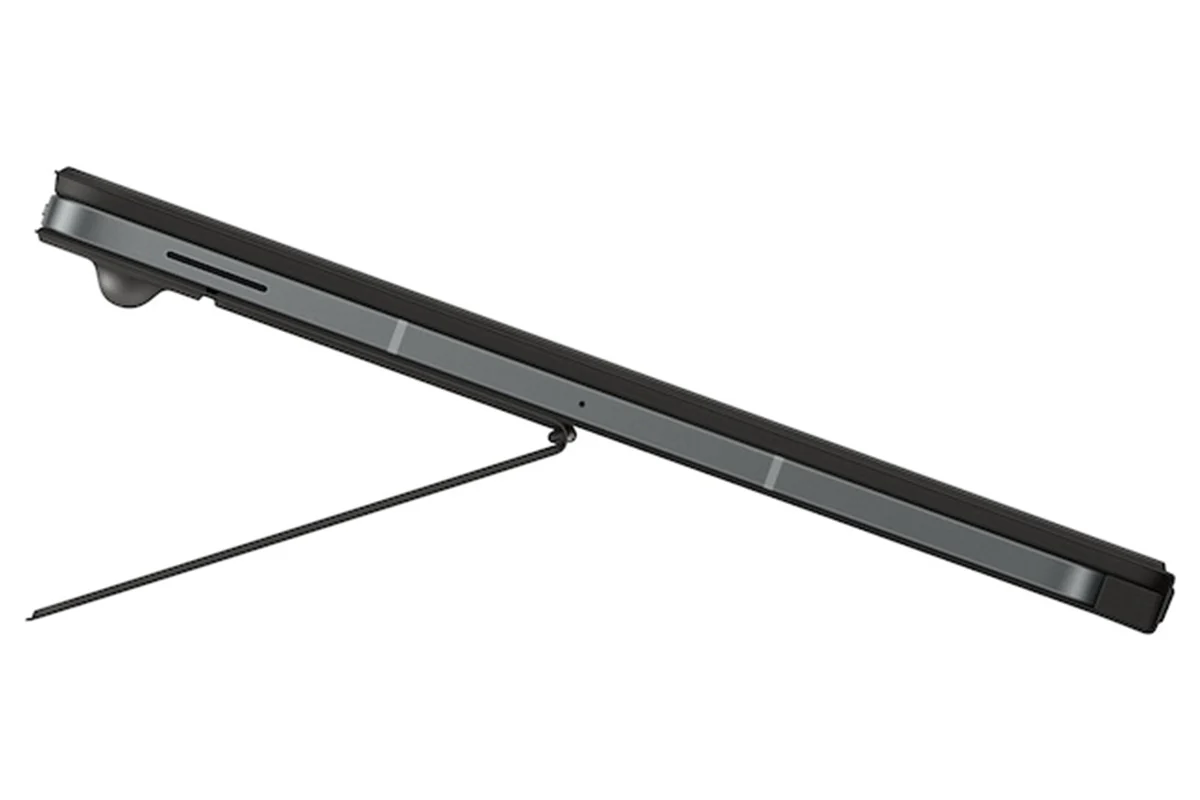
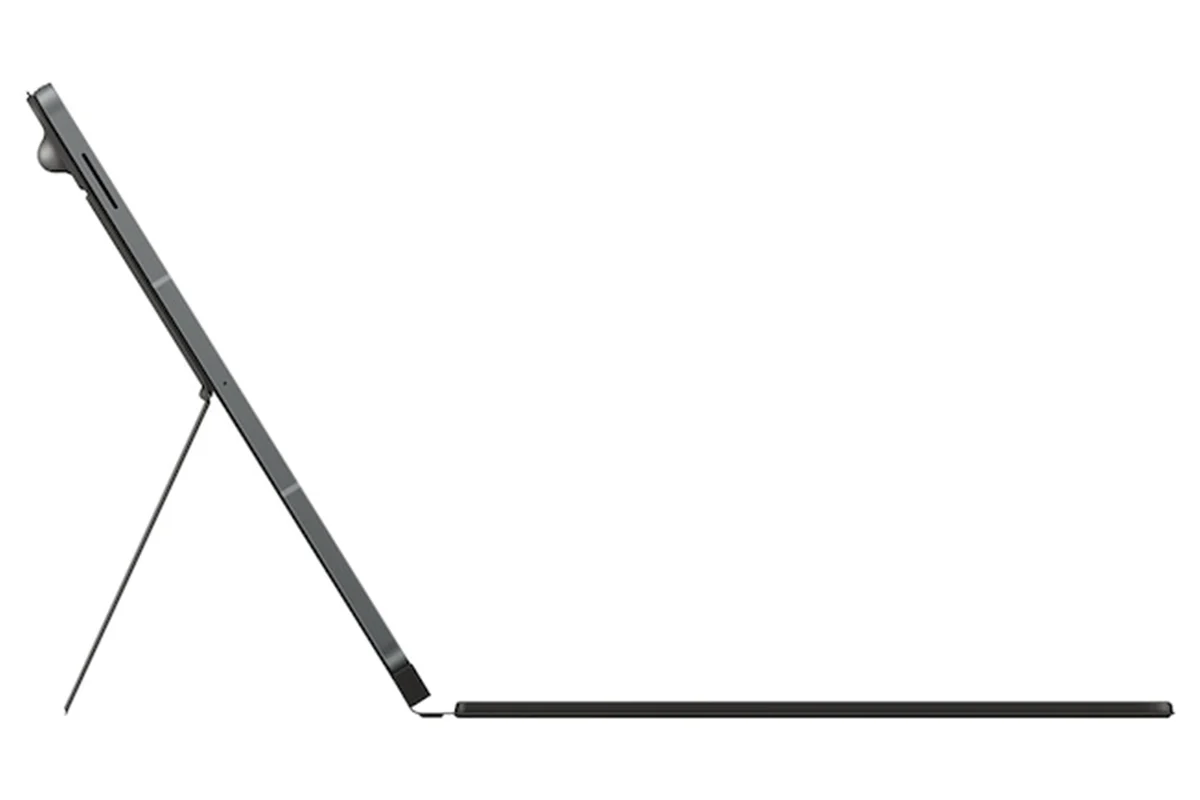
Take it all the way back to 150° for a new level of freedom with the Book Cover Keyboard. Adjust the angle on the back easily to find your perfect position to send emails, blog, study - you name it.[4]
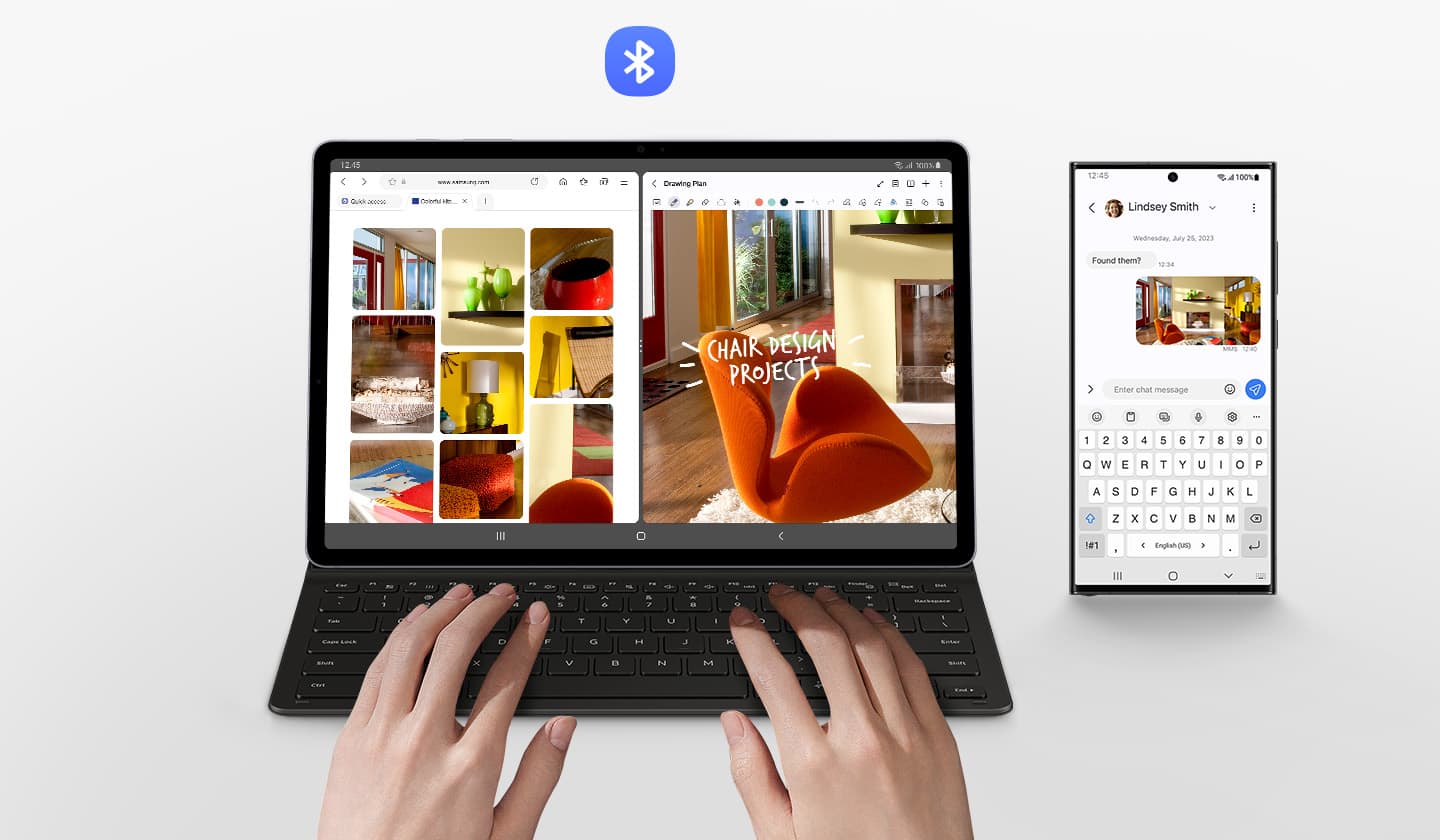
Enhance Your Productivity with Wireless Sharing
With Wireless Keyboard Sharing, you can easily connect to your other Galaxy devices and smoothly type or navigate on them. Switch between devices with ease and take control of your phone as you would on your tablet.[5]
Notes:
1.*Image simulated for illustrative purposes. Actual UX may be different. *Book Cover Keyboard sold separately and is only compatible with Galaxy Tab S10 FE+, on One UI 7.0 or later.*Book Cover Keyboard layout may vary by model or type of language. A network connection and Samsung/Google Account required to use Bixby or Gemini.*Gemini mobile application availability varies across devices, languages, and countries. Ensure responses for accuracy. Gemini is a registered trademark of Google LLC.*Pressing Alt + AI key provides the option to switch the AI assistant to Bixby or Gemini. To launch Gemini by using Galaxy AI Key, Google Assistant needs to be updated to Gemini. App shortcuts by Galaxy AI Key can be assigned for select apps only.
2.*Image simulated for illustrative purposes. Actual UX/UI may vary.*Compatible with Samsung Galaxy Tab S10 FE+ only. Galaxy Tab S10 FE+ Book Cover Keyboard can connect to up to 3 devices via Bluetooth.*Features and keyboard layout may vary by model or type of language.
3.*Products sold separately.*Features and keyboard layout may vary by model or type of language.
4.*Image simulated for illustrative purposes. Actual UX/UI may vary.*Features and keyboard layout may vary by model or type of language.
5.*Products sold separately.*Image simulated for illustrative purposes. Actual UX/UI may vary.*Wireless Keyboard Sharing is supported on Galaxy smartphones running One UI 3.1 or above and Galaxy Tab devices running One UI 2.5 or above, connected to the Book Cover Keyboard via POGO.*To enable Wireless Keyboard Sharing, both devices must be logged in to the same Samsung account. Performance may vary depending on user network environment.*Up to 3 devices can be registered for Wireless Keyboard Sharing.*Wireless Keyboard Sharing can be turned on/off in Settings > General Management > Physical Keyboard > Wireless Keyboard Sharing.
* Image of two Galaxy S21 Ultra 5G phones with the Smart LED View Cover and one Galaxy S21+ 5G phone with the Smart LED Cover simulated for illustration purposes.
* SmartTags have a Bluetooth range of 120m. Actual performance may vary depending on the environment where they are used.
* Image of Wireless Charger in White and Wireless Charger Duo in Black simulated for illustration purposes.
What's in the Box:
- Reflet
Product Features:
- Interface: POGO
- Keys quantity: 81
- Touch pad, touch screen: Yes
Product Information
Product Information
Shipping & Returns
Shipping & Returns
Description
Your Key to Instant AI Access
Galaxy AI Key gives you easy access to AI-powered assistant, Bixby or Gemini. Simply tap the dedicated key and let your AI assistant handle your query - it's that simple to get things done.[1]
PC-like Experience with a Single Tap
Get things done easily with the Book Cover Keyboard. The full-size keycaps, function keys and trackpad, combined with DeX mode, deliver a PC-like experience with a single tap.[2]
Magnetically Attachable for Easy Replacement
With its magnetic design, you can easily attach and detach the back cover to personalise your device. Replace it according to your preference to fit your everyday needs.[3]
Effortless Comes in 150°
Take it all the way back to 150° for a new level of freedom with the Book Cover Keyboard. Adjust the angle on the back easily to find your perfect position to send emails, blog, study - you name it.[4]
Enhance Your Productivity with Wireless Sharing
With Wireless Keyboard Sharing, you can easily connect to your other Galaxy devices and smoothly type or navigate on them. Switch between devices with ease and take control of your phone as you would on your tablet.[5]
Notes:
1.*Image simulated for illustrative purposes. Actual UX may be different. *Book Cover Keyboard sold separately and is only compatible with Galaxy Tab S10 FE+, on One UI 7.0 or later.*Book Cover Keyboard layout may vary by model or type of language. A network connection and Samsung/Google Account required to use Bixby or Gemini.*Gemini mobile application availability varies across devices, languages, and countries. Ensure responses for accuracy. Gemini is a registered trademark of Google LLC.*Pressing Alt + AI key provides the option to switch the AI assistant to Bixby or Gemini. To launch Gemini by using Galaxy AI Key, Google Assistant needs to be updated to Gemini. App shortcuts by Galaxy AI Key can be assigned for select apps only.
2.*Image simulated for illustrative purposes. Actual UX/UI may vary.*Compatible with Samsung Galaxy Tab S10 FE+ only. Galaxy Tab S10 FE+ Book Cover Keyboard can connect to up to 3 devices via Bluetooth.*Features and keyboard layout may vary by model or type of language.
3.*Products sold separately.*Features and keyboard layout may vary by model or type of language.
4.*Image simulated for illustrative purposes. Actual UX/UI may vary.*Features and keyboard layout may vary by model or type of language.
5.*Products sold separately.*Image simulated for illustrative purposes. Actual UX/UI may vary.*Wireless Keyboard Sharing is supported on Galaxy smartphones running One UI 3.1 or above and Galaxy Tab devices running One UI 2.5 or above, connected to the Book Cover Keyboard via POGO.*To enable Wireless Keyboard Sharing, both devices must be logged in to the same Samsung account. Performance may vary depending on user network environment.*Up to 3 devices can be registered for Wireless Keyboard Sharing.*Wireless Keyboard Sharing can be turned on/off in Settings > General Management > Physical Keyboard > Wireless Keyboard Sharing.
* Image of two Galaxy S21 Ultra 5G phones with the Smart LED View Cover and one Galaxy S21+ 5G phone with the Smart LED Cover simulated for illustration purposes.
* SmartTags have a Bluetooth range of 120m. Actual performance may vary depending on the environment where they are used.
* Image of Wireless Charger in White and Wireless Charger Duo in Black simulated for illustration purposes.
What's in the Box:
- Reflet
Product Features:
- Interface: POGO
- Keys quantity: 81
- Touch pad, touch screen: Yes