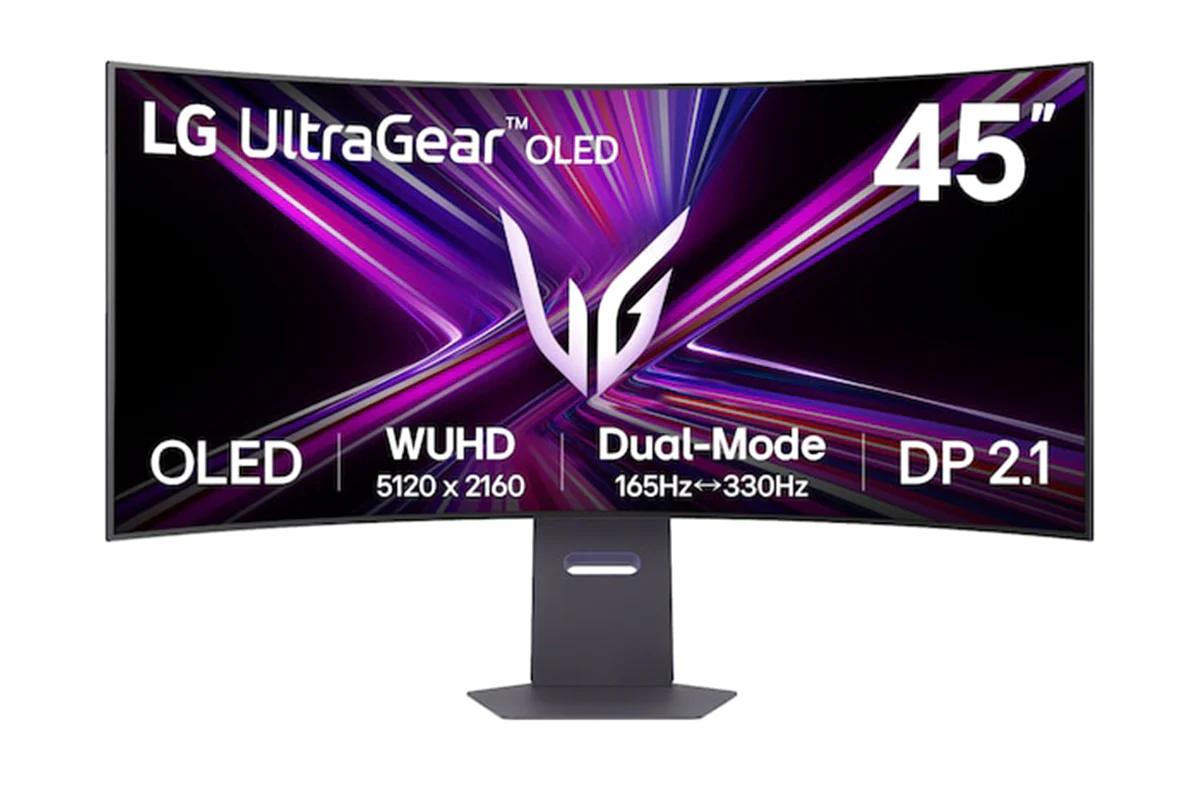
LG UltraGear 45" OLED Gaming Monitor | 45GX950A-B.AEK
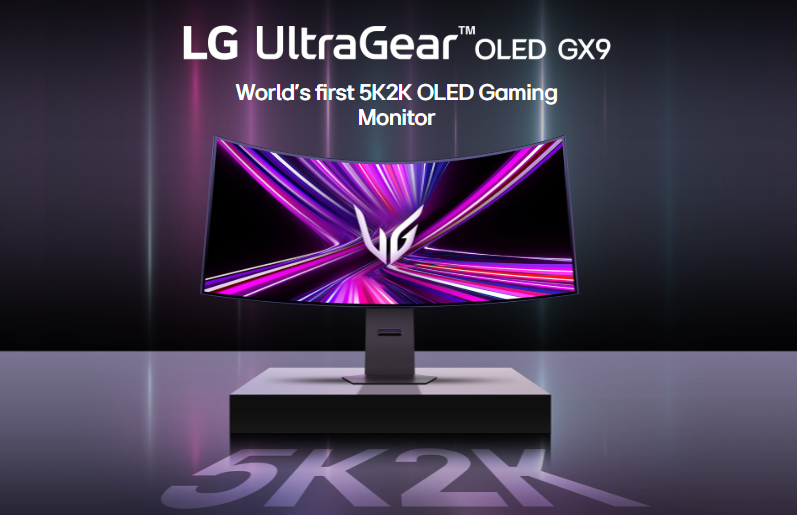
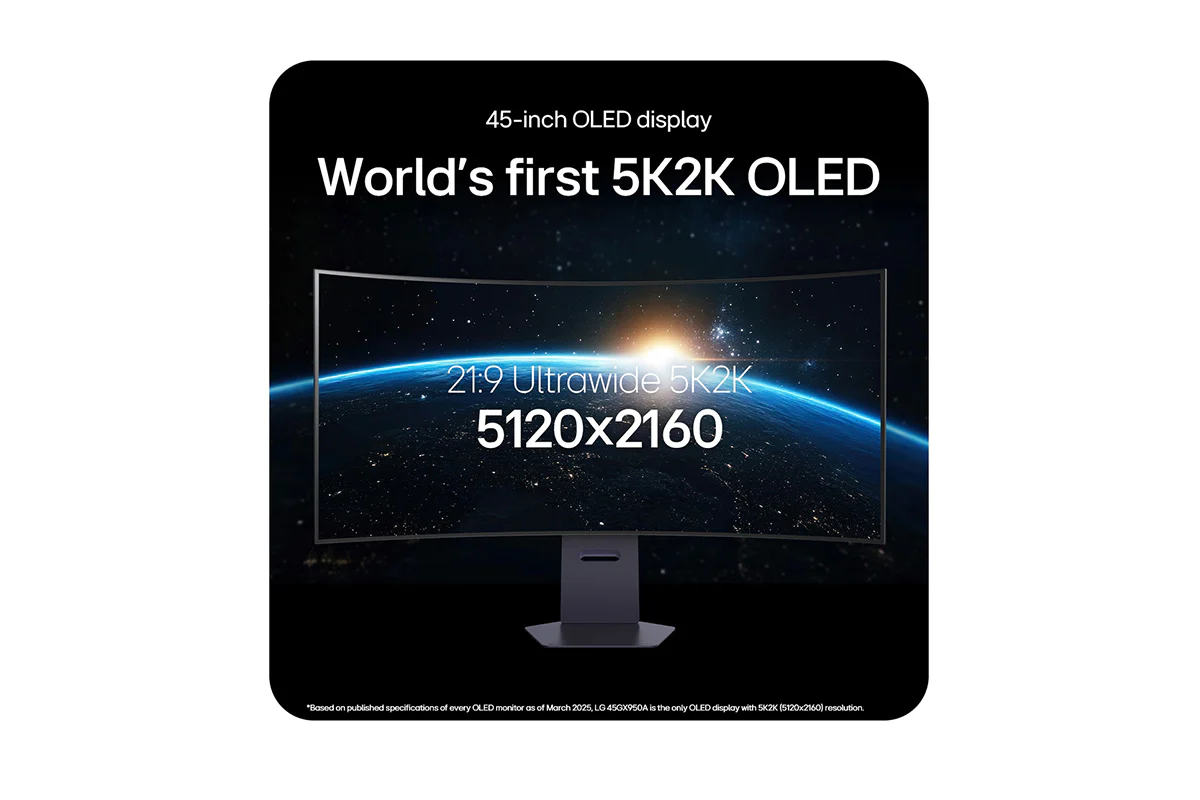
*Based on published specifications of every OLED monitor as of March 2025, LG 45GX950A is the only OLED display with 5K2K (5120x2160) resolution.
Check out the video:
Display: World's first 5K2K OLED
The world's first 45-inch 5K2K (5120x2160) OLED display provides a 33% increase in pixel count over UHD (3840x2160)1) and also offers a 50% larger screen space2) compared to DQHD(5120X1440). This 5K2K OLED provides darker shadows, brigher lights and vibrant colours while gaming in any environment.
1) The figures are calculated by multiplying the horizontal and vertical resolutions, resulting in 8.3 million pixels for 16:9 UHD and 11.05 million pixels for 21:9 5K2K.
2) The screen space was calculated by multiplying the horizontal and vertical resolutions, resulting in 7.37 million pixels for DQHD and 11.05 million pixels for 5K2K.
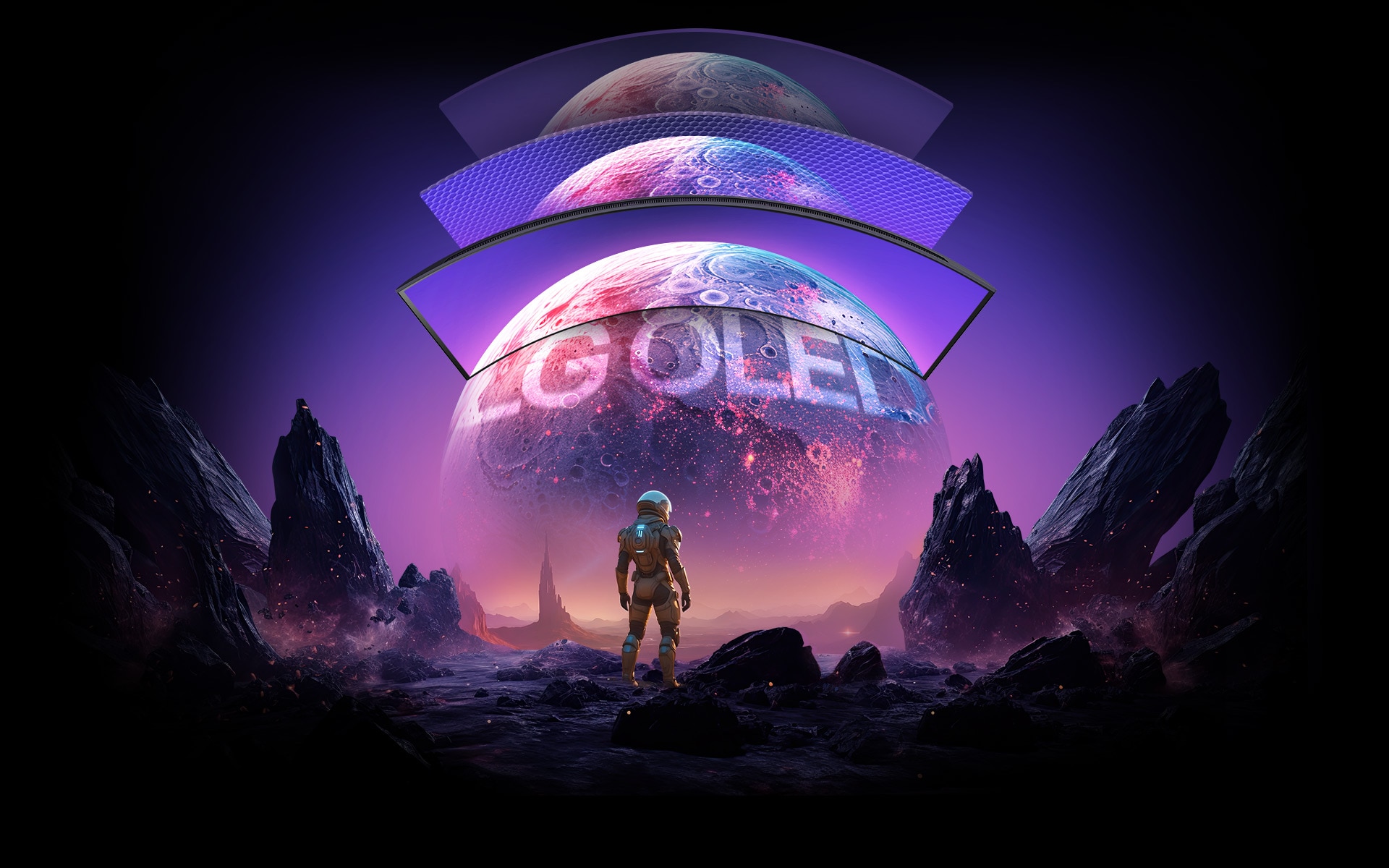
Brightest OLED
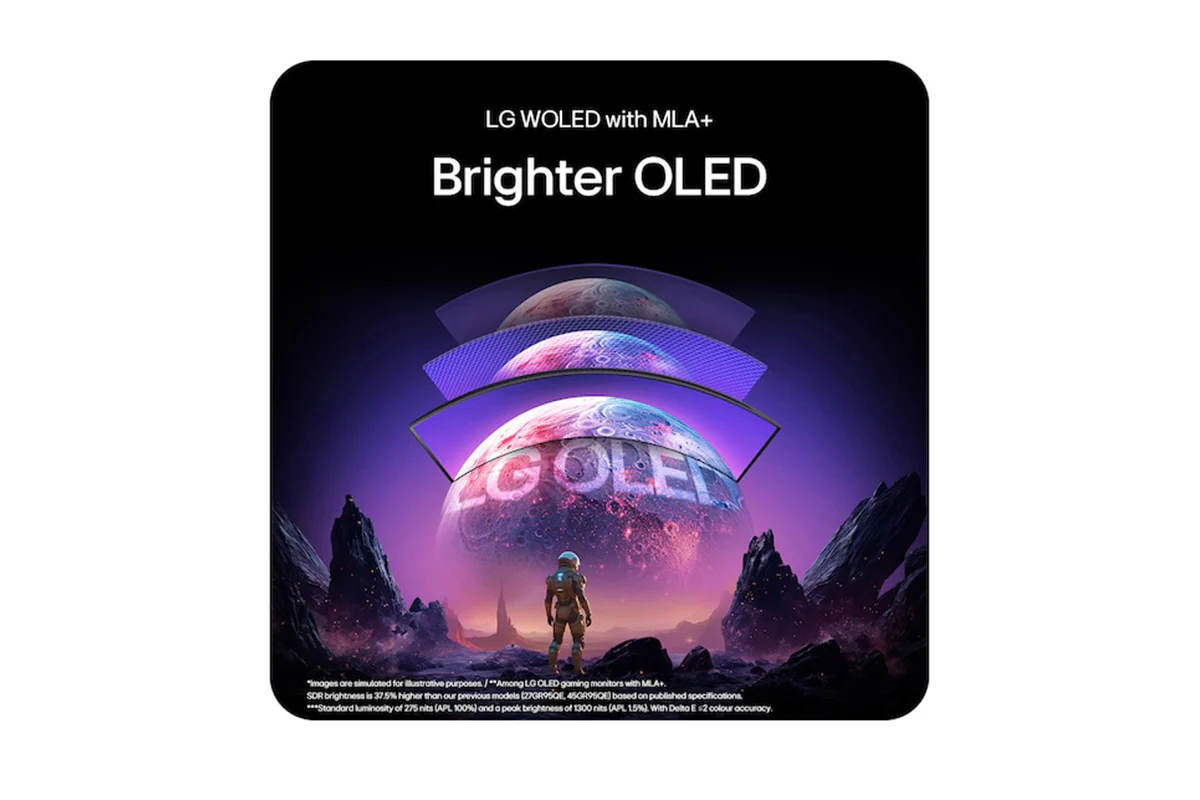
Experience stunning visuals with LG WOLED. Built on LG's OLED leadership and featuring Micro Lens Array+ (MLA+) technology, it delivers up to 37.5% brighter SDR, optimizing light efficiency and minimizing loss. It represents a standard luminosity of 275 nits (APL 100%) and a peak brightness of 1300 nits (APL 1.5%). With Delta E ≦ 2 colour accuracy, it ensures vivid, true-to-life colours for immersive, precise gaming even in bright environments.
**Among LG OLED gaming monitors with MLA+. SDR brightness is 37.5% higher than LG previous models (27GR95QE, 45GR95QE) based on published specifications.
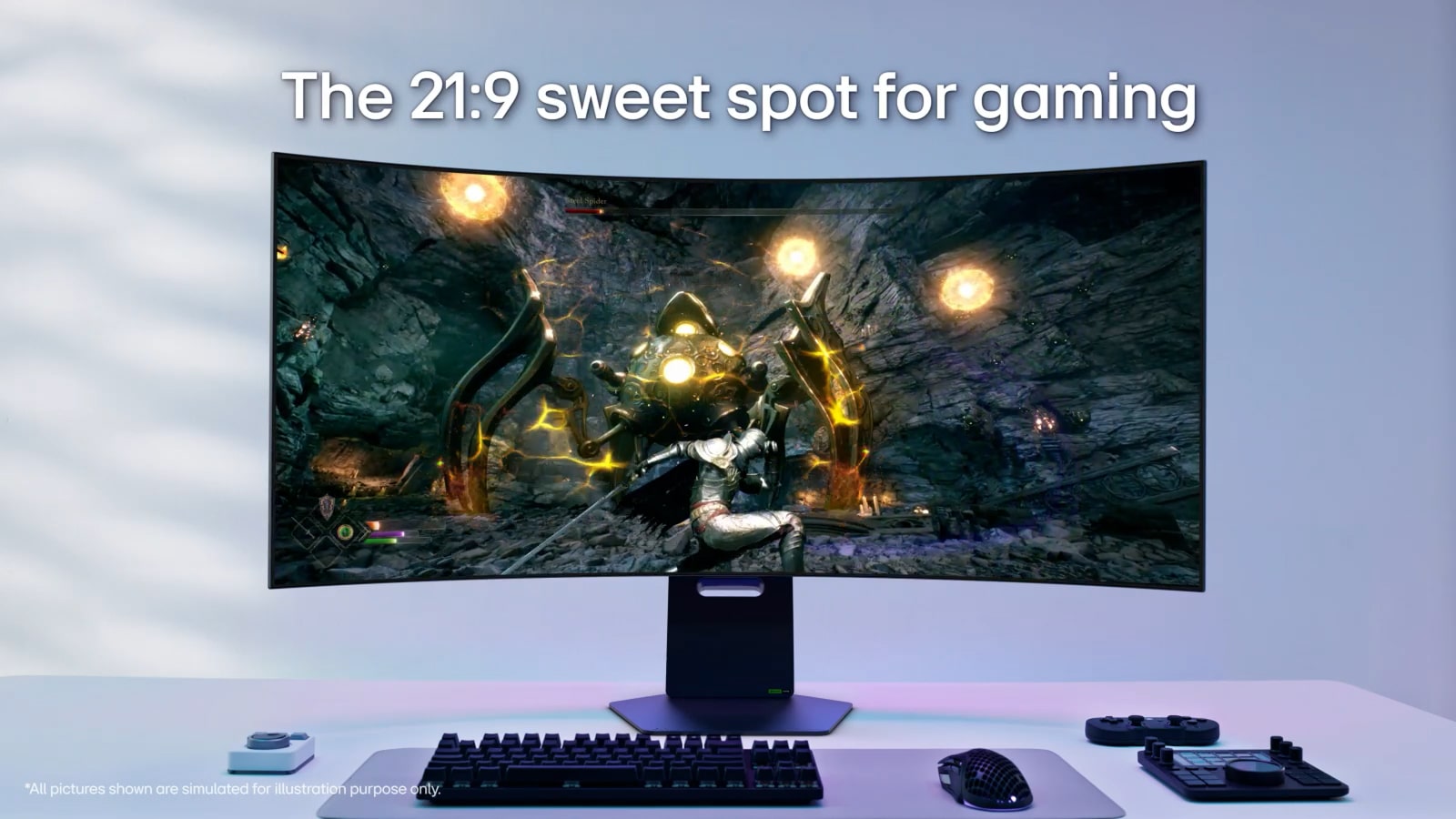
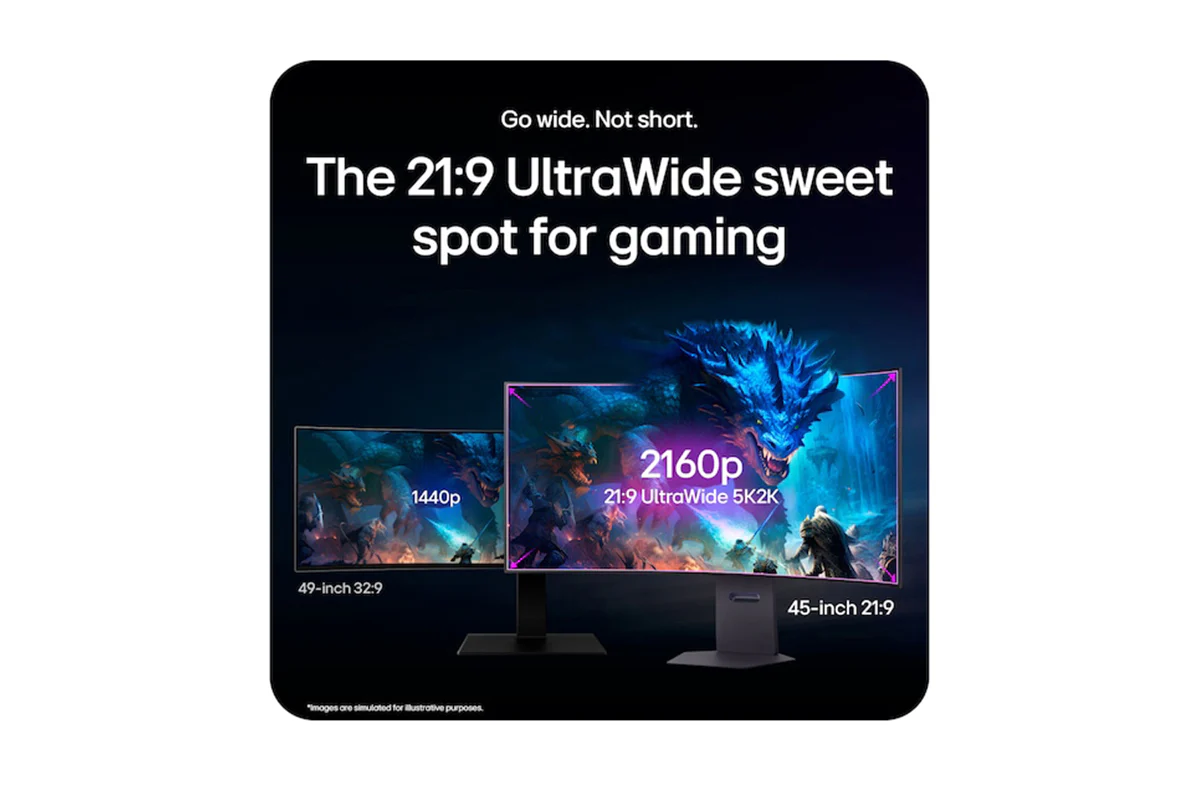
Go Wide. Not Short: The 21:9 Ultrawide Sweet Spot for Gaming
No more fisheye experience to take in both sides of the 49-inch 32:9 ratio display at a glance due to excessively wide horizontal and insufficiently short vertical resolutions. The 45-inch 21:9 curved OLED monitor offers a 50% larger screen space1) compared to DQHD (5120X1440) and this balanced, optimised ratio creates immersive and captivating gameplay. Once you experience the 45-inch 21:9 sweet spot, you'll never go back to shorter.
1) The screen space was calculated by multiplying the horizontal and vertical resolutions, resulting in 7.37 million pixels for DQHD and 11.05 million pixels for 5K2K.
Check out the video:
The Ideal Curvature 800R
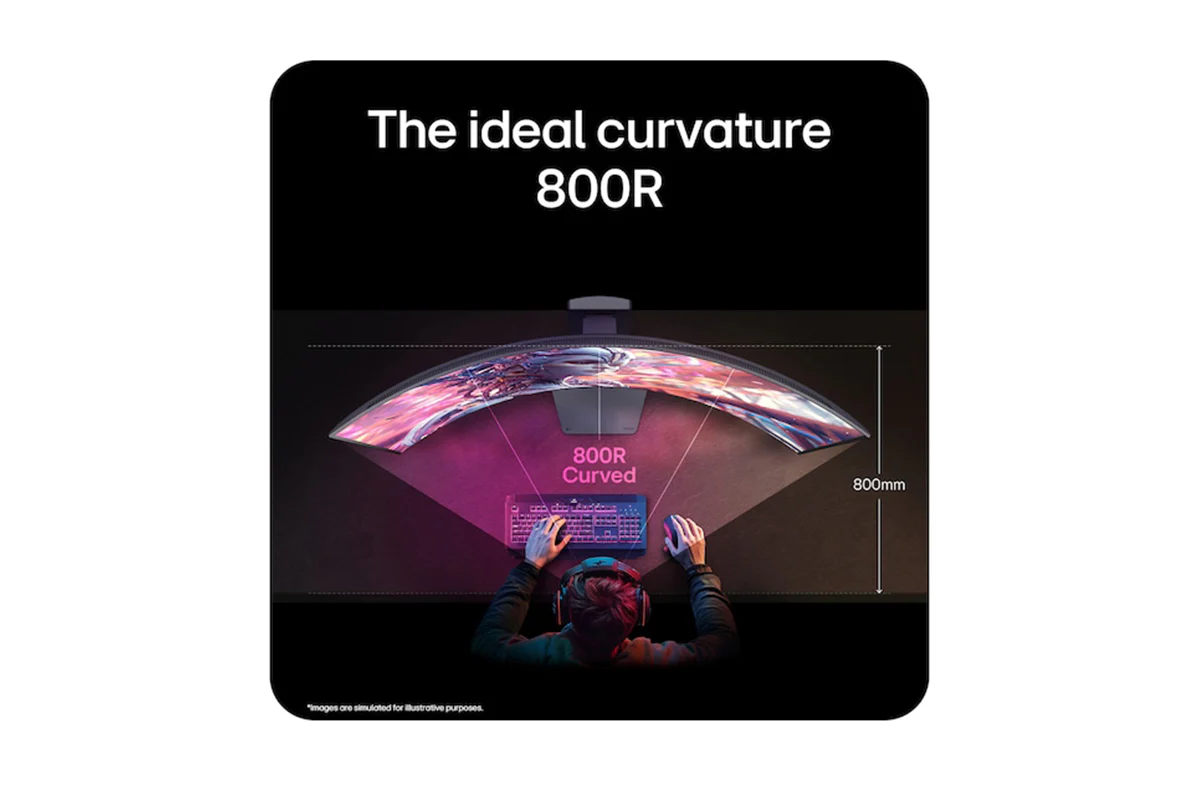
Immerse in the 800R curve for a consistent FOV (Field of View) on a desk designed to match natural sight, placing you at the core of its curvature. With a consistent 90-degree viewing angle across the entire screen, it delivers vivid, distortion-free graphics as you explore the gaming universe.
*The viewing experience may vary depending on the distance from the screen and the user's posture.
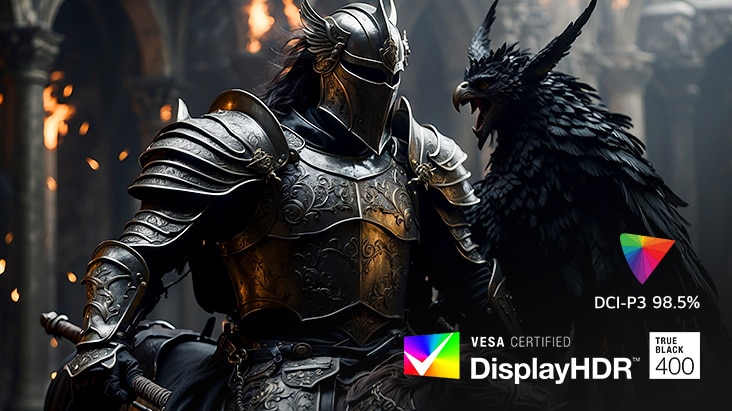
Deeper Black, Realistic Colour
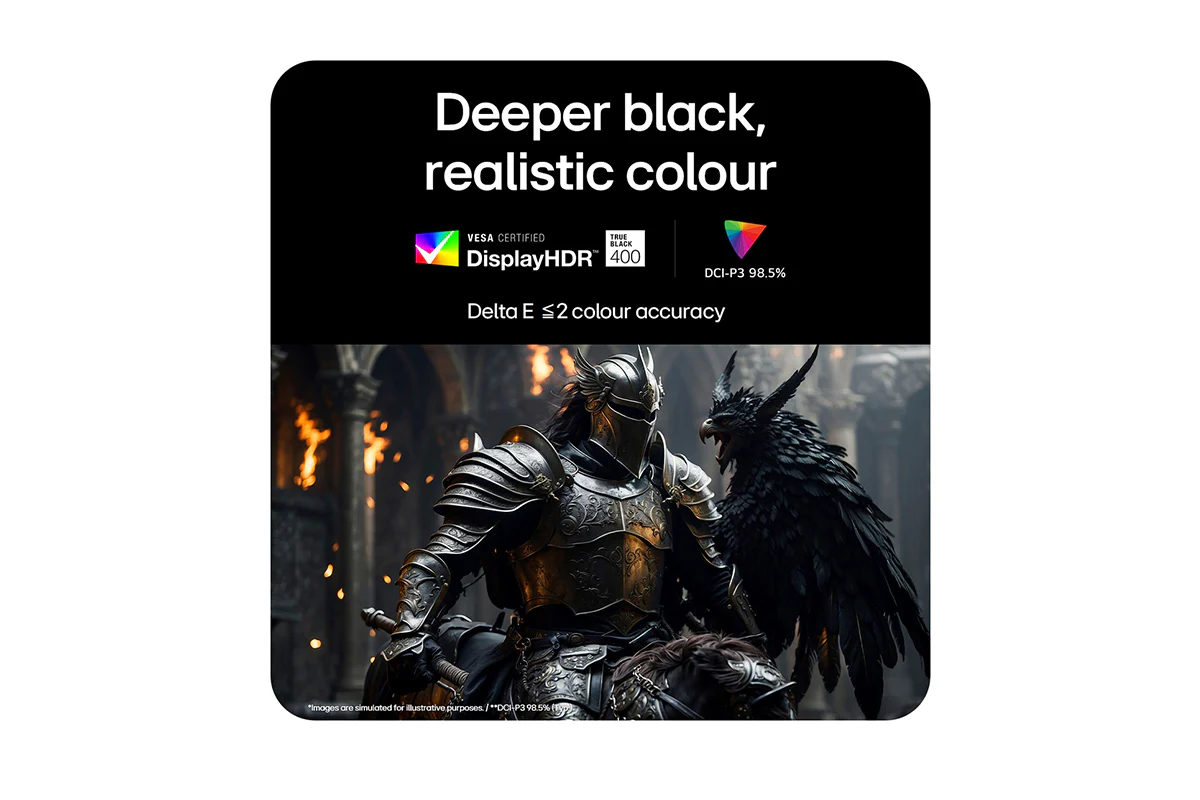
Experience unparalleled depth and vibrant realism with VESA DisplayHDR true black 400, delivering detailed black expression even in the darkest scenes. With a 1.5M contrast ratio, DCI-P3 98.5% (typical) colour gamut, and Delta E ≦2 colour accuracy ensures that colours are displayed with realistic detail, just as originally intended.
*1.5M:1 is the contrast ratio at 25% APL (Average Picture Level) value which is given as a percentage and refers to the value between the black level and the reference level for white.
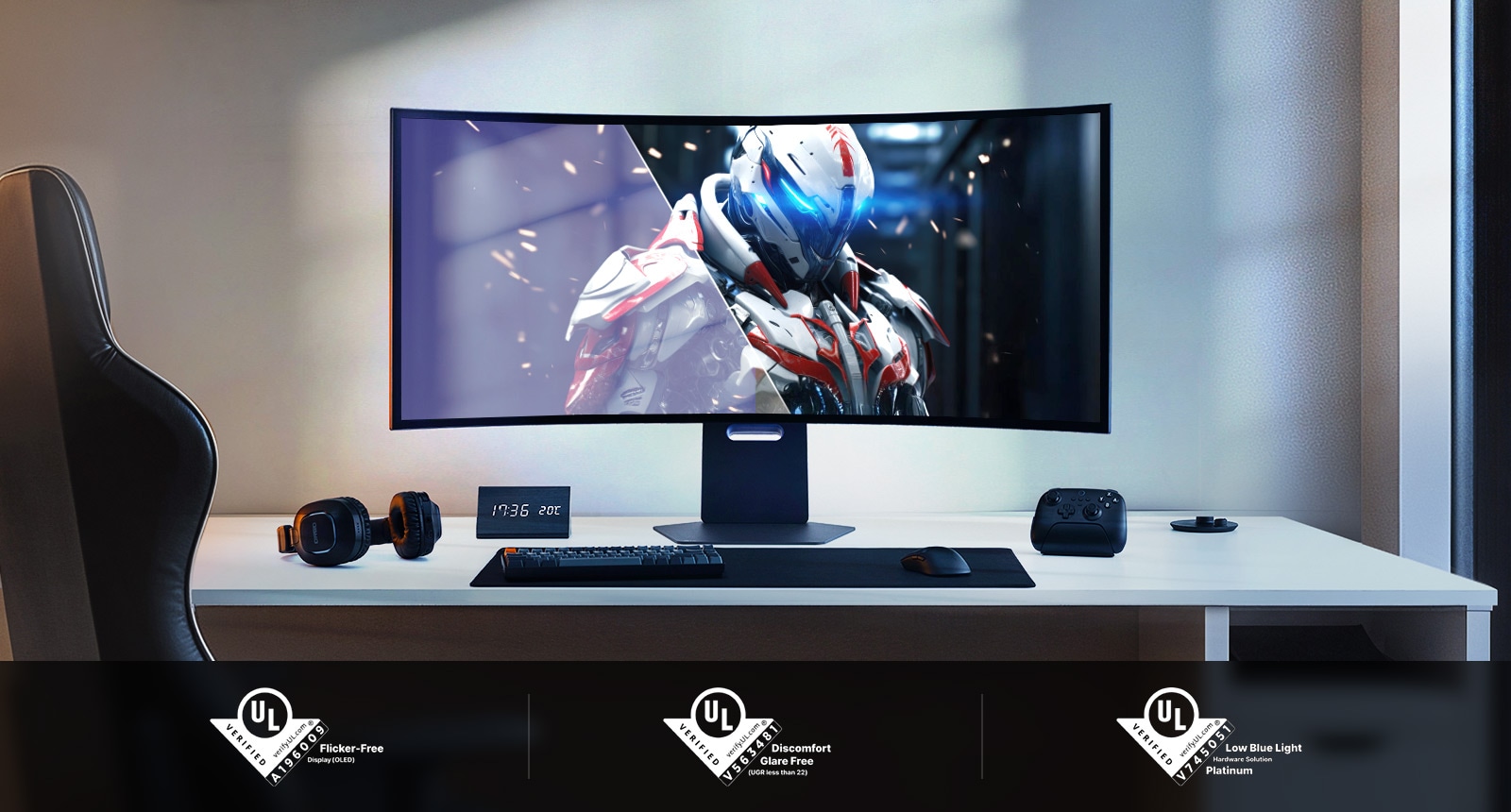
Advanced Eye Comfort Technologies by Three UL Verifications
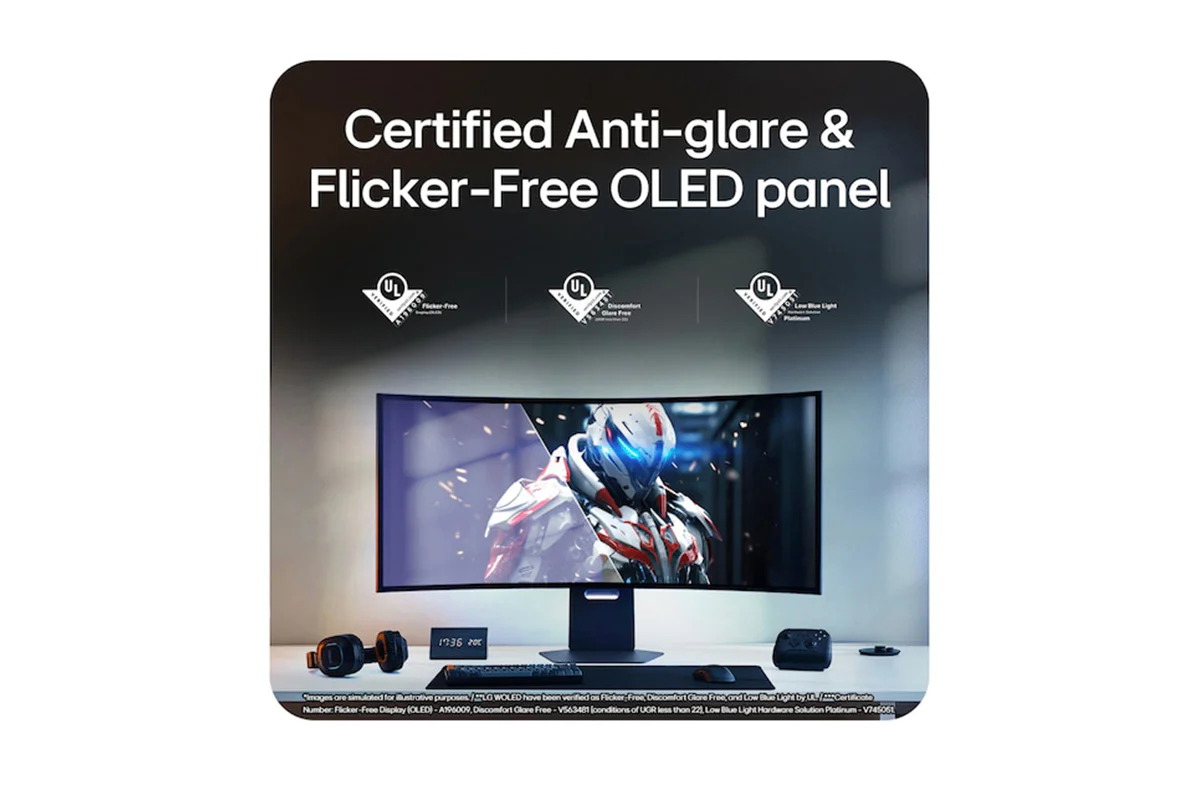
Featuring an anti-glare finish, LG WOLED’s advanced eye comfort technologies minimize frustrating reflections and keep your eyes comfortable, delivering crystal-clear gaming performance with consistent clarity. With UL verifications in key areas—limiting harmful blue light exposure and preventing distractions from flickering lights—these technologies promote visual comfort and contribute to a smoother gaming experience, whether you’re gaming in bright environments or LED-lit rooms.
*LG WOLED have been verified as Flicker-Free, Discomfort Glare Free, and Low Blue Light by UL.
*Certificate Number: Flicker-Free Display (OLED) - A196009, Discomfort Glare Free - V563481 (conditions of UGR less than 22), Low Blue Light Hardware Solution Platinum - V745051.
*The above feature may vary depending on the user’s computing environment or conditions.
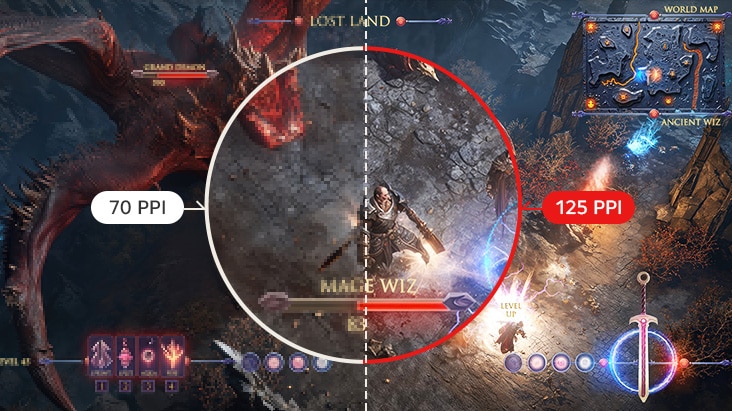
125 PPI, Enhanced Readability
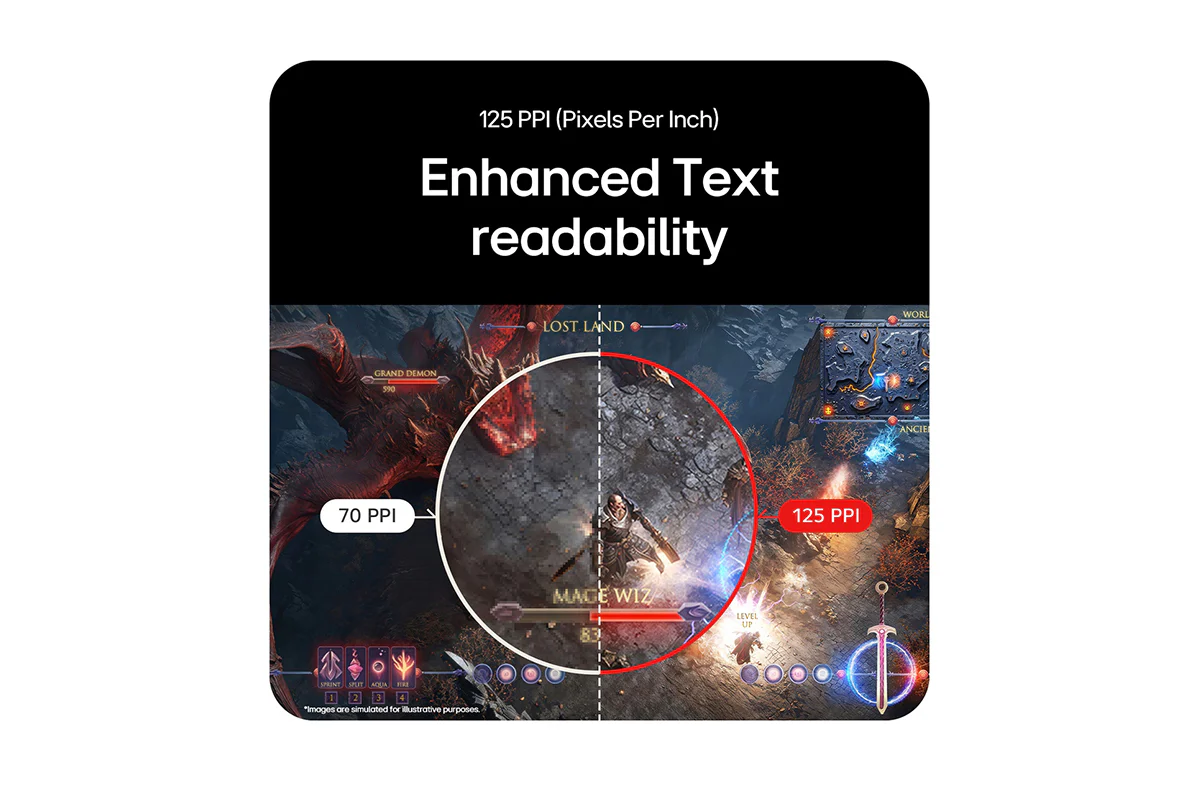
Boasting 125 PPI (Pixels Per Inch) and an RGWB subpixel layout, it delivers a precise gaming experience, ensuring you catch every crucial detail. Plus, it also makes productivity tasks, like editing documents or website content, more readable.
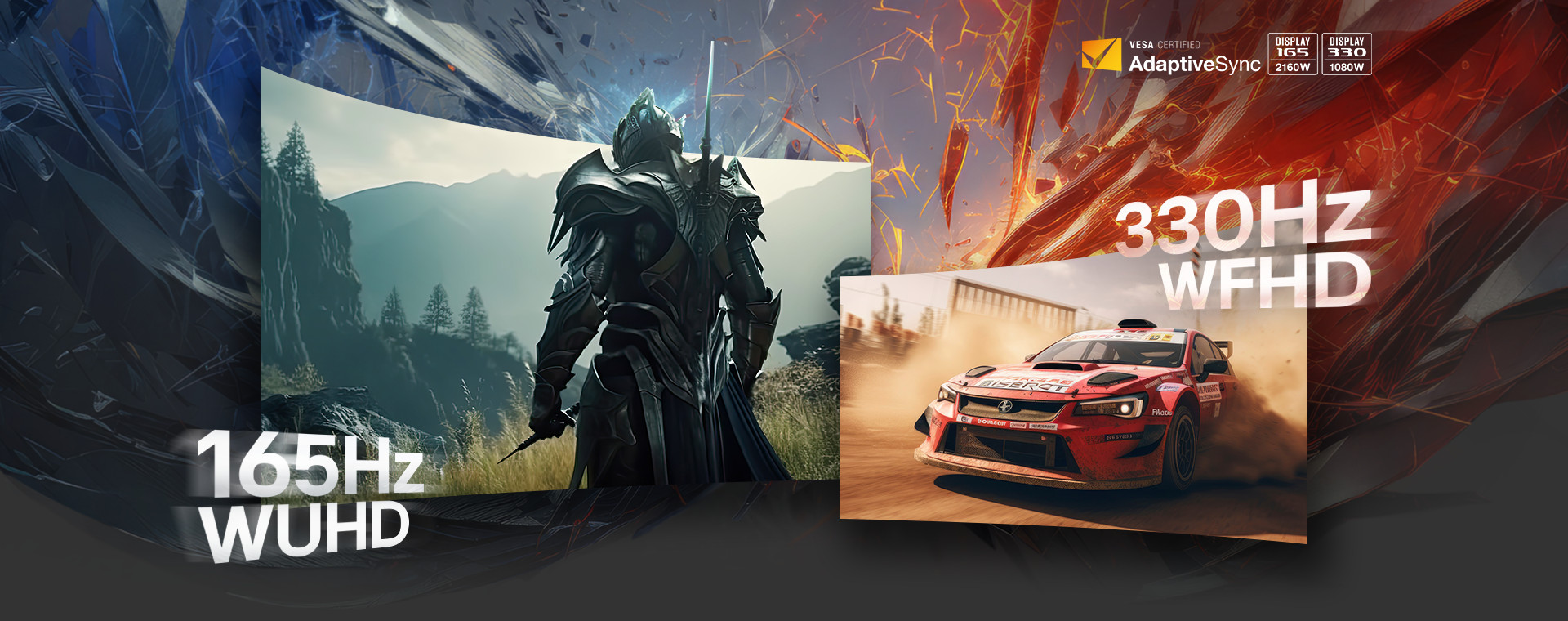
Speed: Dual-mode with Selectable 8 Options: Switches Between 330 Hz-165Hz
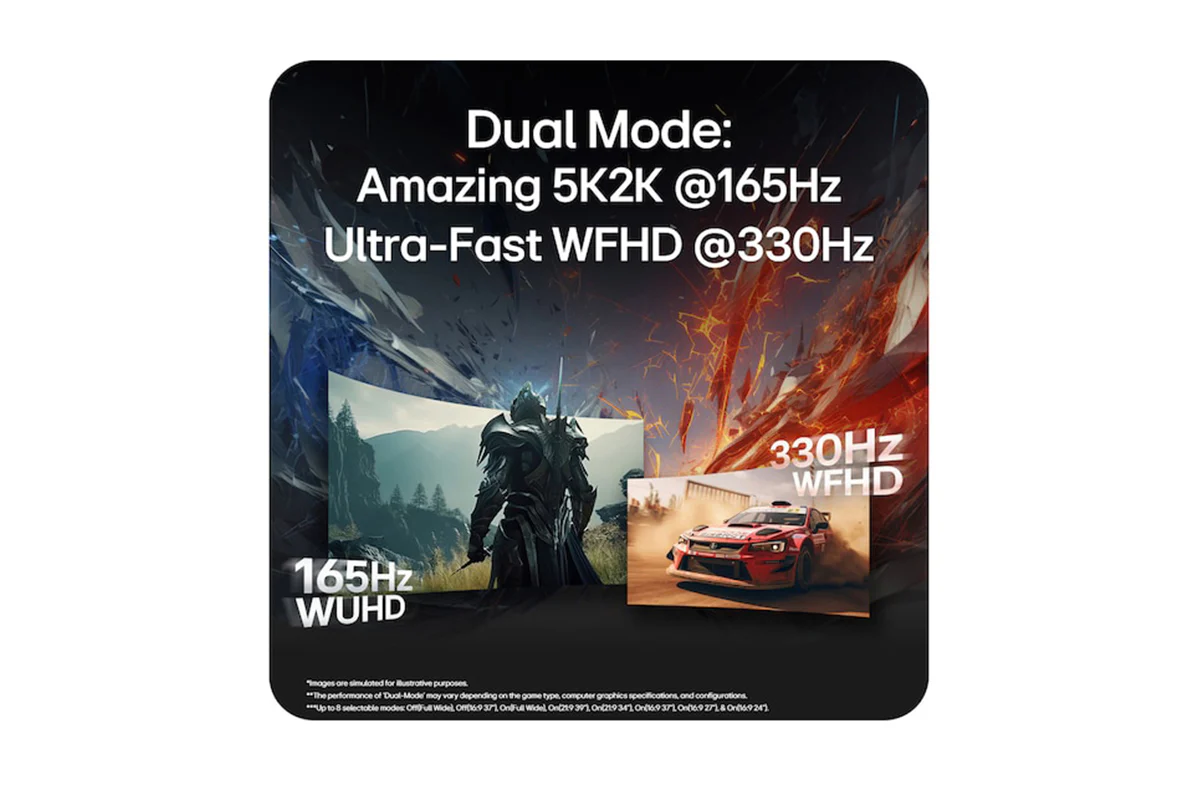
With VESA Certified Dual-Mode, seamlessly switch between WUHD 165Hz for graphically rich games and WFHD 330Hz for fast-paced action. Enjoy Dual-Mode with selectable 8 options and easily choose your favourite screen size among two refresh rate (165Hz, 330Hz) through the On-Screen Display. Plus, you can easily switch between a physical hotkey or keyboard shortcut via LG Switch, optimizing gameplay across all genres.
*The performance of 'Dual-Mode' may vary depending on the game type, computer graphics specifications, and configurations.
*Dual-Mode options: Off(Full Wide), Off(16:9 37"), On(Full Wide), On(21:9 39"), On(21:9 34"), On(16:9 37"), On(16:9 27"), On(16:9 24").
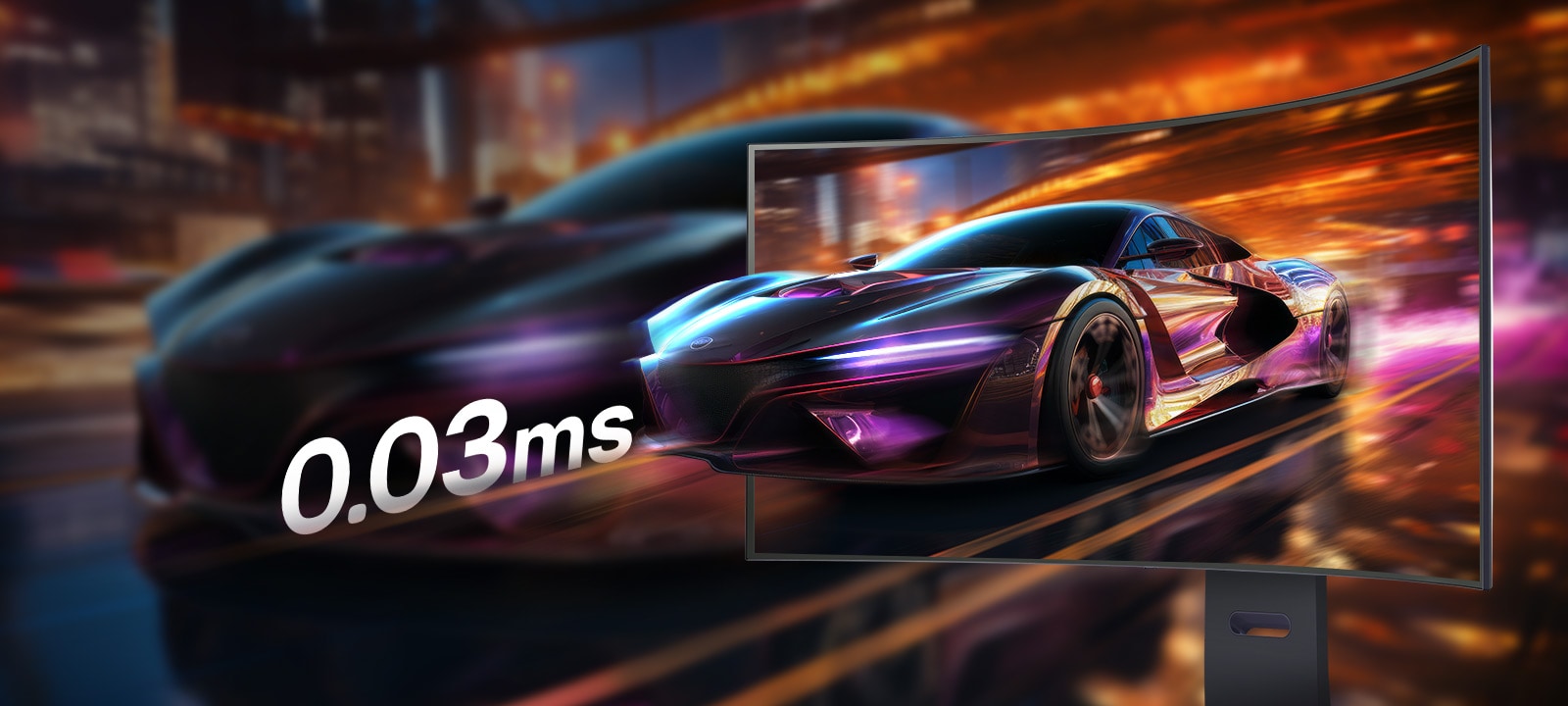
0.03ms (GtG), Incredible Speed
Experience lightning-fast 0.03ms (GtG) response time, minimizing ghosting for sharp, clear visuals. Stay ahead in every game with unmatched speed and smooth motion.
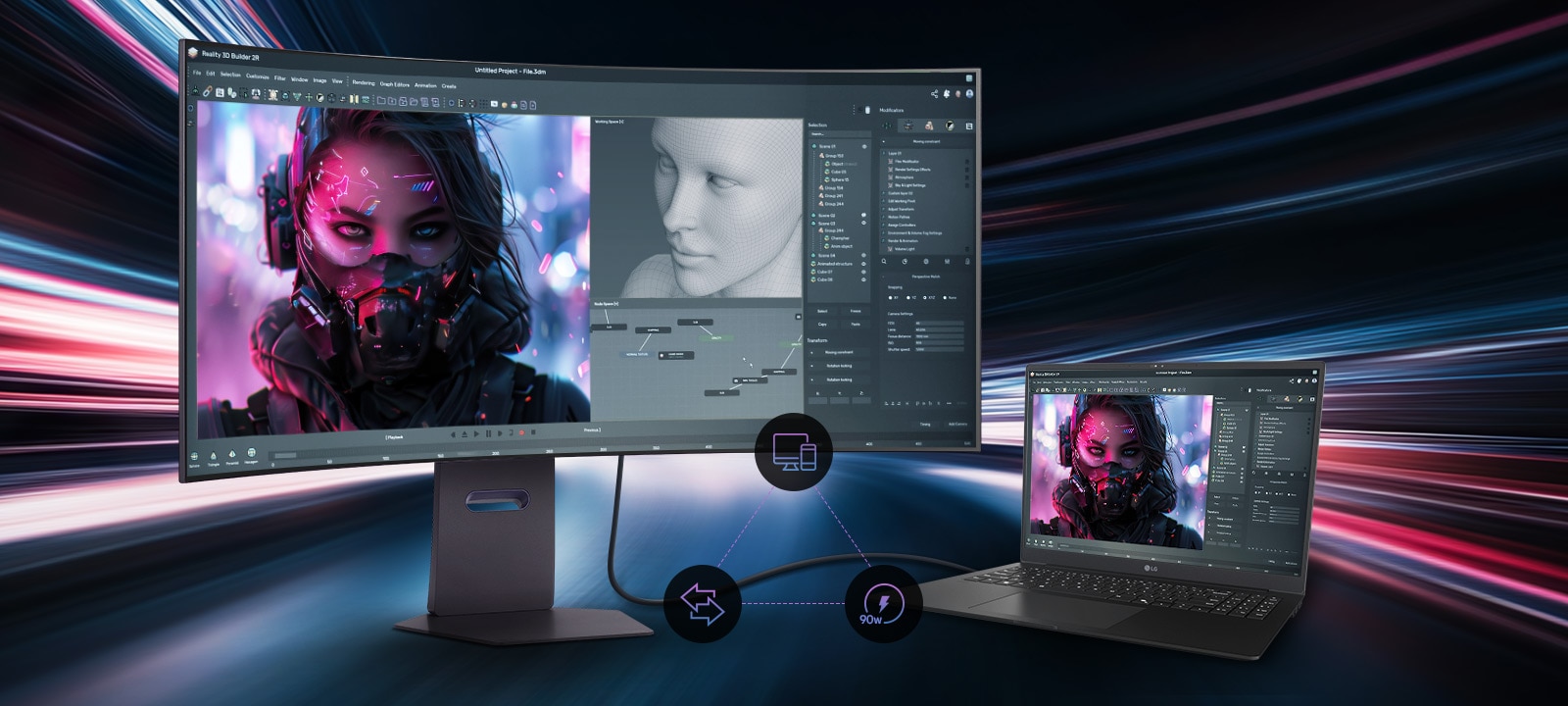
The Latest Displayport 2.1 for Blazing Fast Gameplay
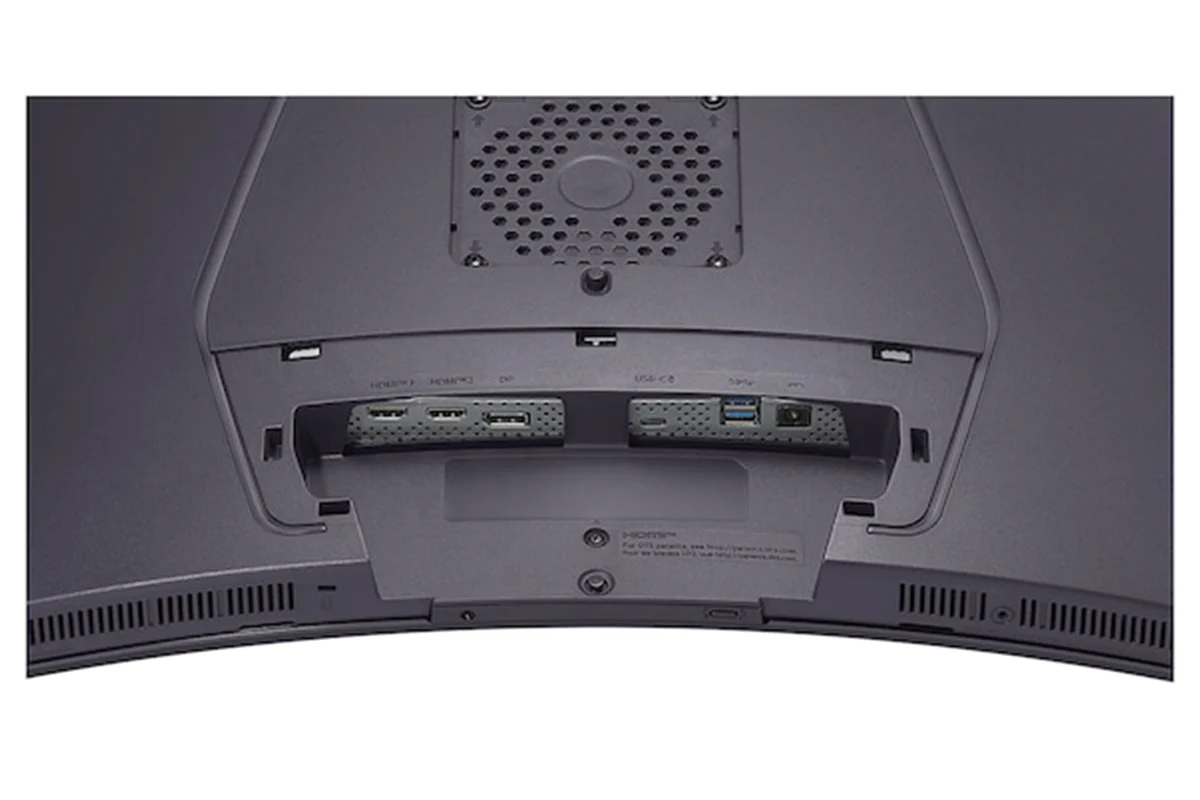
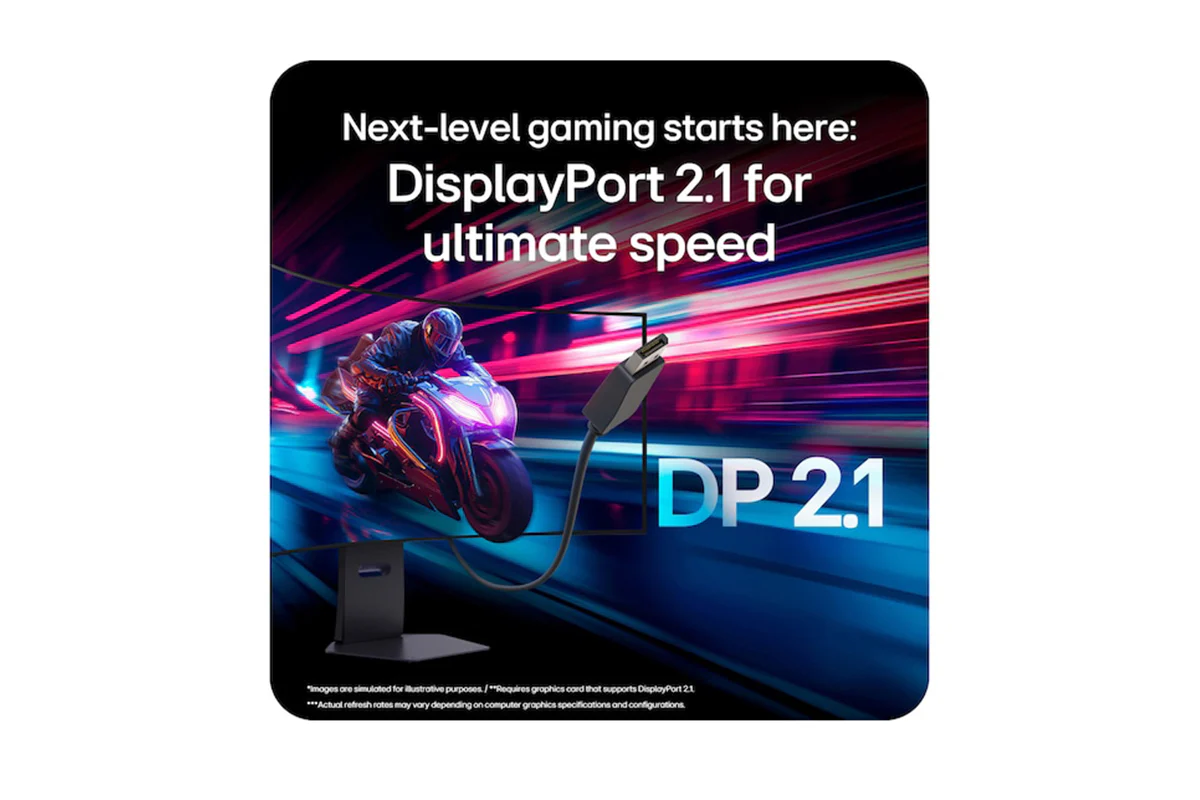
Enhance your gaming and productivity with the new DisplayPort 2.1, delivers 165Hz high-speed gaming at 5K2K resolution. The USB-C supports display, data transfer, and 90W device charging simultaneously, providing seamless laptop support all through a single cable. Enjoy faster and smoother performance for both work and play.
*To properly use Power Delivery, a USB-C cable is required to connect to the monitor's USB-C port.
*DP, HDMI, and USB-C cables are included in the package.
*Important Update: NVIDIA has released the GeForce Hotfix Display Driver 576.26 (April 28, 2025) to resolve screen blackouts when connecting to DisplayPort 2.1 on NVIDIA RTX 50 series GPUs. NVIDIA GPU users should download and install the latest display driver before connecting their DP2.1-supported monitors.
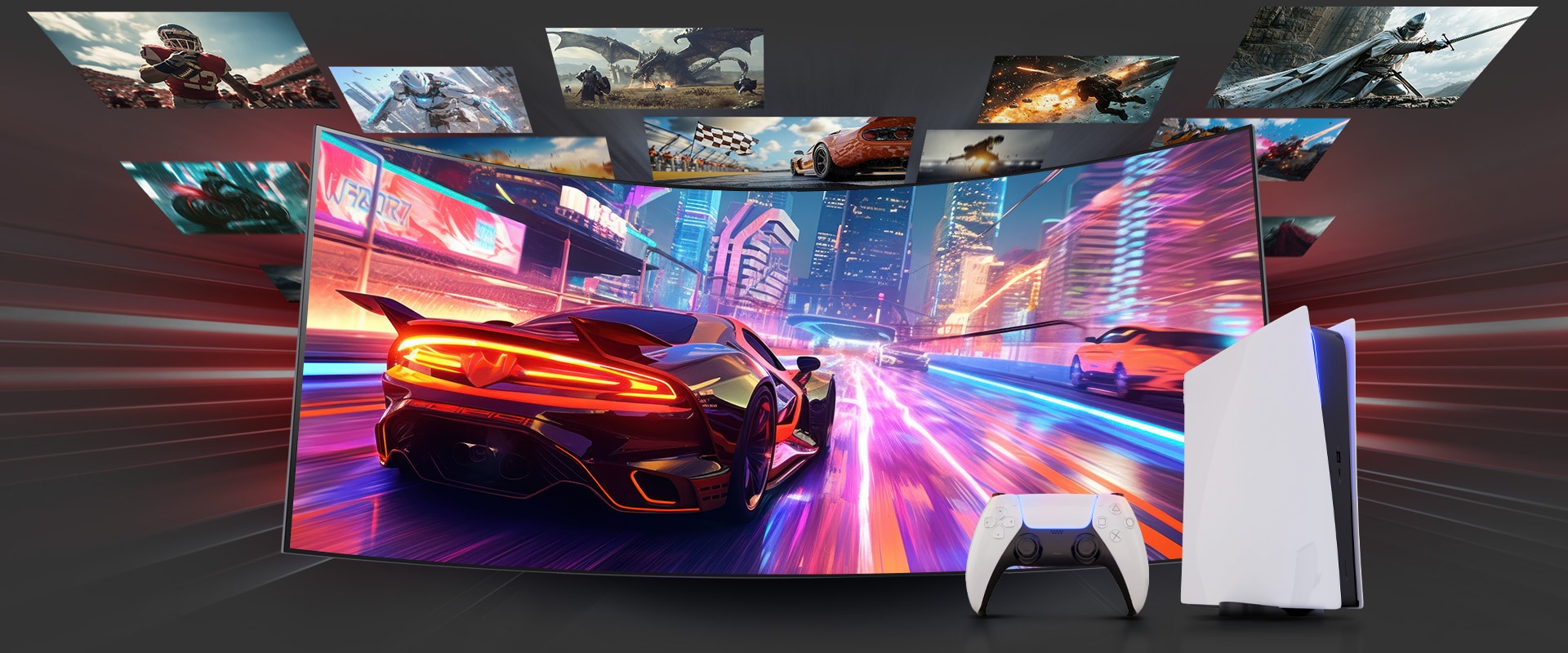
Plunge Into the World of PC and Console Gaming!
LG UltraGear monitors deliver smooth, responsive gameplay for both PC and console, whether you're diving into fast-paced action or exploring vast open worlds. With HDMI 2.1 support, they offer flexible compatibility—from keyboard and mouse to joystick—along with fluid motion, low latency, and vibrant details for an optimized gaming experience across various genres and platforms.
*PS5 and Xbox consoles support only a 16:9 aspect ratio, please ensure your display settings are configured accordingly for optimal gaming performance.
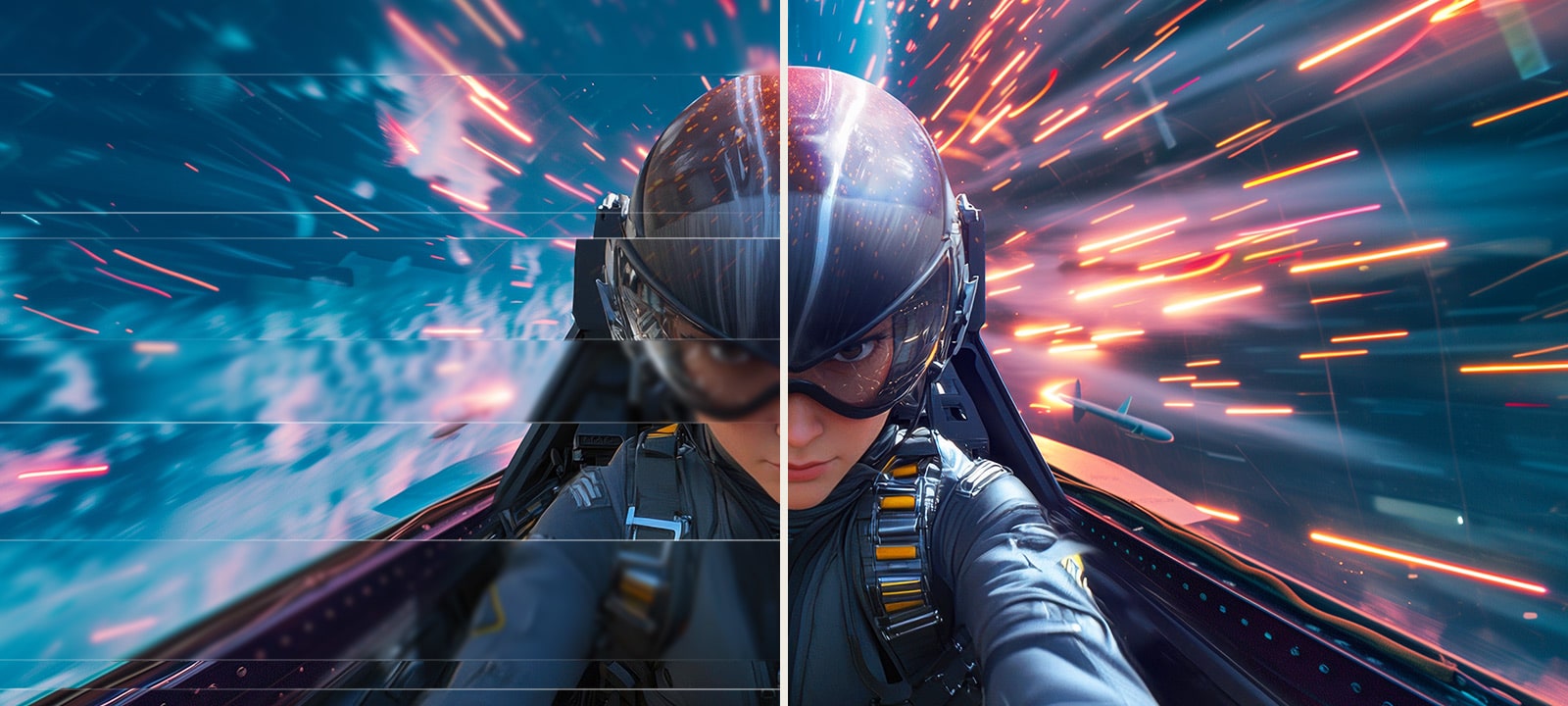
Certified with a Widely Adopted Technology
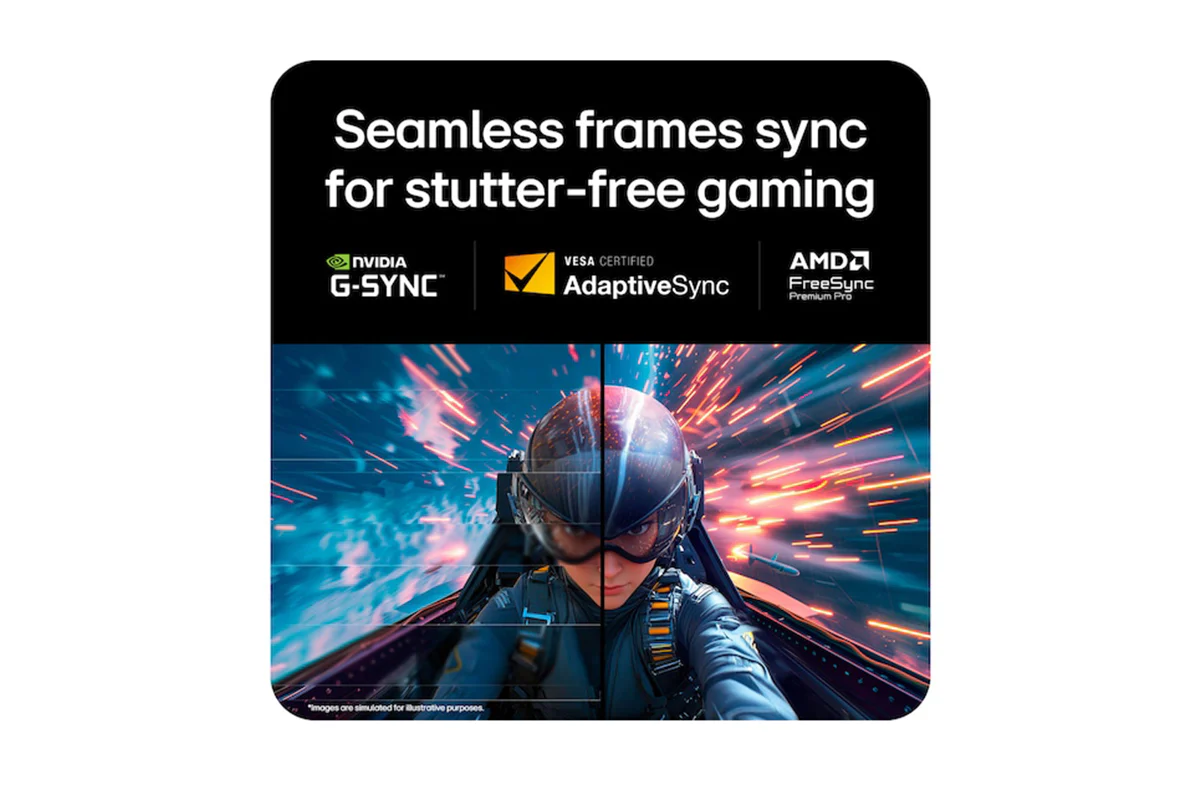
Powered by AMD FreeSync Premium Pro, NVIDIA-validated G-SYNC compatibility, and VESA AdaptiveSync certification, this monitor ensures tear-free, ultra-smooth visuals and low latency, delivering unmatched gaming precision and fluidity.
*The performance of the feature is compared to the models not applying the sync technology.
*Errors or delays may occur depending on the network connection.
Check out the video:
Immerse Yourself in 10Wx2 Rich Bass
Experience rich bass-driven sound with 10W x 2 stereo speakers, enhancing your immersion. For a more personal experience, easily connect a headset via the 4-pole headphone out and enjoy realistic 3D audio with DTS Headphone:X. This is a crucial advantage for FPS games, where team communication and directional sound are essential during voice chat.
*Headsets sold separately.
Check out the video:
Maximize Your Productivity With a Single 5k2k Ultrawide Canvas
UltraGear isn’t just for gaming — its expansive 5K2K resolution with 125 PPI delivers sharp, detailed visuals that are ideal for creators and multitaskers alike. While a typical 16:9 dual or triple monitor setup can lead to interruptions in your view due to bezels between displays, a wider 21:9 aspect ratio allows you to manage your entire workflow on a single screen. Whether you're retouching photos, editing videos, or searching for references, everything stays visible.
Protecting OLED Via On-Screen Display
Through On-Screen Display, you adjust OLED brightness and enable protection settings to prevent afterimages or burn-in, allowing you to enjoy superior OLED picture quality for longer. Plus, gamers can also easily customize their gaming setup for optimal performance.
How to Use on-Screen Display
Enjoy seamless access to your favourite features as you dive into gaming or searching! Let’s find the joystick located in the center of your monitor. Press the joystick button to bring up main menu of the gaming GUI.
*The display burn-in may occur in brighter mode.
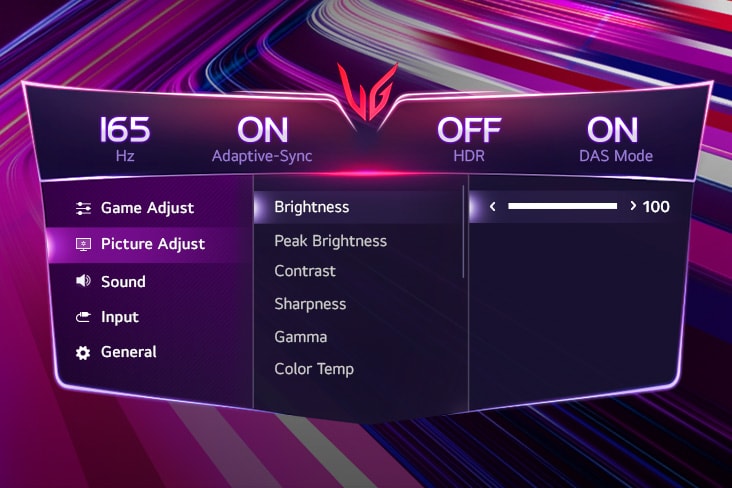
Brightness
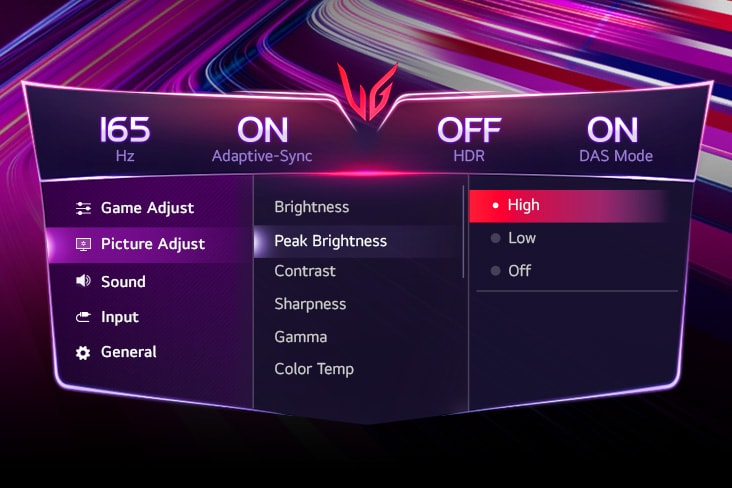
Peak Brightness
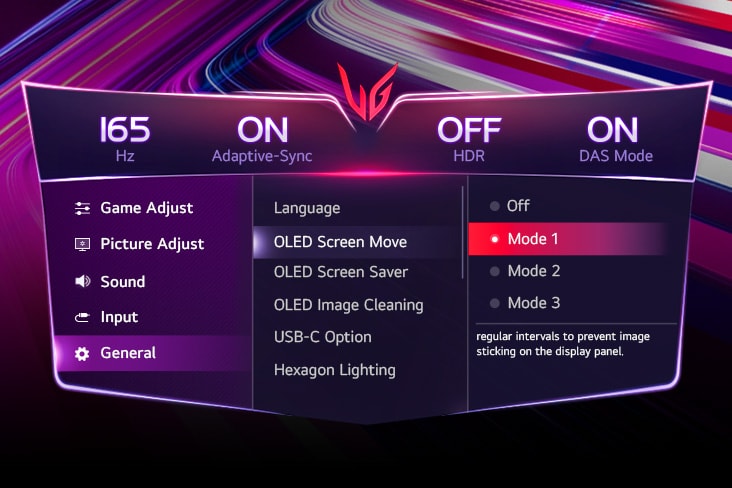
OLED Screen Move
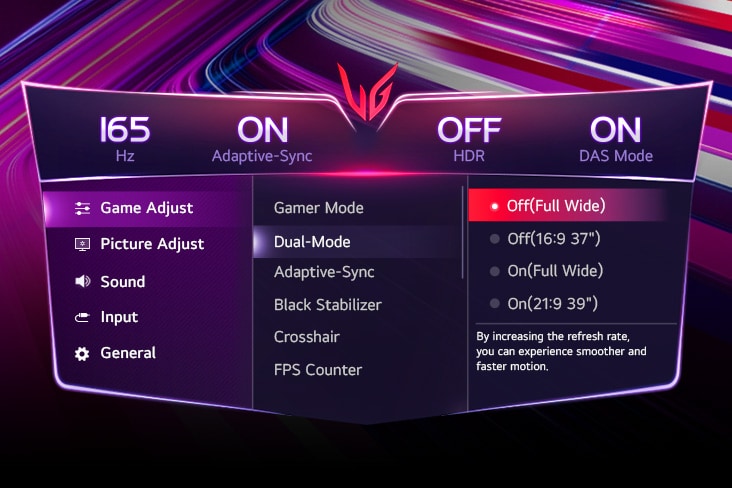
Dual-Mode
Check out the video:
Seamless Gameplay Powered by LG Switch
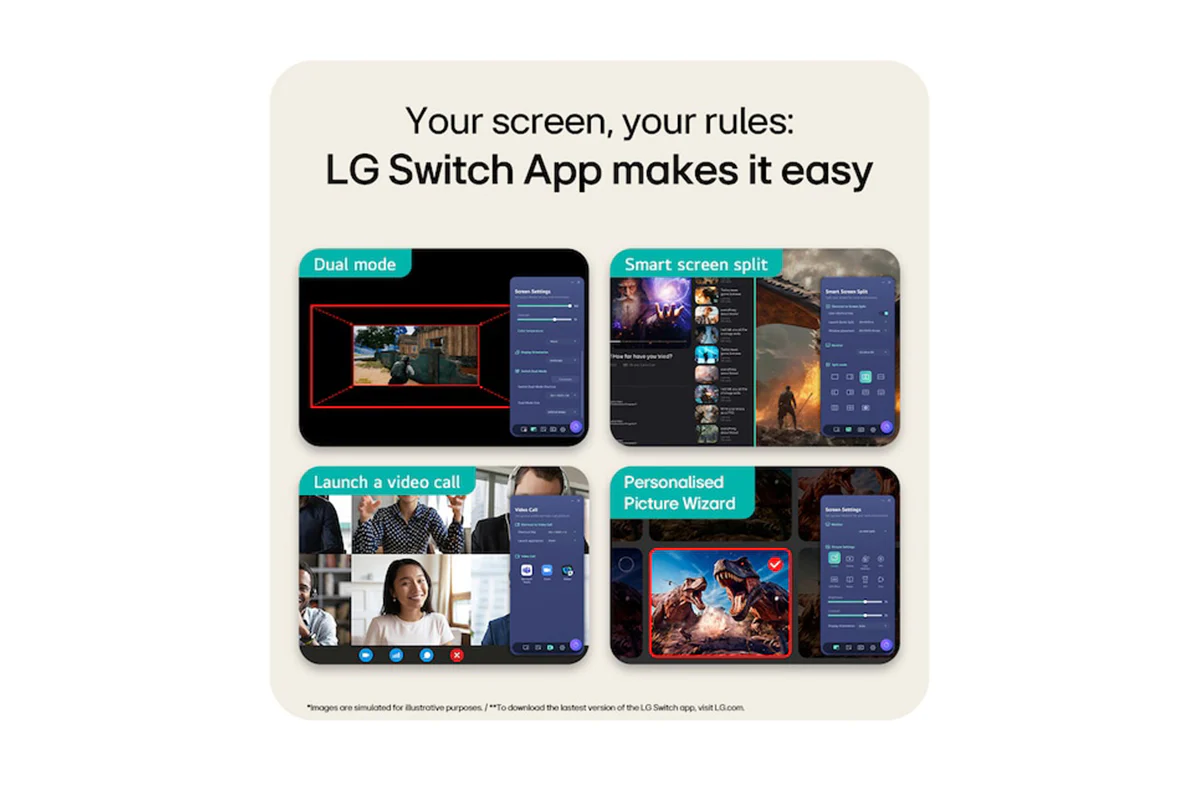
The LG Switch app optimizes your monitor for both gaming and everyday life. Effortlessly customize your preferred image quality and brightness, then apply your settings instantly with a hotkey. Plus, you can switch between 330Hz-165Hz with dual-mode, split the display into 11 options and quickly launch your video call platform, making it even more convenient.
LG Switch App Tutorial
Adjust your monitor settings effortlessly with LG Switch app.
*To download the latest version of the LG Switch app, visit LG.com.
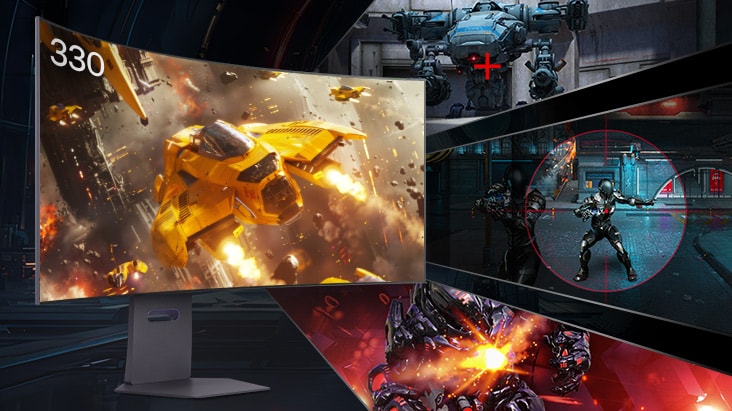
Advanced Gaming Features
- Dynamic Action Sync reduces input lag for real-time response
- Black Stabilizer brightens dark scenes, helping gamers spot enemies and details
- Crosshair enhances precision for deadly accuracy
- FPS Counter shows your real-time frame rate
*The Crosshair feature is unavailable while FPS Counter is activated.
*FPS Counter may display the value that exceeds the monitor’s maximum refresh rate.
*FPS (Frame Per Second) Counter: Measurement of frames per second.
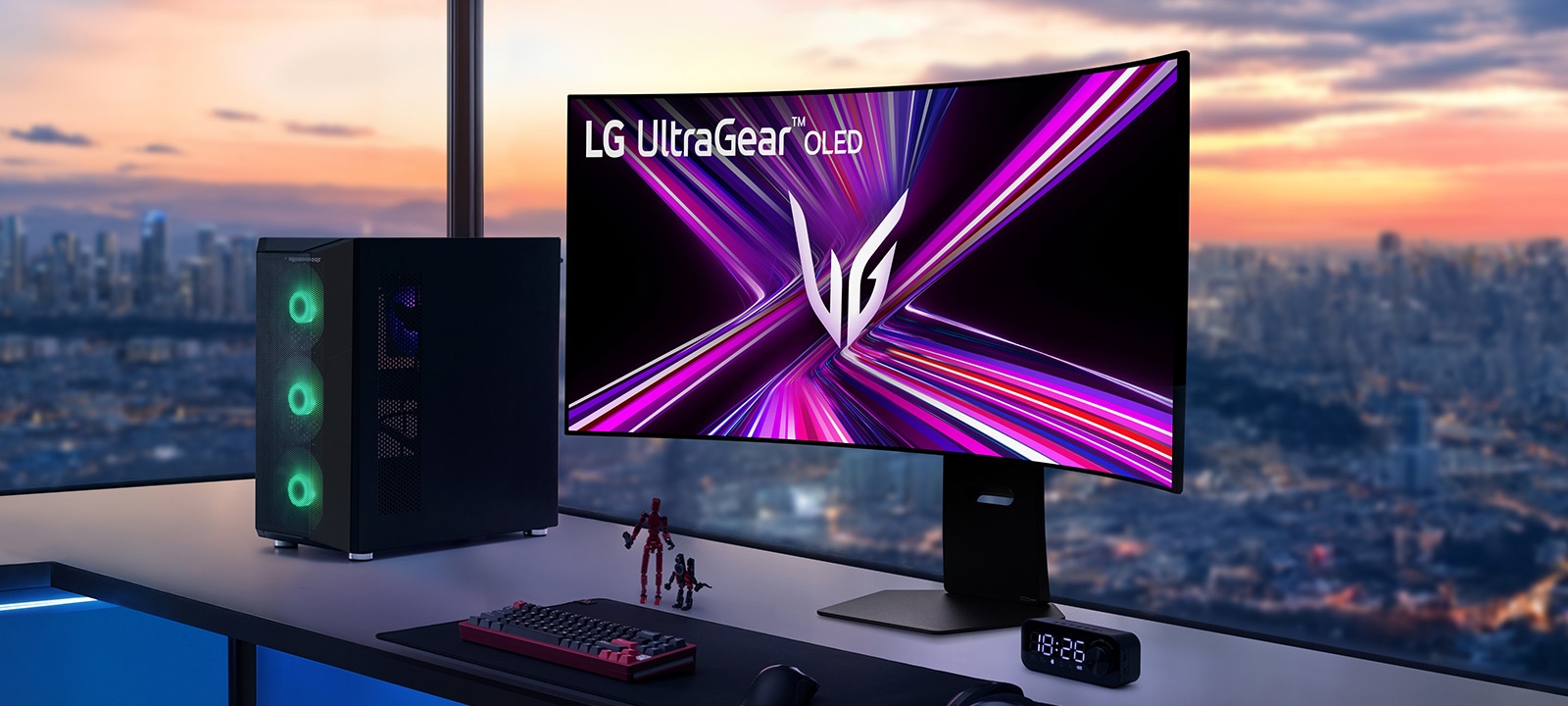
Clutter-Free, Sleek Design
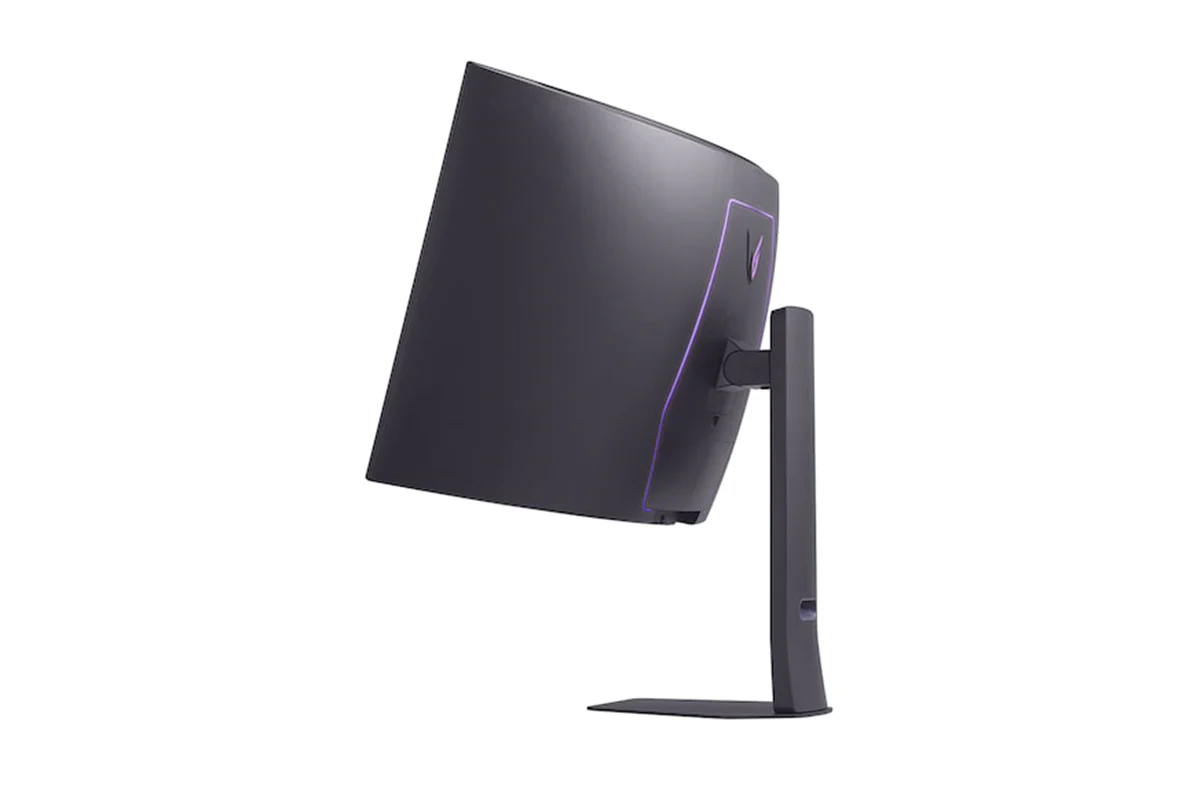
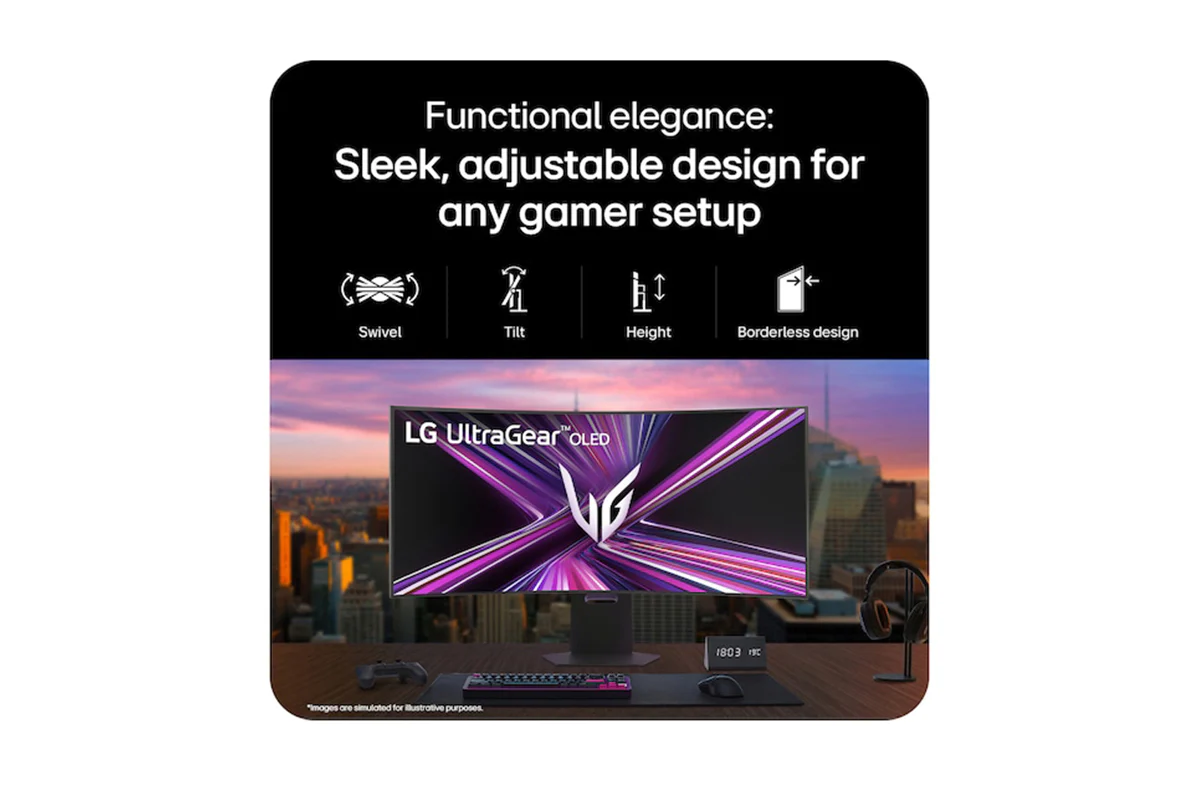
The clutter-free L-stand and sleek design are crafted to save desk space and minimize dead zones, making your setup clean and efficient. Experience hexagon lighting and a virtually borderless 4-sided design, paired with a fully adjustable base for swivel, tilt, and height adjustments.
- Swivel
- Tilt
- Height
- Borderless design
Step-by-step Guide: Set Up Your New LG Ultragear Monitor: Quick and Easy
Follow LG simple step-by-step video guide to install your new LG monitor quickly and correctly. Start gaming today.
*Images based on a representative 3D model for illustrative purposes. Setup steps, components, or shapes may vary by model. Shared assembly sections can still be used as reference—please refer to your product manual for model-specific instructions.
Note's:
*Images have been simulated to enhance feature understanding, and may differ from actual use experience.
*All pictures shown are simulated for illustration purpose only.
What's in the Box:
- 1 x HDMI
- 1 x USB-C
- 1 x Display Port
- 1 x Door, Mouse holder
- 1 x Adapter
- 1 x Power Cord
Product Features:
- Smart energy saving
- Auto input switch
- User defined key
- Black stabilizer
Original: $2,104.91
-65%$2,104.91
$736.72Product Information
Product Information
Shipping & Returns
Shipping & Returns
Description
*Based on published specifications of every OLED monitor as of March 2025, LG 45GX950A is the only OLED display with 5K2K (5120x2160) resolution.
Check out the video:
Display: World's first 5K2K OLED
The world's first 45-inch 5K2K (5120x2160) OLED display provides a 33% increase in pixel count over UHD (3840x2160)1) and also offers a 50% larger screen space2) compared to DQHD(5120X1440). This 5K2K OLED provides darker shadows, brigher lights and vibrant colours while gaming in any environment.
1) The figures are calculated by multiplying the horizontal and vertical resolutions, resulting in 8.3 million pixels for 16:9 UHD and 11.05 million pixels for 21:9 5K2K.
2) The screen space was calculated by multiplying the horizontal and vertical resolutions, resulting in 7.37 million pixels for DQHD and 11.05 million pixels for 5K2K.
Brightest OLED
Experience stunning visuals with LG WOLED. Built on LG's OLED leadership and featuring Micro Lens Array+ (MLA+) technology, it delivers up to 37.5% brighter SDR, optimizing light efficiency and minimizing loss. It represents a standard luminosity of 275 nits (APL 100%) and a peak brightness of 1300 nits (APL 1.5%). With Delta E ≦ 2 colour accuracy, it ensures vivid, true-to-life colours for immersive, precise gaming even in bright environments.
**Among LG OLED gaming monitors with MLA+. SDR brightness is 37.5% higher than LG previous models (27GR95QE, 45GR95QE) based on published specifications.
Go Wide. Not Short: The 21:9 Ultrawide Sweet Spot for Gaming
No more fisheye experience to take in both sides of the 49-inch 32:9 ratio display at a glance due to excessively wide horizontal and insufficiently short vertical resolutions. The 45-inch 21:9 curved OLED monitor offers a 50% larger screen space1) compared to DQHD (5120X1440) and this balanced, optimised ratio creates immersive and captivating gameplay. Once you experience the 45-inch 21:9 sweet spot, you'll never go back to shorter.
1) The screen space was calculated by multiplying the horizontal and vertical resolutions, resulting in 7.37 million pixels for DQHD and 11.05 million pixels for 5K2K.
Check out the video:
The Ideal Curvature 800R
Immerse in the 800R curve for a consistent FOV (Field of View) on a desk designed to match natural sight, placing you at the core of its curvature. With a consistent 90-degree viewing angle across the entire screen, it delivers vivid, distortion-free graphics as you explore the gaming universe.
*The viewing experience may vary depending on the distance from the screen and the user's posture.
Deeper Black, Realistic Colour
Experience unparalleled depth and vibrant realism with VESA DisplayHDR true black 400, delivering detailed black expression even in the darkest scenes. With a 1.5M contrast ratio, DCI-P3 98.5% (typical) colour gamut, and Delta E ≦2 colour accuracy ensures that colours are displayed with realistic detail, just as originally intended.
*1.5M:1 is the contrast ratio at 25% APL (Average Picture Level) value which is given as a percentage and refers to the value between the black level and the reference level for white.
Advanced Eye Comfort Technologies by Three UL Verifications
Featuring an anti-glare finish, LG WOLED’s advanced eye comfort technologies minimize frustrating reflections and keep your eyes comfortable, delivering crystal-clear gaming performance with consistent clarity. With UL verifications in key areas—limiting harmful blue light exposure and preventing distractions from flickering lights—these technologies promote visual comfort and contribute to a smoother gaming experience, whether you’re gaming in bright environments or LED-lit rooms.
*LG WOLED have been verified as Flicker-Free, Discomfort Glare Free, and Low Blue Light by UL.
*Certificate Number: Flicker-Free Display (OLED) - A196009, Discomfort Glare Free - V563481 (conditions of UGR less than 22), Low Blue Light Hardware Solution Platinum - V745051.
*The above feature may vary depending on the user’s computing environment or conditions.
125 PPI, Enhanced Readability
Boasting 125 PPI (Pixels Per Inch) and an RGWB subpixel layout, it delivers a precise gaming experience, ensuring you catch every crucial detail. Plus, it also makes productivity tasks, like editing documents or website content, more readable.
Speed: Dual-mode with Selectable 8 Options: Switches Between 330 Hz-165Hz
With VESA Certified Dual-Mode, seamlessly switch between WUHD 165Hz for graphically rich games and WFHD 330Hz for fast-paced action. Enjoy Dual-Mode with selectable 8 options and easily choose your favourite screen size among two refresh rate (165Hz, 330Hz) through the On-Screen Display. Plus, you can easily switch between a physical hotkey or keyboard shortcut via LG Switch, optimizing gameplay across all genres.
*The performance of 'Dual-Mode' may vary depending on the game type, computer graphics specifications, and configurations.
*Dual-Mode options: Off(Full Wide), Off(16:9 37"), On(Full Wide), On(21:9 39"), On(21:9 34"), On(16:9 37"), On(16:9 27"), On(16:9 24").
0.03ms (GtG), Incredible Speed
Experience lightning-fast 0.03ms (GtG) response time, minimizing ghosting for sharp, clear visuals. Stay ahead in every game with unmatched speed and smooth motion.
The Latest Displayport 2.1 for Blazing Fast Gameplay
Enhance your gaming and productivity with the new DisplayPort 2.1, delivers 165Hz high-speed gaming at 5K2K resolution. The USB-C supports display, data transfer, and 90W device charging simultaneously, providing seamless laptop support all through a single cable. Enjoy faster and smoother performance for both work and play.
*To properly use Power Delivery, a USB-C cable is required to connect to the monitor's USB-C port.
*DP, HDMI, and USB-C cables are included in the package.
*Important Update: NVIDIA has released the GeForce Hotfix Display Driver 576.26 (April 28, 2025) to resolve screen blackouts when connecting to DisplayPort 2.1 on NVIDIA RTX 50 series GPUs. NVIDIA GPU users should download and install the latest display driver before connecting their DP2.1-supported monitors.
Plunge Into the World of PC and Console Gaming!
LG UltraGear monitors deliver smooth, responsive gameplay for both PC and console, whether you're diving into fast-paced action or exploring vast open worlds. With HDMI 2.1 support, they offer flexible compatibility—from keyboard and mouse to joystick—along with fluid motion, low latency, and vibrant details for an optimized gaming experience across various genres and platforms.
*PS5 and Xbox consoles support only a 16:9 aspect ratio, please ensure your display settings are configured accordingly for optimal gaming performance.
Certified with a Widely Adopted Technology
Powered by AMD FreeSync Premium Pro, NVIDIA-validated G-SYNC compatibility, and VESA AdaptiveSync certification, this monitor ensures tear-free, ultra-smooth visuals and low latency, delivering unmatched gaming precision and fluidity.
*The performance of the feature is compared to the models not applying the sync technology.
*Errors or delays may occur depending on the network connection.
Check out the video:
Immerse Yourself in 10Wx2 Rich Bass
Experience rich bass-driven sound with 10W x 2 stereo speakers, enhancing your immersion. For a more personal experience, easily connect a headset via the 4-pole headphone out and enjoy realistic 3D audio with DTS Headphone:X. This is a crucial advantage for FPS games, where team communication and directional sound are essential during voice chat.
*Headsets sold separately.
Check out the video:
Maximize Your Productivity With a Single 5k2k Ultrawide Canvas
UltraGear isn’t just for gaming — its expansive 5K2K resolution with 125 PPI delivers sharp, detailed visuals that are ideal for creators and multitaskers alike. While a typical 16:9 dual or triple monitor setup can lead to interruptions in your view due to bezels between displays, a wider 21:9 aspect ratio allows you to manage your entire workflow on a single screen. Whether you're retouching photos, editing videos, or searching for references, everything stays visible.
Protecting OLED Via On-Screen Display
Through On-Screen Display, you adjust OLED brightness and enable protection settings to prevent afterimages or burn-in, allowing you to enjoy superior OLED picture quality for longer. Plus, gamers can also easily customize their gaming setup for optimal performance.
How to Use on-Screen Display
Enjoy seamless access to your favourite features as you dive into gaming or searching! Let’s find the joystick located in the center of your monitor. Press the joystick button to bring up main menu of the gaming GUI.
*The display burn-in may occur in brighter mode.
Brightness
Peak Brightness
OLED Screen Move
Dual-Mode
Check out the video:
Seamless Gameplay Powered by LG Switch
The LG Switch app optimizes your monitor for both gaming and everyday life. Effortlessly customize your preferred image quality and brightness, then apply your settings instantly with a hotkey. Plus, you can switch between 330Hz-165Hz with dual-mode, split the display into 11 options and quickly launch your video call platform, making it even more convenient.
LG Switch App Tutorial
Adjust your monitor settings effortlessly with LG Switch app.
*To download the latest version of the LG Switch app, visit LG.com.
Advanced Gaming Features
- Dynamic Action Sync reduces input lag for real-time response
- Black Stabilizer brightens dark scenes, helping gamers spot enemies and details
- Crosshair enhances precision for deadly accuracy
- FPS Counter shows your real-time frame rate
*The Crosshair feature is unavailable while FPS Counter is activated.
*FPS Counter may display the value that exceeds the monitor’s maximum refresh rate.
*FPS (Frame Per Second) Counter: Measurement of frames per second.
Clutter-Free, Sleek Design
The clutter-free L-stand and sleek design are crafted to save desk space and minimize dead zones, making your setup clean and efficient. Experience hexagon lighting and a virtually borderless 4-sided design, paired with a fully adjustable base for swivel, tilt, and height adjustments.
- Swivel
- Tilt
- Height
- Borderless design
Step-by-step Guide: Set Up Your New LG Ultragear Monitor: Quick and Easy
Follow LG simple step-by-step video guide to install your new LG monitor quickly and correctly. Start gaming today.
*Images based on a representative 3D model for illustrative purposes. Setup steps, components, or shapes may vary by model. Shared assembly sections can still be used as reference—please refer to your product manual for model-specific instructions.
Note's:
*Images have been simulated to enhance feature understanding, and may differ from actual use experience.
*All pictures shown are simulated for illustration purpose only.
What's in the Box:
- 1 x HDMI
- 1 x USB-C
- 1 x Display Port
- 1 x Door, Mouse holder
- 1 x Adapter
- 1 x Power Cord
Product Features:
- Smart energy saving
- Auto input switch
- User defined key
- Black stabilizer