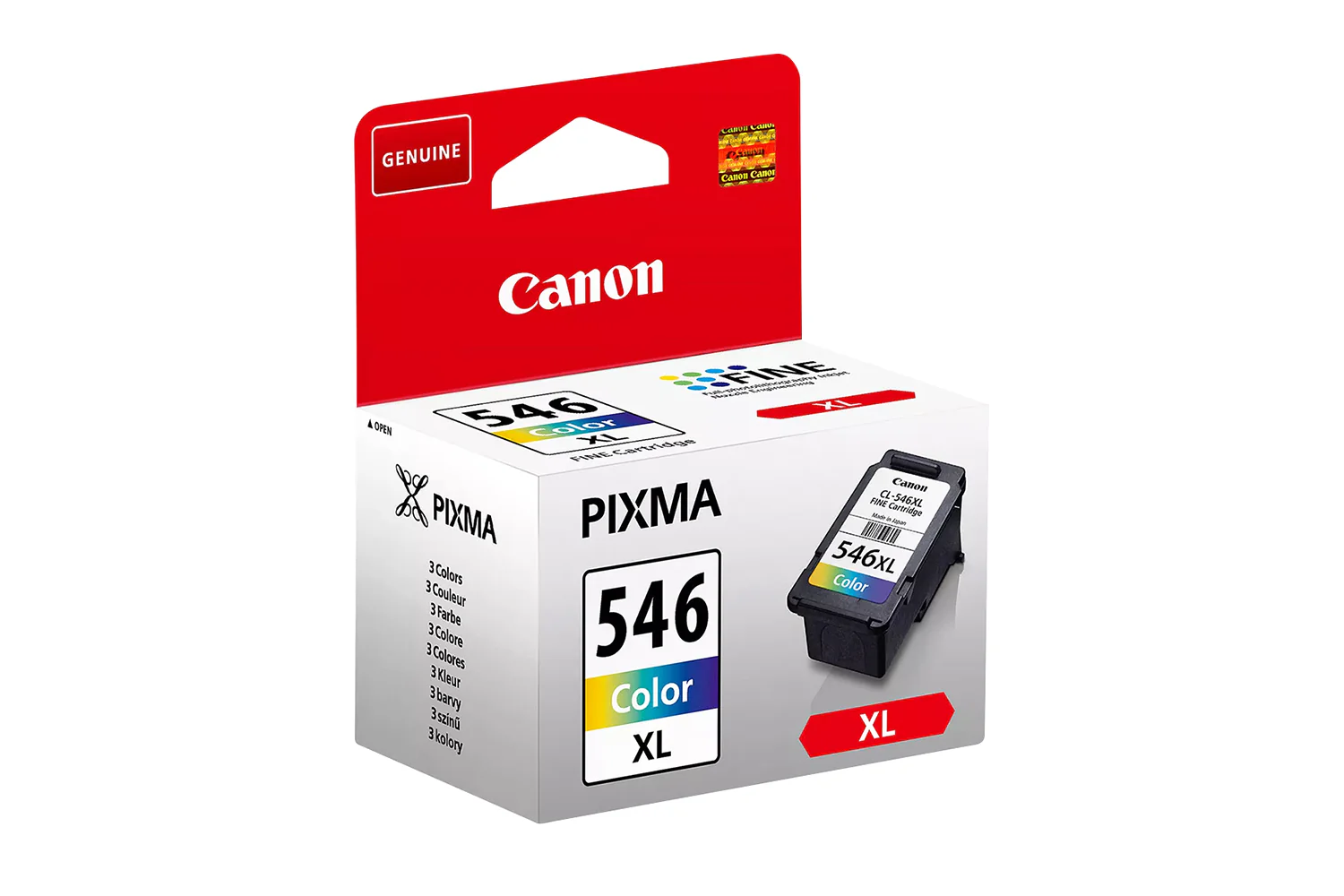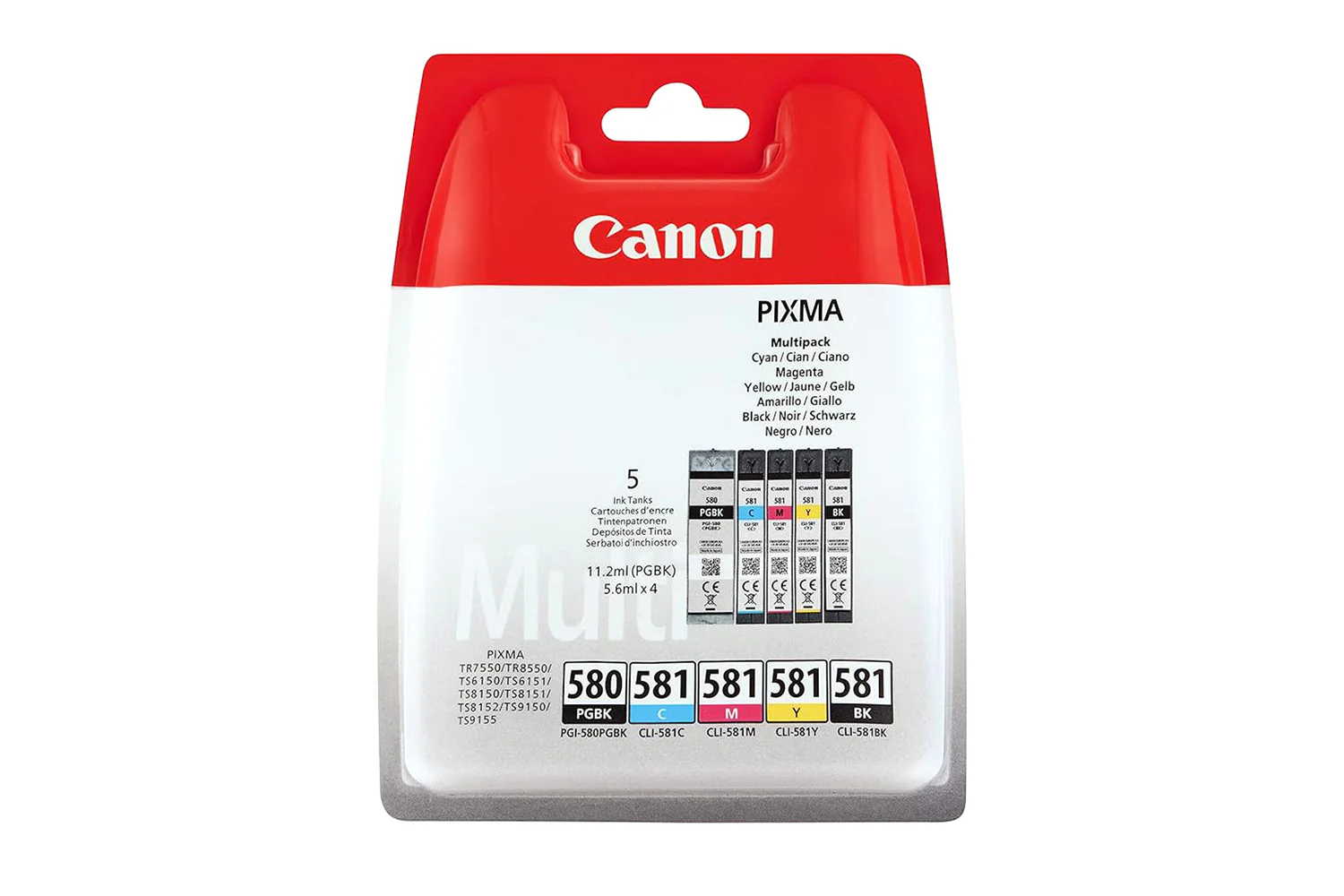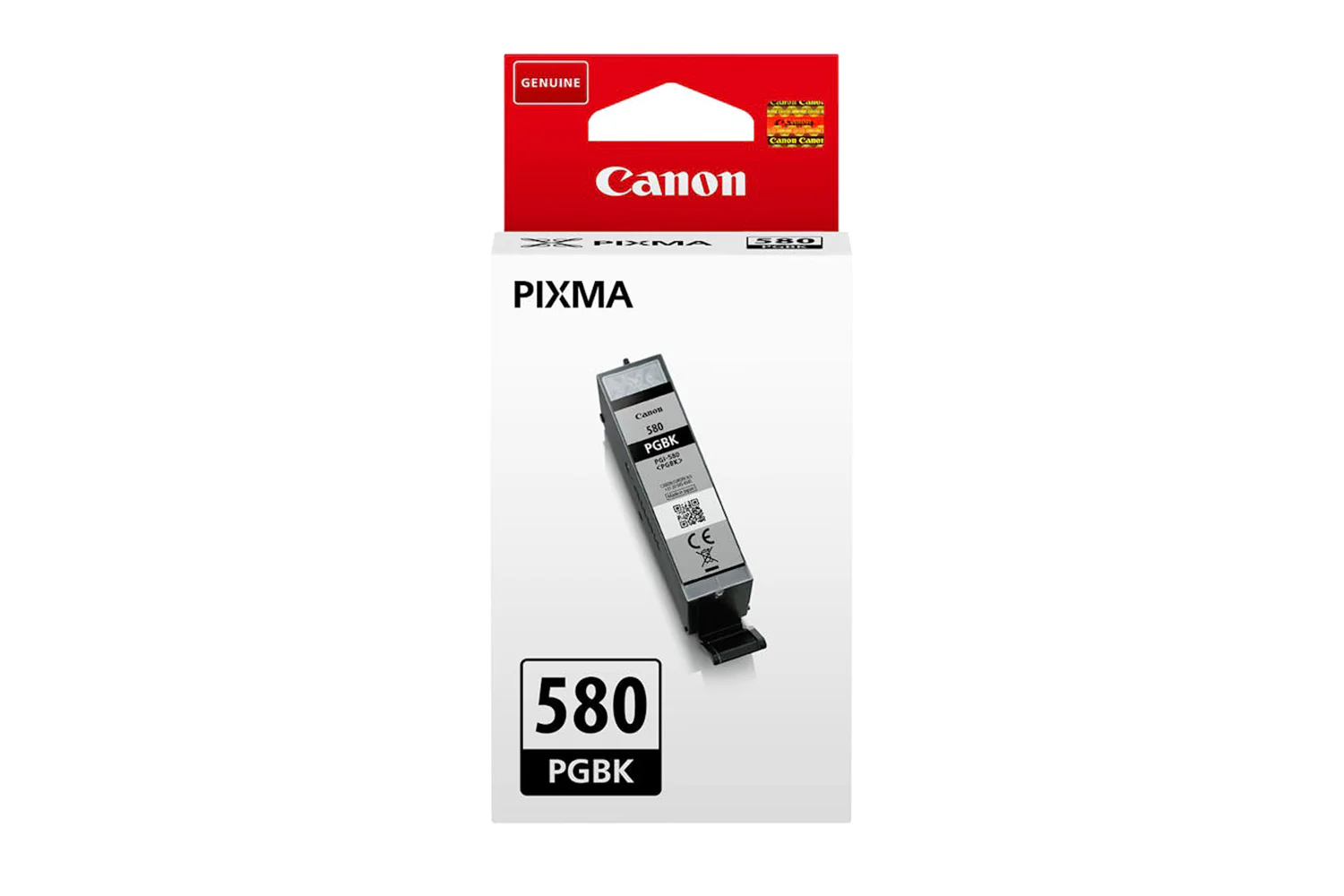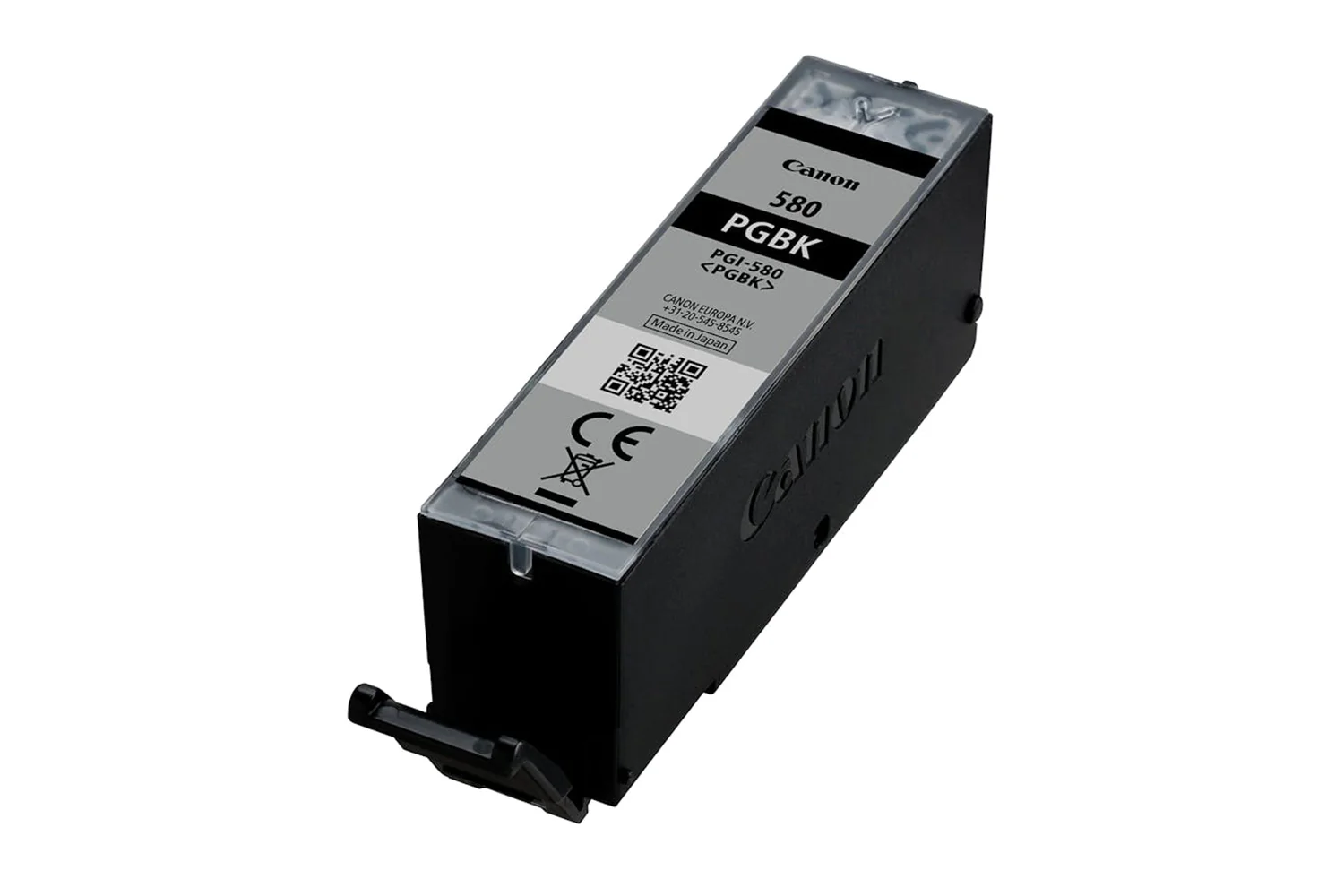
Canon Maxify GX4050 All-in-one Wireless Inkjet Printer | 5779C008
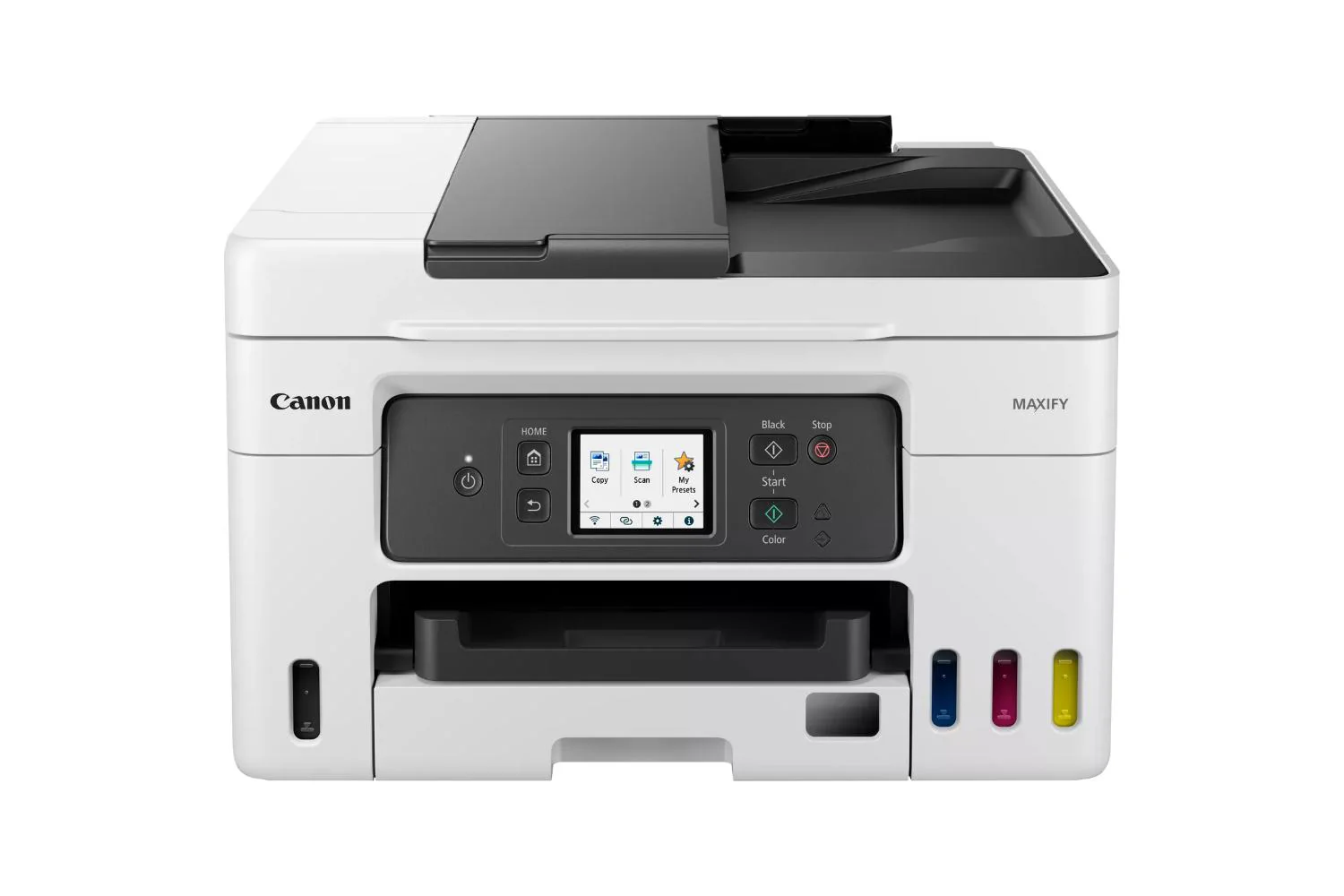
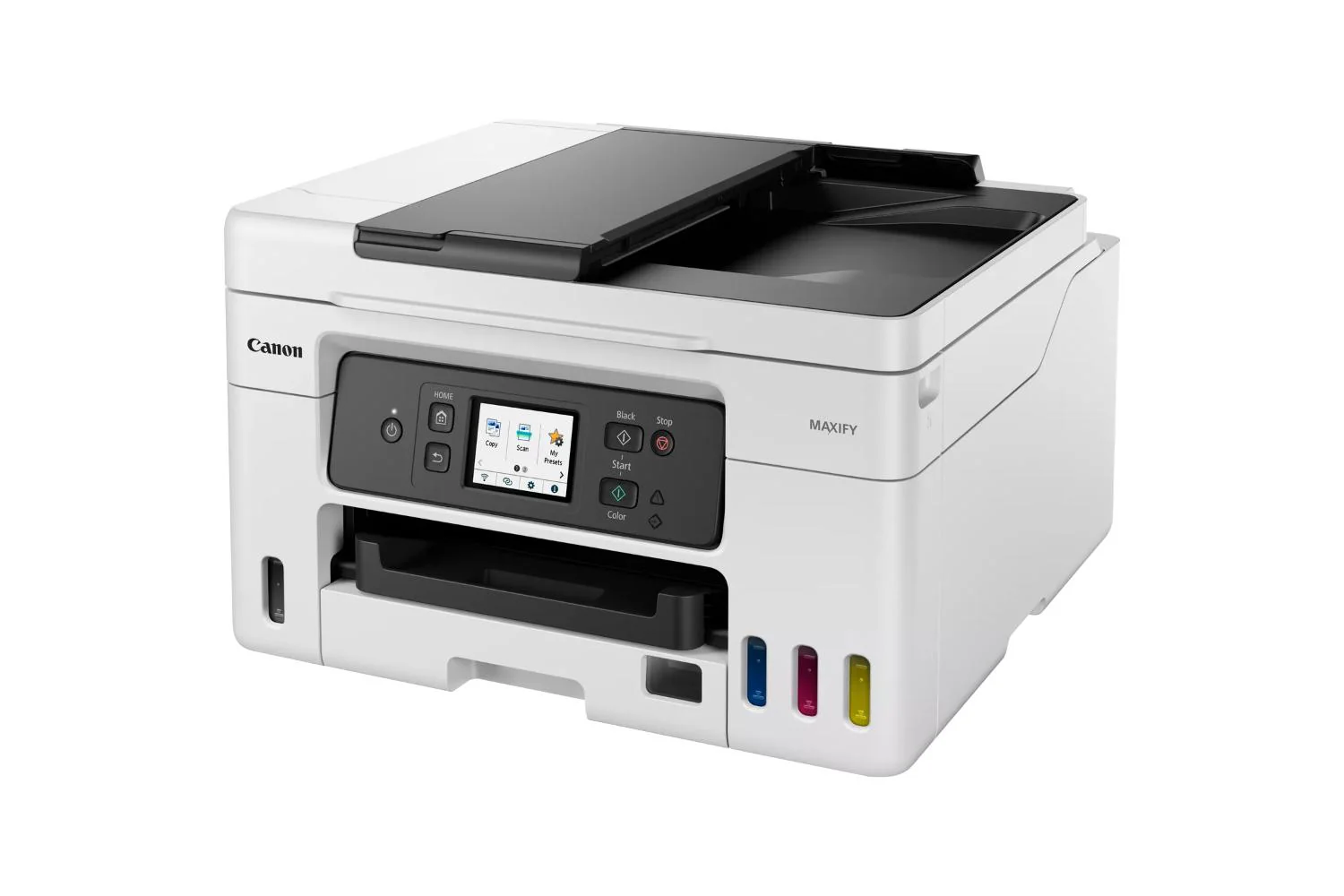
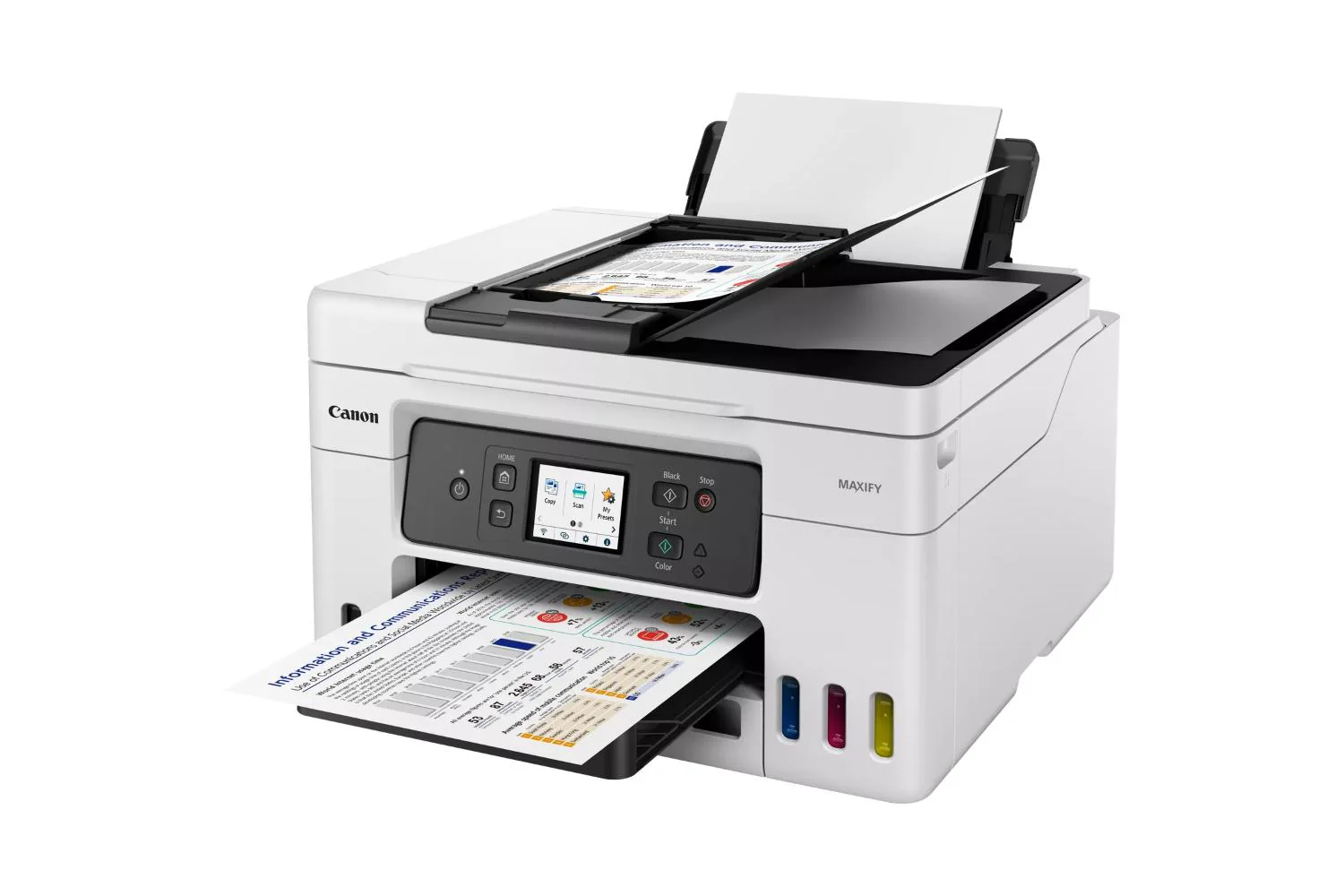
With large tanks and affordable high-yield bottles, the MAXIFY GX4050 printer with refillable ink will help keep your business costs incredibly low. Ideal for home office printing with huge savings on the total cost of ownership¹ and cost per page². Excellent quality business prints are delivered quickly and in high volumes. Effortlessly print, copy, scan and fax with easy multi document management with a 35-sheet ADF. Connect via Wi-Fi or Ethernet and easily integrate into your home office thanks to a compact size and simple self-maintenance.
Low Running Costs, Huge Savings
Save over the printer’s lifetime thanks to cost effective refillable ink tanks that vastly reduce the total cost of ownership and cost per page. Boost page yield with Economy mode[3] for even greater savings, printing up to 1.5 times more pages with the same amount of ink.
Get Brilliant Business-Quality Prints – Fast
An ideal home office printer for business use. Enjoy smudge-free prints with excellent readability, delivered at fast speeds of up to 18 ipm4 and in large volumes.
Support for Multiple Media Types
Print flyers, banners and posters in-house thanks to compatibility with a wide variety of materials including magnetic and photo media, plus a new rear flat tray that supports media up to 0.7 mm in thickness.
Print Without Pause
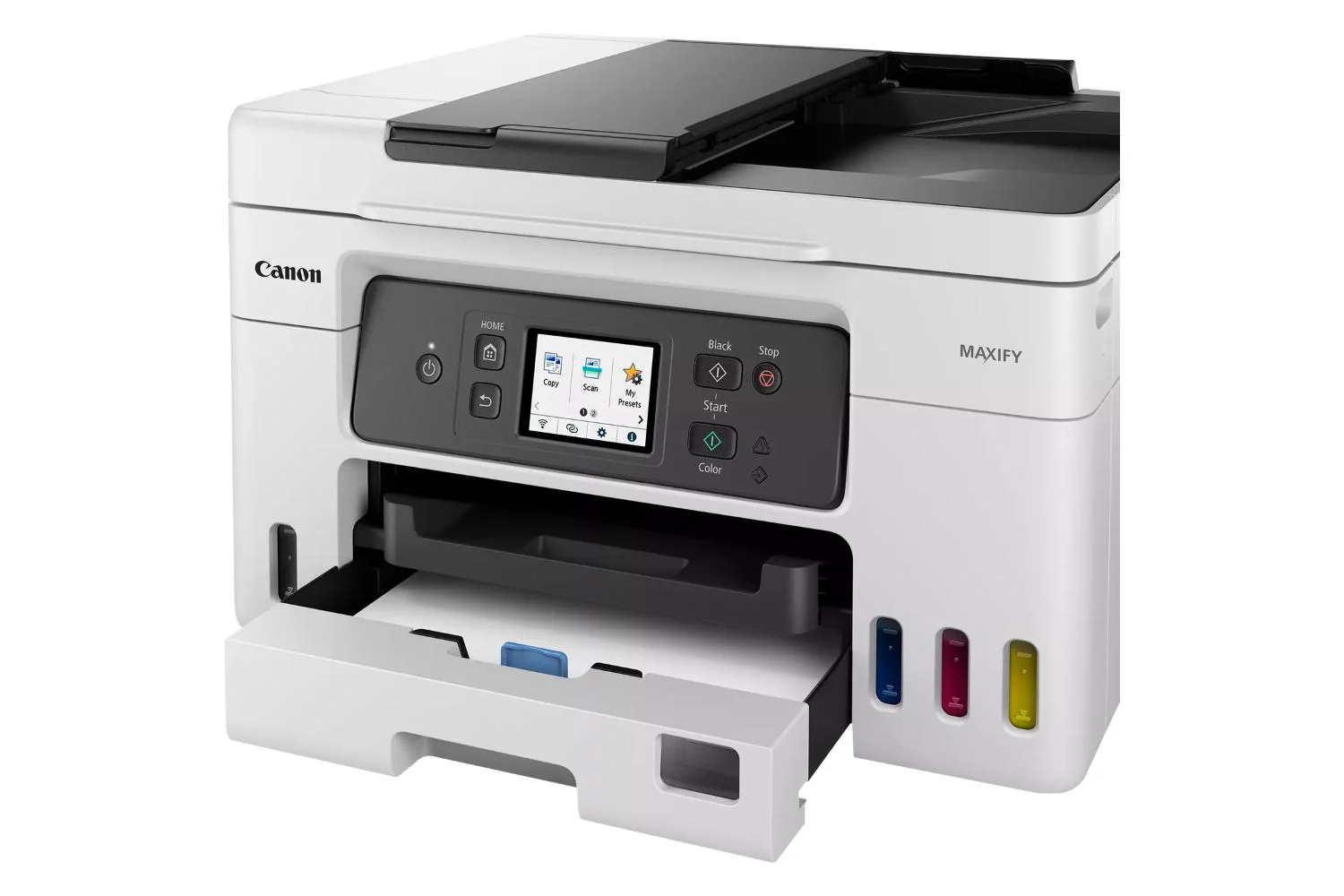
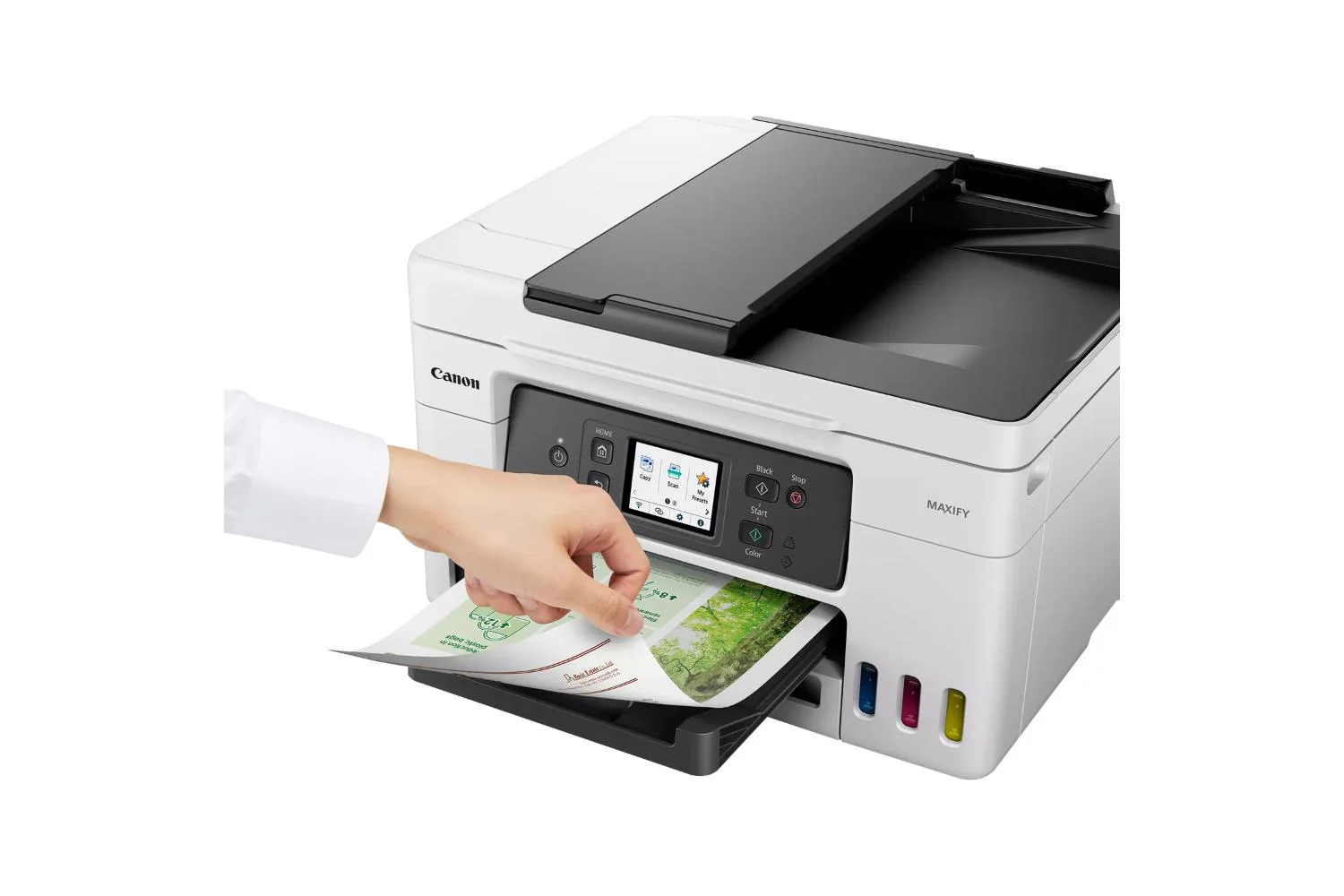
Enjoy high volume printing thanks to a 100-sheet rear feed and a 250-sheet front cassette, windowed to make checking paper levels quick and easy. Print up to 14,000 pages5 with a full set of ink bottles.
Small But Mighty
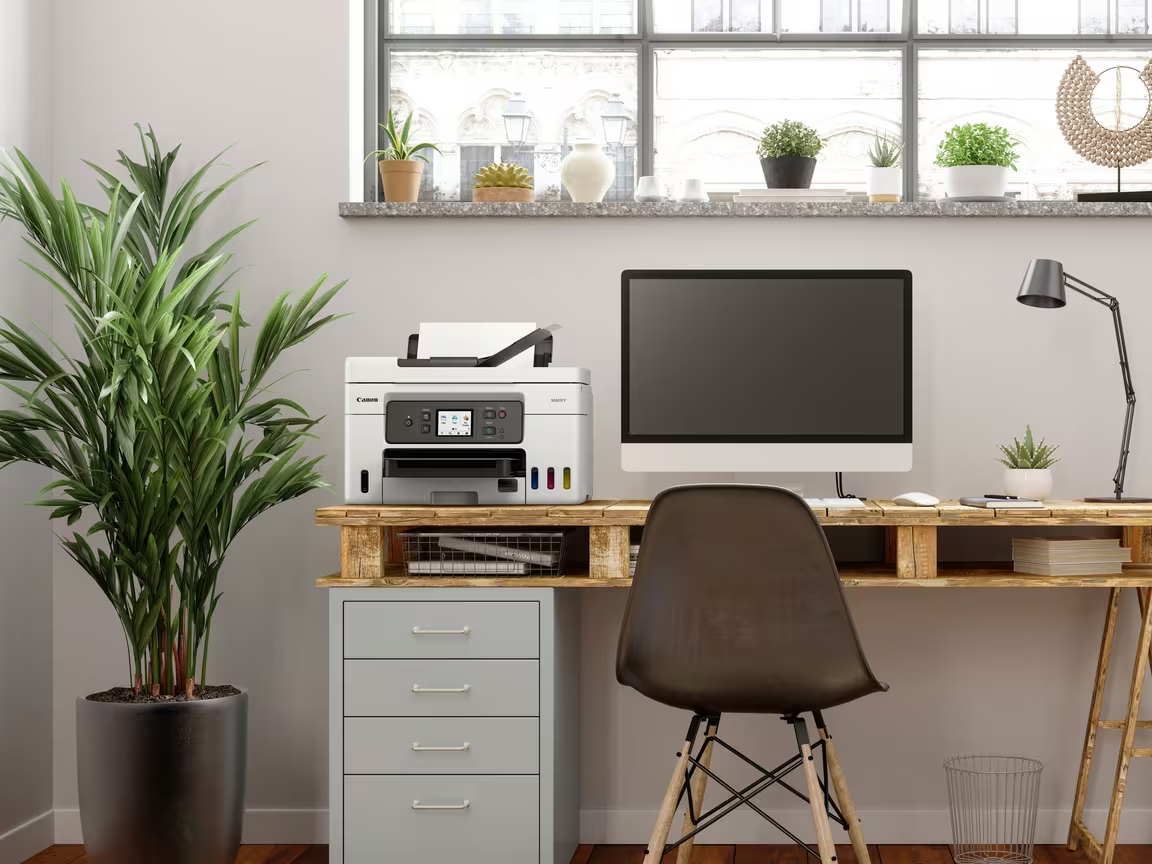
A compact footprint of 399 x 417 x 216 mm makes this a perfect space-saving home office printer. It’s greener too: the reduced amount of plastic packaging means more of it can be easily recycled.
Simple Self-Maintenance
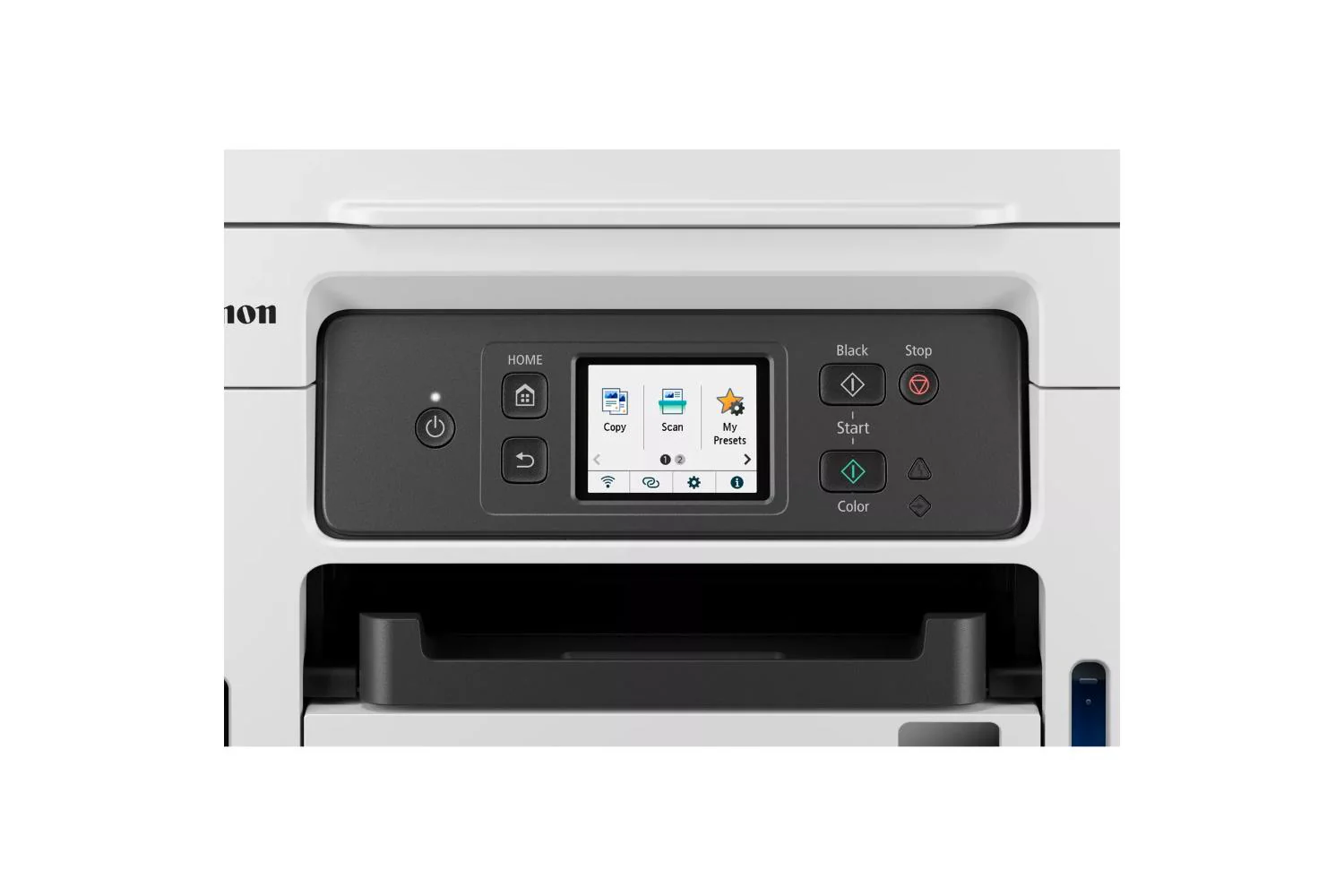
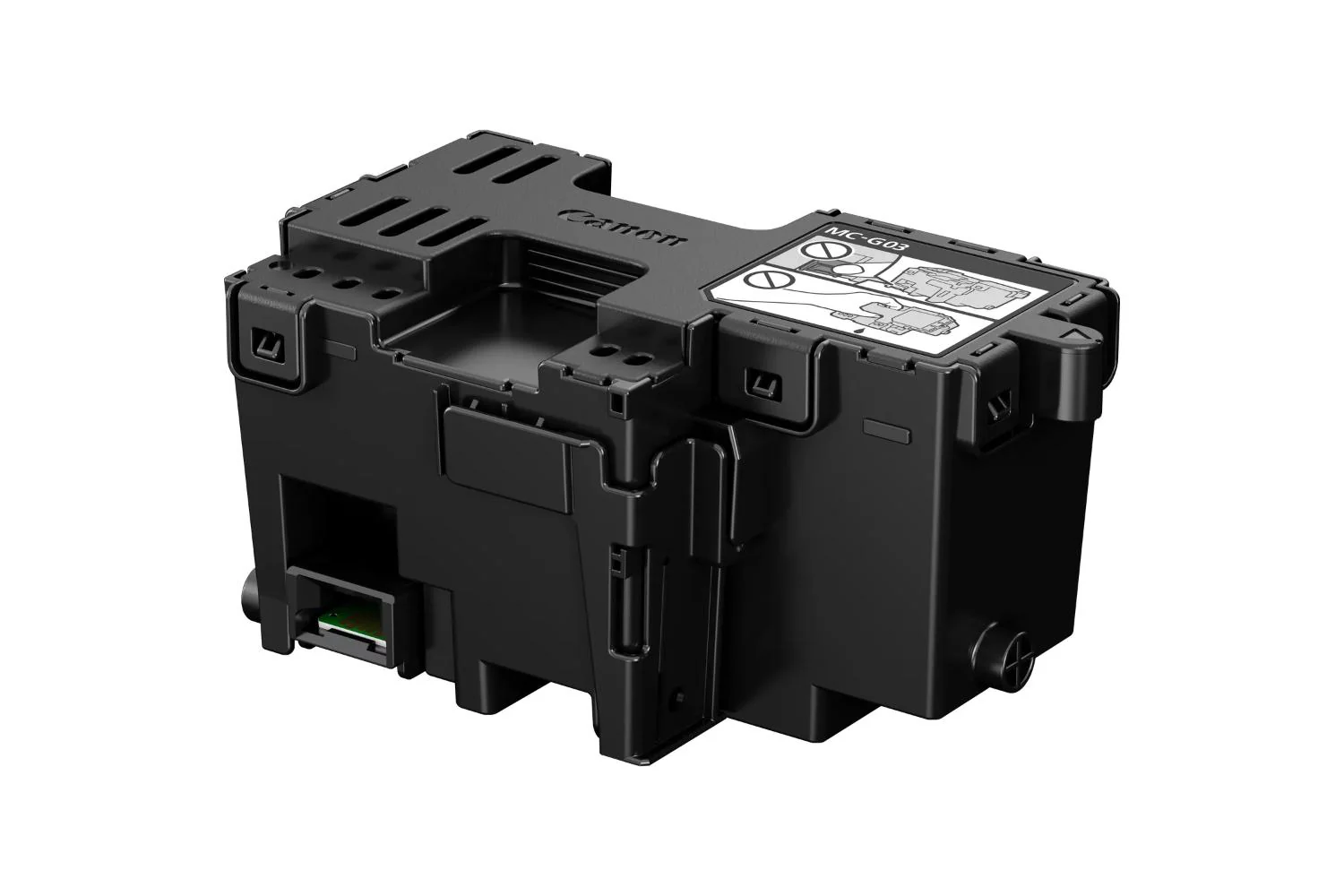
Reduce downtime with the user-replaceable maintenance cartridge, easily accessible from the front of the printer. The screen displays how full the maintenance cartridge is, and the colour-coded ink caps mean refills are simple and mess-free.
4-in-1 Ink Tank Printer
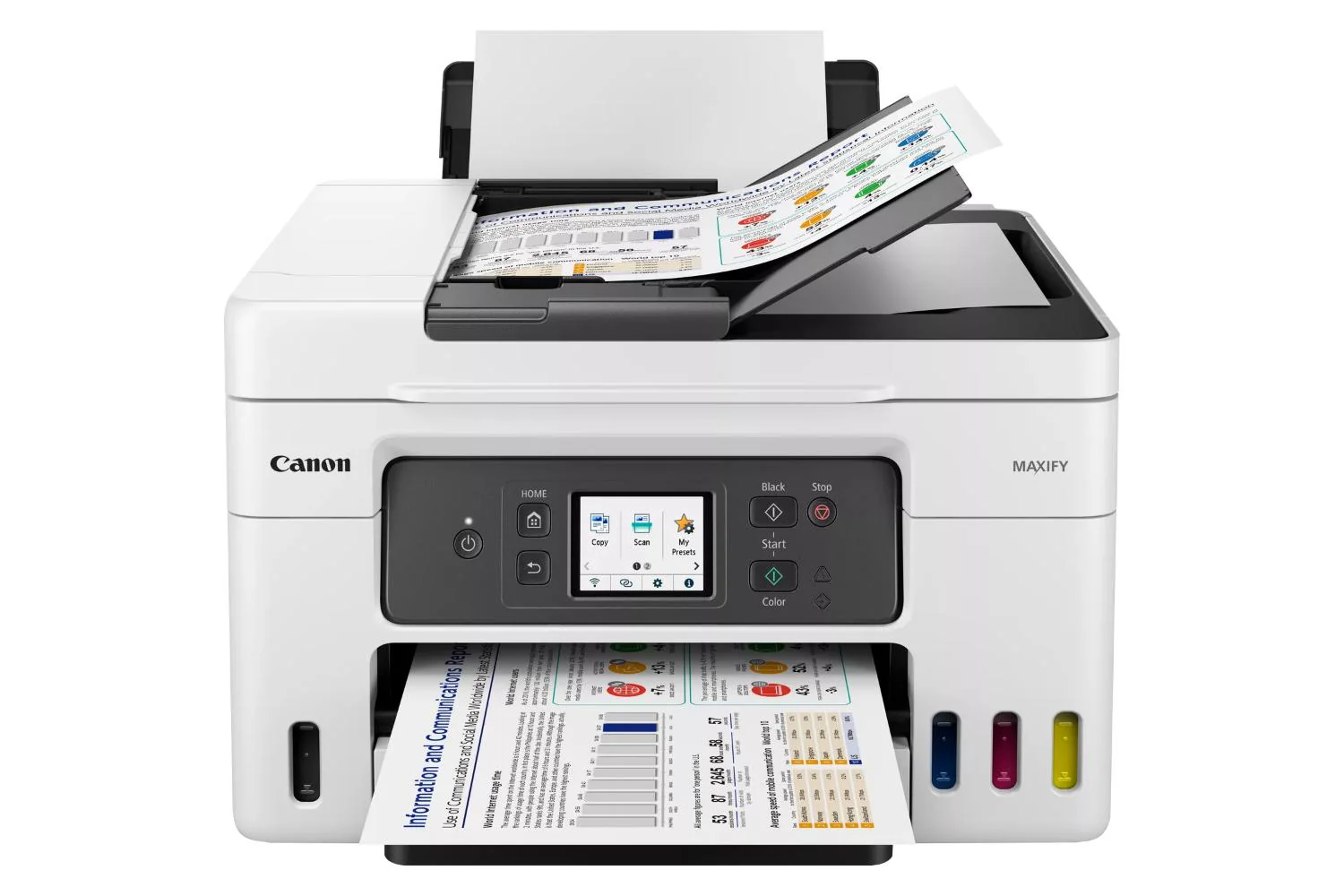
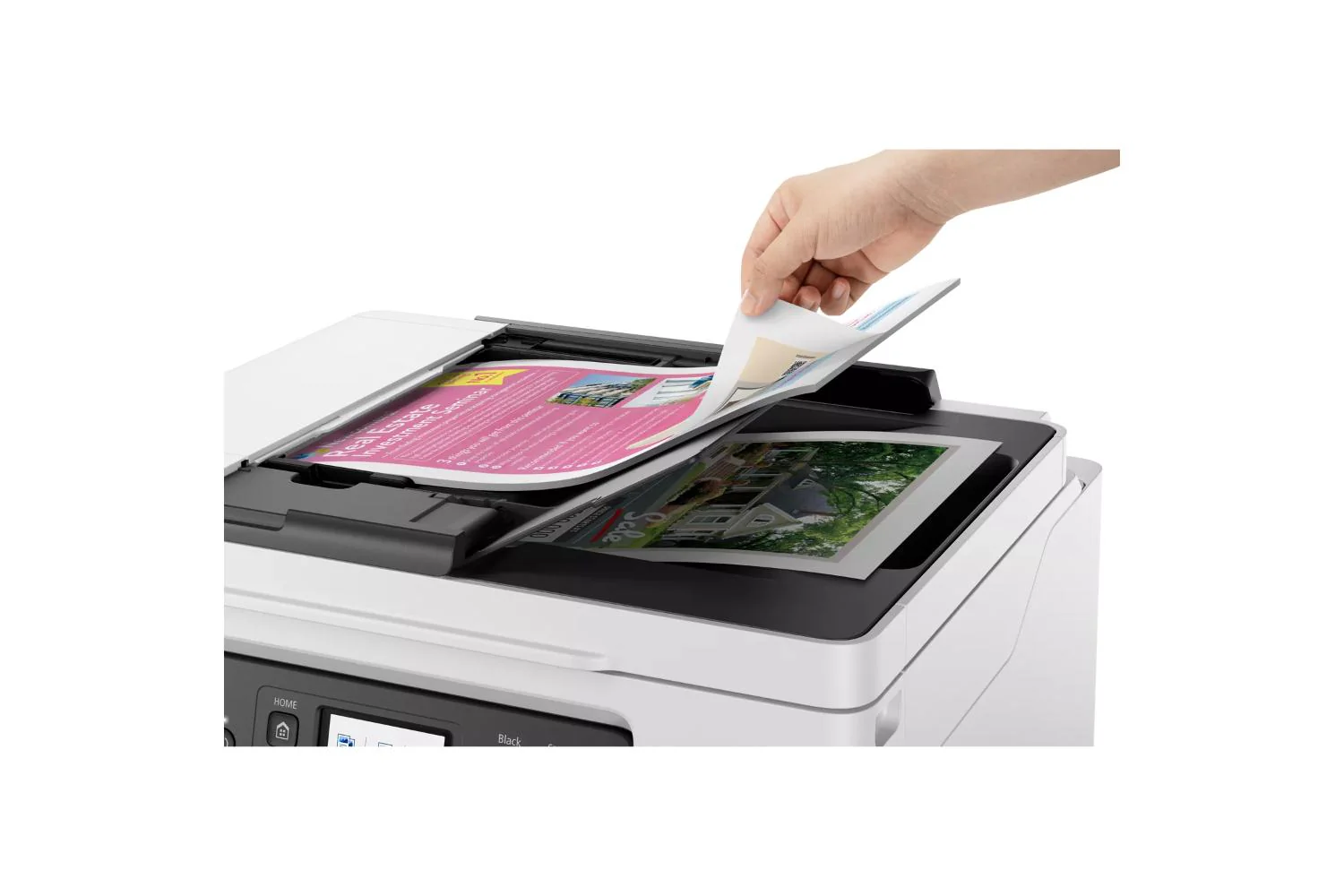
This is a 4-in-1 print, copy, scan, fax printer, making it the perfect flexible work from home printer. The ADF works with all functions too, so there’s no need to manually scan each page of multiple documents separately.
Easy to Operate
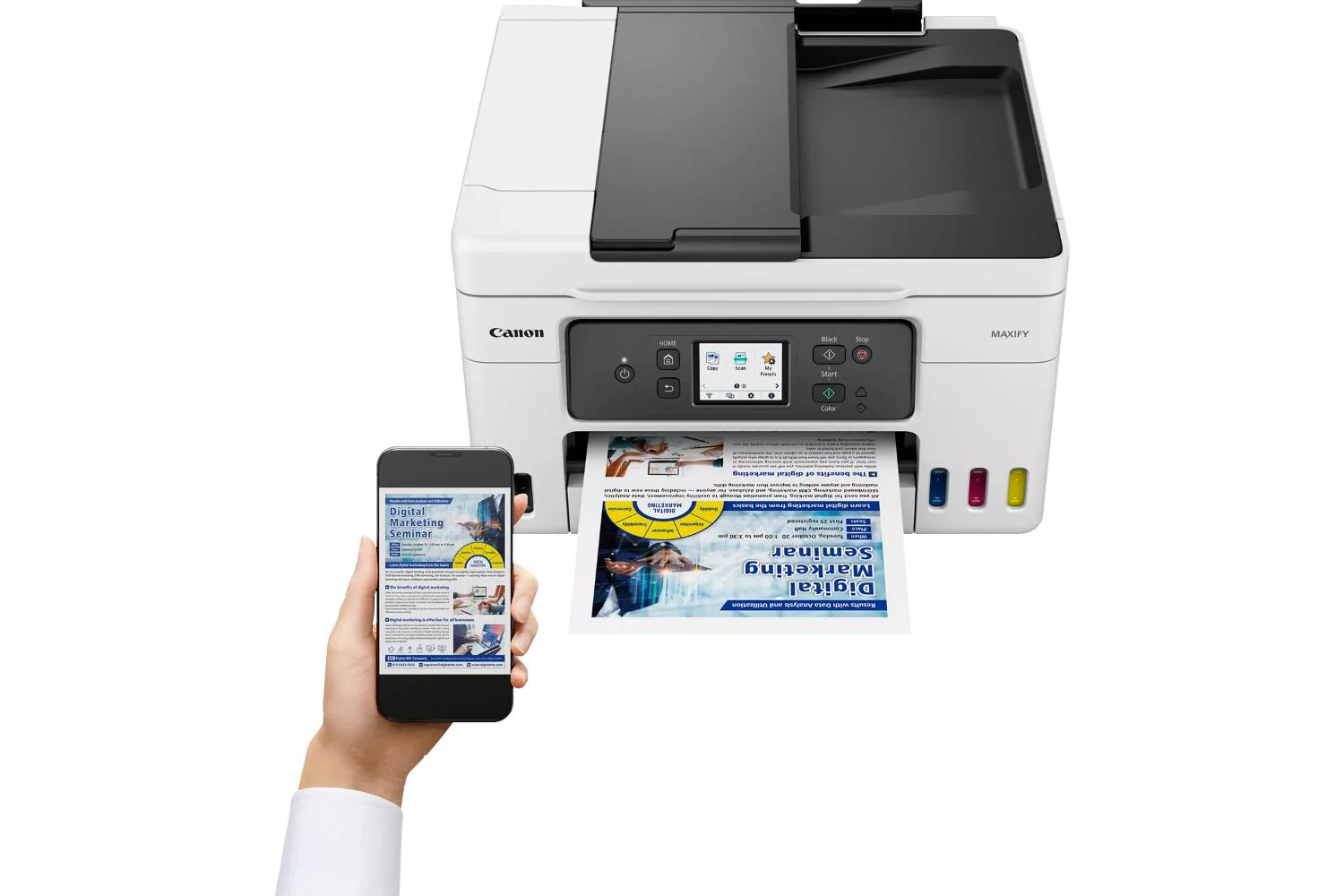
Connect effortlessly via Wi-Fi (2.4 GHz and 5 GHz bands) and print, copy and scan from the cloud. Compatible with Windows, macOS and Chrome OS computers, as well as Android and iOS smart devices6.
With large tanks and affordable high-yield bottles, the MAXIFY GX4050 printer with refillable ink will help keep your business costs incredibly low. Ideal for home office printing with huge savings on the total cost of ownership¹ and cost per page². Excellent quality business prints are delivered quickly and in high volumes. Effortlessly print, copy, scan and fax with easy multi document management with a 35-sheet ADF. Connect via Wi-Fi or Ethernet and easily integrate into your home office thanks to a compact size and simple self-maintenance.
Megatank Printers: Canon Maxify GX4050
Print large volumes of high-quality business documents while making huge savings on CPP1 and TCO2 with this refillable and easy to use 4-in-1 MegaTank-equipped MAXIFY GX printer with ADF, Wi-Fi and Ethernet.
Low Running Costs, Brilliant Productivity
With a full set of ink bottles producing up to 14,000[4] prints, this high-performance, high-volume MegaTank printer delivers huge savings on the total cost of ownership[3] and cost per page. That’s a smart investment for any home office.
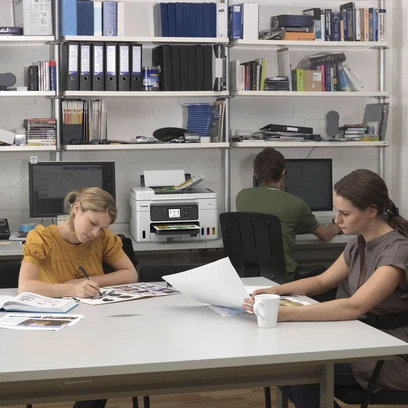
Home Office
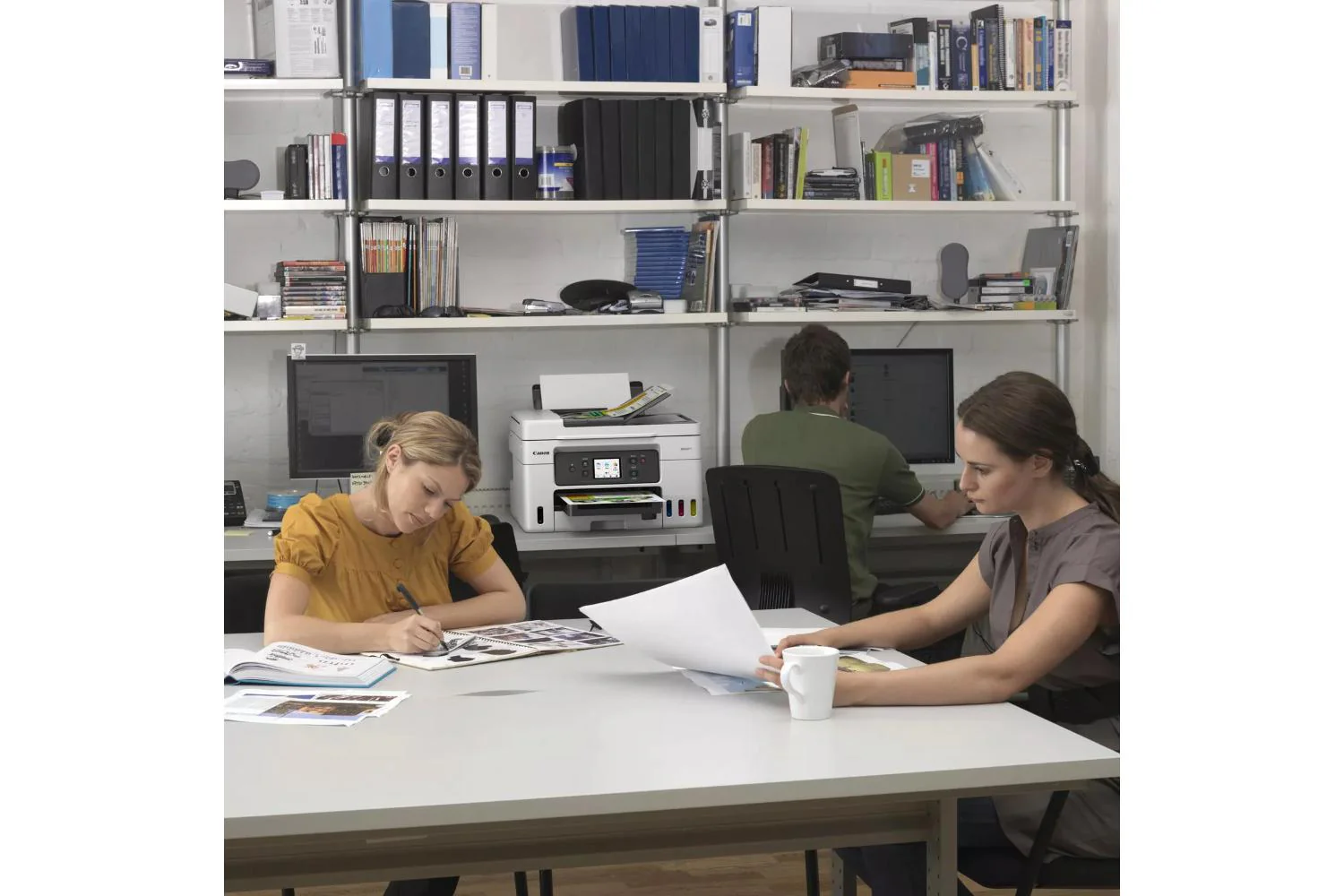
With a compact footprint, simple connectivity and easy to access user-replaceable maintenance cartridge, the MAXIFY GX range is the ideal high-volume, high-efficiency printer for demanding home and hybrid workers.
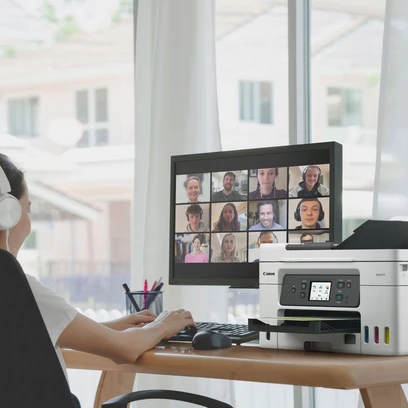
Retail
Reduce costs by printing more media in-house. Create high-quality, durable point of sale materials, signage, promotional banners and tags using the rear flat tray, which supports thick paperboard.
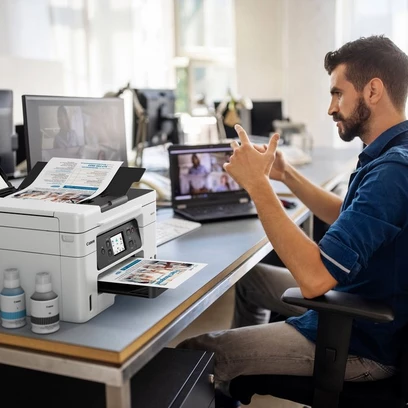
Estate Agents
Quickly print colour flyers and brochures in large volumes while retaining superb quality. All-pigment ink means prints are bright, highly readable, smudge-resistant and blur-
free.
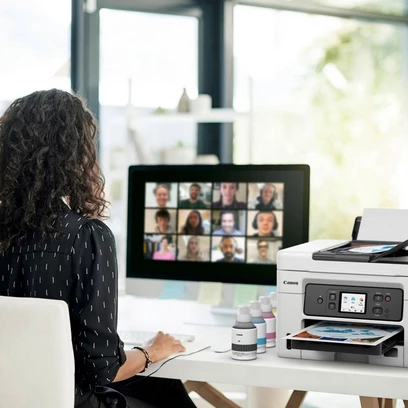
Educational Institutions
Print high volumes of course materials, resilient full-colour handouts and administrative documents while saving money on ink costs. Supervise children in one room while printing in another using wireless connectivity.
Key Benefits
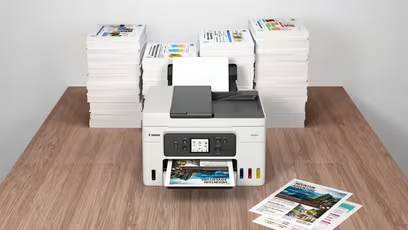
Ultra-low Running Costs
Save over the printer’s lifetime thanks to cost effective refillable ink tanks that vastly reduce the total cost of ownership and cost per page. Boost page yield with Economy mode5 and print up to 1.5x more pages with the same amount of ink
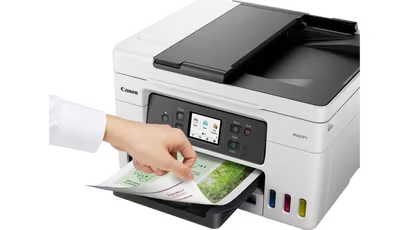
Brilliant Business-quality Prints
Enjoy water-, friction- and marker-resistant, business-friendly prints with excellent readability, delivered quickly and in large volumes
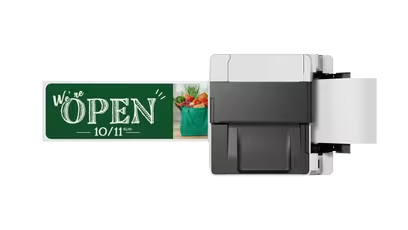
Print More Media In-house
Print flyers, banners and posters in-house thanks to compatibility with a wide variety of materials including magnetic and photo media, plus a new rear flat tray that supports thicker media and card
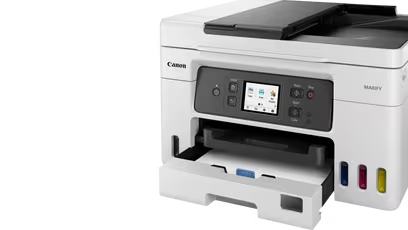
Print without Pause
Print high volumes of documents without irritating paper reloads, thanks to a 100-sheet rear feed and a 250-sheet front cassette, windowed to make checking paper levels quick and easy. A 35-sheet ADF simplifies multipage document management
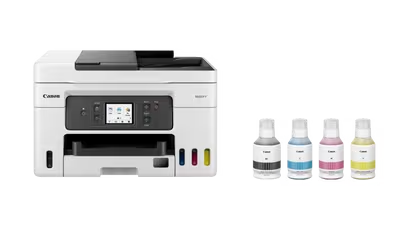
Small But Mighty
Save vital space at home or in the office thanks to the printer's compact footprint, whilst reducing the amount of plastic packaging means more of it can be easily recycled
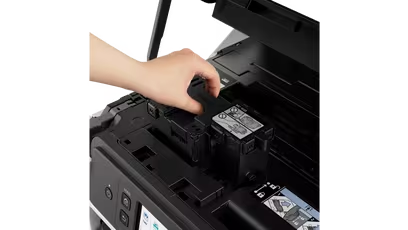
Easy to Use and Maintain
Reduce downtime with the user-replaceable maintenance cartridge, easily accessible from the front of the printer. Colour-coded, spring-loaded ink caps mean refills are simple and mess-free
Compatible Apps and Software
Print documents, photos and more direct from your smart device with the free Canon PRINT app, or quickly design and print visually striking posters and flyers with PosterArtist. Use PIXMA Cloud Link to send scans to or print from popular cloud services including Dropbox, Google Drive and OneDrive.
Canon Easy-PhotoPrint Editor turns your favourite photos (from your device or cloud storage) into stylish, personalised gifts such as cards and calendars.
The simple to use Easy-Layout Editor allows you to freely arrange the layout of various documents before printing them. Ideal for printing images, posters, web pages and more.
What’s in the box:
- Everything you need to get your high-efficiency business printing underway – just add paper.
- Maxify GX4050 refillable megatank inkjet printer
- 4 high-yield ink bottles (1 x black and 1 x c/m/y)
- Power cord
Product Features:
- Coded Speed Dialing: Max. 100 locations
- Group Dialing: Max. 99 locations
Notes:
Cost per page (CPP) is the amount of money that it takes to print a single page. This is determined by dividing the cost of the ink by the page yield.
The total cost of ownership (TCO) is a calculation of what a printer would cost you based on the initial purchase cost of hardware plus the costs of ink over a fixed period.
Disclaimer: The total cost of ownership (TCO) is based on the initial purchase cost of hardware plus the costs of ink or toner over a fixed period (see below for conditions). Please note that additional variable costs may influence the total cost of ownership, including but not limited to other consumables, ink and toner bundles, high yield ink and toner packs, servicing, power consumption and replacement parts.
The percentage cost savings stated represent an estimation of the total cost savings for the specified print volume of 1000 pages a month (50% colour and 50% mono) over a period of 60 months (5 years).
The total cost of ownership (TCO) is based on the following calculation: [Average colour CPP x colour print volume - minus bundled ink/ toner pages] plus [Average mono CPP x mono print volume - minus bundled ink/ toner pages] plus [cost of hardware] plus [cost of maintenance cartridge for MAXIFY GX models only].
The comparison models in the total cost of ownership (TCO) savings include the comparable competitor models from Epson. The selling price of the printers in EUR (€) and price of consumables were obtained from manufacturer official website (https://www.epson.de/) on 12th September 2022.
Canon MAXIFY GX7000, GX6000, GX5000, GX4000 and GX3000 series hardware and consumables have been included and for the sole purpose of this TCO Calculator using the Recommended Retail Price (“RRP”) which includes VAT.
VAT is included but note that delivery charges are not included in the pricing calculations. Prices are subject to change due to market conditions.
Printing costs are based on use of the default settings being used on both the Canon printers and competitors’ printers. This is consistent with the test conditions employed in ISO/IEC yield test for the relevant category.
The cost per page was calculated from the consumable selling price as stated on manufacturer websites divided by the manufacturers’ published yield officially disclosed in publicly available information. The cost per page is based on the print simulation of Test Patterns provided in ISO/IEC24712 for inkjet printers.
All manufacturers’ specifications and performance data has been collated from publicly available information including but not limited to manufacturers’ own brochures and websites. Canon and competitors ink yields are taken from the manufacturers published specifications.
For the purpose of fair comparison and accurate data reporting, the consumables yield data was taken from the highest standard toner or ink yield consumables available at the time of publication which has been determined according to ISO standards. The comparison excludes combo packs, XL and multipacks. This data is publicly available.
Page Yield is the estimated value based on Canon individual test method using the ISO/IEC 24712 chart and continuous printing simulation with the replacement after initial setup.
The economy mode reduces the ink consumption by lowering the density, 50% more pages than the standard mode can be printed.
A4 document print speed on plain paper is measured based on average of ESAT in Office Category Test of ISO/IEC 24734 standard.
Original: $521.81
-65%$521.81
$182.63Product Information
Product Information
Shipping & Returns
Shipping & Returns
Description
With large tanks and affordable high-yield bottles, the MAXIFY GX4050 printer with refillable ink will help keep your business costs incredibly low. Ideal for home office printing with huge savings on the total cost of ownership¹ and cost per page². Excellent quality business prints are delivered quickly and in high volumes. Effortlessly print, copy, scan and fax with easy multi document management with a 35-sheet ADF. Connect via Wi-Fi or Ethernet and easily integrate into your home office thanks to a compact size and simple self-maintenance.
Low Running Costs, Huge Savings
Save over the printer’s lifetime thanks to cost effective refillable ink tanks that vastly reduce the total cost of ownership and cost per page. Boost page yield with Economy mode[3] for even greater savings, printing up to 1.5 times more pages with the same amount of ink.
Get Brilliant Business-Quality Prints – Fast
An ideal home office printer for business use. Enjoy smudge-free prints with excellent readability, delivered at fast speeds of up to 18 ipm4 and in large volumes.
Support for Multiple Media Types
Print flyers, banners and posters in-house thanks to compatibility with a wide variety of materials including magnetic and photo media, plus a new rear flat tray that supports media up to 0.7 mm in thickness.
Print Without Pause
Enjoy high volume printing thanks to a 100-sheet rear feed and a 250-sheet front cassette, windowed to make checking paper levels quick and easy. Print up to 14,000 pages5 with a full set of ink bottles.
Small But Mighty
A compact footprint of 399 x 417 x 216 mm makes this a perfect space-saving home office printer. It’s greener too: the reduced amount of plastic packaging means more of it can be easily recycled.
Simple Self-Maintenance
Reduce downtime with the user-replaceable maintenance cartridge, easily accessible from the front of the printer. The screen displays how full the maintenance cartridge is, and the colour-coded ink caps mean refills are simple and mess-free.
4-in-1 Ink Tank Printer
This is a 4-in-1 print, copy, scan, fax printer, making it the perfect flexible work from home printer. The ADF works with all functions too, so there’s no need to manually scan each page of multiple documents separately.
Easy to Operate
Connect effortlessly via Wi-Fi (2.4 GHz and 5 GHz bands) and print, copy and scan from the cloud. Compatible with Windows, macOS and Chrome OS computers, as well as Android and iOS smart devices6.
With large tanks and affordable high-yield bottles, the MAXIFY GX4050 printer with refillable ink will help keep your business costs incredibly low. Ideal for home office printing with huge savings on the total cost of ownership¹ and cost per page². Excellent quality business prints are delivered quickly and in high volumes. Effortlessly print, copy, scan and fax with easy multi document management with a 35-sheet ADF. Connect via Wi-Fi or Ethernet and easily integrate into your home office thanks to a compact size and simple self-maintenance.
Megatank Printers: Canon Maxify GX4050
Print large volumes of high-quality business documents while making huge savings on CPP1 and TCO2 with this refillable and easy to use 4-in-1 MegaTank-equipped MAXIFY GX printer with ADF, Wi-Fi and Ethernet.
Low Running Costs, Brilliant Productivity
With a full set of ink bottles producing up to 14,000[4] prints, this high-performance, high-volume MegaTank printer delivers huge savings on the total cost of ownership[3] and cost per page. That’s a smart investment for any home office.
Home Office
With a compact footprint, simple connectivity and easy to access user-replaceable maintenance cartridge, the MAXIFY GX range is the ideal high-volume, high-efficiency printer for demanding home and hybrid workers.
Retail
Reduce costs by printing more media in-house. Create high-quality, durable point of sale materials, signage, promotional banners and tags using the rear flat tray, which supports thick paperboard.
Estate Agents
Quickly print colour flyers and brochures in large volumes while retaining superb quality. All-pigment ink means prints are bright, highly readable, smudge-resistant and blur-
free.
Educational Institutions
Print high volumes of course materials, resilient full-colour handouts and administrative documents while saving money on ink costs. Supervise children in one room while printing in another using wireless connectivity.
Key Benefits
Ultra-low Running Costs
Save over the printer’s lifetime thanks to cost effective refillable ink tanks that vastly reduce the total cost of ownership and cost per page. Boost page yield with Economy mode5 and print up to 1.5x more pages with the same amount of ink
Brilliant Business-quality Prints
Enjoy water-, friction- and marker-resistant, business-friendly prints with excellent readability, delivered quickly and in large volumes
Print More Media In-house
Print flyers, banners and posters in-house thanks to compatibility with a wide variety of materials including magnetic and photo media, plus a new rear flat tray that supports thicker media and card
Print without Pause
Print high volumes of documents without irritating paper reloads, thanks to a 100-sheet rear feed and a 250-sheet front cassette, windowed to make checking paper levels quick and easy. A 35-sheet ADF simplifies multipage document management
Small But Mighty
Save vital space at home or in the office thanks to the printer's compact footprint, whilst reducing the amount of plastic packaging means more of it can be easily recycled
Easy to Use and Maintain
Reduce downtime with the user-replaceable maintenance cartridge, easily accessible from the front of the printer. Colour-coded, spring-loaded ink caps mean refills are simple and mess-free
Compatible Apps and Software
Print documents, photos and more direct from your smart device with the free Canon PRINT app, or quickly design and print visually striking posters and flyers with PosterArtist. Use PIXMA Cloud Link to send scans to or print from popular cloud services including Dropbox, Google Drive and OneDrive.
Canon Easy-PhotoPrint Editor turns your favourite photos (from your device or cloud storage) into stylish, personalised gifts such as cards and calendars.
The simple to use Easy-Layout Editor allows you to freely arrange the layout of various documents before printing them. Ideal for printing images, posters, web pages and more.
What’s in the box:
- Everything you need to get your high-efficiency business printing underway – just add paper.
- Maxify GX4050 refillable megatank inkjet printer
- 4 high-yield ink bottles (1 x black and 1 x c/m/y)
- Power cord
Product Features:
- Coded Speed Dialing: Max. 100 locations
- Group Dialing: Max. 99 locations
Notes:
Cost per page (CPP) is the amount of money that it takes to print a single page. This is determined by dividing the cost of the ink by the page yield.
The total cost of ownership (TCO) is a calculation of what a printer would cost you based on the initial purchase cost of hardware plus the costs of ink over a fixed period.
Disclaimer: The total cost of ownership (TCO) is based on the initial purchase cost of hardware plus the costs of ink or toner over a fixed period (see below for conditions). Please note that additional variable costs may influence the total cost of ownership, including but not limited to other consumables, ink and toner bundles, high yield ink and toner packs, servicing, power consumption and replacement parts.
The percentage cost savings stated represent an estimation of the total cost savings for the specified print volume of 1000 pages a month (50% colour and 50% mono) over a period of 60 months (5 years).
The total cost of ownership (TCO) is based on the following calculation: [Average colour CPP x colour print volume - minus bundled ink/ toner pages] plus [Average mono CPP x mono print volume - minus bundled ink/ toner pages] plus [cost of hardware] plus [cost of maintenance cartridge for MAXIFY GX models only].
The comparison models in the total cost of ownership (TCO) savings include the comparable competitor models from Epson. The selling price of the printers in EUR (€) and price of consumables were obtained from manufacturer official website (https://www.epson.de/) on 12th September 2022.
Canon MAXIFY GX7000, GX6000, GX5000, GX4000 and GX3000 series hardware and consumables have been included and for the sole purpose of this TCO Calculator using the Recommended Retail Price (“RRP”) which includes VAT.
VAT is included but note that delivery charges are not included in the pricing calculations. Prices are subject to change due to market conditions.
Printing costs are based on use of the default settings being used on both the Canon printers and competitors’ printers. This is consistent with the test conditions employed in ISO/IEC yield test for the relevant category.
The cost per page was calculated from the consumable selling price as stated on manufacturer websites divided by the manufacturers’ published yield officially disclosed in publicly available information. The cost per page is based on the print simulation of Test Patterns provided in ISO/IEC24712 for inkjet printers.
All manufacturers’ specifications and performance data has been collated from publicly available information including but not limited to manufacturers’ own brochures and websites. Canon and competitors ink yields are taken from the manufacturers published specifications.
For the purpose of fair comparison and accurate data reporting, the consumables yield data was taken from the highest standard toner or ink yield consumables available at the time of publication which has been determined according to ISO standards. The comparison excludes combo packs, XL and multipacks. This data is publicly available.
Page Yield is the estimated value based on Canon individual test method using the ISO/IEC 24712 chart and continuous printing simulation with the replacement after initial setup.
The economy mode reduces the ink consumption by lowering the density, 50% more pages than the standard mode can be printed.
A4 document print speed on plain paper is measured based on average of ESAT in Office Category Test of ISO/IEC 24734 standard.