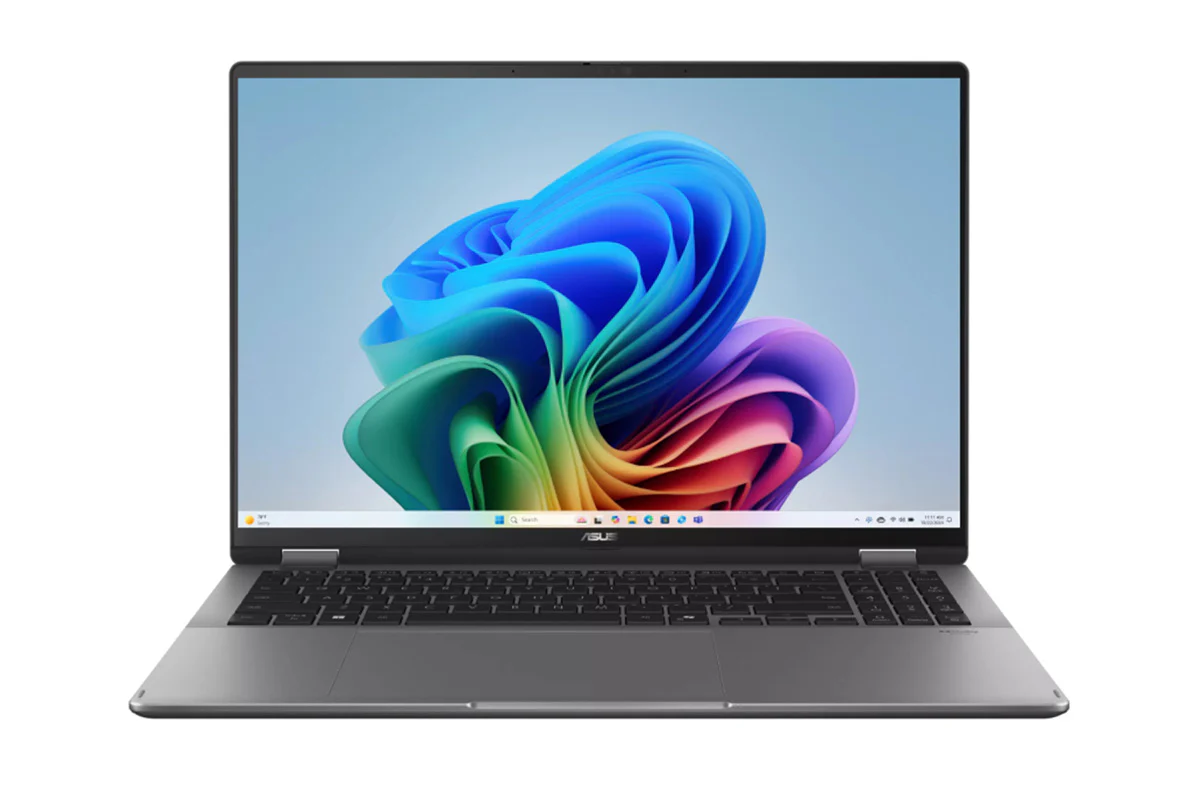
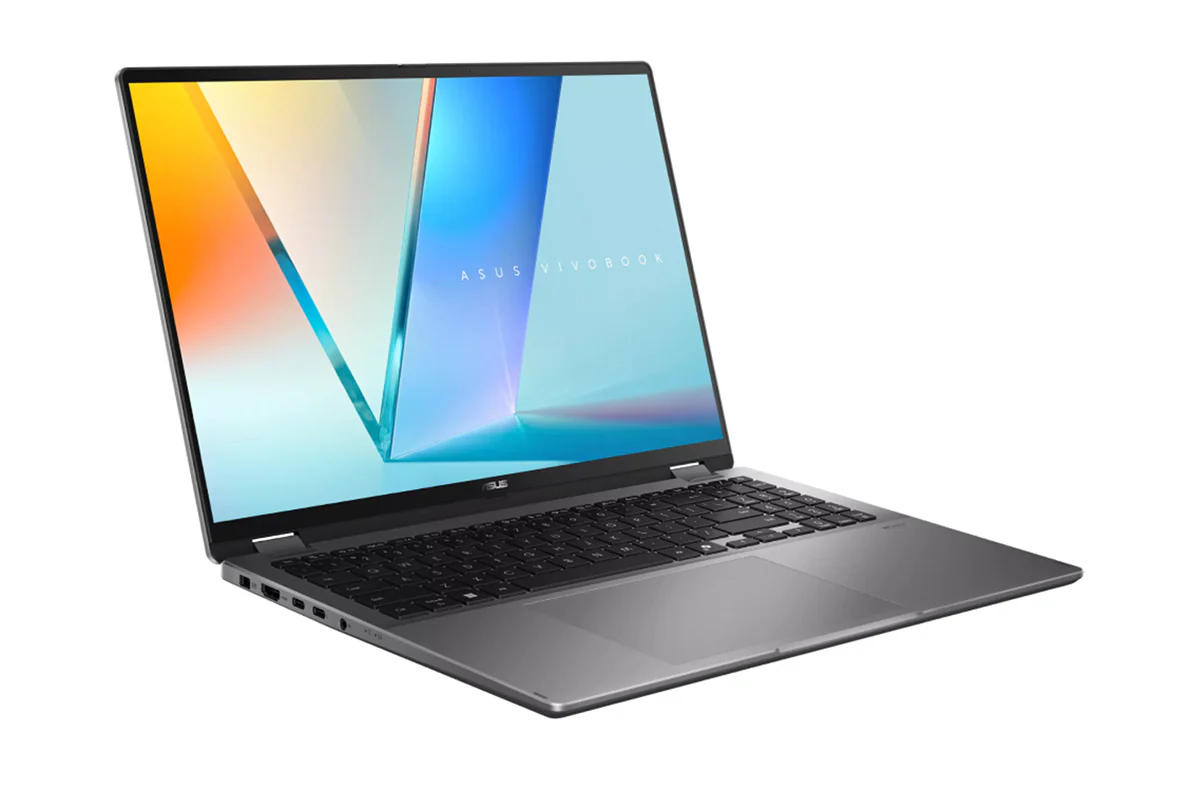
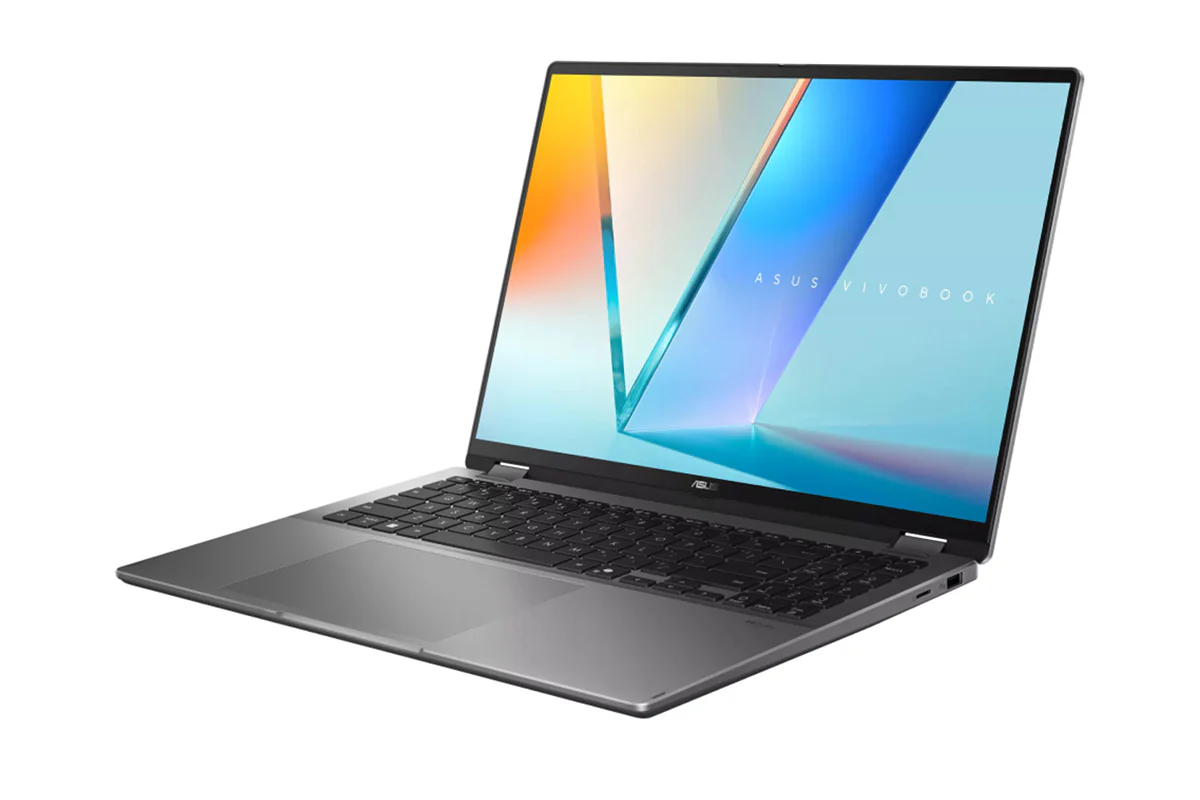
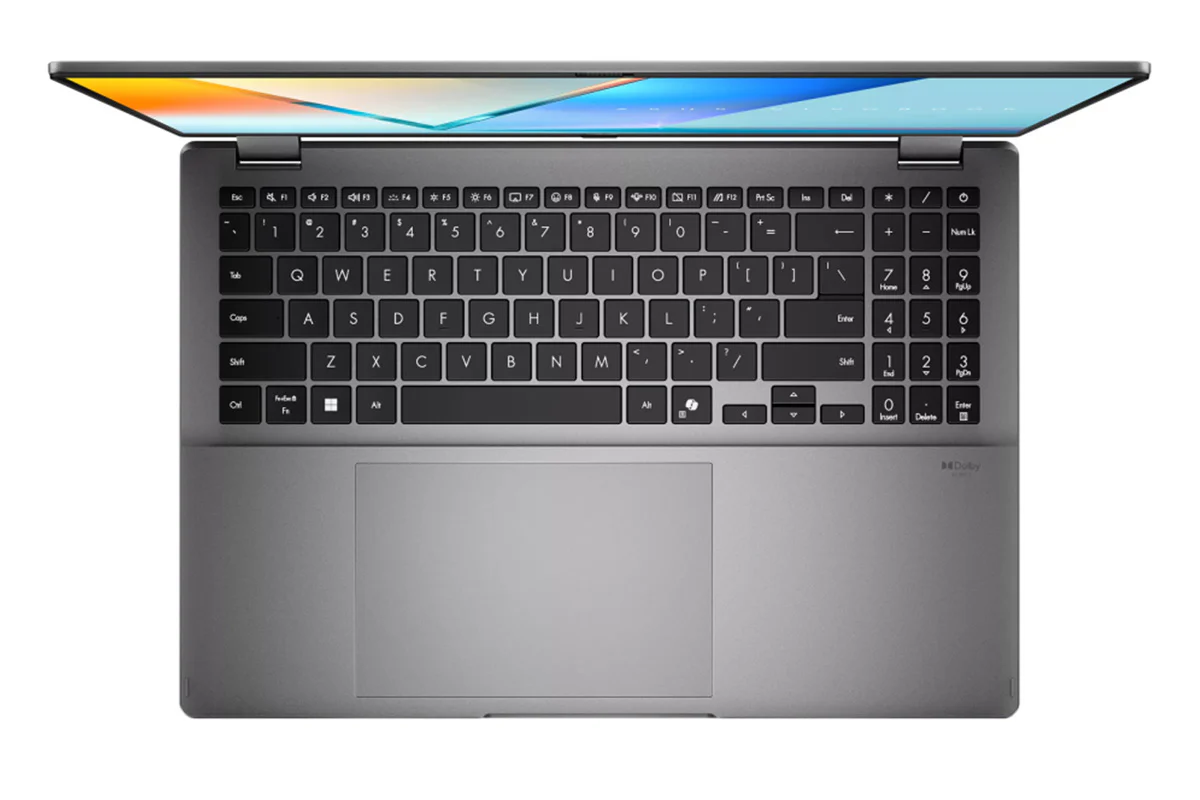
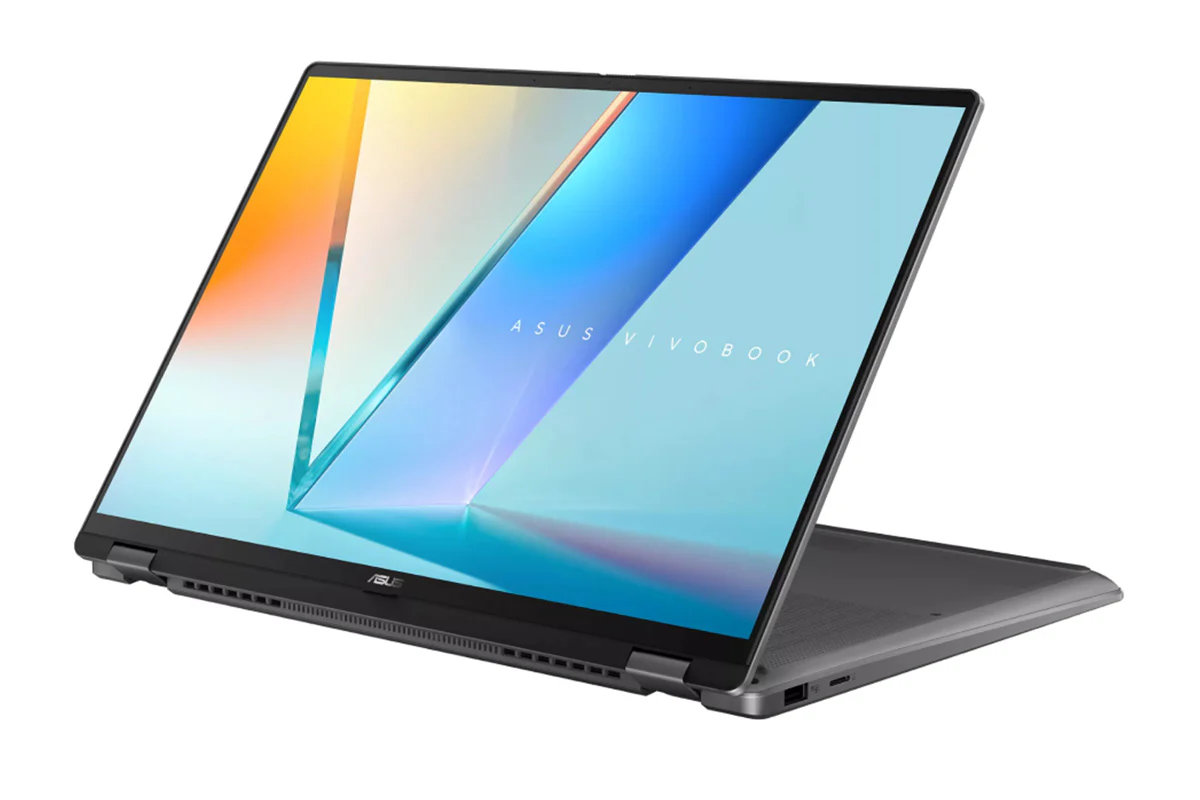
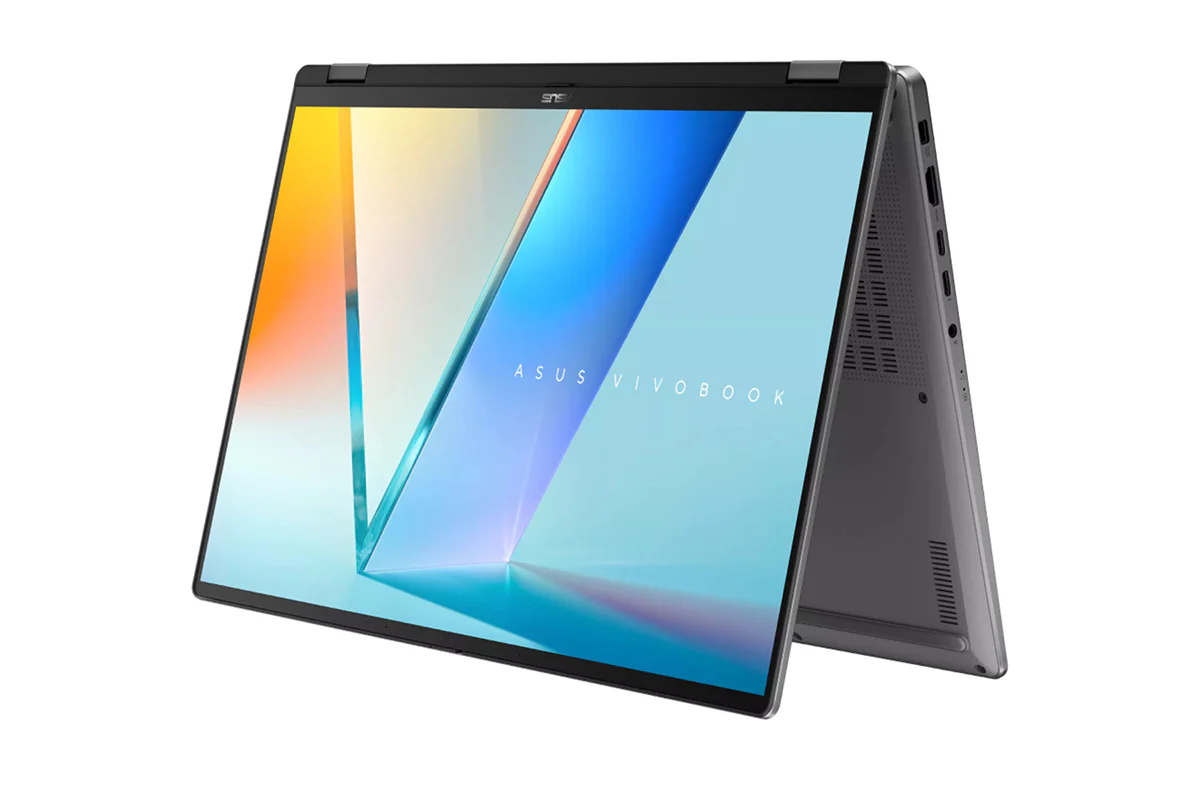
ASUS Vivobook 16 Flip TP3607 | Copilot+ PC | 16" | Core Ultra 7 | 16GB | 1TB | Matte Grey | GeForce RTX 5050
Asus Vivobook 16 Flip: Flip 360, Flip Smart
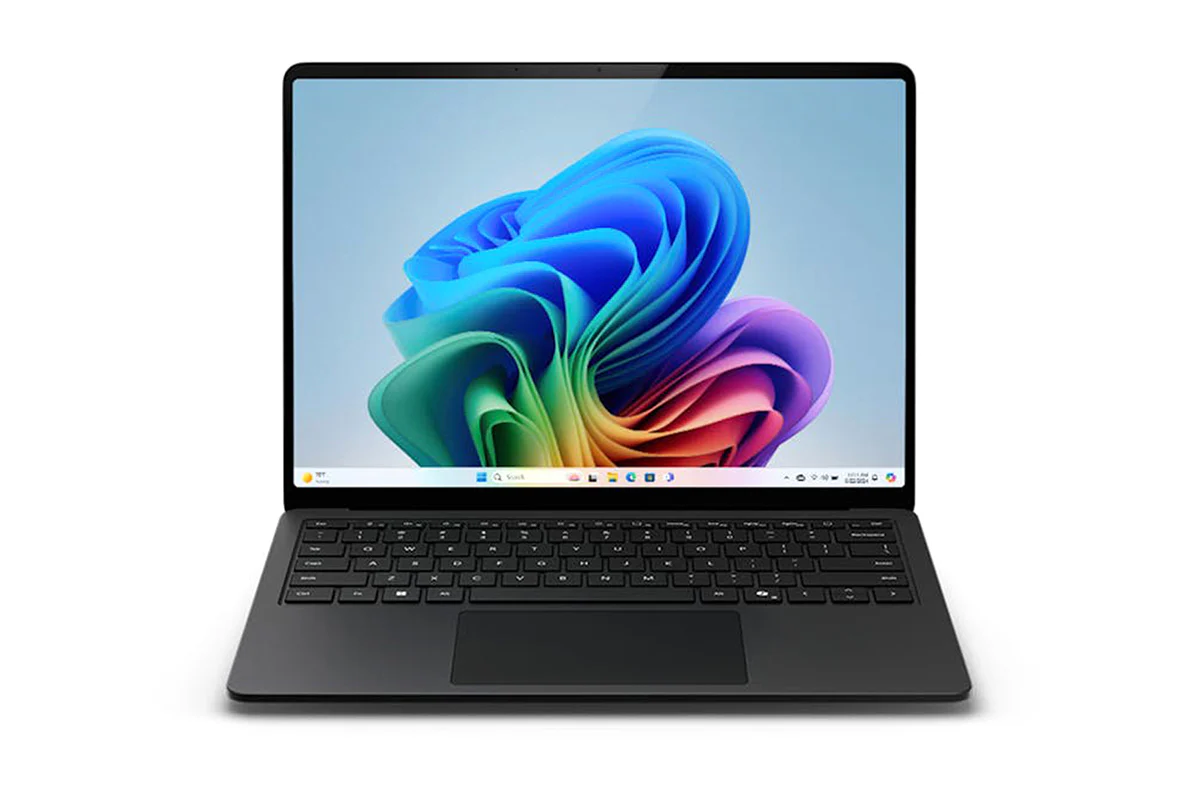
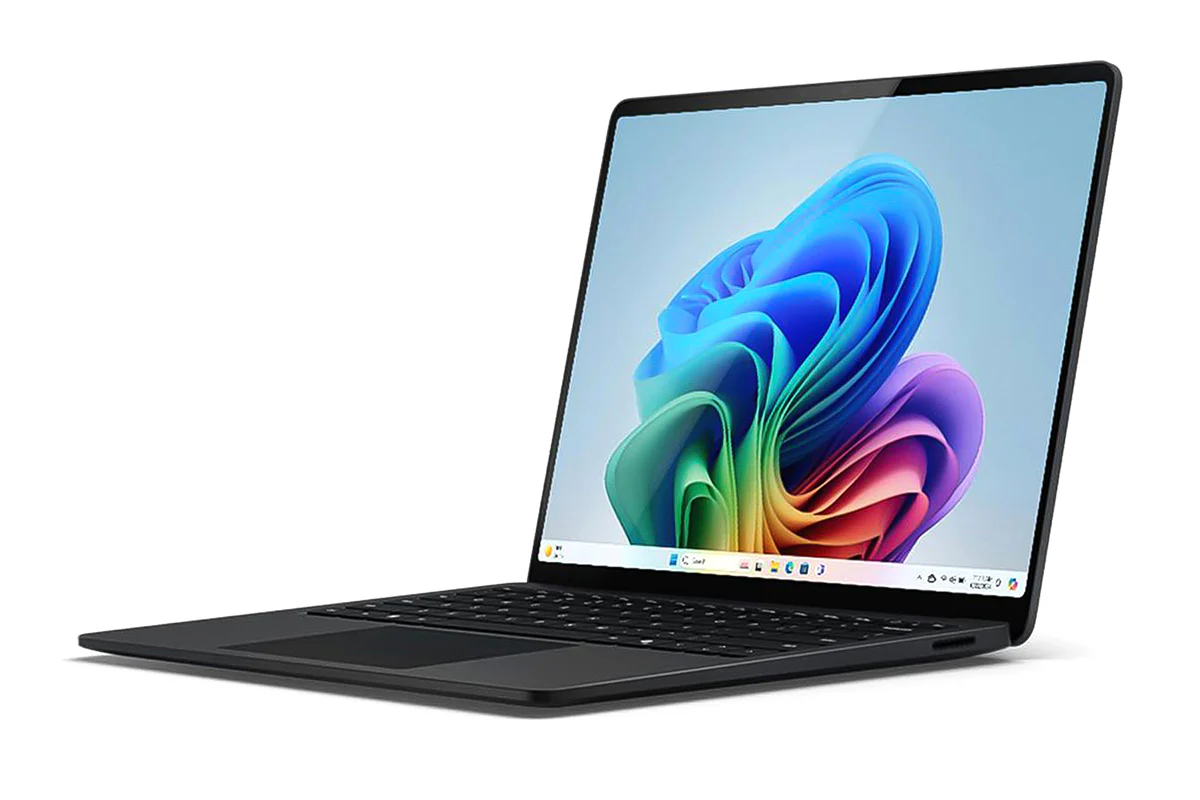
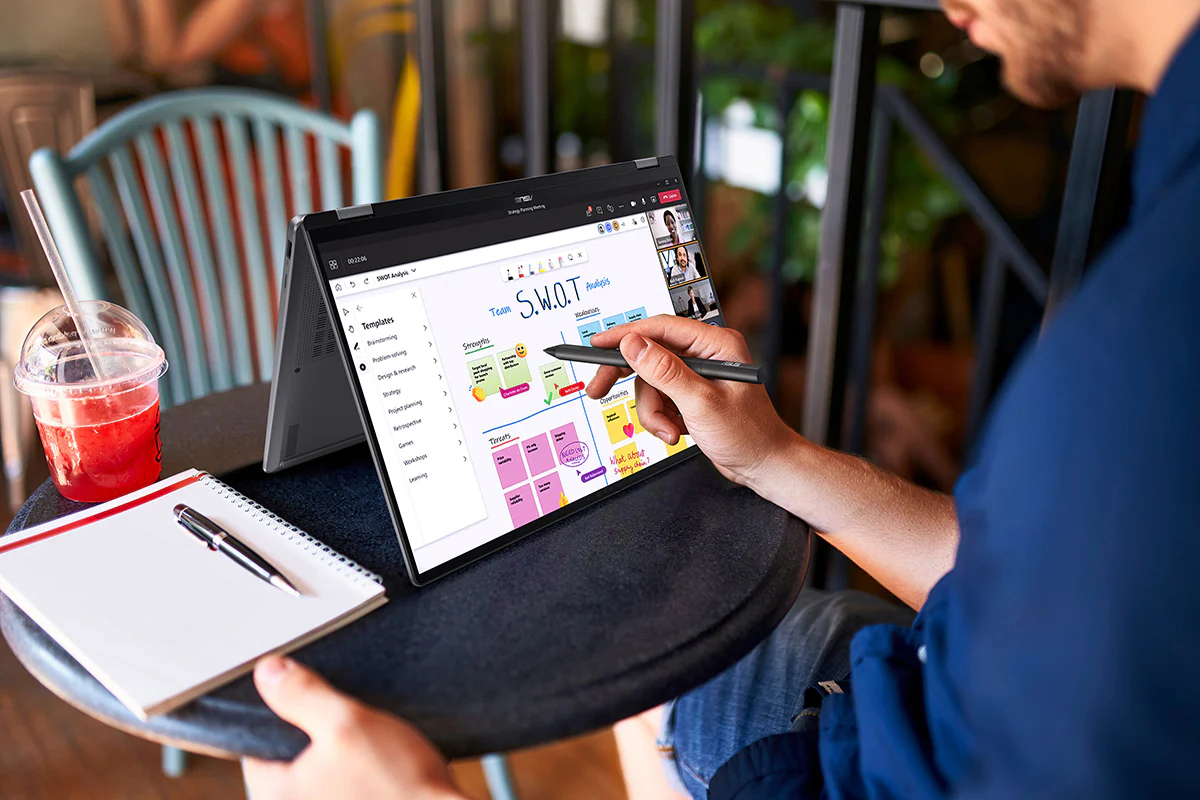
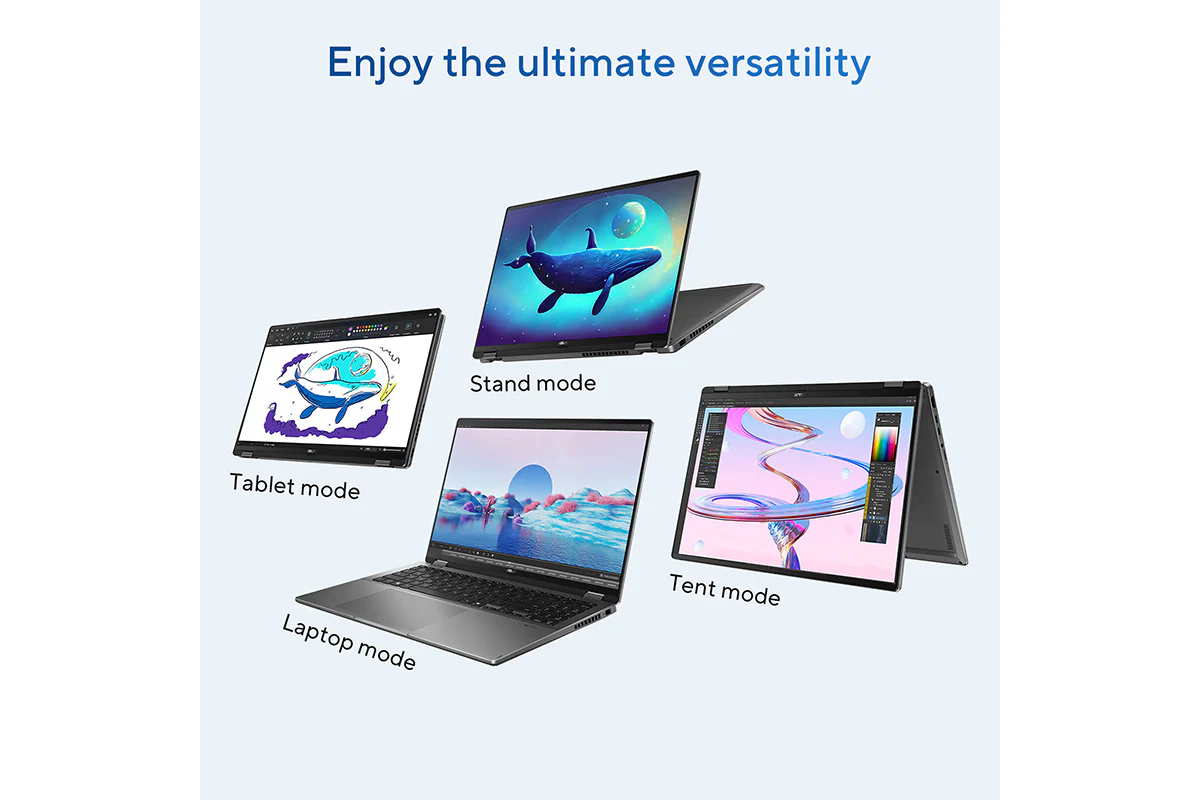
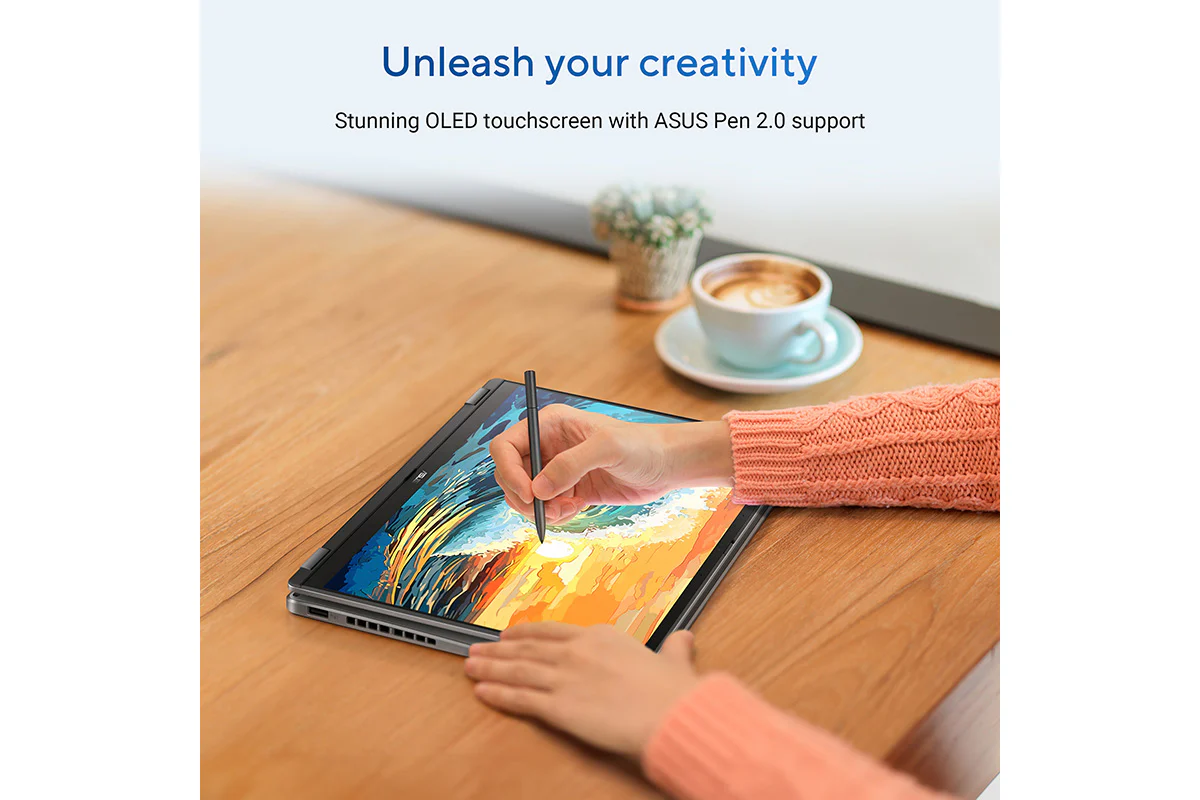
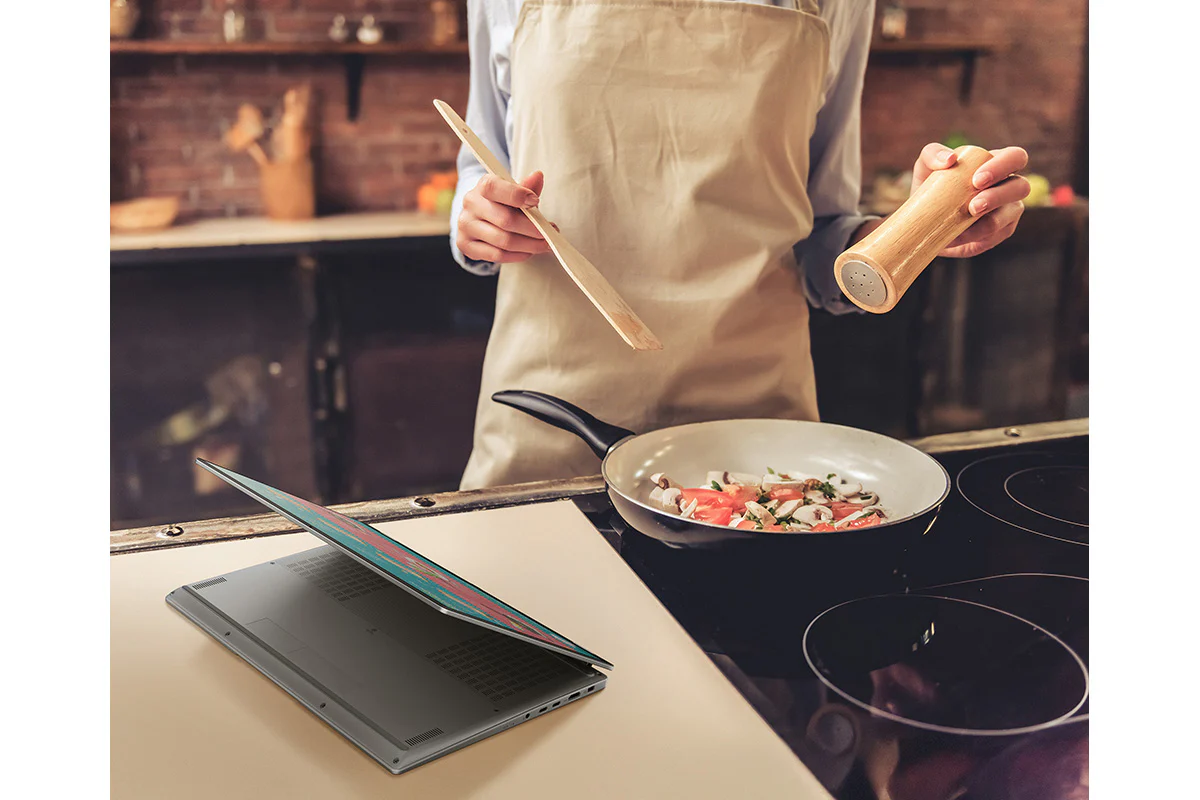
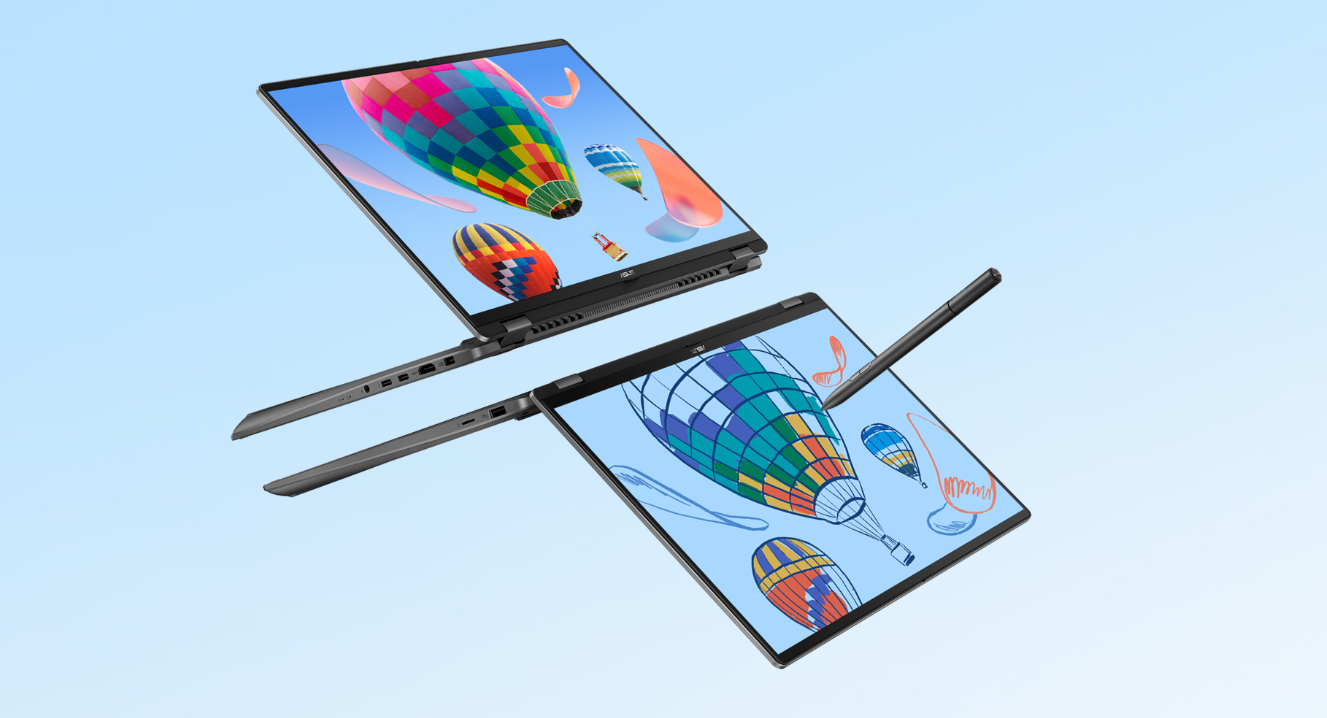
Ready to flip into boosted productivity? Meet the ultra-versatile, AI-powered ASUS Vivobook 16 Flip. Designed for the modern professional, this 2-in-1 laptop delivers ultimate flexibility. Handle reports and meetings with ease during the day — then switch seamlessly into video editing or light gaming to wind down. Backed by the Intel Core Ultra 7 processor (Series 2) with up to 47 NPU TOPS and the latest NVIDIA GeForce RTX 5050 GPU, it adapts effortlessly to any work style — laptop, tent, stand, or tablet mode. A stunning 16-inch 3K ASUS Lumina OLED* NanoEdge touchscreen with ASUS Pen 2.0¹ support brings ideas to life. Ideal for students and professionals, made to elevate your productivity anytime, anywhere.
* Some Copilot+ PC experiences require free updates.
Check out the video:
Enjoy the Ultimate Versatility
Performance: Breakthrough Efficiency and Performance
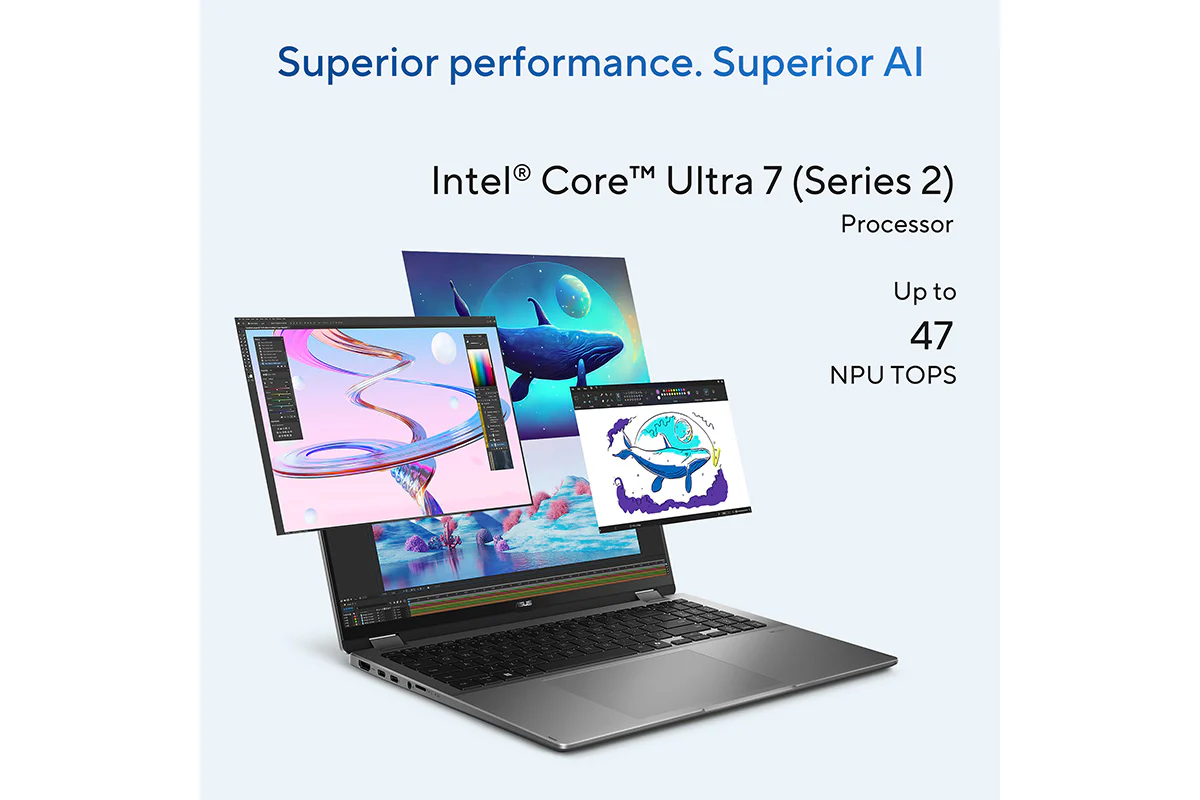
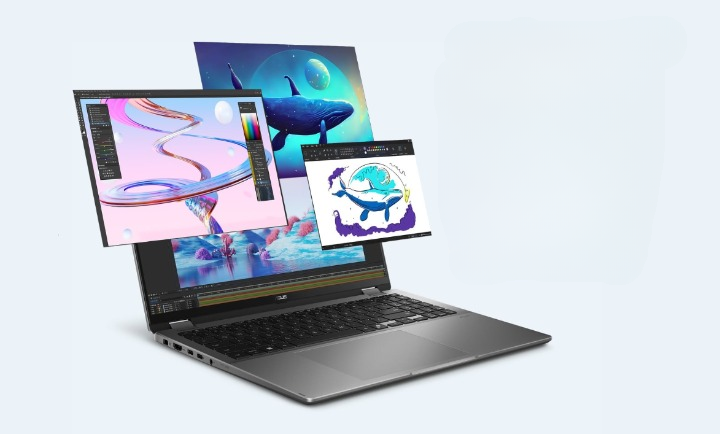
The Intel Core Ultra 7 processor (Series 2) includes an NPU with up to 47 TOPS, enhancing AI capabilities and efficiency. It also provides up to 40% lower system-on-chip* power while delivering incredible performance for the new Performance-cores (P-cores) and Efficiency-cores (E-cores). Along with up to a 37W TDP, Intel AI Boost and up to 32 GB LPDDR5X 8533 memory, it handles multitasking and demanding tasks effortlessly.
Windows 11 Home
- Up to Intel Core Ultra 7 (Series 2) processor
- Built-in Intel Arc graphics
- With ASUS IceCool thermal technology
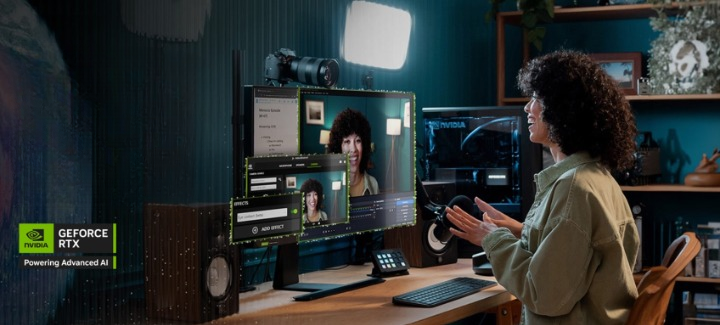
NVIDIA powers the world's AI
Upgrade to advanced AI with NVIDIA GeForce RTX GPUs and accelerate your gaming, creating, productivity, and development. Thanks to specialized built-in AI processors, you get world-leading AI technology powering your Windows PC.
GPU: Smarter Performance, Smoother Creativity
Vivobook 16 Flip TP3607SH features the NVIDIA GeForce RTX 5050 Laptop GPU, bringing next-level performance to creative workflows. With DLSS 4.0 and Multi Frame Generation, enjoy up to 2x the FPS compared to RTX 4050 in supported applications. Whether you're gaming, editing, or rendering, Vivobook Flip helps you move faster and create more fluidly.
Cooling: Stay Cool, Stay Productive
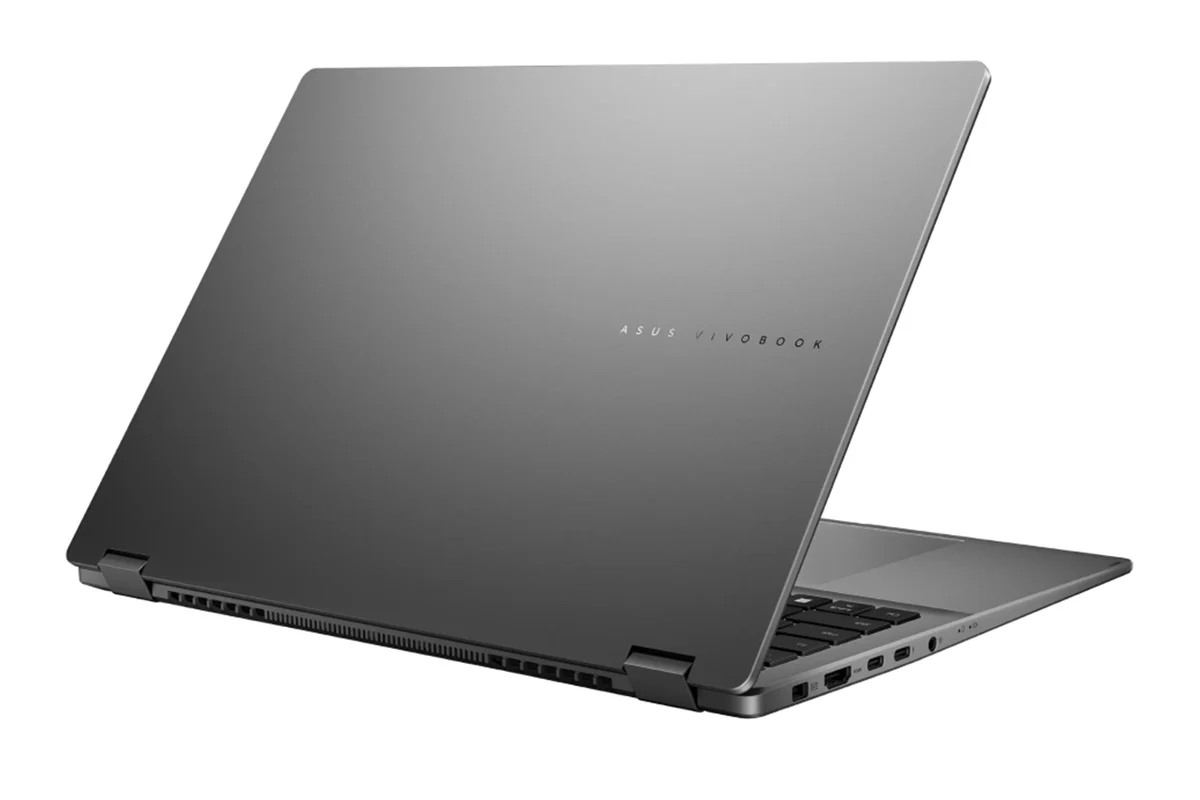
The ASUS Vivobook 16 Flip is engineered to keep you cool and comfortable during any task. Featuring an enhanced inward airflow design combined with RearFlow Cooling Tech, it optimizes air circulation to expel heat efficiently. This hybrid airflow system increases thermal efficiency and reduces surface temperatures, ensuring a more comfortable user experience. The 97-blade IceBlades fan boosts airflow and reduces noise, while the streamlined shark-fin heatsink increases the turbulence of the air to ensure efficient heat exhaust. Additionally, ASUS anti-dust filter technology is designed to prevent dust and fibers from collecting inside the machine. Over time, dust buildup can trap heat and degrade performance, the integrated anti-dust filter keeps your CPU and GPU dust-free for long-term reliability.
Check out the video:
Keep Your Cool
The ASUS Vivobook 16 Flip keeps its cool under pressure, with RearFlow Cooling Tech and an inward airflow design that channel fresh air in and drive heat out the back for smooth, optimized performance.
Shark Fin Heatsink
The shark fin-inspired design reduces airflow resistance and boosts heat dissipation efficiency, optimizing cooling performance for stability under heavy workloads.
Anti-dust Filter
ASUS anti-dust filter technology helps keep dust out, allowing the CPU and GPU to breathe easier, ensuring years of smooth and stable operation.
0dBA Ambient Cooling
With 0dBA ambient cooling technology, the cooling system switches off all fans during low-intensity tasks, allowing passive heat dissipation.
Think Smarter, Act Faster with AI
Assist: Copilot
Check out the video:
Your Everyday AI Companion
Copilot empowers you with AI-driven search, quick summaries, and smart task management — so you can spark ideas, streamline your schedule, and stay focused on what matters most.
Discover
Check out the video:
Recall (in Preview): Stop Searching. Start Recalling
Looking for a file, email, or webpage? Simply describe how you remember it, and Recall will find it in seconds.[4]
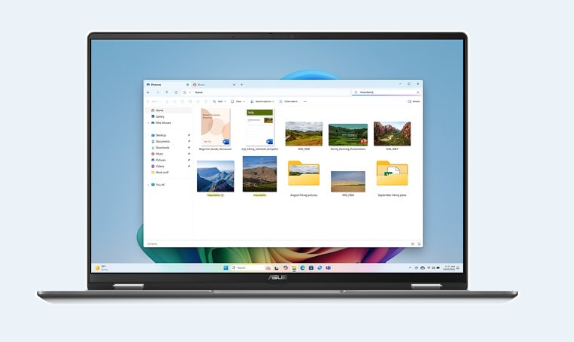
Improved Windows Search Search Smarter, Not Harder
Use everyday language to find files, settings, or apps in an instant. Just say what you need, and Windows will take care of the rest.
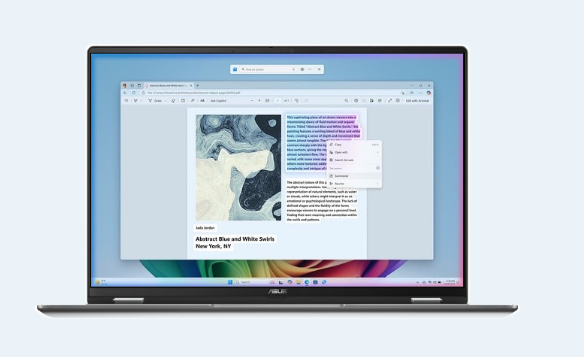
Click to Do (in Preview): Interact Effortlessly, Stay Focused
Launch an interactive overlay that instantly offers context-sensitive actions for text and images, allowing you summarize, refine, and even perform basic editing tasks, while staying focused.
Create
Check out the video:
Cocreator in Paint: You Sketch It. Cocreator Creates It
Let your inner artist thrive with guidance from Cocreator.
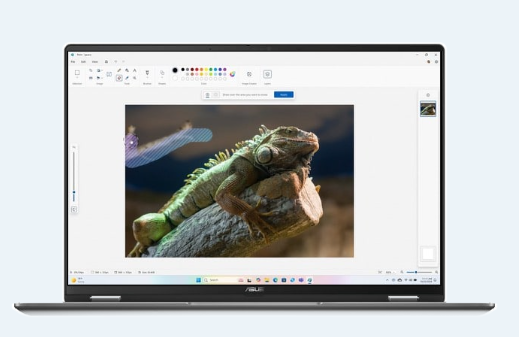
Erase in Paint: Remix Your Art
Use Erase in Paint to instantly take away elements of an image. It’ll be like they were always — or never — there.
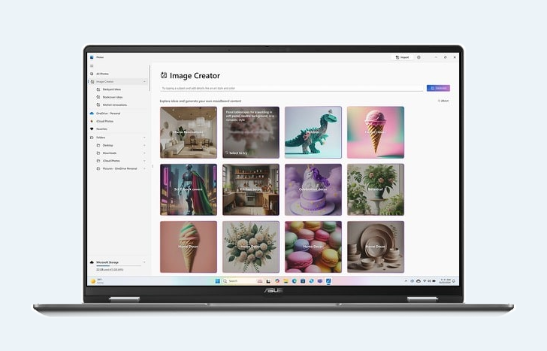
Image Creator in Photos: Ideas, Ideas, Ideas
Explore your ideas further with many interpretations of what inspires you.
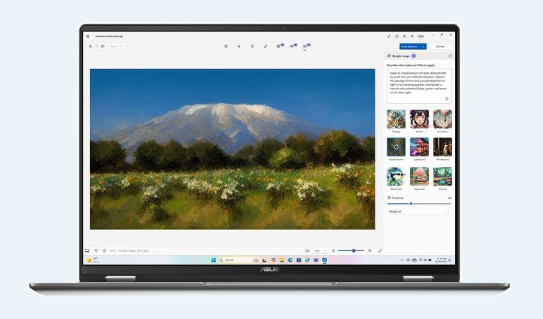
Restyle Image in Photos: It’s All About Style
If you want your art to be more artistic, now you can bring different styles to your images with Restyle Image [5].
Translate
Check out the video:
Live Captions: Translates as You Talk
When you never miss a word, you never miss a beat. Get accurate subtitles in real time with Live Captions.[6]
Enhance
Check out the video:
Windows Studio Effects: Perfect Your Presence
Enhance your video calls with improved lighting, subtle background blur, gaze correction and more, ensuring your presentation stands out when it matters most.[7]
Microsoft 365: Smarter with AI
Check out the video:
Word: Write Smarter, Faster
Generate content effortlessly, refine your writing with AI-powered suggestions, and maintain a polished, professional format with ease.
Check out the video:
PowerPoint: Present Like a Pro
Turn ideas into stunning slides instantly. Copilot helps you build presentations from outlines and offers smart design suggestions for a polished look.
Check out the video:
Excel: Transform Data Into Decisions
Analyze data with ease—Copilot suggests formulas, creates charts, and provides insights, helping you spot trends and make informed decisions faster.
Check out the video:
Outlook: Email, Simplified
Save time with AI-assisted email drafting and thread summarization, so you can respond quickly and stay on top of important conversations.
AI Experience: Asus AI, Always Incredible
ASUS AI applications elevate your daily routine with unparalleled convenience. Seamlessly organize your multimedia library with AI-powered categorization, safeguard your privacy with AI assistance, and experience crystal-clear audio with smart noise cancelation. Embrace the future of technology with ASUS, where AI enhances every aspect of your life.
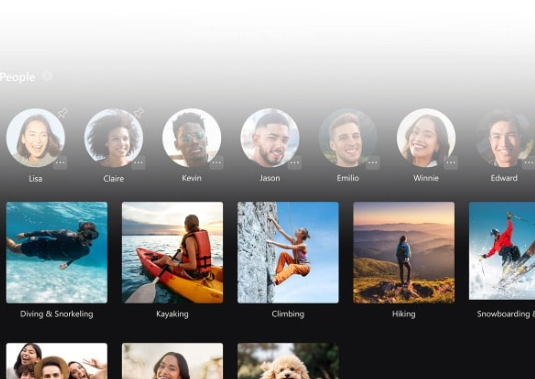
AI for Organizing Multimedia
StoryCube is an AI-powered digital asset-management tool, which can automatically organize your photos and videos.
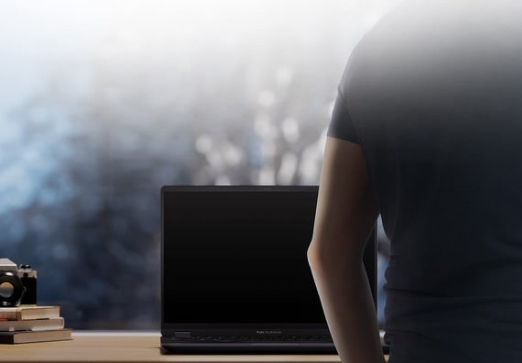
AI for Security and Privacy
ASUS Adaptive Lock keeps your space secure and saves energy by locking when you’re away, and turning on when you approach.
AI for the Clearest Audio
ASUS AI Noise Cancelation leverages a massive deep-learning database to reduce background noise in meetings and calls, for crystal-clear audio.
Flip the switch below this test recording to enable or disable the ASUS AI Noise Canceling Technology and experience its power and accuracy for yourself.
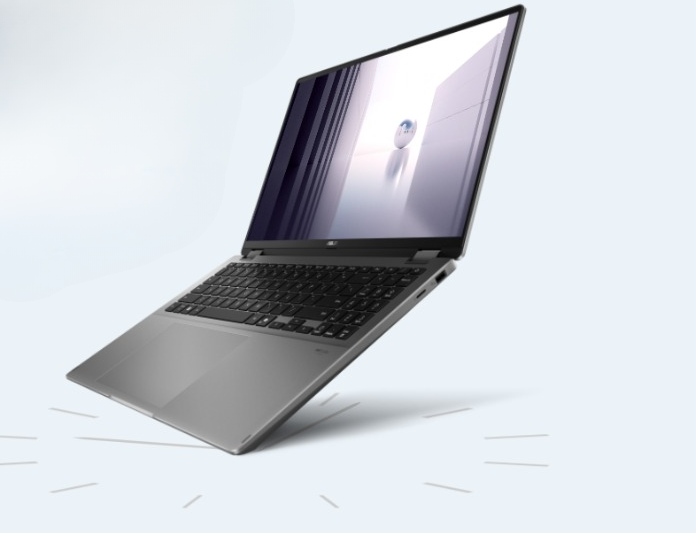
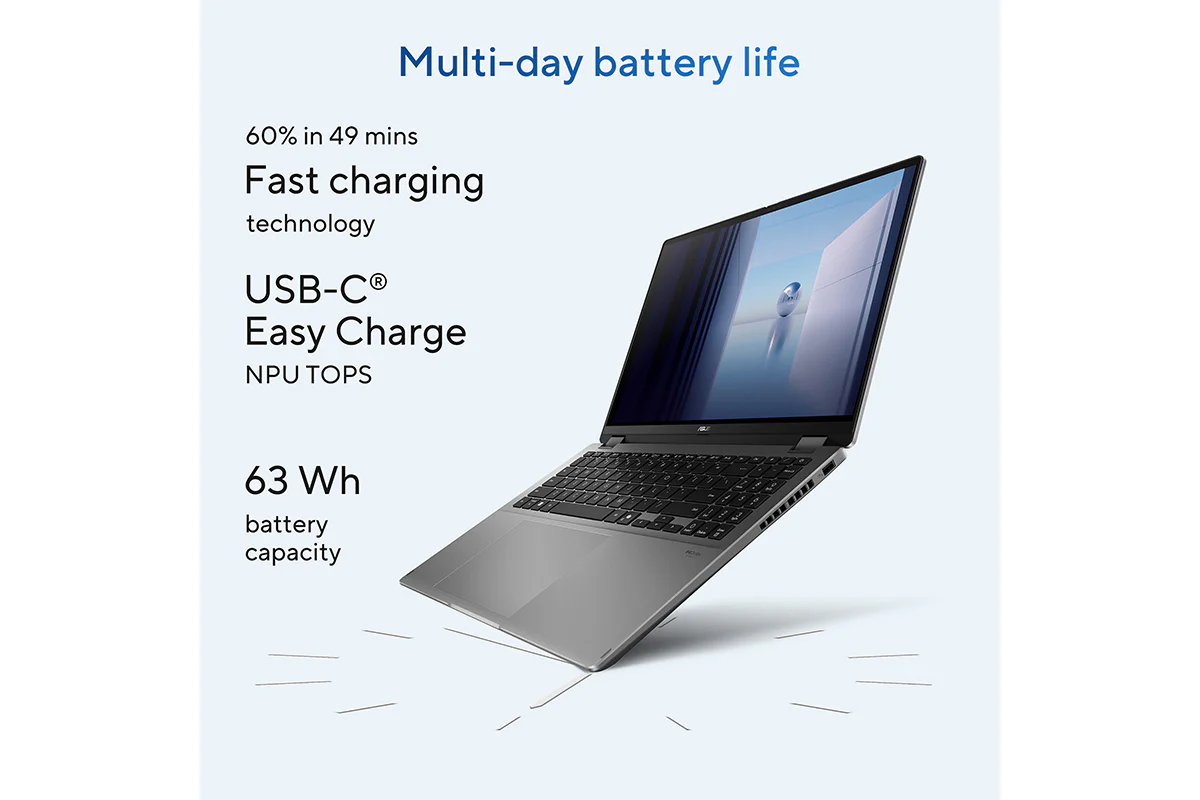
Battery Capacity: Big Battery. Quick Charging. Zero Stress
Eliminate battery anxiety with the ASUS Vivobook 16 Flip. Featuring a robust 63 Wh high-capacity battery3, it delivers multi-working-day power to keep you going. Plus, with fast-charge technology, you can quickly recharge and get back to your tasks or entertainment without any interruptions.
- Up to 19.8 hours battery life[1]
- USB-C Easy Charge support
- 50% in 30 mins Fast charging technology[2]
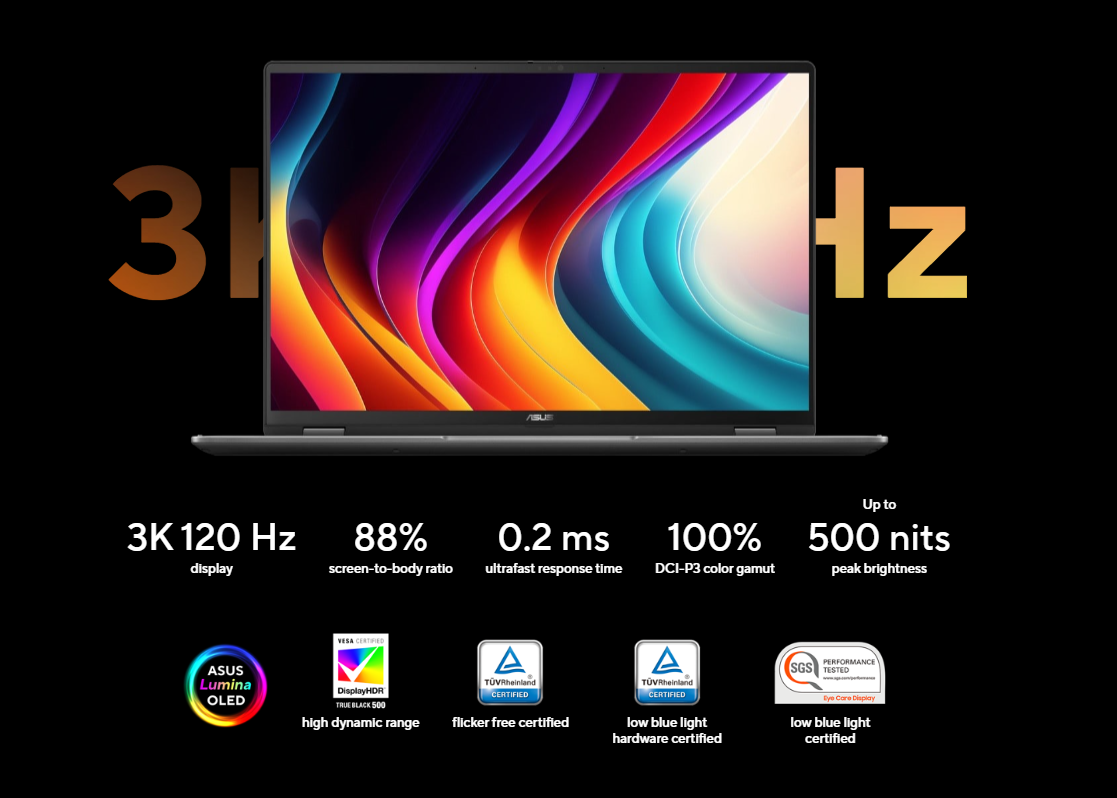
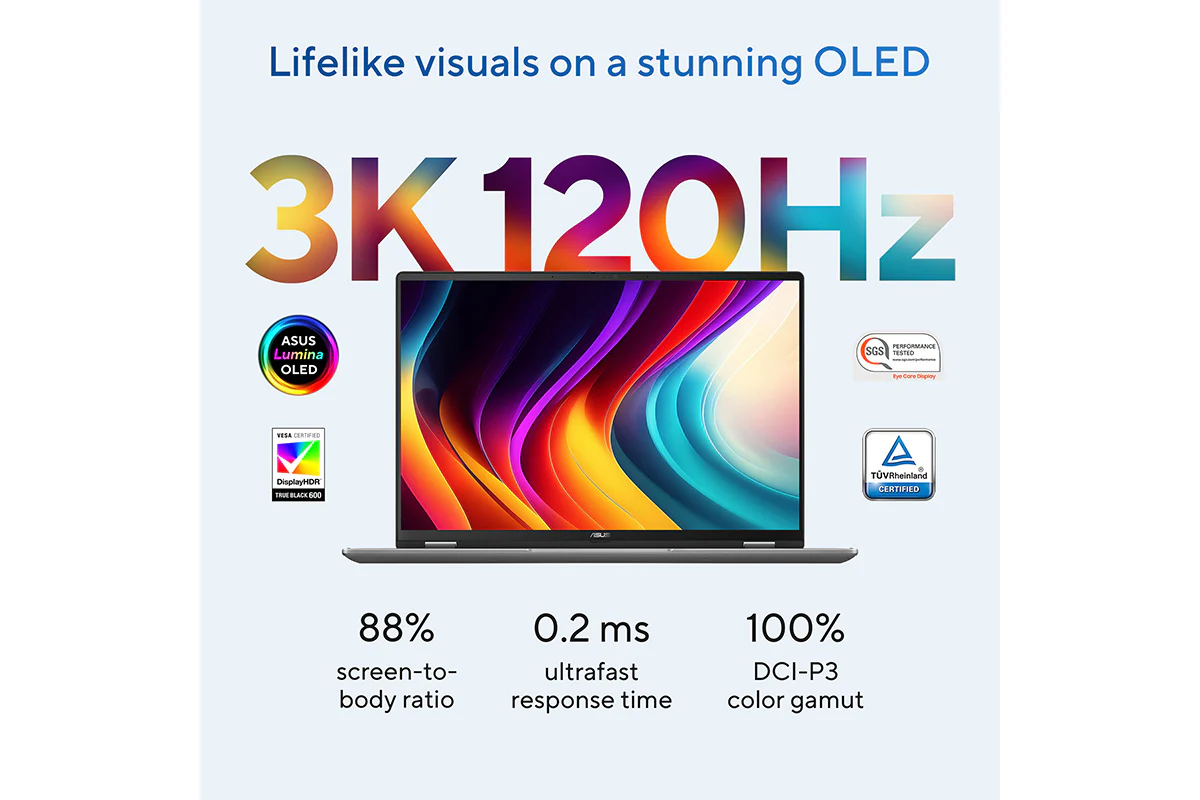
Display: Lifelike Visuals on a Stunning OLED
Experience visuals like never before with ASUS Vivobook 16 Flip. Its 16-inch 3K 120 Hz ASUS Lumina OLED display delivers an exceptionally smooth and immersive entertainment experience.

More Accurate
ASUS Lumina OLED offers industry-standard colors, deep blacks, and exceptional detail.

More Adaptive
ASUS Lumina OLED provides customizable visuals, power-saving solution and sharpened playback.

More Reliable
ASUS Lumina OLED ensures eye protection, burn-in prevention and panel durability.
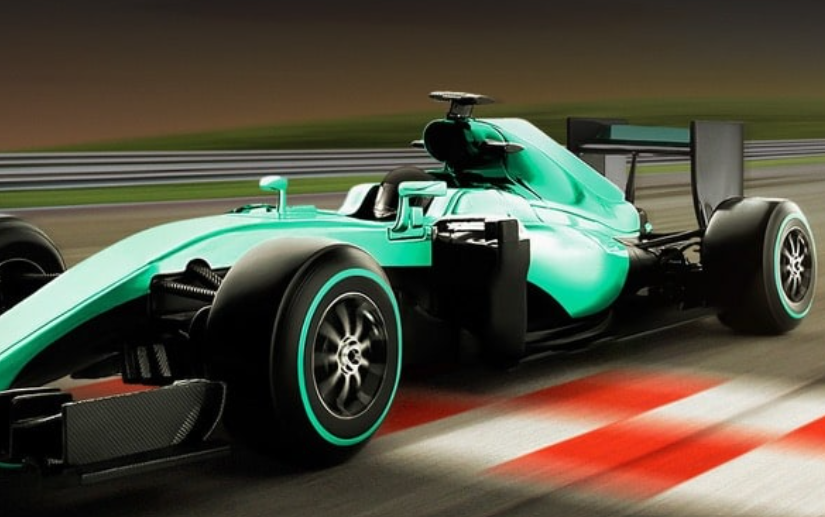
Leading 120 Hz Motion Clarity
More frames per second, so fast-moving visuals are smoother and clearer than ever.

Make It Personal, ASUS Splendid
Fully customizable color with sRGB, DCI-P3, Display-P3, and Native options.
Check out the video:
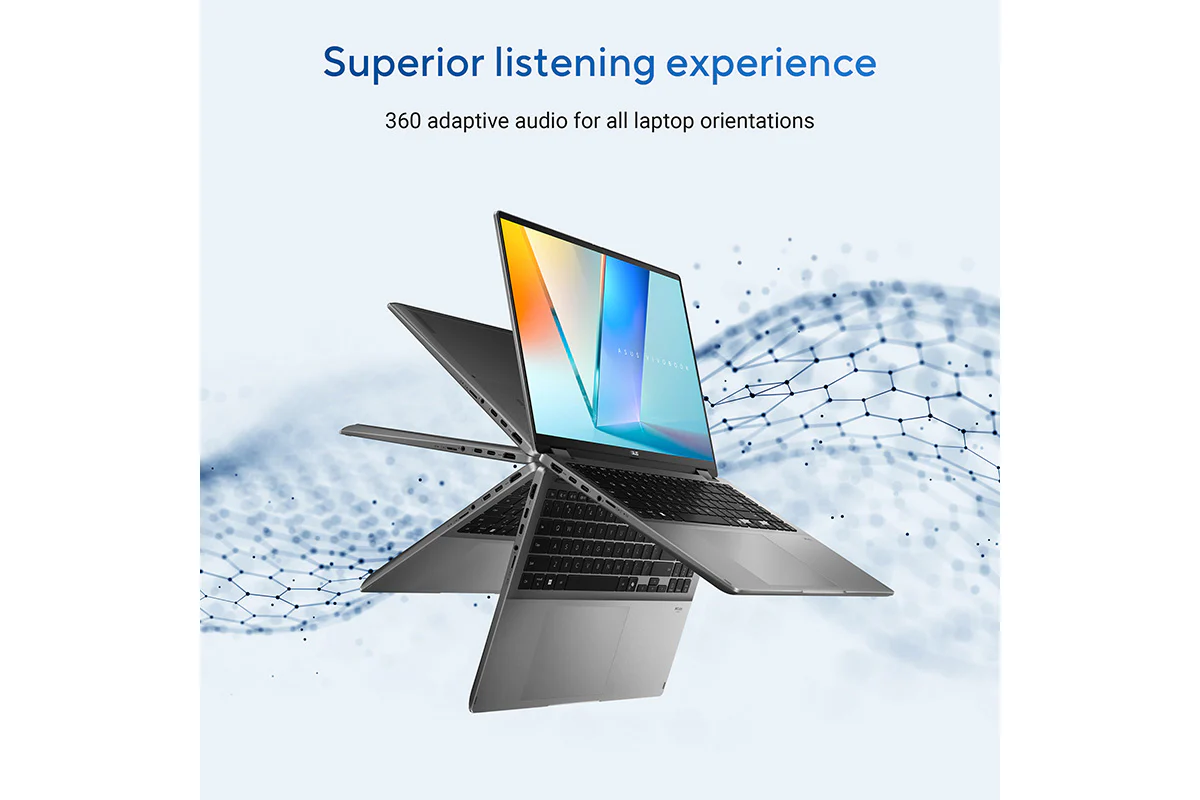
Audio: 360° Adaptive Audio
In collaboration with Dolby Atmos to provide adaptive audio enhancement, which dynamically adjusts the audio across modes, ensuring consistent and superior listening experience for all laptop orientations.
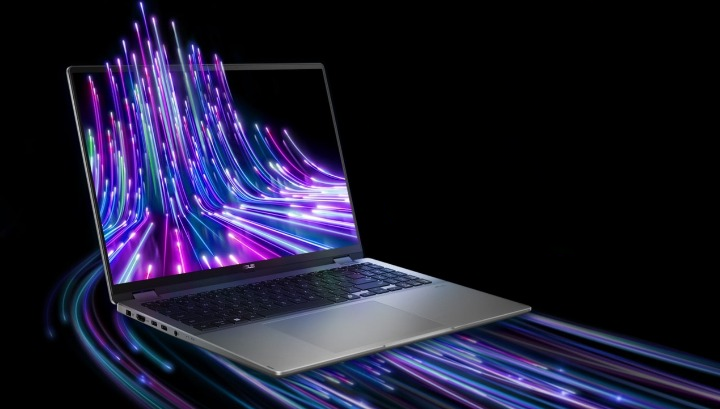
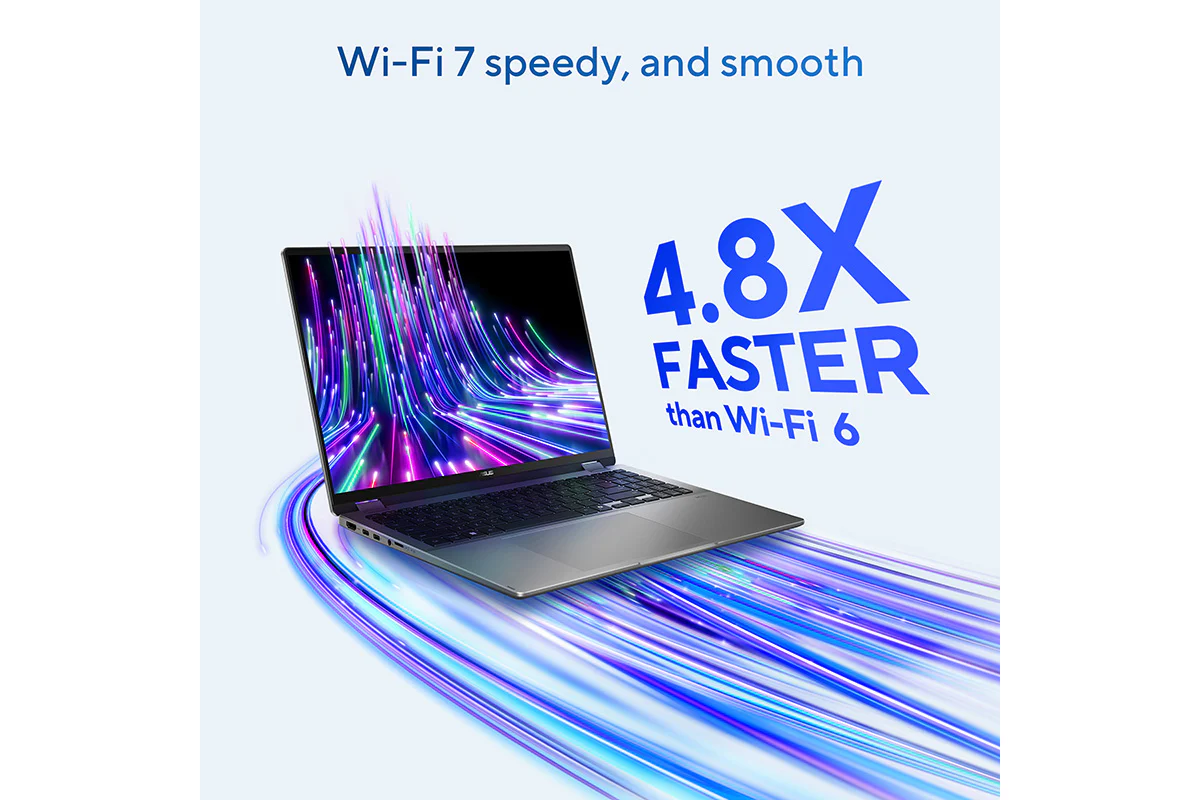
Wireless Connectivity: Wi-Fi 7 Speedy, and Smooth
ASUS Vivobook 16 Flip is equipped with the latest Wi-Fi 7 for the very best wireless connections — up to 4.8x faster[3] than the previous Wi-Fi generation. Your laptop will automatically link to the strongest Wi-Fi signal, and use all the available bandwidth efficiently. And with support for up to three simultaneous Bluetooth headphone connections on one device, you’ll also experience better communications and more enjoyable entertainment.
- Multi-link operation technology
- Multi-RU technology
- Preamble puncturing technology
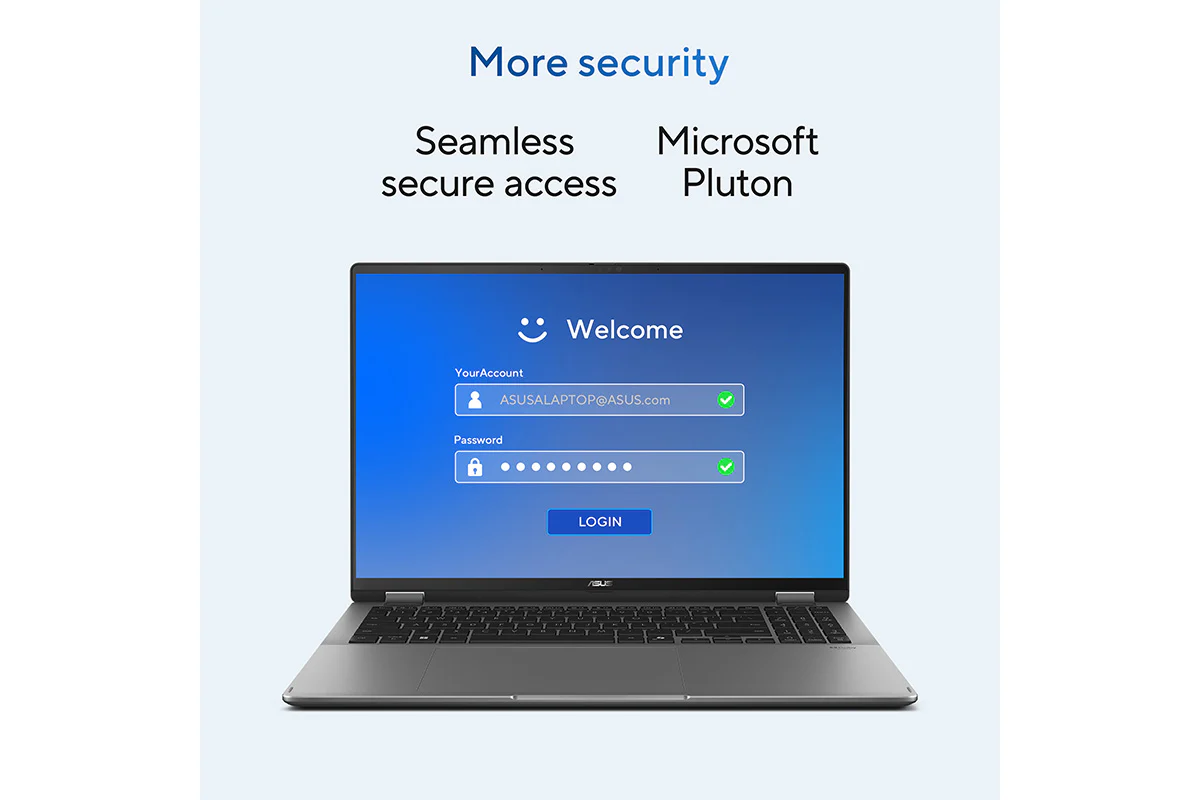
Smart Privacy: Protect Your Privacy
Experience ultimate security with Windows Hello’s facial recognition. Elevate your protection even further with Microsoft Pluton, which integrates cutting-edge hardware, firmware, and software to defend against evolving threats. Enjoy continuous safeguarding, ensuring your devices remain secure whether you’re at home, at work, or enjoying leisure activities.
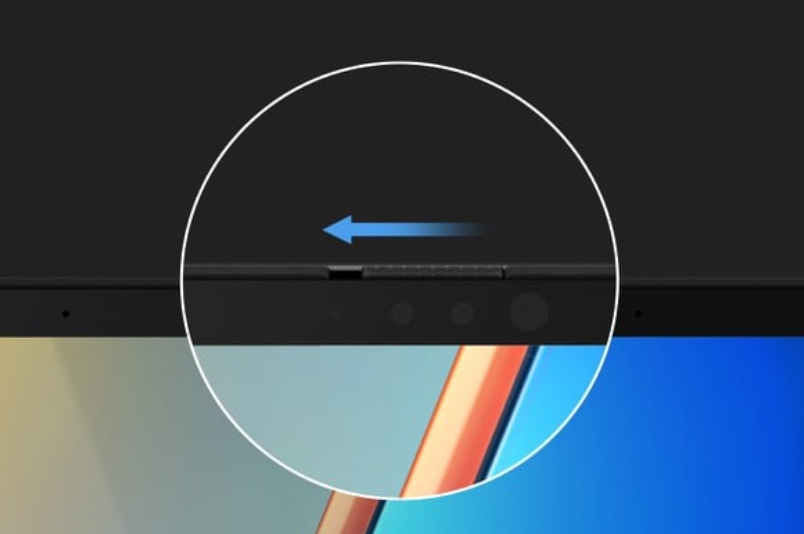
Magnetically-assisted Webcam Privacy Shield
The integrated privacy shield slides over the webcam for instant privacy protection against prying eyes and disturbances. The shutter switch uses magnetic repulsion to create resistance, enhancing the smoothness of operation.
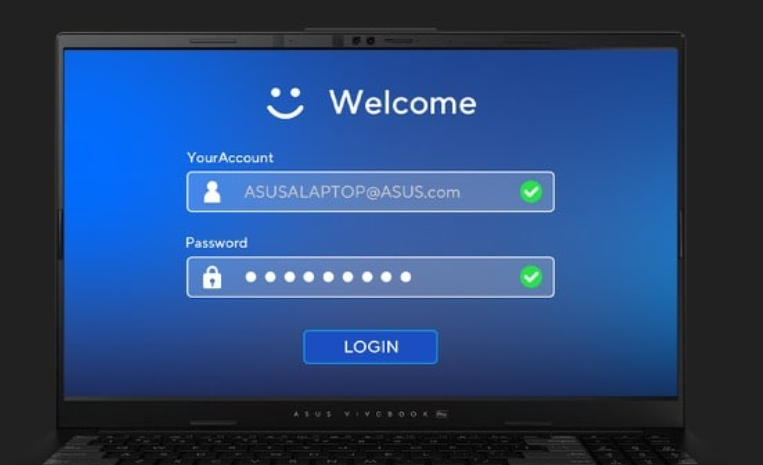
Seamless Secure Access
Secure your password via Windows Hello, making the authentication process fast and secure with facial recognition.
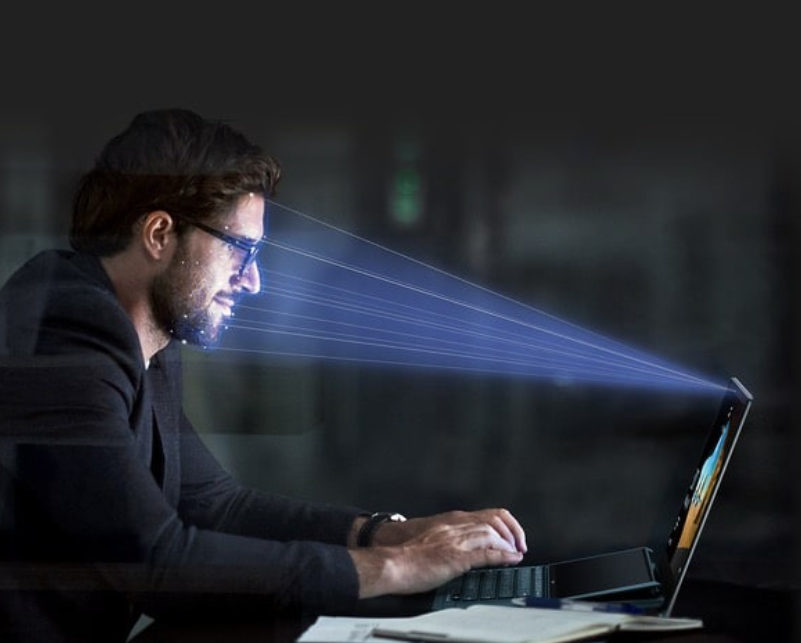
Unlock, Instantly
The Windows Hello Infrared (IR) camera allows you to unlock your laptop quickly and securely.
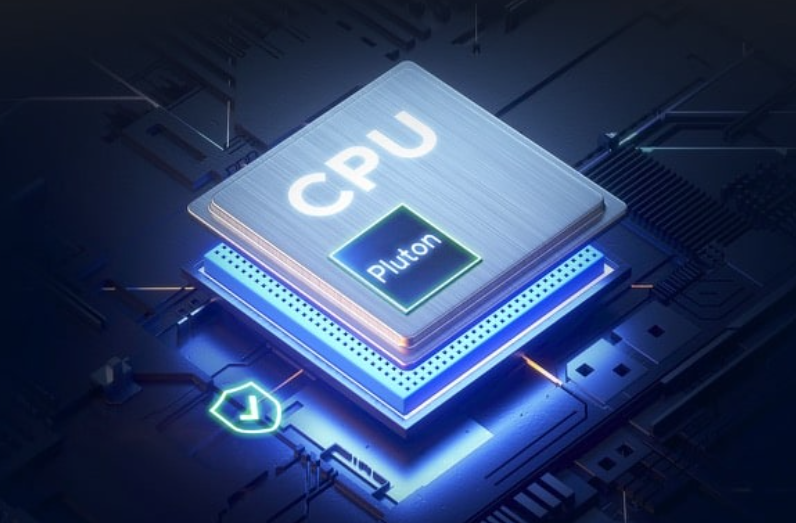
Microsoft Pluton
Passkeys are built into the CPU, with sensitive data securely stored on your device.
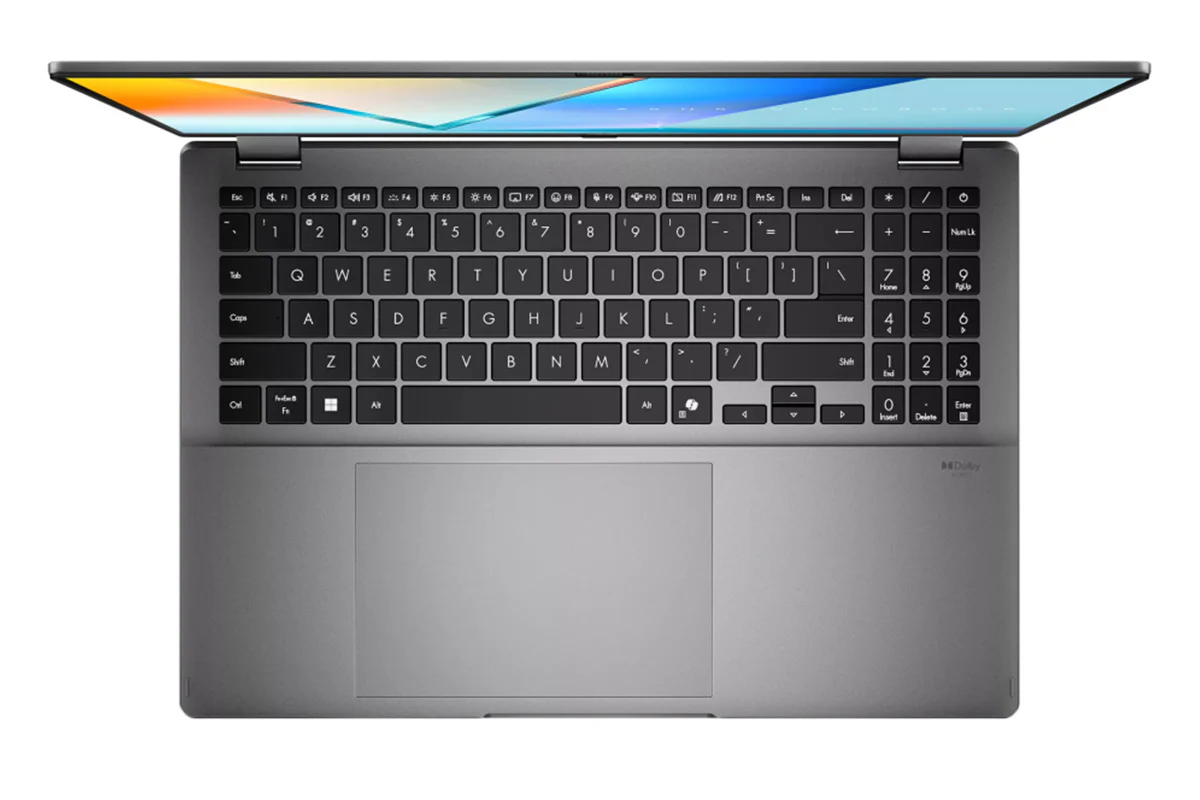
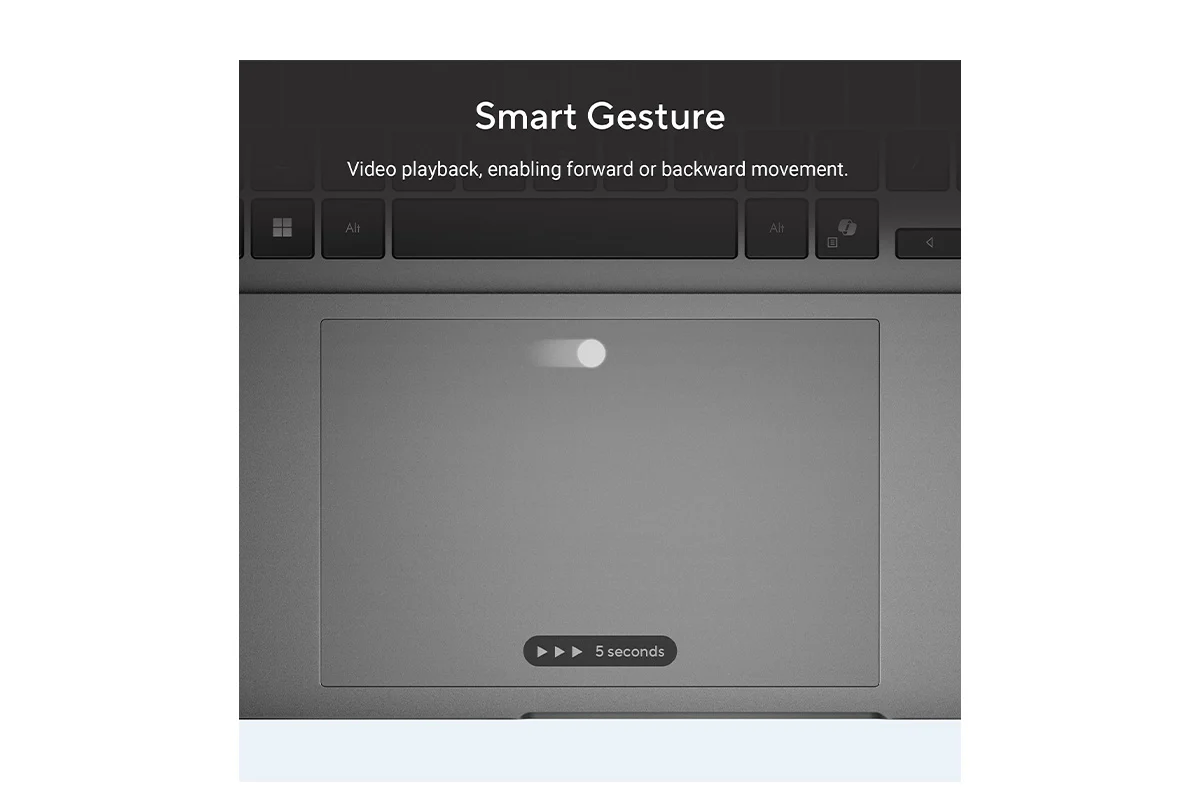
Intuitive: 40% Larger Ergonomic Touchpad
The smooth-glide touchpad is designed for a gentle feel. The special coating on our touchpad is hydrophobic, with a high water contact angle (AF), and there’s a high-end PVD anti-fingerprint coating that ensures excellent resistance to wear and tear.
Smart Gesture
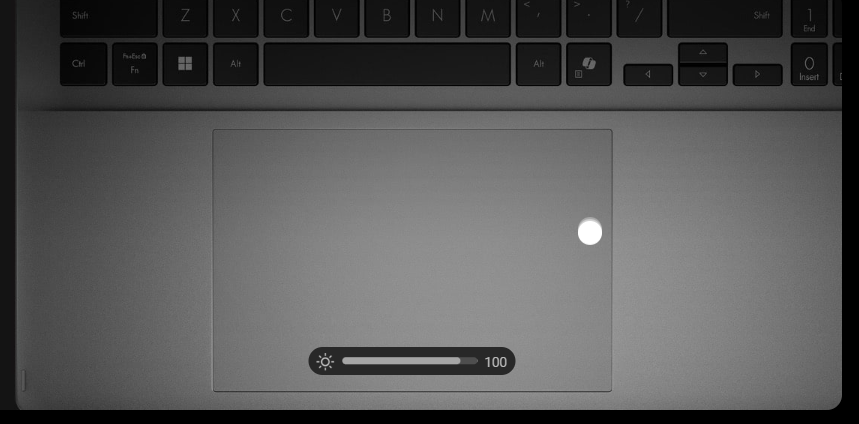
System Brightness
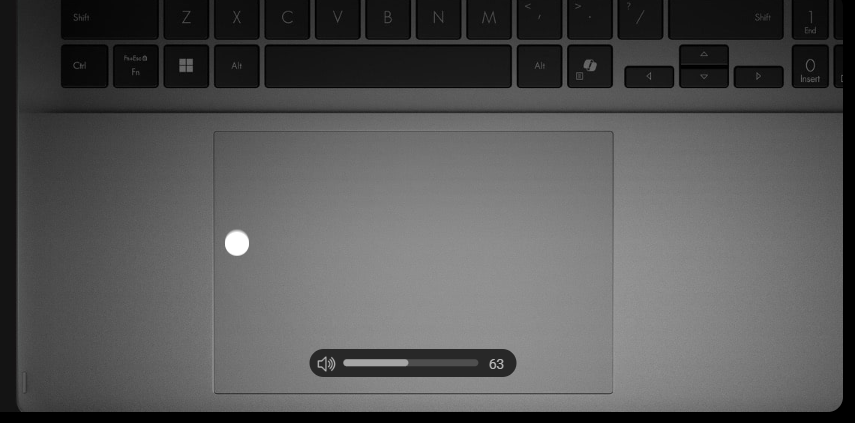
System Volume
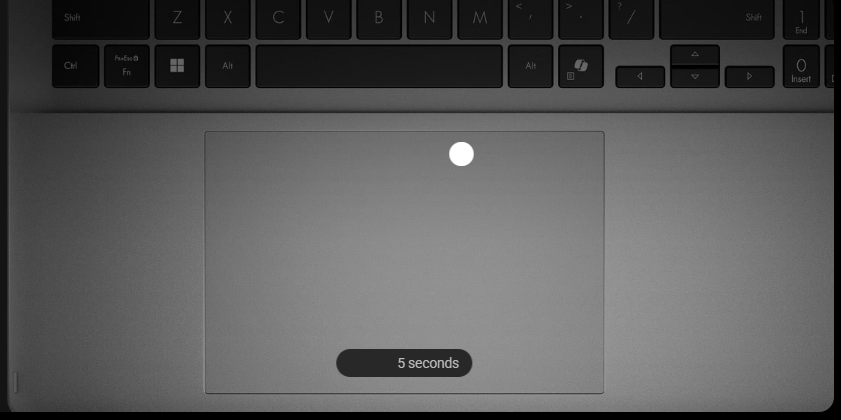
Video Playback, Enabling Forward or Backward Movement
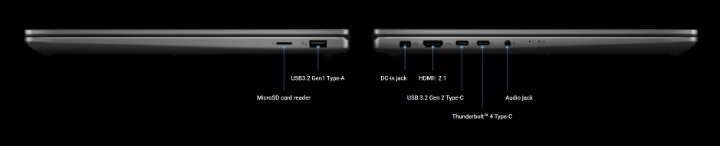
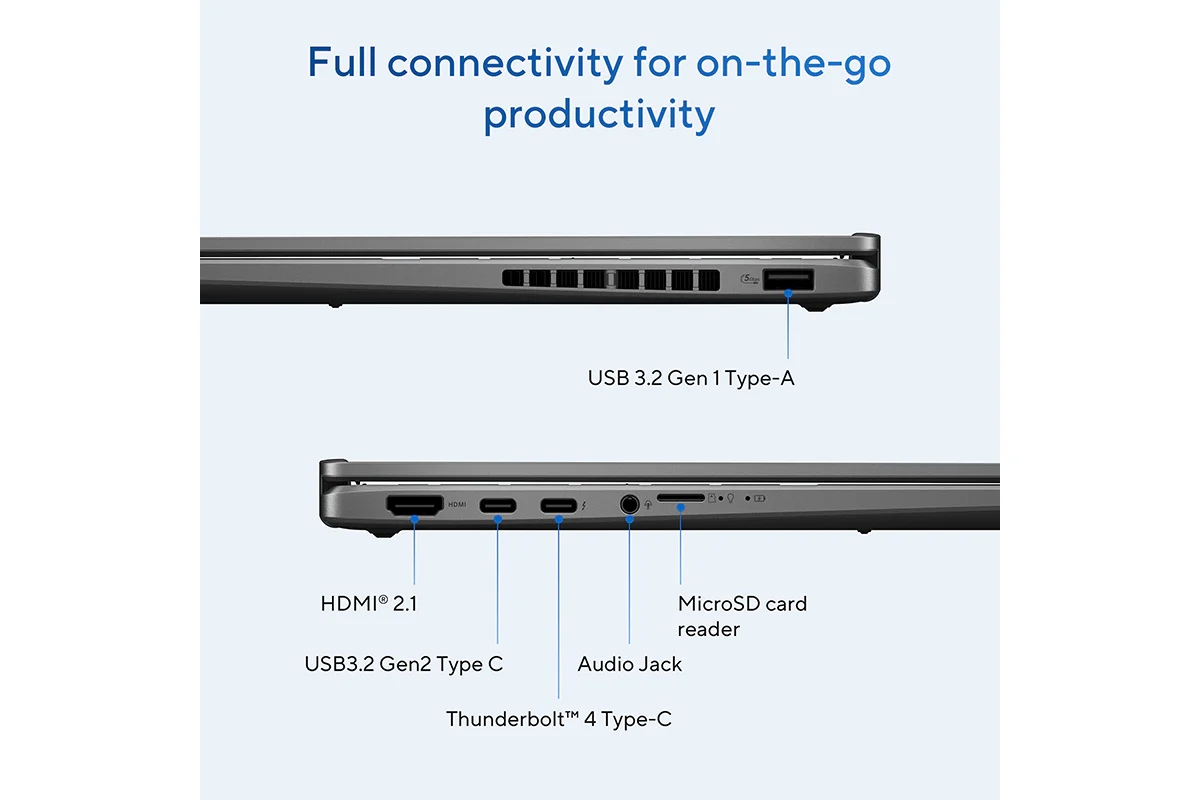
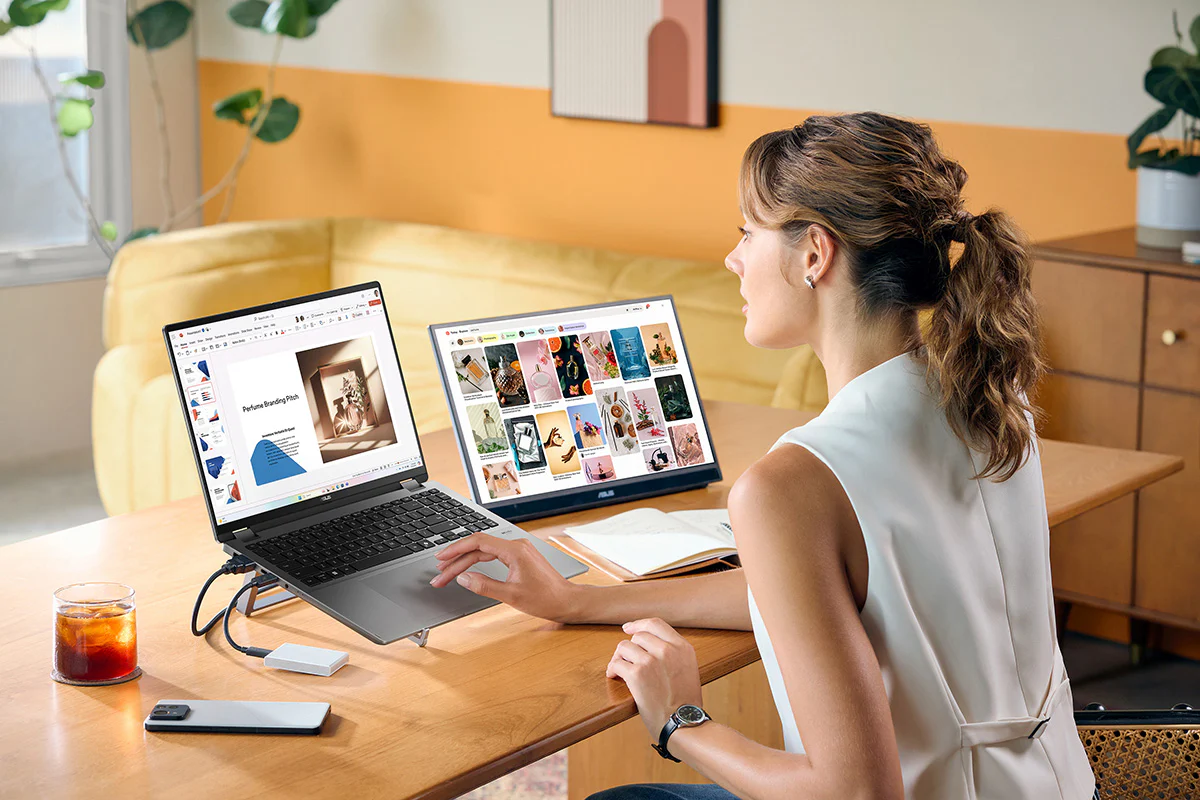
Connectivity: Full Connectivity for on-the-go Productivity
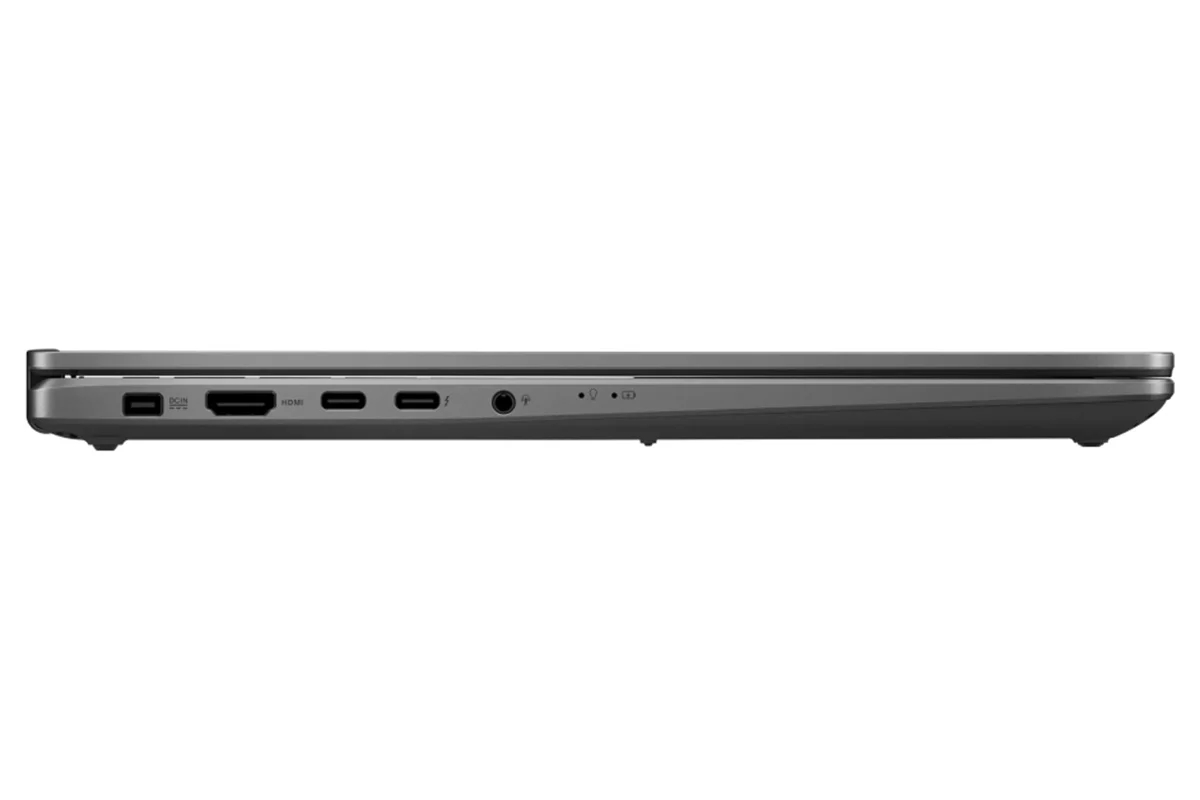
ASUS Vivobook 16 Flip comes fully equipped with all the connections you need to seamlessly link your peripherals, displays, and projectors — no extra adapters required. Whether you're working with multiple monitors or hooking up your audio devices, it’s designed to handle your essential gear with ease. Experience smooth, uninterrupted performance and ultimate convenience for all your creative and professional needs, wherever you go.
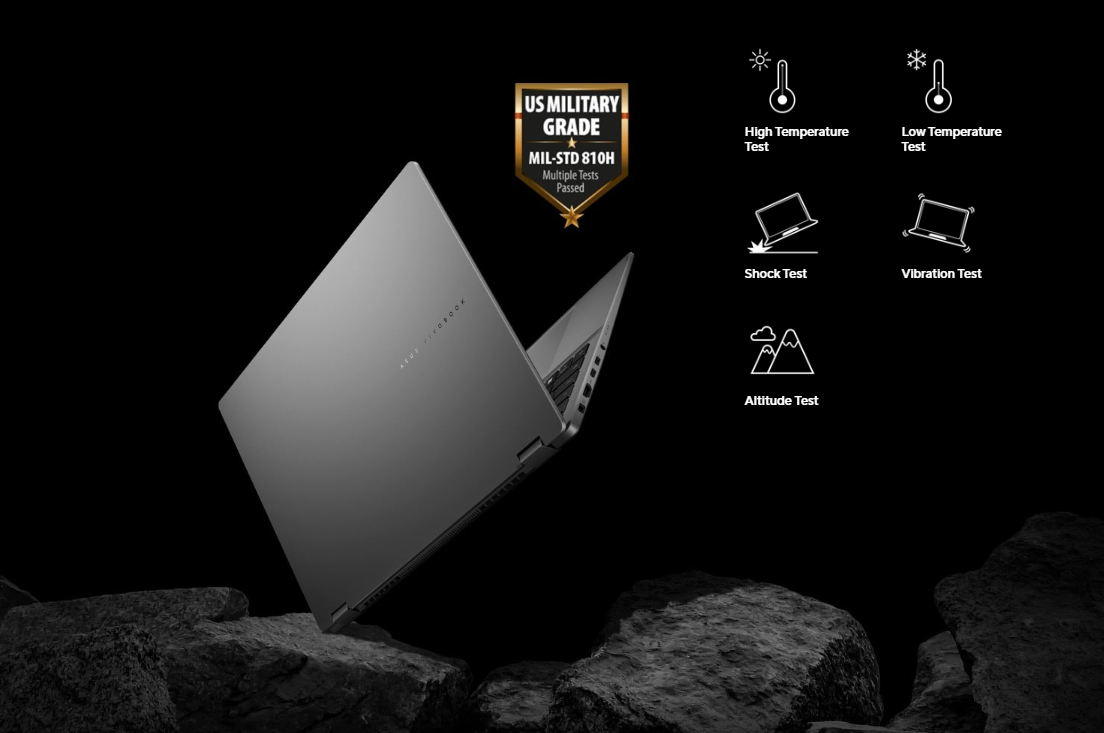
Military Grade: US Military-grade Laptop Durability
ASUS consumer laptops meet the ultra-demanding MIL-STD 810H military standard9 for reliability and durability, undergoing a punishing test regime that includes extended tests for operation in harsh environments. These factors also help improve the laptops’ longevity and hence their sustainability, so you can work, travel or relax with the confidence that your ASUS laptop is ready for the real world — today, and long into the future.

Environment: Sustaining an Incredible Future
ASUS always search for the incredible, and ASUS believe that you, too, share ASUS passion for minimizing ASUS environmental impact on the world. ASUS serious commitment to environment, social, and governance (ESG) issues aims to empower you and everyone else ASUS work with to push forward for a more sustainable future. Let’s become sustainable — together.
Software: Truly Personalized Workflow
ASUS offers a suite of software designed to take your computing experience up a notch. MyASUS provides a collection of handy apps and tools that help you get more out of your laptop, while GlideX enables you to get more done by sharing screens across devices. Plus, ScreenXpert helps you manage app windows across all connected displays for a smoother workflow.
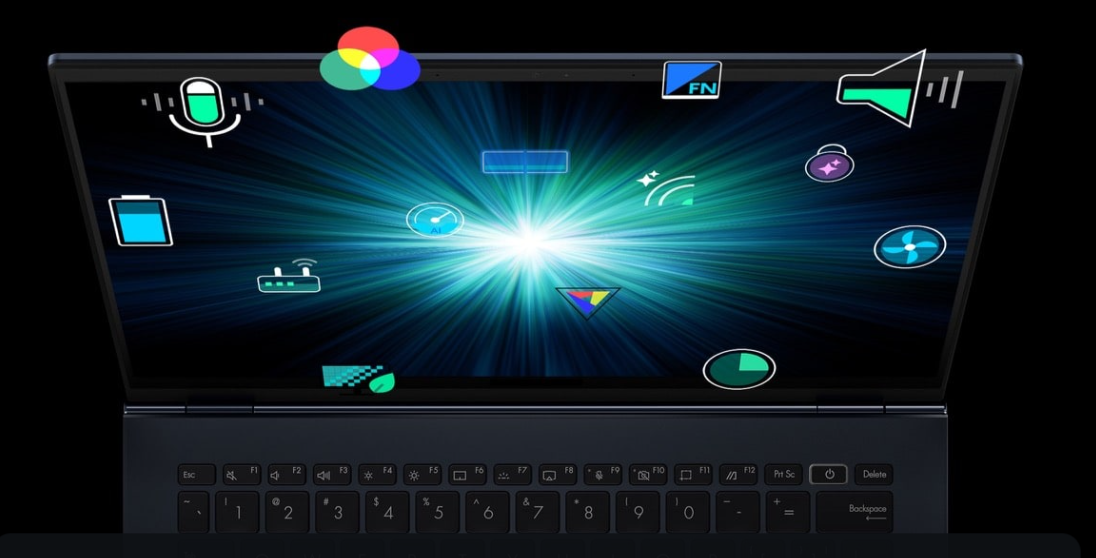
MyASUS
MyASUS provides easy access to ASUS apps that are designed to help you maintain your system, update your software, optimize your PC’s performance, and contact ASUS for after-sales support.
- ASUS switch
- Device setting
- One-click system diagnosis
- System update
- Customer support
GlideX
GlideX is a cross-device screen-sharing solution, with Mirror and Extend features that give you a bigger and better space for work and play. The Unify Control feature lets you use a single mouse and keyboard set to control different devices from one PC, across different OSes, so you don't need to switch between devices. GlideX optimizes your workflow in the blink of an eye.
ScreenXpert
ScreenXpert — which you can download from Microsoft Store or find in your PC’s Start menu — helps you to manage app windows across displays connected to your ASUS PC and puts you in full control of your workflow.
- App switcher
- App navigator
- Control center
- Cursor locator
- Cursor edge lock
Notes:
1. Testing conducted by ASUS using the 1080p Video Playback scenario in April 2025: a preproduction 16 inch ASUS Vivobook 16 Flip with an Intel Core Ultra 7 (Series 2) processor configured with 32 GB of RAM, 1 TB SSD and 63Wh battery, with up to 1,191 minutes of continuous video playback time. Test settings: WiFi enable but disconnected, Keyboard backlight disabled, Windows Power Mode set to Balance mode, display brightness set to 150 cd/m2 with headset, default earbud volume. Actual battery life may vary depending on product configuration, usage, operational conditions and power management settings.
2. Fast Charging Technology is tested while the device is powered off with the default adapter included with the device. Charging time may vary +/- 10% due to system tolerance.
3. Theoretical speed difference between Wi-Fi 7 (320 MHz, 4096 QAM version), and Wi-Fi 6 (80 MHz, 1024 QAM version).
4. Recall is coming soon through a post-launch Windows Update. Timing will vary by device and region. Optimized for select languages (English, Chinese(simplified), French, German, Japanese, and Spanish.) Content-based and storage limitations apply.
5. Optimized for English text prompts. Requires Microsoft account and internet connection to access cloud services that help ensure the responsible use of AI. Learn more.
6. Currently supports translation for video and audio subtitles into English and Chinese from 40+ languages depending on model and specifications.
7. The user interface (UI) shown is dependent on device configuration.
Product Features:
- 500nits HDR peak brightness
- VESA certified display HDR true black 500
- Audio: Built-in array microphone
- Built-in apps: GlideX, ScreenXpert, MyASUS, StoryCube, CapCut
- Keyboard & touchpad: Backlit chiclet keyboard, 1.7mm key-travel, precision touchpad, with copilot key
Original: $1,901.08
-65%$1,901.08
$665.38Product Information
Product Information
Shipping & Returns
Shipping & Returns
Description
Asus Vivobook 16 Flip: Flip 360, Flip Smart
Ready to flip into boosted productivity? Meet the ultra-versatile, AI-powered ASUS Vivobook 16 Flip. Designed for the modern professional, this 2-in-1 laptop delivers ultimate flexibility. Handle reports and meetings with ease during the day — then switch seamlessly into video editing or light gaming to wind down. Backed by the Intel Core Ultra 7 processor (Series 2) with up to 47 NPU TOPS and the latest NVIDIA GeForce RTX 5050 GPU, it adapts effortlessly to any work style — laptop, tent, stand, or tablet mode. A stunning 16-inch 3K ASUS Lumina OLED* NanoEdge touchscreen with ASUS Pen 2.0¹ support brings ideas to life. Ideal for students and professionals, made to elevate your productivity anytime, anywhere.
* Some Copilot+ PC experiences require free updates.
Check out the video:
Enjoy the Ultimate Versatility
Performance: Breakthrough Efficiency and Performance
The Intel Core Ultra 7 processor (Series 2) includes an NPU with up to 47 TOPS, enhancing AI capabilities and efficiency. It also provides up to 40% lower system-on-chip* power while delivering incredible performance for the new Performance-cores (P-cores) and Efficiency-cores (E-cores). Along with up to a 37W TDP, Intel AI Boost and up to 32 GB LPDDR5X 8533 memory, it handles multitasking and demanding tasks effortlessly.
Windows 11 Home
- Up to Intel Core Ultra 7 (Series 2) processor
- Built-in Intel Arc graphics
- With ASUS IceCool thermal technology
NVIDIA powers the world's AI
Upgrade to advanced AI with NVIDIA GeForce RTX GPUs and accelerate your gaming, creating, productivity, and development. Thanks to specialized built-in AI processors, you get world-leading AI technology powering your Windows PC.
GPU: Smarter Performance, Smoother Creativity
Vivobook 16 Flip TP3607SH features the NVIDIA GeForce RTX 5050 Laptop GPU, bringing next-level performance to creative workflows. With DLSS 4.0 and Multi Frame Generation, enjoy up to 2x the FPS compared to RTX 4050 in supported applications. Whether you're gaming, editing, or rendering, Vivobook Flip helps you move faster and create more fluidly.
Cooling: Stay Cool, Stay Productive
The ASUS Vivobook 16 Flip is engineered to keep you cool and comfortable during any task. Featuring an enhanced inward airflow design combined with RearFlow Cooling Tech, it optimizes air circulation to expel heat efficiently. This hybrid airflow system increases thermal efficiency and reduces surface temperatures, ensuring a more comfortable user experience. The 97-blade IceBlades fan boosts airflow and reduces noise, while the streamlined shark-fin heatsink increases the turbulence of the air to ensure efficient heat exhaust. Additionally, ASUS anti-dust filter technology is designed to prevent dust and fibers from collecting inside the machine. Over time, dust buildup can trap heat and degrade performance, the integrated anti-dust filter keeps your CPU and GPU dust-free for long-term reliability.
Check out the video:
Keep Your Cool
The ASUS Vivobook 16 Flip keeps its cool under pressure, with RearFlow Cooling Tech and an inward airflow design that channel fresh air in and drive heat out the back for smooth, optimized performance.
Shark Fin Heatsink
The shark fin-inspired design reduces airflow resistance and boosts heat dissipation efficiency, optimizing cooling performance for stability under heavy workloads.
Anti-dust Filter
ASUS anti-dust filter technology helps keep dust out, allowing the CPU and GPU to breathe easier, ensuring years of smooth and stable operation.
0dBA Ambient Cooling
With 0dBA ambient cooling technology, the cooling system switches off all fans during low-intensity tasks, allowing passive heat dissipation.
Think Smarter, Act Faster with AI
Assist: Copilot
Check out the video:
Your Everyday AI Companion
Copilot empowers you with AI-driven search, quick summaries, and smart task management — so you can spark ideas, streamline your schedule, and stay focused on what matters most.
Discover
Check out the video:
Recall (in Preview): Stop Searching. Start Recalling
Looking for a file, email, or webpage? Simply describe how you remember it, and Recall will find it in seconds.[4]
Improved Windows Search Search Smarter, Not Harder
Use everyday language to find files, settings, or apps in an instant. Just say what you need, and Windows will take care of the rest.
Click to Do (in Preview): Interact Effortlessly, Stay Focused
Launch an interactive overlay that instantly offers context-sensitive actions for text and images, allowing you summarize, refine, and even perform basic editing tasks, while staying focused.
Create
Check out the video:
Cocreator in Paint: You Sketch It. Cocreator Creates It
Let your inner artist thrive with guidance from Cocreator.
Erase in Paint: Remix Your Art
Use Erase in Paint to instantly take away elements of an image. It’ll be like they were always — or never — there.
Image Creator in Photos: Ideas, Ideas, Ideas
Explore your ideas further with many interpretations of what inspires you.
Restyle Image in Photos: It’s All About Style
If you want your art to be more artistic, now you can bring different styles to your images with Restyle Image [5].
Translate
Check out the video:
Live Captions: Translates as You Talk
When you never miss a word, you never miss a beat. Get accurate subtitles in real time with Live Captions.[6]
Enhance
Check out the video:
Windows Studio Effects: Perfect Your Presence
Enhance your video calls with improved lighting, subtle background blur, gaze correction and more, ensuring your presentation stands out when it matters most.[7]
Microsoft 365: Smarter with AI
Check out the video:
Word: Write Smarter, Faster
Generate content effortlessly, refine your writing with AI-powered suggestions, and maintain a polished, professional format with ease.
Check out the video:
PowerPoint: Present Like a Pro
Turn ideas into stunning slides instantly. Copilot helps you build presentations from outlines and offers smart design suggestions for a polished look.
Check out the video:
Excel: Transform Data Into Decisions
Analyze data with ease—Copilot suggests formulas, creates charts, and provides insights, helping you spot trends and make informed decisions faster.
Check out the video:
Outlook: Email, Simplified
Save time with AI-assisted email drafting and thread summarization, so you can respond quickly and stay on top of important conversations.
AI Experience: Asus AI, Always Incredible
ASUS AI applications elevate your daily routine with unparalleled convenience. Seamlessly organize your multimedia library with AI-powered categorization, safeguard your privacy with AI assistance, and experience crystal-clear audio with smart noise cancelation. Embrace the future of technology with ASUS, where AI enhances every aspect of your life.
AI for Organizing Multimedia
StoryCube is an AI-powered digital asset-management tool, which can automatically organize your photos and videos.
AI for Security and Privacy
ASUS Adaptive Lock keeps your space secure and saves energy by locking when you’re away, and turning on when you approach.
AI for the Clearest Audio
ASUS AI Noise Cancelation leverages a massive deep-learning database to reduce background noise in meetings and calls, for crystal-clear audio.
Flip the switch below this test recording to enable or disable the ASUS AI Noise Canceling Technology and experience its power and accuracy for yourself.
Battery Capacity: Big Battery. Quick Charging. Zero Stress
Eliminate battery anxiety with the ASUS Vivobook 16 Flip. Featuring a robust 63 Wh high-capacity battery3, it delivers multi-working-day power to keep you going. Plus, with fast-charge technology, you can quickly recharge and get back to your tasks or entertainment without any interruptions.
- Up to 19.8 hours battery life[1]
- USB-C Easy Charge support
- 50% in 30 mins Fast charging technology[2]
Display: Lifelike Visuals on a Stunning OLED
Experience visuals like never before with ASUS Vivobook 16 Flip. Its 16-inch 3K 120 Hz ASUS Lumina OLED display delivers an exceptionally smooth and immersive entertainment experience.
More Accurate
ASUS Lumina OLED offers industry-standard colors, deep blacks, and exceptional detail.
More Adaptive
ASUS Lumina OLED provides customizable visuals, power-saving solution and sharpened playback.
More Reliable
ASUS Lumina OLED ensures eye protection, burn-in prevention and panel durability.
Leading 120 Hz Motion Clarity
More frames per second, so fast-moving visuals are smoother and clearer than ever.
Make It Personal, ASUS Splendid
Fully customizable color with sRGB, DCI-P3, Display-P3, and Native options.
Check out the video:
Audio: 360° Adaptive Audio
In collaboration with Dolby Atmos to provide adaptive audio enhancement, which dynamically adjusts the audio across modes, ensuring consistent and superior listening experience for all laptop orientations.
Wireless Connectivity: Wi-Fi 7 Speedy, and Smooth
ASUS Vivobook 16 Flip is equipped with the latest Wi-Fi 7 for the very best wireless connections — up to 4.8x faster[3] than the previous Wi-Fi generation. Your laptop will automatically link to the strongest Wi-Fi signal, and use all the available bandwidth efficiently. And with support for up to three simultaneous Bluetooth headphone connections on one device, you’ll also experience better communications and more enjoyable entertainment.
- Multi-link operation technology
- Multi-RU technology
- Preamble puncturing technology
Smart Privacy: Protect Your Privacy
Experience ultimate security with Windows Hello’s facial recognition. Elevate your protection even further with Microsoft Pluton, which integrates cutting-edge hardware, firmware, and software to defend against evolving threats. Enjoy continuous safeguarding, ensuring your devices remain secure whether you’re at home, at work, or enjoying leisure activities.
Magnetically-assisted Webcam Privacy Shield
The integrated privacy shield slides over the webcam for instant privacy protection against prying eyes and disturbances. The shutter switch uses magnetic repulsion to create resistance, enhancing the smoothness of operation.
Seamless Secure Access
Secure your password via Windows Hello, making the authentication process fast and secure with facial recognition.
Unlock, Instantly
The Windows Hello Infrared (IR) camera allows you to unlock your laptop quickly and securely.
Microsoft Pluton
Passkeys are built into the CPU, with sensitive data securely stored on your device.
Intuitive: 40% Larger Ergonomic Touchpad
The smooth-glide touchpad is designed for a gentle feel. The special coating on our touchpad is hydrophobic, with a high water contact angle (AF), and there’s a high-end PVD anti-fingerprint coating that ensures excellent resistance to wear and tear.
Smart Gesture
System Brightness
System Volume
Video Playback, Enabling Forward or Backward Movement
Connectivity: Full Connectivity for on-the-go Productivity
ASUS Vivobook 16 Flip comes fully equipped with all the connections you need to seamlessly link your peripherals, displays, and projectors — no extra adapters required. Whether you're working with multiple monitors or hooking up your audio devices, it’s designed to handle your essential gear with ease. Experience smooth, uninterrupted performance and ultimate convenience for all your creative and professional needs, wherever you go.
Military Grade: US Military-grade Laptop Durability
ASUS consumer laptops meet the ultra-demanding MIL-STD 810H military standard9 for reliability and durability, undergoing a punishing test regime that includes extended tests for operation in harsh environments. These factors also help improve the laptops’ longevity and hence their sustainability, so you can work, travel or relax with the confidence that your ASUS laptop is ready for the real world — today, and long into the future.
Environment: Sustaining an Incredible Future
ASUS always search for the incredible, and ASUS believe that you, too, share ASUS passion for minimizing ASUS environmental impact on the world. ASUS serious commitment to environment, social, and governance (ESG) issues aims to empower you and everyone else ASUS work with to push forward for a more sustainable future. Let’s become sustainable — together.
Software: Truly Personalized Workflow
ASUS offers a suite of software designed to take your computing experience up a notch. MyASUS provides a collection of handy apps and tools that help you get more out of your laptop, while GlideX enables you to get more done by sharing screens across devices. Plus, ScreenXpert helps you manage app windows across all connected displays for a smoother workflow.
MyASUS
MyASUS provides easy access to ASUS apps that are designed to help you maintain your system, update your software, optimize your PC’s performance, and contact ASUS for after-sales support.
- ASUS switch
- Device setting
- One-click system diagnosis
- System update
- Customer support
GlideX
GlideX is a cross-device screen-sharing solution, with Mirror and Extend features that give you a bigger and better space for work and play. The Unify Control feature lets you use a single mouse and keyboard set to control different devices from one PC, across different OSes, so you don't need to switch between devices. GlideX optimizes your workflow in the blink of an eye.
ScreenXpert
ScreenXpert — which you can download from Microsoft Store or find in your PC’s Start menu — helps you to manage app windows across displays connected to your ASUS PC and puts you in full control of your workflow.
- App switcher
- App navigator
- Control center
- Cursor locator
- Cursor edge lock
Notes:
1. Testing conducted by ASUS using the 1080p Video Playback scenario in April 2025: a preproduction 16 inch ASUS Vivobook 16 Flip with an Intel Core Ultra 7 (Series 2) processor configured with 32 GB of RAM, 1 TB SSD and 63Wh battery, with up to 1,191 minutes of continuous video playback time. Test settings: WiFi enable but disconnected, Keyboard backlight disabled, Windows Power Mode set to Balance mode, display brightness set to 150 cd/m2 with headset, default earbud volume. Actual battery life may vary depending on product configuration, usage, operational conditions and power management settings.
2. Fast Charging Technology is tested while the device is powered off with the default adapter included with the device. Charging time may vary +/- 10% due to system tolerance.
3. Theoretical speed difference between Wi-Fi 7 (320 MHz, 4096 QAM version), and Wi-Fi 6 (80 MHz, 1024 QAM version).
4. Recall is coming soon through a post-launch Windows Update. Timing will vary by device and region. Optimized for select languages (English, Chinese(simplified), French, German, Japanese, and Spanish.) Content-based and storage limitations apply.
5. Optimized for English text prompts. Requires Microsoft account and internet connection to access cloud services that help ensure the responsible use of AI. Learn more.
6. Currently supports translation for video and audio subtitles into English and Chinese from 40+ languages depending on model and specifications.
7. The user interface (UI) shown is dependent on device configuration.
Product Features:
- 500nits HDR peak brightness
- VESA certified display HDR true black 500
- Audio: Built-in array microphone
- Built-in apps: GlideX, ScreenXpert, MyASUS, StoryCube, CapCut
- Keyboard & touchpad: Backlit chiclet keyboard, 1.7mm key-travel, precision touchpad, with copilot key