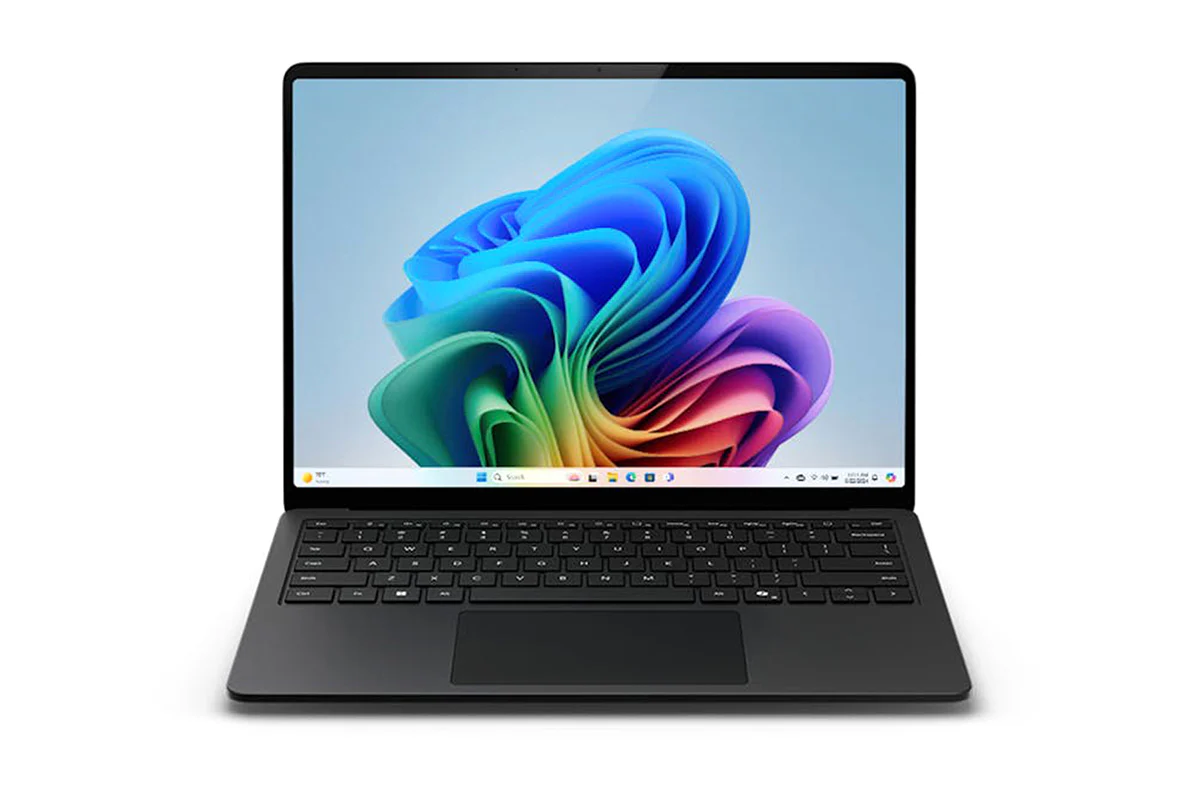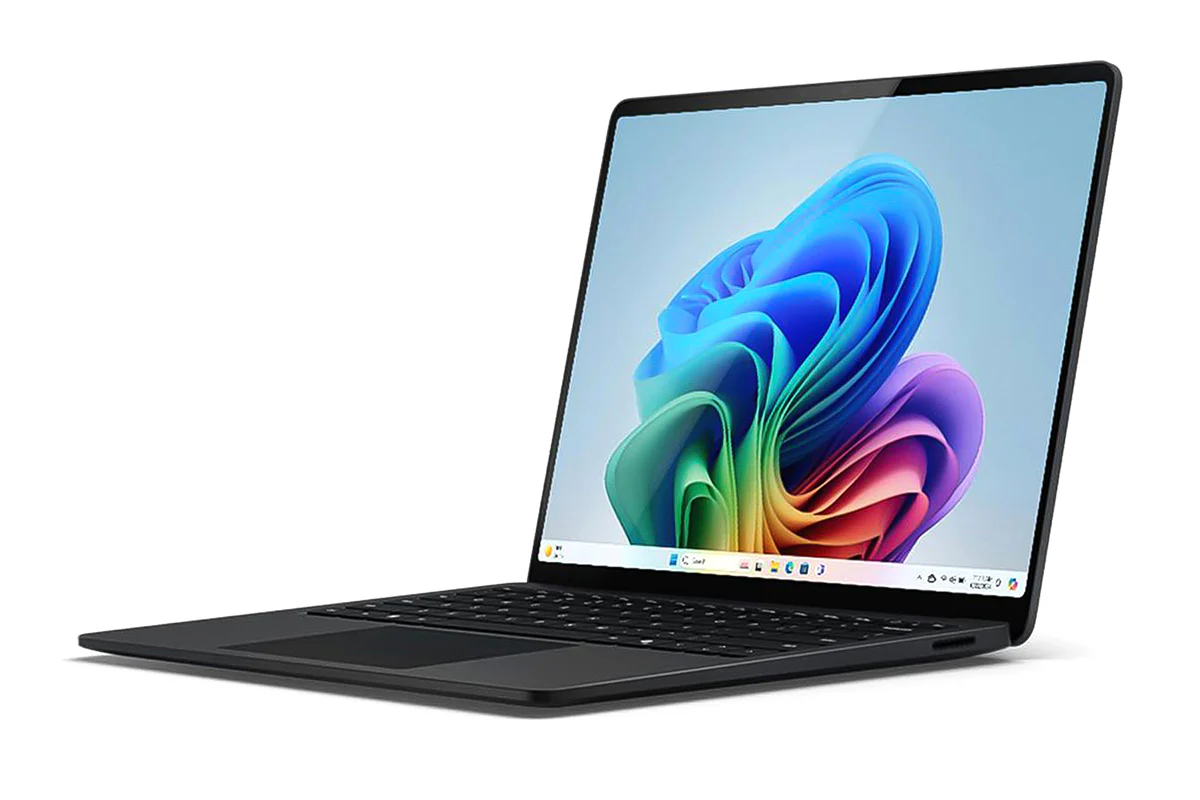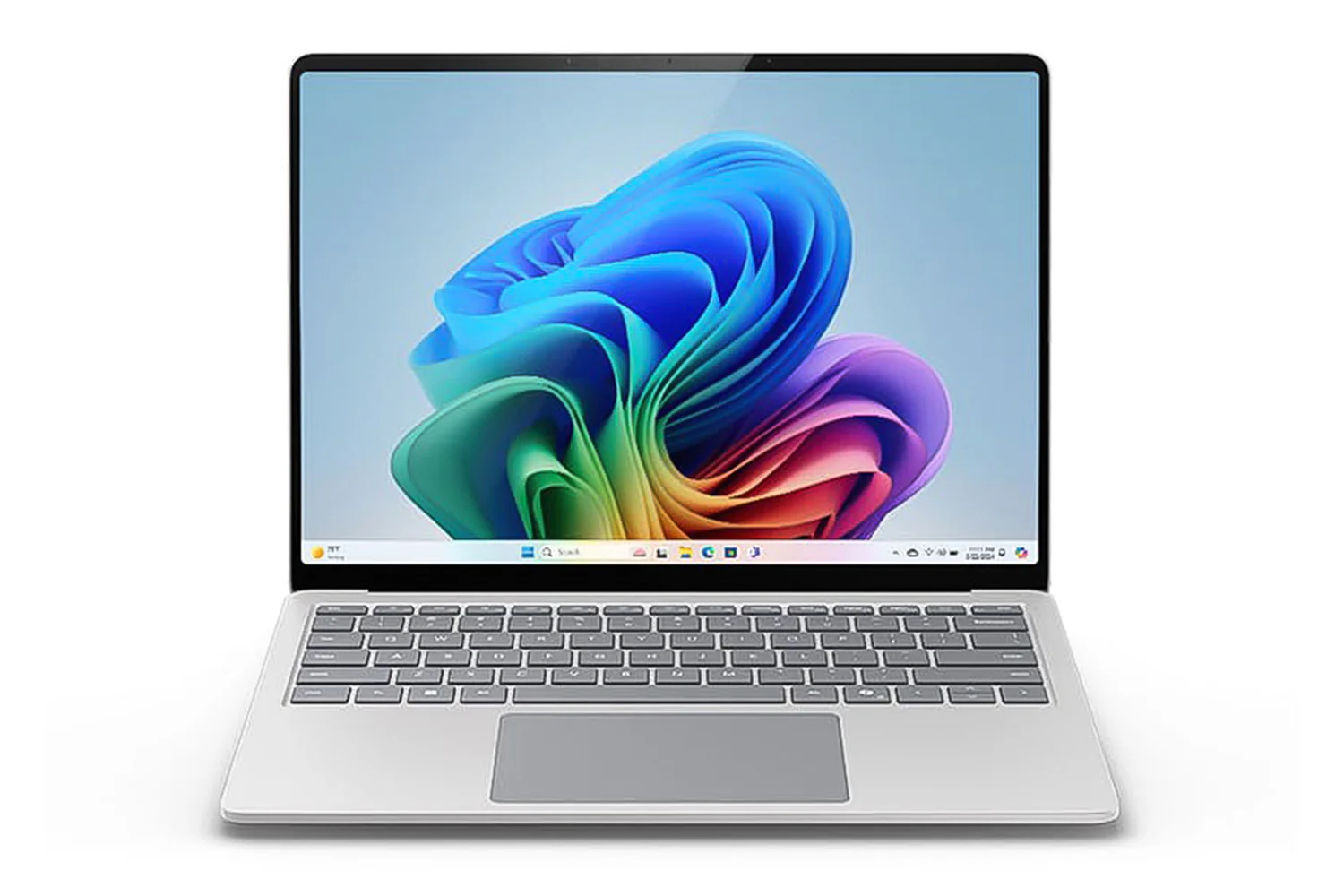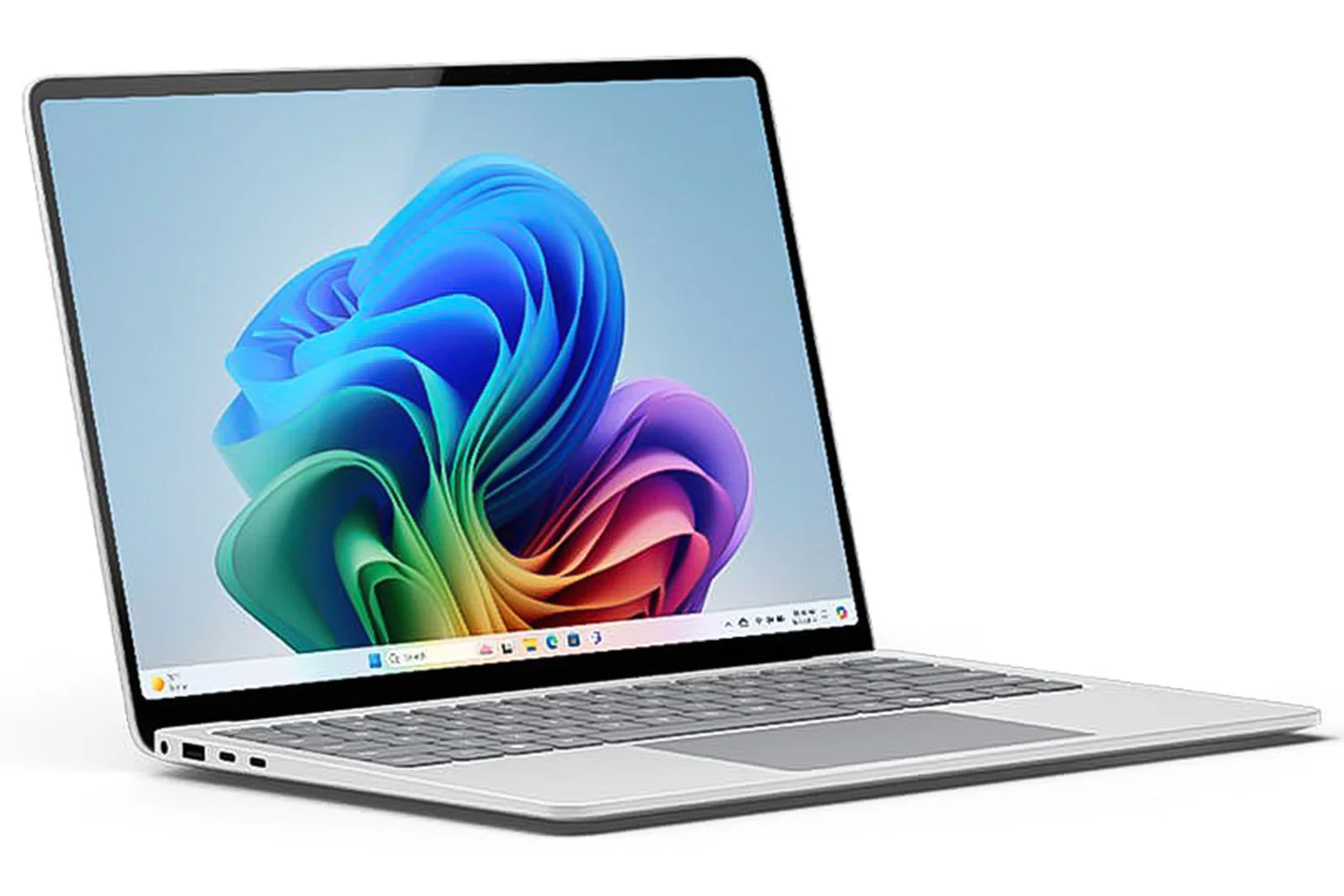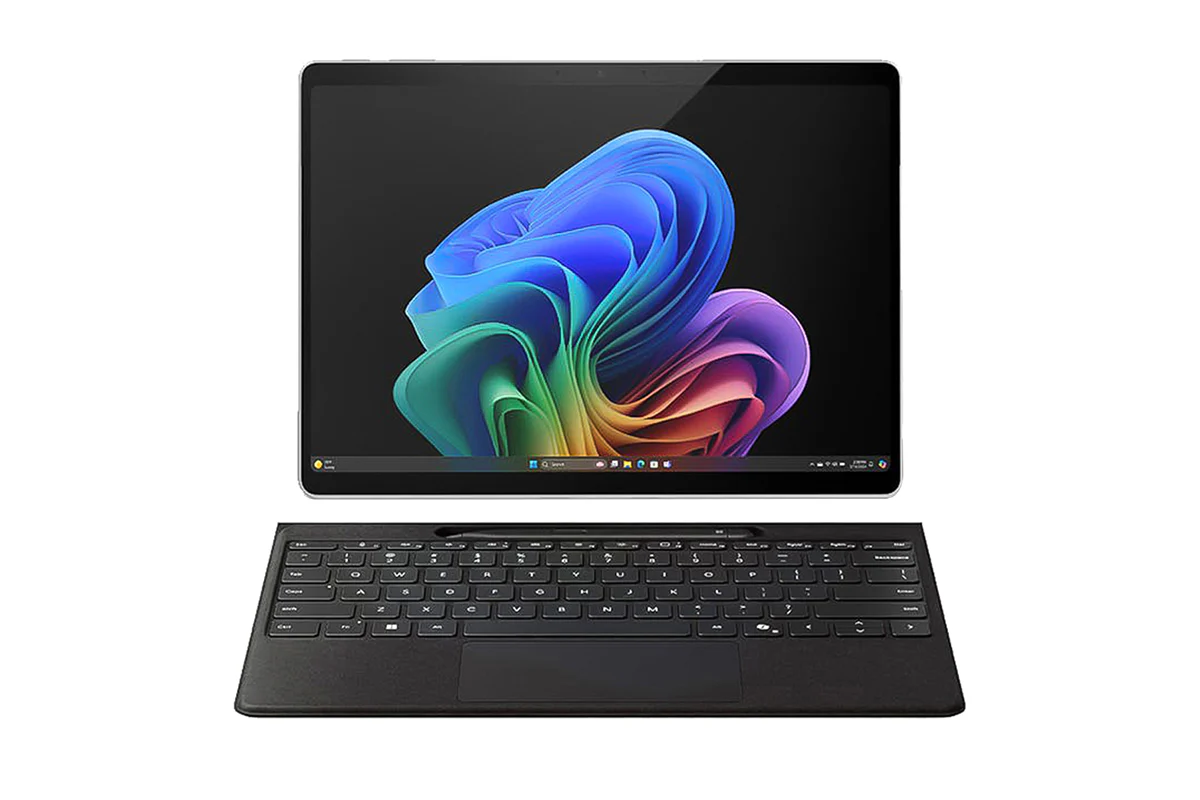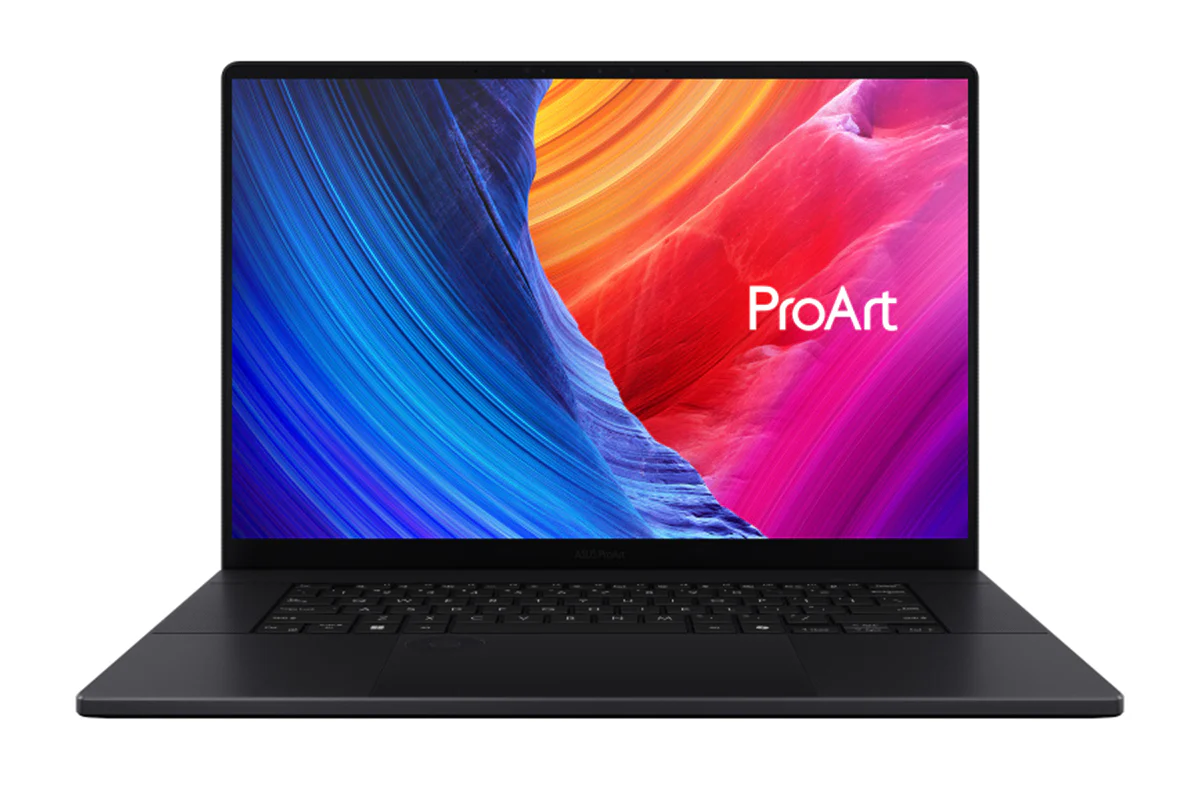
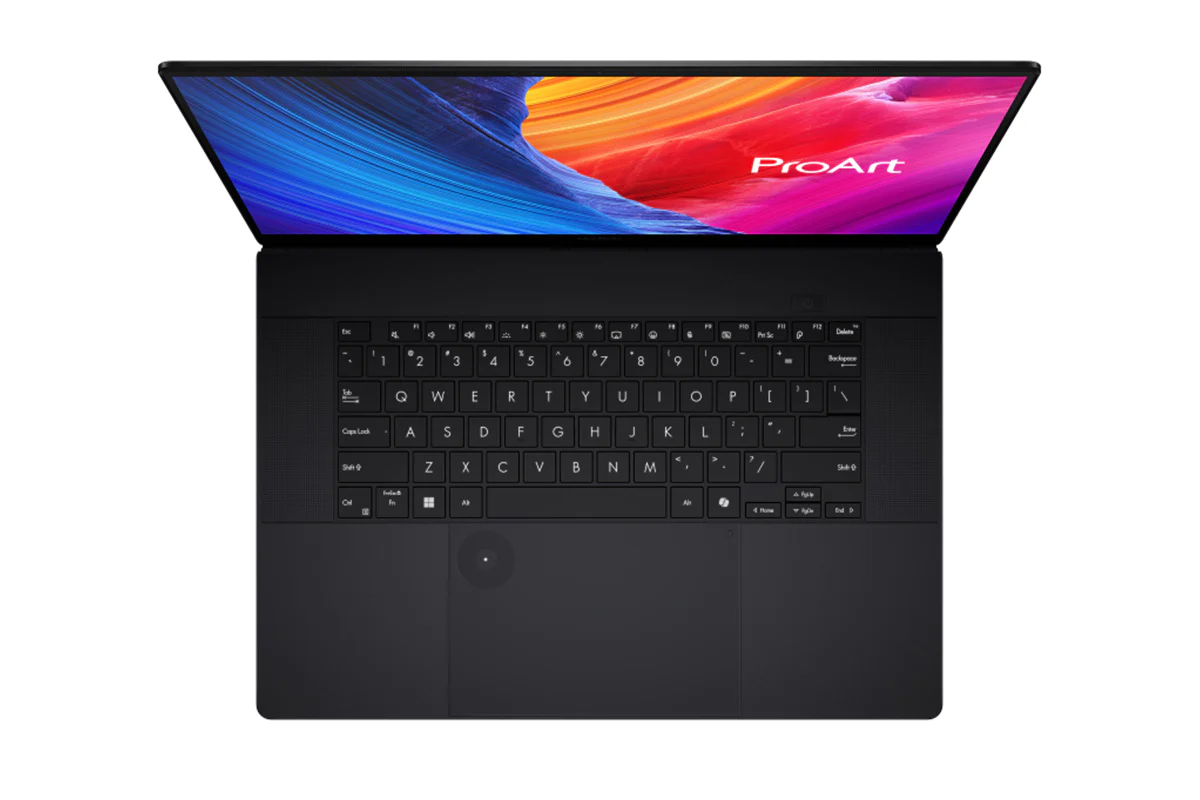
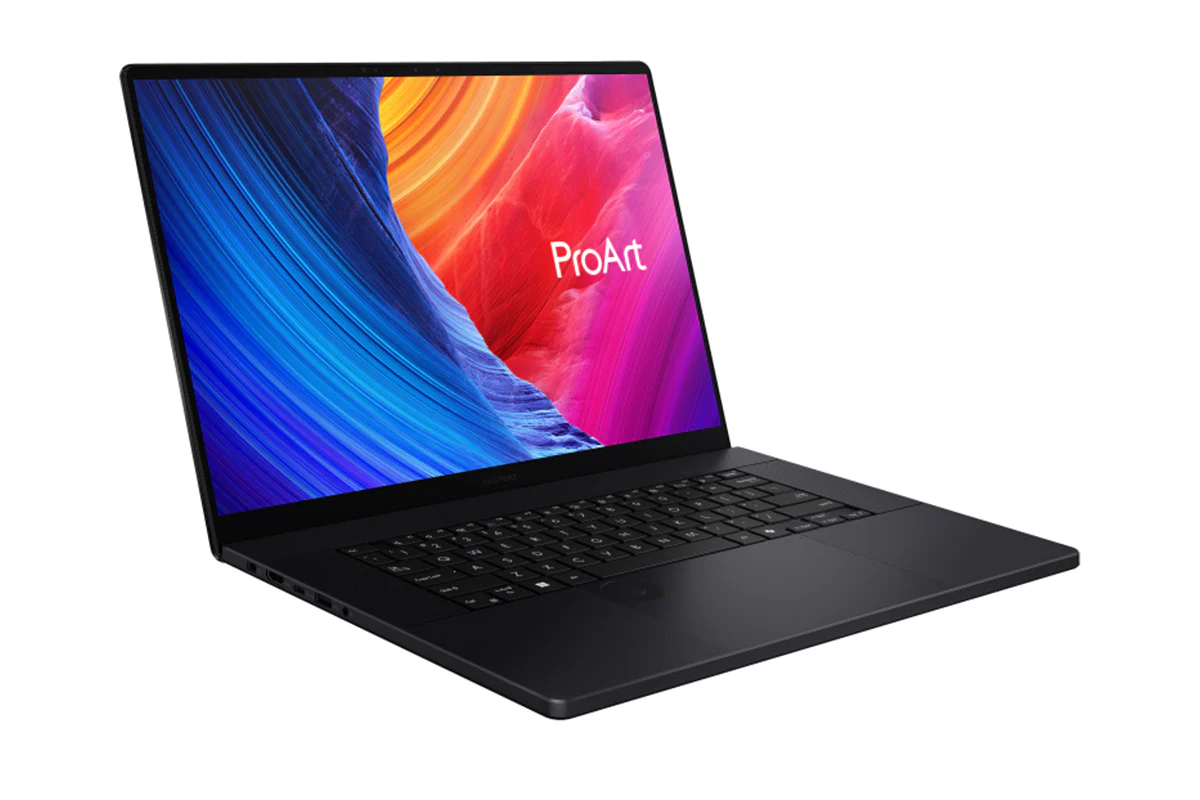
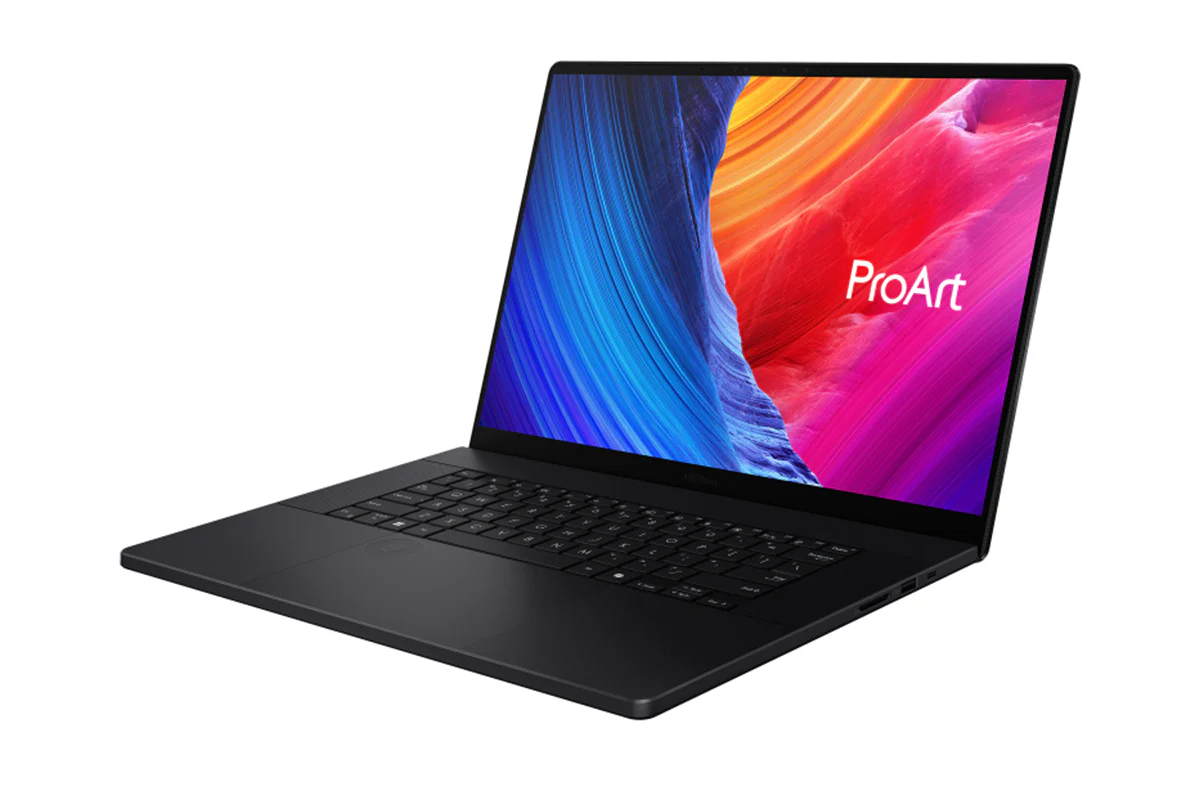
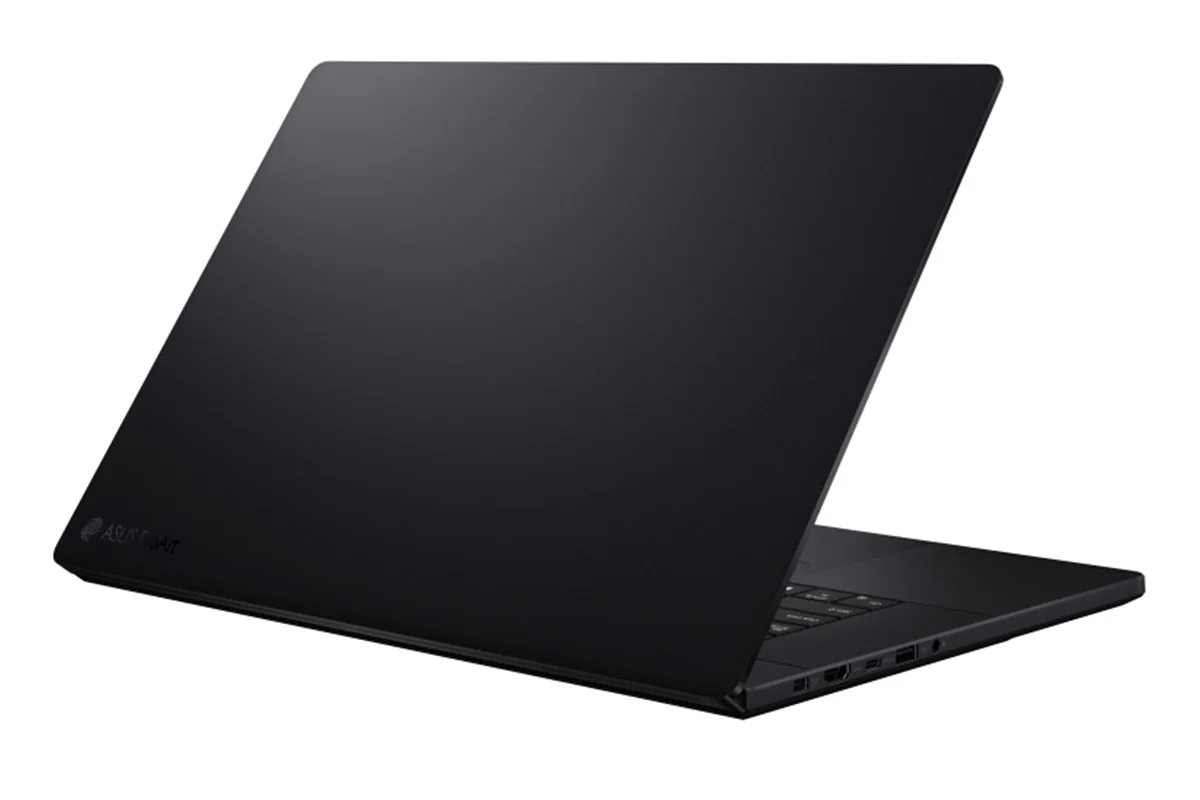
ASUS ProArt P16 Copilot+ PC 16" AMD Ryzen AI 9 | 64GB | 2TB | Nano Black
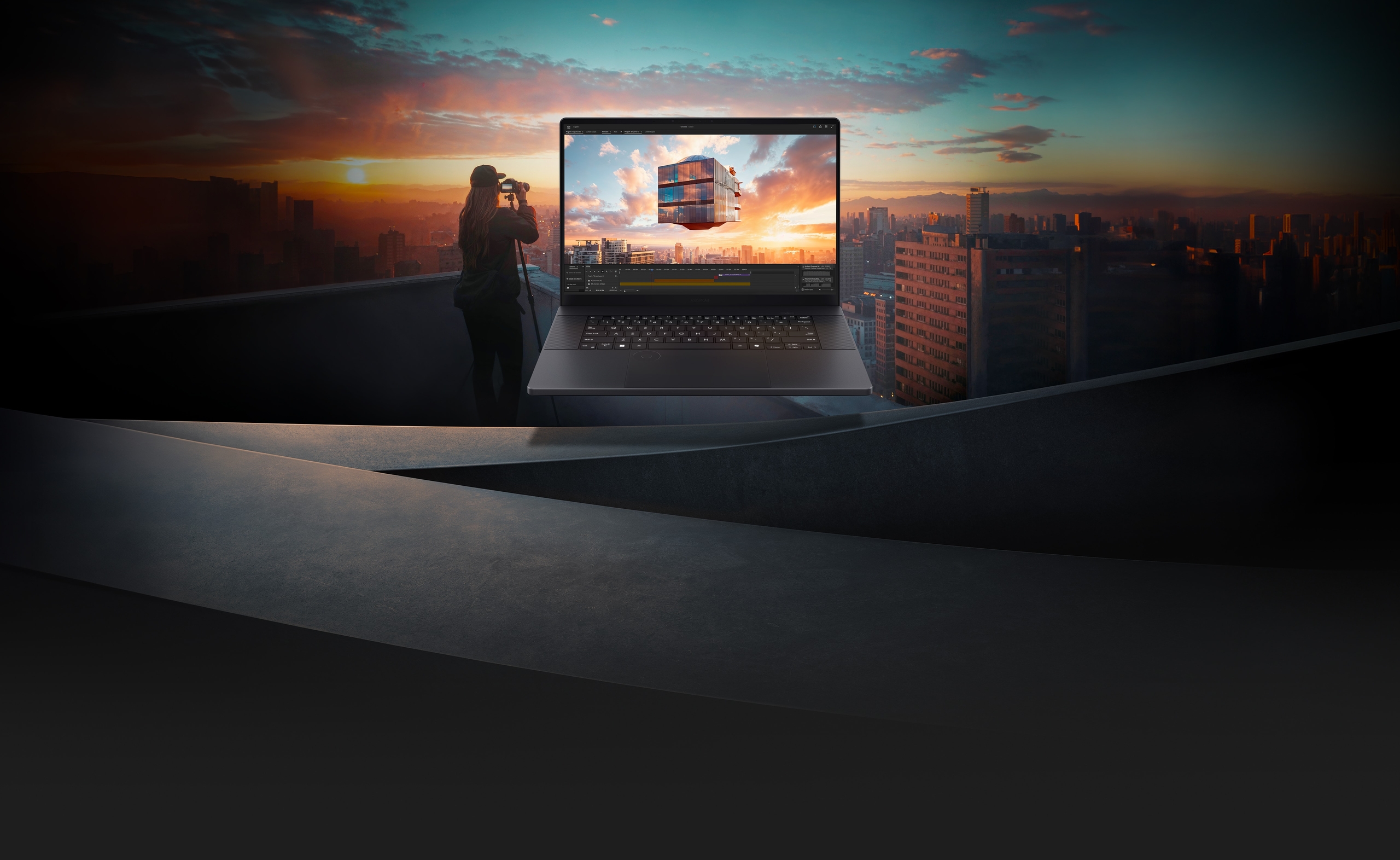
ProArt P16 Creativity Unrivalled, Anywhere
Meet ProArt P16 — your ultimate creative companion for the studio and on the move. Its OLED touchscreen ensures precise colour accuracy for flawless proofing, while versatile I/O ports seamlessly connect all your peripherals. This NVIDIA Studio-validated laptop packs a GeForce RTX 40 Series Laptop GPU, providing powerful graphics and 321 TOPS AI performance. Additionally, it features up to a 50 TOPS AMD Ryzen AI 9 HX 370 processor delivering exceptional processing power. With AI-enhanced creative features, military-grade toughness, and a long-lasting battery, ProArt P16 transforms any setting into your studio.

Where Your Story Begins
Create Anywhere
Crafted for seamless portability and durability, ProArt P16 lets your inspiration flow freely wherever you go.

Create Smarter
In transit, unlock the power of AI with StoryCube & MuseTree apps. Streamline creativity, accelerate ideas, with seamless project pickups.

Create Faster
Power up your creativity back at base. Swiftly turn inspiration into tangible creations. Accelerate projects with unmatched speed.
Check out the video:
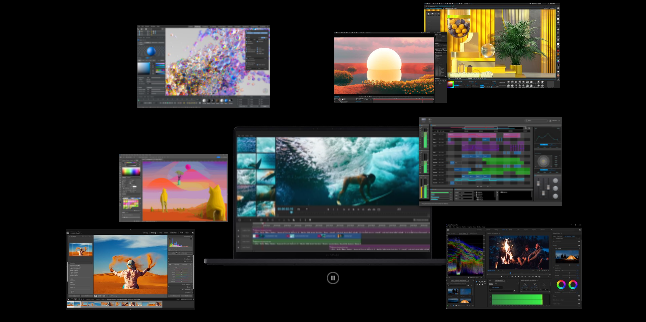
Performance: Powerful Creativity on the Move
No borders, no limits: ProArt P16 is your on-the-go studio. Featuring up to an AMD Ryzen AI 9 HX 370 processor, and NVIDIA GeForce RTX 40 Series Laptop GPU, it breezes through tasks with professional ease. Advanced thermal design guarantees sustained peak performance. Meanwhile, the lightning-fast RAM and SSD slash loading times, elevating your projects to masterpieces wherever you go.
- Windows 11 Home
- Up to AMD Ryzen AI 9 HX 370 processor
- Up to NVIDIA GeForce RTX 4070 Laptop GPU
- Up to 64 GB LPDDR5X RAM
- Up to 4 TB PCIe 4.0 SSD
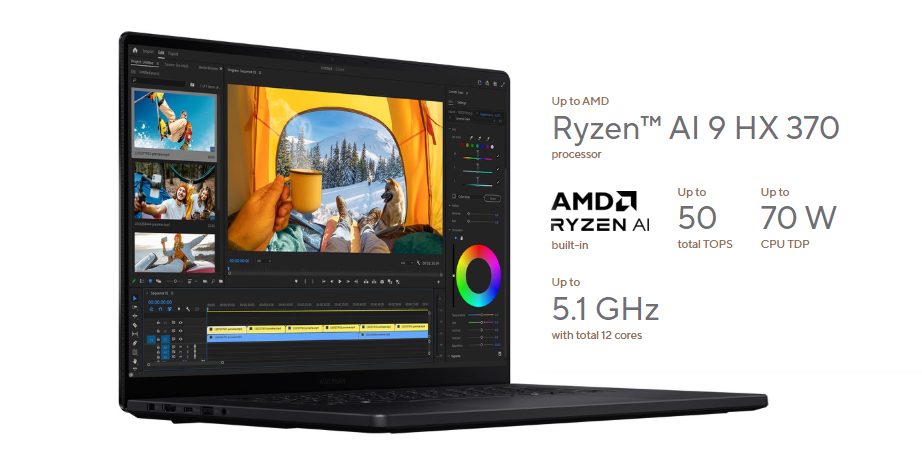
CPU: Accelerate Creativity With AI
Step into the future of content creation with the AMD Ryzen AI 9 HX 370 processor. Boasting 50 TOPS of NPU processing power, it delivers AI-enhanced efficiency. With dominant single-core and multi-core performance, importing and rendering demanding 4K footage is a breeze. The Ryzen AI-powered NPU accelerates AI-driven tasks in Adobe Premiere Pro, streamlining processes like speech-to-text transcribing, auto sequence-framing, and scene-edit detection. Focus on storytelling, not workflow.
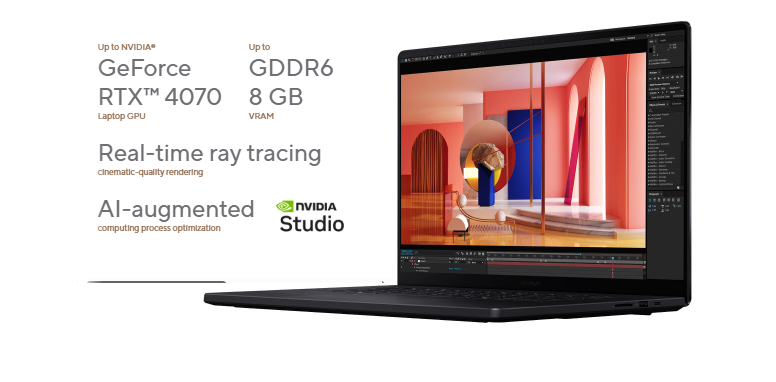
GPU: Your Graphics Superpower
Accelerate your creative journey with the ProArt P16, an NVIDIA Studio-validated laptop boasting up to GeForce RTX 4070 Laptop GPU, delivering 321 TOPS for an advanced AI PC experience. Unlock unique AI capabilities and dive into AI-accelerated workflows, from textures to lighting effects to AI-generated imagery. Elevate your creations with lifelike detail and clarity at unprecedented speeds. With RTX-accelerated encoding, visual effects, faster rendering, smoother playback, real-time video editing, and 3D design, the ProArt P16 empowers your artistic expression, leaving technical constraints behind.
Check out the video:
RAM: More RAM, More Freedom
ProArt P16 has massive RAM capacity, using fast LPDDR5X modules running at 7500 MHz . You can easily work on your high-res content and still have plenty of headroom to run all your other productivity tools.
Check out the video:
Think Smarter, Act Faster with Copilot+ PCs
Assist
Copilot: Your Everyday AI Companion
Copilot empowers you with AI-driven search, quick summaries, and smart task management — so you can spark ideas, streamline your schedule, and stay focused on what matters most.
Check out the video:
Discover
Recall (in preview): Stop Searching. Start Recalling
Looking for a file, email, or webpage? Simply describe how you remember it, and Recall will find it in seconds.[6]
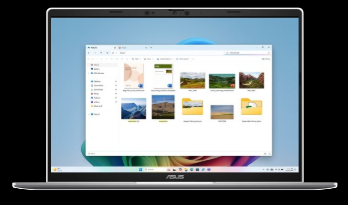
Improved Windows Search: Search Smarter, Not Harder
Use everyday language to find files, settings, or apps in an instant. Just say what you need, and Windows will take care of the rest.
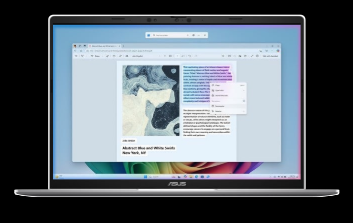
Click to Do (in preview): Interact Effortlessly, Stay Focused
Launch an interactive overlay that instantly offers context-sensitive actions for text and images, allowing you summarize, refine, and even perform basic editing tasks, while staying focused.
Check out the video:
Create
Cocreator in Paint: You Sketch it. Cocreator Creates it
Let your inner artist thrive with guidance from Cocreator.
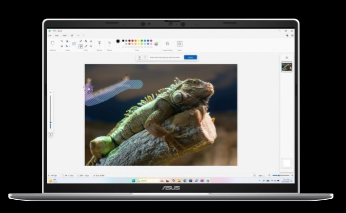
Erase in Paint: Remix Your Art
Use Erase in Paint to instantly take away elements of an image. It’ll be like they were always — or never — there.
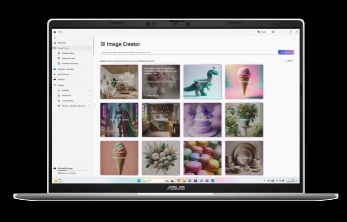
Image Creator in Photos: Ideas, Ideas, Ideas
Explore your ideas further with many interpretations of what inspires you.
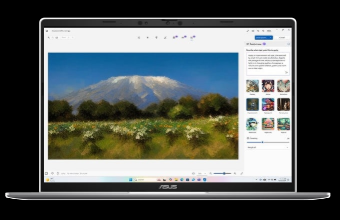
Restyle Image in Photos: It’s All About Style
If you want your art to be more artistic, now you can bring different styles to your images with Restyle Image. [7]
Check out the video:
Translate
Live Captions: Translates as You Talk
When you never miss a word, you never miss a beat. Get accurate subtitles in real time with Live Captions.[8]
Check out the video:
Enhance
Windows Studio Effects: Perfect Your Presence
Enhance your video calls with improved lighting, subtle background blur, gaze correction and more, ensuring your presentation stands out when it matters most.[9]
Check out the video:
Microsoft 365: Smarter with AI
Word: Write Smarter, Faster
Generate content effortlessly, refine your writing with AI-powered suggestions, and maintain a polished, professional format with ease.
Check out the video:
PowerPoint: Present Like a Pro
Turn ideas into stunning slides instantly. Copilot helps you build presentations from outlines and offers smart design suggestions for a polished look.
Check out the video:
Excel: Transform Data into Decisions
Analyze data with ease—Copilot suggests formulas, creates charts, and provides insights, helping you spot trends and make informed decisions faster.
Check out the video:
OutLook: Email, Simplified
Save time with AI-assisted email drafting and thread summarization, so you can respond quickly and stay on top of important conversations.
Check out the video:
AI Experience: ASUS AI, Always Incredible
ASUS AI applications elevate your daily routine with unparalleled convenience. Seamlessly organize your multimedia library with AI-powered categorization, safeguard your privacy with AI assistance, and experience crystal-clear audio with smart noise cancellation. Embrace the future of technology with ASUS, where AI enhances every aspect of your life.
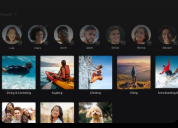
AI for Organizing Multimedia
StoryCube is an AI-powered digital asset-management tool, which can automatically organise your photos and videos.

AI for Security and Privacy
Stay focused with AI-powered ASUS Adaptive Dimming. It adjusts screen brightness based on your presence. ASUS Adaptive Lock keeps your space secure and saves energy by locking when you're away.

AI for the Clearest Audio
ASUS AI Noise Cancellation leverages a massive deep-learning database to reduce background noise in meetings and calls, for crystal-clear audio.
Creator Apps: Empower Your Creative Journey
ASUS brings you a complete set of creator apps to make your creative journey easier, smoother, and more powerful — from the first draft to the final version.
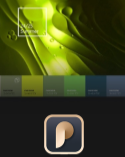
ProArt Creator Hub
Optimize creative performance and access colour inspiration at any time.
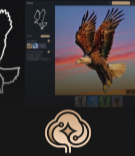
MuseTree
Let AI help you generate creative images via a new and intuitive interface.

StoryCube
Use AI to automatically organize and classify your digital photos or videos.
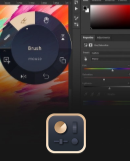
ASUS Dial & Control Panel
Customise your DialPad for easy, precise control of your creator software.

StoryCube x GoPro Integration
In collaboration with GoPro, ASUS introduces an all-in-one solution for managing GoPro camera footage — making it easy to transfer, preview, and organize photos and videos directly on StoryCube.
- Seamlessly access your GoPro cloud and relive every breathtaking moment — even 360 videos
- Let AI Album auto categorize your GoPro assets by GoPro popular activities such as biking, surfing and skiing
- Quickly navigate your GoPro stories by time, device, or location based on GPS date from your captured devices
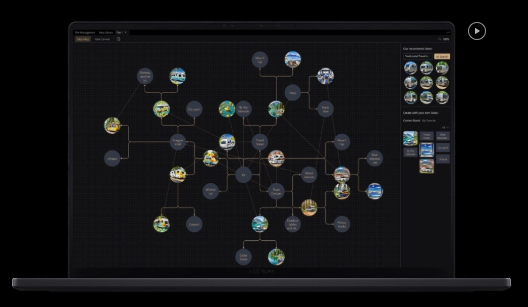
Musetree: Grow Your Dreams With AI Magic
Transform your inspiration into imagery swiftly and conveniently using ASUS simple and innovative interface, effortlessly fleshing out your sketches and ideas. Your creations are intelligently stored and managed at all times for easy access and organization.
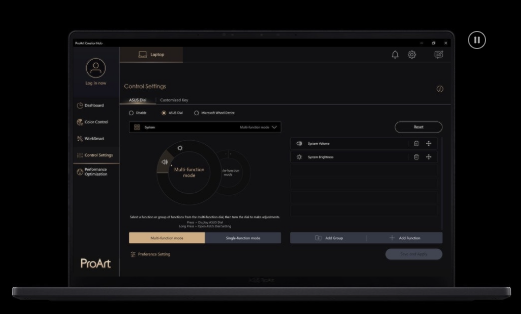
ProArt Creator Hub: Personalize Your Creativity
ProArt Creator Hub serves as your personal portal for monitoring your device’s status, customising settings, and enhancing your workflow for limitless creativity. It has an overview Dashboard that enables you to fine-tune Fan Profiles for optimal cooling performance, provides easy access to colour calibration tools through Colour Control, and enhances your workflow efficiency and performance management with WorkSmart and Performance Optimisation. Furthermore, the new Colour Management feature delivers precise colour data, empowering you to create and store your unique colour palettes while staying up-to-date with the latest colour trends for endless inspiration. In collaboration with Pantone, ASUS have incorporated digital colour data to unleash your untamed creativity.
Asus Dialpad Make Magic Happen With Asus Dialpad
Discover new ways to work with the exclusive ASUS DialPad, an intuitive physical controller that gives you instant and precise fingertip control over parameters in your creative apps. You can easily change brush size, or rapidly undo actions to make your creative workflow smoother. It’s fully customizable — and works with a wide range of apps.
Check out the video:
Creativity
Enjoy more intuitive, creative operating functions with your favorite creative apps.
Check out the video:
Productivity
Personalize your productivity app settings with ASUS DialPad to maximize your creativity.
Check out the video:
Entertainment
Jog through video timeline, quickly adjust audio, and enjoy seamless entertainment experience.
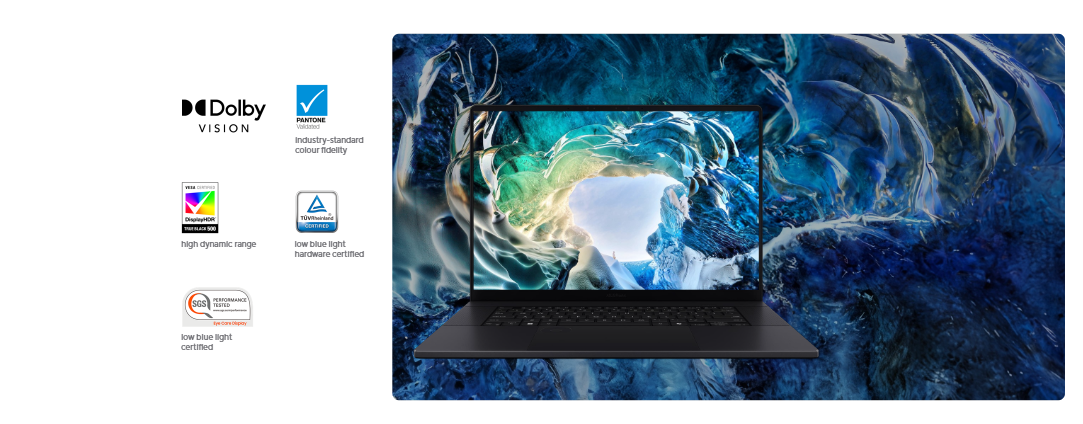
ASUS OLED Display: Vision in Vivid Colours
Discover boundless creativity with the ProArt P16, featuring the ASUS Lumina OLED touchscreen — where every pixel tells a story. The up to 4K OLED touchscreen with stylus support enhances projects with vibrant colours and sharp details. Designed for continuous inspiration, this eyecare-friendly screen adapts to any light. The adaptive screen offers smooth visuals, making your workspace as limitless as your creativity.
- Up to 4Khigh resolution (3840 by 2400)
- 100% DCI-P3 colour gamut
- Delta E < 1 colour accuracy[1]
- Up to 4096 pressure level MPP2.0 stylus support
More Accurate [2]
ASUS Lumina OLED offers industry-standard colours, deep blacks, and exceptional detail.
Make It Personal, ASUS Splendid
Fully customisable colour with RGB, DCI-P3, Display-P3, and Native options.
More Adaptive
ASUS Lumina OLED provides customisable visuals, power-saving solutions and sharpened playback.
More Reliable
ASUS Lumina OLED ensures eye protection, burn-in prevention and panel durability.
Perfect Brightness and Colour Tone
The ambient light colour sensor auto-adjusts for changes in the environment brightness and colour temperature.
Corning Gorilla Glass11
A display surface that’s six times more durable than ordinary laptop glass.
Military Grade: Tougher Than the Rest
Crafted to conquer, ProArt P16 exceeds the stringent MIL-STD 810H military standard, promising unparalleled durability and reliability. Engineered for the extremes, it guarantees longevity and sustainability, empowering you to work, travel, and unwind with absolute confidence.

Rainforest Expedition
In tropical climates, the ProArt P16 endures tests for sand, dust, up to 95% Relative Humidity (RH)[3] , and shock. It’s your reliable companion for creativity and communication even in the heart of the jungle.
- Sand and Dust Test
- Humidity Test
- Shock Test

Skiing Adventure
In freezing temperatures plummeting to -32°c and dizzying altitudes reaching 15,000 feet[4], rely on the ProArt p16 for uninterrupted productivity amidst snowy alps and ski resorts.
- Altitude Test
- Low Temperature Test
- Vibration Test

Desert Exploration
Even in scorching desert conditions, with temperatures as high as 70°C[5], the ProArt P16 stands as your dependable oasis of productivity, boasting exceptional durability and performance.
- Solar Radiation Test
- Temperature Shock Test
- High Temperature Test
- Sand and Dust Test

Design ProArt P16 is the New Black
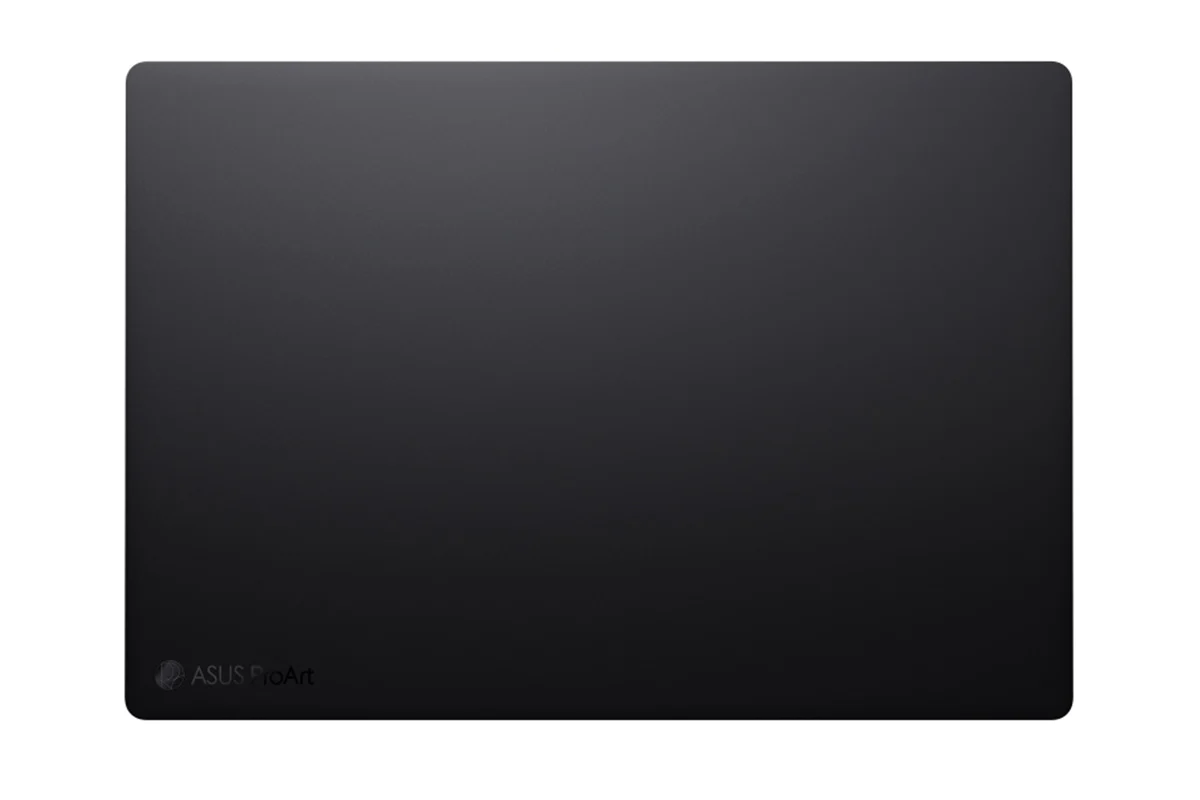
Your creative journey begins with ProArt P16, cloaked in Nano Black — a deep, pristine black coating that ensures your laptop stays clean and ready for adventure. It’s not just a tool, it’s a stealthy but powerful companion for bold content creators who thrive in the wilds of nature — or the urban jungle.
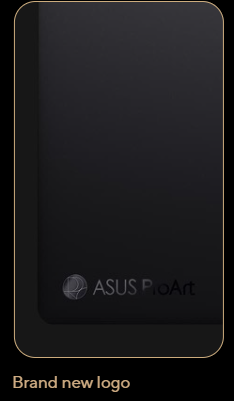
01/ Brand New Logo
The new ProArt logo is a smooth, rounded emblem that demonstrates ASUS dedication to a clean and streamlined look.
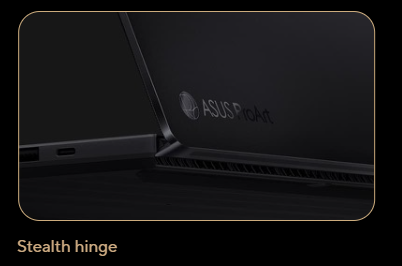
02/ Stealth Hinge
The stealth hinge design on ProArt P16 provides enhanced durability, stability, and improved cooling, offering users a better experience overall.
03/ Nano Black
Our anodising process creates a nano-microporous structure that minimizes reflections, ensuring the laptop’s sleek ultra-black appearance in any lighting.
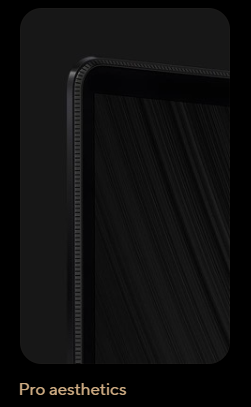
04/ Pro Aesthetics
Inspired by the precision of professional photography, the laptop frame features vertical stripes that echo pro camera design — tough and prepared for action.
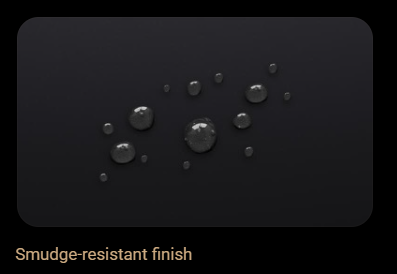
05/ Smudge-Resistant Finish
ASUS have integrated Nano Black coating with active silane resin and fluorine-modified groups, resisting smudges and repelling fingerprints, keeping your laptop clean on the go.
Thermal: Hot Projects, Cool Laptop
Get your work done in tranquility, wherever you are, using a laptop that remains cool and quiet, even when your creativity’s in full swing. ProArt P16’s Ambient Cooling technology ensures top performance without making a sound. The tri-fan, stealth air outlet design effectively disperses heat, and the liquid metal thermal compound improves cooling.
- Up to 120W total CPU TDP + GPU TGP18
- 0 Db Ambient Cooling
- Tri-fan technology
- Stealth air outlet design for enhanced user experience
- Liquid metal for better heat dissipation
- Dust filter for smooth operation
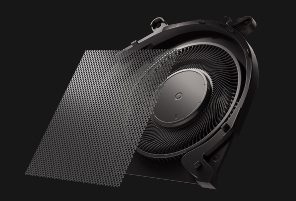
Dust Filter
The built-in dust filter in ProArt P16 keeps internals pristine, preserving CPU and GPU efficiency for durable, uninterrupted performance.
Natting in a senated anemoment
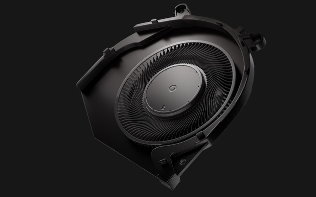
O dB Amblent Cooling
ProArt P16's 0 dB Ambient Cooling in Manual mode delivers silent operation for focused creative flow, with smart fan activation for intensive tasks.
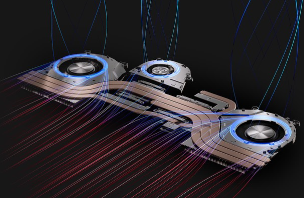
Tri-Fan Technology
ASUS Tri-Fan technology channela airflow through calculated chassis cutouts, cooling internal components efficiently. An auxiliary fan directs CPU and GPU heat to the exhaust during intense 3D renders or complex video editing for optimal machine cooling.
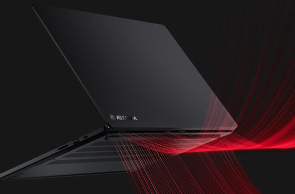
Stealth Air Outlet Design
The ingenious stealth air outlet guides hot air away, preventing direct airflow onto the screen and enhancing your overall experience.
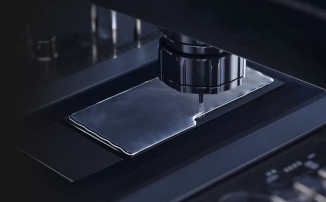
Liquid Metal
Thermal Grizzly's liquid metal significantly lowers CPU temperatures compared to standerd thermal paste. ASUS specialized equipment automates the precise application process, ensuring accuracy.
- Up to 13°c Cooler
- Up to 14x Better thermal conductivity
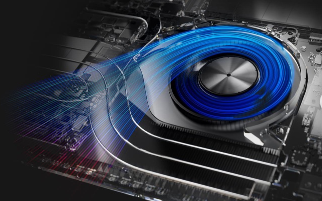
Streamlined Inward Airflow
Our redesigned thermal system in ProArt P16 enhances inward air circulation, reducing temperatures for a consistently cool and comfortable experience.
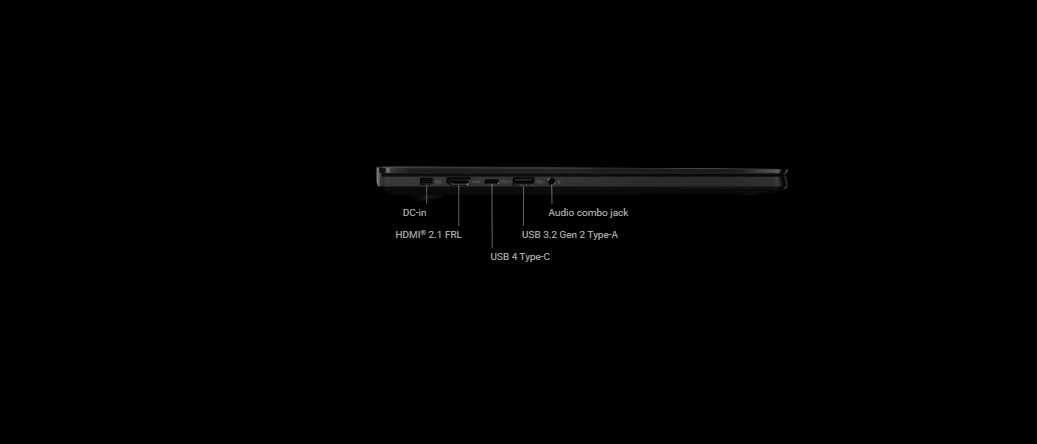
Connectivity: All the Ports You Need
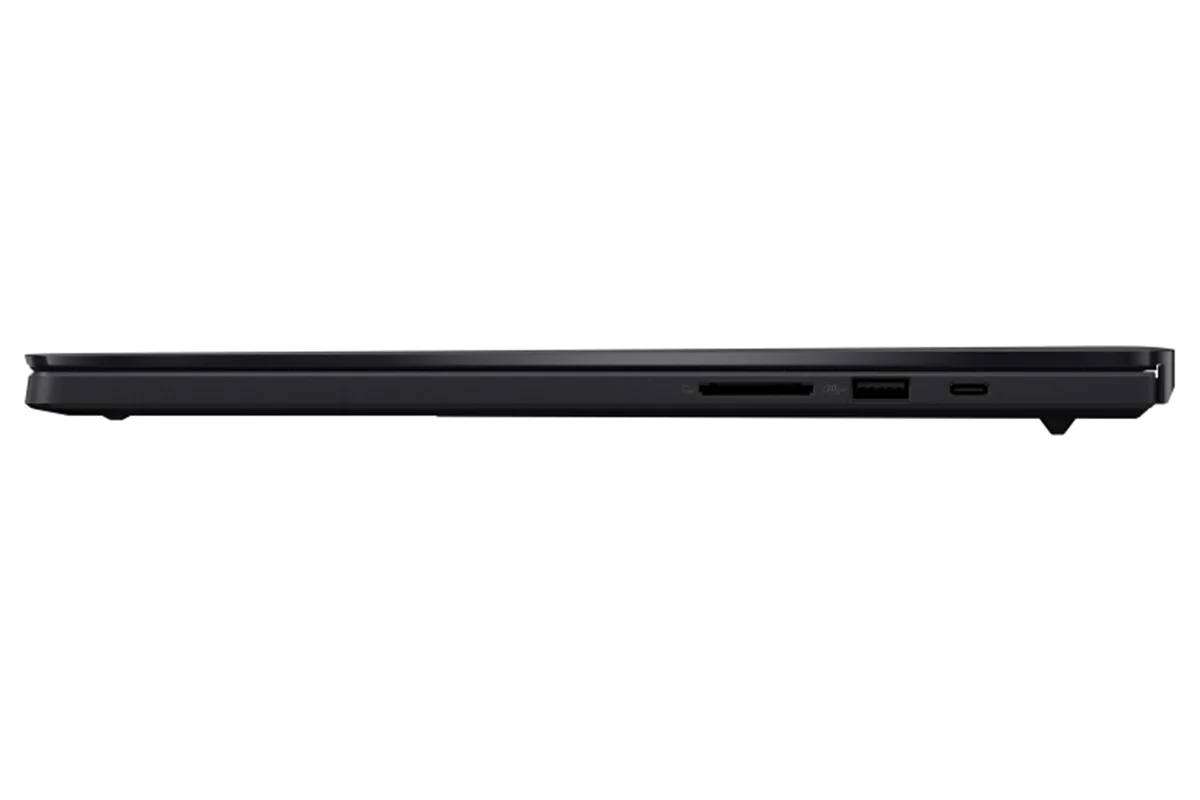
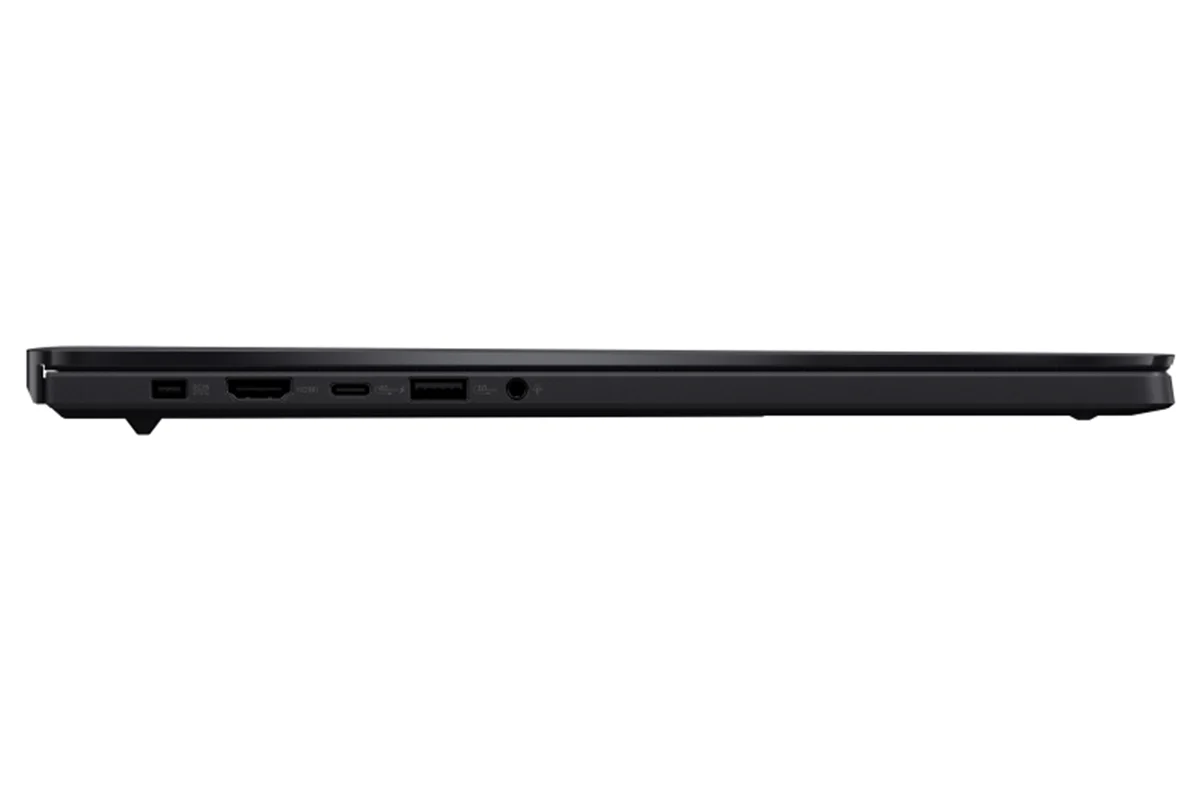
Comprehensive I/O ports allow seamless connectivity, for full productivity wherever you are. There’s one 40 Gbps USB 4 Type-C port for fast charging and external displays, alongside two USB 3.2 Gen 2 Type-A ports, and the latest HDMI 2.1 FRL port, as well as an SD Express 7.0 card reader for quick transfers. Ultrafast Wi-Fi 7 ensures seamless connectivity anywhere.
Connect Everything
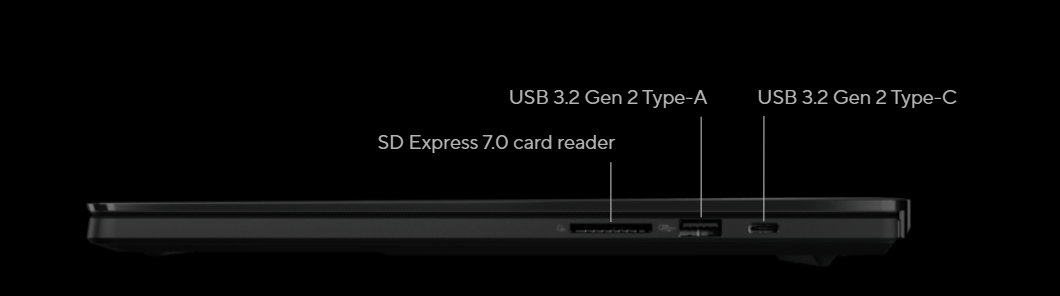
- 40 Gbps USB 4 Type-C
- 10 Gbps USB 3.2 Gen 2
- 985 MB/s SD Express 7.0 card reader
- 8K video output
- 2.88 Gbps Wi-Fi 7 connectivity
Audio: Wildly Natural Beats and Sounds
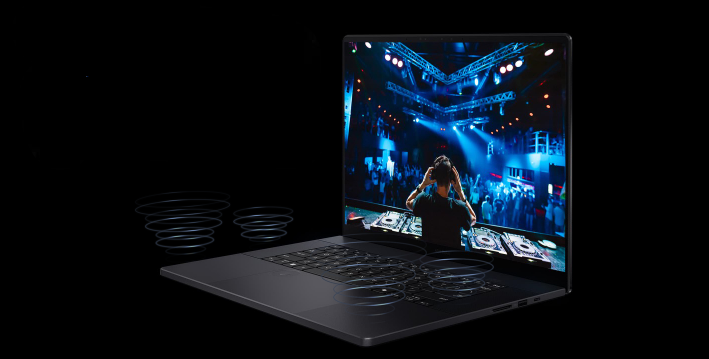
For unrivaled audio quality, ProArt P16 with 6 speakers has a stereo sound system certified by the audio experts at Harman Kardon. It delivers powerful, immersive sound that’s crystal-clear.
The immersive Dolby Atmos technology indulges you in your favorite entertainment with sound that moves all around you, adding breathtaking realism to music, movies and TV.

Introducing Virtual Assistant
Virtual Assistant is an AI application featuring OMNI as an interactive bot that lives on your desktop, delivering system notifications and more. OMNI can respond to system states and display playful behavior, and it also acts as an efficient assistant. It uses AI to summarize documents, transcribe audio, and answer questions about the information in your files, making it perfect for creating meeting notes and daily learning. In your down time, you also can chat with OMNI or ask it to open specific apps for you.
- Chat: Ask anything and keeping everything private
- Librarian: Upload your docs to make Virtual Assistant an expert in those sources
- Transcription & Summarization: Your conversation is transcribed in real time for easy catch-up
* Virtual Assistant functions are currently only available on ASUS and ROG laptops with AMD Ryzen AI 300 Series processors
Notes:
1. Average tested result in MyASUS Splendid Display P3 colour gamut: Delta-E < 1, +/- 0.5
2. The visual appearance of OLED displays may change over the product’s lifetime. This is expected behavior that can include image persistence or burn-in, where the display shows a faint remnant of an image even after a new image appears on the screen. This tends to occur only in extreme use cases, such as when a static, high-contrast image is continuously displayed for prolonged periods of time. ASUS laptops with an OLED display minimize this risk by setting Windows’s Dark mode as default, as well as shortening the idle time before the screen is turned off — both on mains (AC) and battery (DC) power. This dual approach minimizes the potential for burn-in to maximize the lifespan of your OLED display lifespan, and also reduces unnecessary power draw for optimal battery life. We also recommended adjust the brightness of your OLED display to complement the ambient lighting in your environment, rather than keeping the screen at maximum brightness at all times. You should also ensure that you have an animated, dark-background screensaver enabled in the Windows Settings tool.
3. ProArt laptops withstand temperature shocks from -51°C to 71°C for 1 hour across 3 cycles during non-operational periods. They endure 95% Relative Humidity (RH) for 10 days in non-operational conditions. Additionally, during operational use, they pass the Shock Test with a 100 mm drop height during bench handling.
4.ProArt laptop has passed MIL-STD 810H Altitude and Low Temperature tests. It can endure up to 15,000 feet altitude for 12 hours and temperatures from -25°C to -33°C for 168 hours non-operational and -21°C to -32°C for 72 hours operational.
5.ProArt laptop passes MIL-STD 810H tests for solar radiation and high temperatures, enduring 1120W/m2 at 49°C for 24hrs and operating from 30-43°C for 72hrs in use and 33-71°C for 168hrs non-use. It’s also tested for vibrations (5-500 Hz for 60 min) and blowing dust (60°C, particle densities 1.2g/m^3 to 10 +/- 7 g/m^3), ensuring reliability from studio to outdoors.
6.Recall is coming soon through a post-launch Windows Update. Timing will vary by device and region. Optimized for select languages (English, Chinese(simplified), French, German, Japanese, and Spanish.) Content-based and storage limitations apply.
7. Optimized for English text prompts. Requires Microsoft account and internet connection to access cloud services that help ensure the responsible use of AI.
8. Currently supports translation for video and audio subtitles into English and Chinese from 40+ languages depending on model and specifications
9. The user interface (UI) shown is dependent on device configuration.
Product Features:
- Adaptivelock
- AI noise canceling
- Live update
- Taskfirst
- Wifi smartconnect
- Function key lock
- Splendid
- Fan profile
- Battery health charging
- System diagnosis, ASUS OLED Care
Original: $3,803.51
-65%$3,803.51
$1,331.23Product Information
Product Information
Shipping & Returns
Shipping & Returns
Description
ProArt P16 Creativity Unrivalled, Anywhere
Meet ProArt P16 — your ultimate creative companion for the studio and on the move. Its OLED touchscreen ensures precise colour accuracy for flawless proofing, while versatile I/O ports seamlessly connect all your peripherals. This NVIDIA Studio-validated laptop packs a GeForce RTX 40 Series Laptop GPU, providing powerful graphics and 321 TOPS AI performance. Additionally, it features up to a 50 TOPS AMD Ryzen AI 9 HX 370 processor delivering exceptional processing power. With AI-enhanced creative features, military-grade toughness, and a long-lasting battery, ProArt P16 transforms any setting into your studio.
Where Your Story Begins
Create Anywhere
Crafted for seamless portability and durability, ProArt P16 lets your inspiration flow freely wherever you go.
Create Smarter
In transit, unlock the power of AI with StoryCube & MuseTree apps. Streamline creativity, accelerate ideas, with seamless project pickups.
Create Faster
Power up your creativity back at base. Swiftly turn inspiration into tangible creations. Accelerate projects with unmatched speed.
Check out the video:
Performance: Powerful Creativity on the Move
No borders, no limits: ProArt P16 is your on-the-go studio. Featuring up to an AMD Ryzen AI 9 HX 370 processor, and NVIDIA GeForce RTX 40 Series Laptop GPU, it breezes through tasks with professional ease. Advanced thermal design guarantees sustained peak performance. Meanwhile, the lightning-fast RAM and SSD slash loading times, elevating your projects to masterpieces wherever you go.
- Windows 11 Home
- Up to AMD Ryzen AI 9 HX 370 processor
- Up to NVIDIA GeForce RTX 4070 Laptop GPU
- Up to 64 GB LPDDR5X RAM
- Up to 4 TB PCIe 4.0 SSD
CPU: Accelerate Creativity With AI
Step into the future of content creation with the AMD Ryzen AI 9 HX 370 processor. Boasting 50 TOPS of NPU processing power, it delivers AI-enhanced efficiency. With dominant single-core and multi-core performance, importing and rendering demanding 4K footage is a breeze. The Ryzen AI-powered NPU accelerates AI-driven tasks in Adobe Premiere Pro, streamlining processes like speech-to-text transcribing, auto sequence-framing, and scene-edit detection. Focus on storytelling, not workflow.
GPU: Your Graphics Superpower
Accelerate your creative journey with the ProArt P16, an NVIDIA Studio-validated laptop boasting up to GeForce RTX 4070 Laptop GPU, delivering 321 TOPS for an advanced AI PC experience. Unlock unique AI capabilities and dive into AI-accelerated workflows, from textures to lighting effects to AI-generated imagery. Elevate your creations with lifelike detail and clarity at unprecedented speeds. With RTX-accelerated encoding, visual effects, faster rendering, smoother playback, real-time video editing, and 3D design, the ProArt P16 empowers your artistic expression, leaving technical constraints behind.
Check out the video:
RAM: More RAM, More Freedom
ProArt P16 has massive RAM capacity, using fast LPDDR5X modules running at 7500 MHz . You can easily work on your high-res content and still have plenty of headroom to run all your other productivity tools.
Check out the video:
Think Smarter, Act Faster with Copilot+ PCs
Assist
Copilot: Your Everyday AI Companion
Copilot empowers you with AI-driven search, quick summaries, and smart task management — so you can spark ideas, streamline your schedule, and stay focused on what matters most.
Check out the video:
Discover
Recall (in preview): Stop Searching. Start Recalling
Looking for a file, email, or webpage? Simply describe how you remember it, and Recall will find it in seconds.[6]
Improved Windows Search: Search Smarter, Not Harder
Use everyday language to find files, settings, or apps in an instant. Just say what you need, and Windows will take care of the rest.
Click to Do (in preview): Interact Effortlessly, Stay Focused
Launch an interactive overlay that instantly offers context-sensitive actions for text and images, allowing you summarize, refine, and even perform basic editing tasks, while staying focused.
Check out the video:
Create
Cocreator in Paint: You Sketch it. Cocreator Creates it
Let your inner artist thrive with guidance from Cocreator.
Erase in Paint: Remix Your Art
Use Erase in Paint to instantly take away elements of an image. It’ll be like they were always — or never — there.
Image Creator in Photos: Ideas, Ideas, Ideas
Explore your ideas further with many interpretations of what inspires you.
Restyle Image in Photos: It’s All About Style
If you want your art to be more artistic, now you can bring different styles to your images with Restyle Image. [7]
Check out the video:
Translate
Live Captions: Translates as You Talk
When you never miss a word, you never miss a beat. Get accurate subtitles in real time with Live Captions.[8]
Check out the video:
Enhance
Windows Studio Effects: Perfect Your Presence
Enhance your video calls with improved lighting, subtle background blur, gaze correction and more, ensuring your presentation stands out when it matters most.[9]
Check out the video:
Microsoft 365: Smarter with AI
Word: Write Smarter, Faster
Generate content effortlessly, refine your writing with AI-powered suggestions, and maintain a polished, professional format with ease.
Check out the video:
PowerPoint: Present Like a Pro
Turn ideas into stunning slides instantly. Copilot helps you build presentations from outlines and offers smart design suggestions for a polished look.
Check out the video:
Excel: Transform Data into Decisions
Analyze data with ease—Copilot suggests formulas, creates charts, and provides insights, helping you spot trends and make informed decisions faster.
Check out the video:
OutLook: Email, Simplified
Save time with AI-assisted email drafting and thread summarization, so you can respond quickly and stay on top of important conversations.
Check out the video:
AI Experience: ASUS AI, Always Incredible
ASUS AI applications elevate your daily routine with unparalleled convenience. Seamlessly organize your multimedia library with AI-powered categorization, safeguard your privacy with AI assistance, and experience crystal-clear audio with smart noise cancellation. Embrace the future of technology with ASUS, where AI enhances every aspect of your life.
AI for Organizing Multimedia
StoryCube is an AI-powered digital asset-management tool, which can automatically organise your photos and videos.
AI for Security and Privacy
Stay focused with AI-powered ASUS Adaptive Dimming. It adjusts screen brightness based on your presence. ASUS Adaptive Lock keeps your space secure and saves energy by locking when you're away.
AI for the Clearest Audio
ASUS AI Noise Cancellation leverages a massive deep-learning database to reduce background noise in meetings and calls, for crystal-clear audio.
Creator Apps: Empower Your Creative Journey
ASUS brings you a complete set of creator apps to make your creative journey easier, smoother, and more powerful — from the first draft to the final version.
ProArt Creator Hub
Optimize creative performance and access colour inspiration at any time.
MuseTree
Let AI help you generate creative images via a new and intuitive interface.
StoryCube
Use AI to automatically organize and classify your digital photos or videos.
ASUS Dial & Control Panel
Customise your DialPad for easy, precise control of your creator software.
StoryCube x GoPro Integration
In collaboration with GoPro, ASUS introduces an all-in-one solution for managing GoPro camera footage — making it easy to transfer, preview, and organize photos and videos directly on StoryCube.
- Seamlessly access your GoPro cloud and relive every breathtaking moment — even 360 videos
- Let AI Album auto categorize your GoPro assets by GoPro popular activities such as biking, surfing and skiing
- Quickly navigate your GoPro stories by time, device, or location based on GPS date from your captured devices
Musetree: Grow Your Dreams With AI Magic
Transform your inspiration into imagery swiftly and conveniently using ASUS simple and innovative interface, effortlessly fleshing out your sketches and ideas. Your creations are intelligently stored and managed at all times for easy access and organization.
ProArt Creator Hub: Personalize Your Creativity
ProArt Creator Hub serves as your personal portal for monitoring your device’s status, customising settings, and enhancing your workflow for limitless creativity. It has an overview Dashboard that enables you to fine-tune Fan Profiles for optimal cooling performance, provides easy access to colour calibration tools through Colour Control, and enhances your workflow efficiency and performance management with WorkSmart and Performance Optimisation. Furthermore, the new Colour Management feature delivers precise colour data, empowering you to create and store your unique colour palettes while staying up-to-date with the latest colour trends for endless inspiration. In collaboration with Pantone, ASUS have incorporated digital colour data to unleash your untamed creativity.
Asus Dialpad Make Magic Happen With Asus Dialpad
Discover new ways to work with the exclusive ASUS DialPad, an intuitive physical controller that gives you instant and precise fingertip control over parameters in your creative apps. You can easily change brush size, or rapidly undo actions to make your creative workflow smoother. It’s fully customizable — and works with a wide range of apps.
Check out the video:
Creativity
Enjoy more intuitive, creative operating functions with your favorite creative apps.
Check out the video:
Productivity
Personalize your productivity app settings with ASUS DialPad to maximize your creativity.
Check out the video:
Entertainment
Jog through video timeline, quickly adjust audio, and enjoy seamless entertainment experience.
ASUS OLED Display: Vision in Vivid Colours
Discover boundless creativity with the ProArt P16, featuring the ASUS Lumina OLED touchscreen — where every pixel tells a story. The up to 4K OLED touchscreen with stylus support enhances projects with vibrant colours and sharp details. Designed for continuous inspiration, this eyecare-friendly screen adapts to any light. The adaptive screen offers smooth visuals, making your workspace as limitless as your creativity.
- Up to 4Khigh resolution (3840 by 2400)
- 100% DCI-P3 colour gamut
- Delta E < 1 colour accuracy[1]
- Up to 4096 pressure level MPP2.0 stylus support
More Accurate [2]
ASUS Lumina OLED offers industry-standard colours, deep blacks, and exceptional detail.
Make It Personal, ASUS Splendid
Fully customisable colour with RGB, DCI-P3, Display-P3, and Native options.
More Adaptive
ASUS Lumina OLED provides customisable visuals, power-saving solutions and sharpened playback.
More Reliable
ASUS Lumina OLED ensures eye protection, burn-in prevention and panel durability.
Perfect Brightness and Colour Tone
The ambient light colour sensor auto-adjusts for changes in the environment brightness and colour temperature.
Corning Gorilla Glass11
A display surface that’s six times more durable than ordinary laptop glass.
Military Grade: Tougher Than the Rest
Crafted to conquer, ProArt P16 exceeds the stringent MIL-STD 810H military standard, promising unparalleled durability and reliability. Engineered for the extremes, it guarantees longevity and sustainability, empowering you to work, travel, and unwind with absolute confidence.
Rainforest Expedition
In tropical climates, the ProArt P16 endures tests for sand, dust, up to 95% Relative Humidity (RH)[3] , and shock. It’s your reliable companion for creativity and communication even in the heart of the jungle.
- Sand and Dust Test
- Humidity Test
- Shock Test
Skiing Adventure
In freezing temperatures plummeting to -32°c and dizzying altitudes reaching 15,000 feet[4], rely on the ProArt p16 for uninterrupted productivity amidst snowy alps and ski resorts.
- Altitude Test
- Low Temperature Test
- Vibration Test
Desert Exploration
Even in scorching desert conditions, with temperatures as high as 70°C[5], the ProArt P16 stands as your dependable oasis of productivity, boasting exceptional durability and performance.
- Solar Radiation Test
- Temperature Shock Test
- High Temperature Test
- Sand and Dust Test
Design ProArt P16 is the New Black
Your creative journey begins with ProArt P16, cloaked in Nano Black — a deep, pristine black coating that ensures your laptop stays clean and ready for adventure. It’s not just a tool, it’s a stealthy but powerful companion for bold content creators who thrive in the wilds of nature — or the urban jungle.
01/ Brand New Logo
The new ProArt logo is a smooth, rounded emblem that demonstrates ASUS dedication to a clean and streamlined look.
02/ Stealth Hinge
The stealth hinge design on ProArt P16 provides enhanced durability, stability, and improved cooling, offering users a better experience overall.
03/ Nano Black
Our anodising process creates a nano-microporous structure that minimizes reflections, ensuring the laptop’s sleek ultra-black appearance in any lighting.
04/ Pro Aesthetics
Inspired by the precision of professional photography, the laptop frame features vertical stripes that echo pro camera design — tough and prepared for action.
05/ Smudge-Resistant Finish
ASUS have integrated Nano Black coating with active silane resin and fluorine-modified groups, resisting smudges and repelling fingerprints, keeping your laptop clean on the go.
Thermal: Hot Projects, Cool Laptop
Get your work done in tranquility, wherever you are, using a laptop that remains cool and quiet, even when your creativity’s in full swing. ProArt P16’s Ambient Cooling technology ensures top performance without making a sound. The tri-fan, stealth air outlet design effectively disperses heat, and the liquid metal thermal compound improves cooling.
- Up to 120W total CPU TDP + GPU TGP18
- 0 Db Ambient Cooling
- Tri-fan technology
- Stealth air outlet design for enhanced user experience
- Liquid metal for better heat dissipation
- Dust filter for smooth operation
Dust Filter
The built-in dust filter in ProArt P16 keeps internals pristine, preserving CPU and GPU efficiency for durable, uninterrupted performance.
Natting in a senated anemoment
O dB Amblent Cooling
ProArt P16's 0 dB Ambient Cooling in Manual mode delivers silent operation for focused creative flow, with smart fan activation for intensive tasks.
Tri-Fan Technology
ASUS Tri-Fan technology channela airflow through calculated chassis cutouts, cooling internal components efficiently. An auxiliary fan directs CPU and GPU heat to the exhaust during intense 3D renders or complex video editing for optimal machine cooling.
Stealth Air Outlet Design
The ingenious stealth air outlet guides hot air away, preventing direct airflow onto the screen and enhancing your overall experience.
Liquid Metal
Thermal Grizzly's liquid metal significantly lowers CPU temperatures compared to standerd thermal paste. ASUS specialized equipment automates the precise application process, ensuring accuracy.
- Up to 13°c Cooler
- Up to 14x Better thermal conductivity
Streamlined Inward Airflow
Our redesigned thermal system in ProArt P16 enhances inward air circulation, reducing temperatures for a consistently cool and comfortable experience.
Connectivity: All the Ports You Need
Comprehensive I/O ports allow seamless connectivity, for full productivity wherever you are. There’s one 40 Gbps USB 4 Type-C port for fast charging and external displays, alongside two USB 3.2 Gen 2 Type-A ports, and the latest HDMI 2.1 FRL port, as well as an SD Express 7.0 card reader for quick transfers. Ultrafast Wi-Fi 7 ensures seamless connectivity anywhere.
Connect Everything
- 40 Gbps USB 4 Type-C
- 10 Gbps USB 3.2 Gen 2
- 985 MB/s SD Express 7.0 card reader
- 8K video output
- 2.88 Gbps Wi-Fi 7 connectivity
Audio: Wildly Natural Beats and Sounds
For unrivaled audio quality, ProArt P16 with 6 speakers has a stereo sound system certified by the audio experts at Harman Kardon. It delivers powerful, immersive sound that’s crystal-clear.
The immersive Dolby Atmos technology indulges you in your favorite entertainment with sound that moves all around you, adding breathtaking realism to music, movies and TV.
Introducing Virtual Assistant
Virtual Assistant is an AI application featuring OMNI as an interactive bot that lives on your desktop, delivering system notifications and more. OMNI can respond to system states and display playful behavior, and it also acts as an efficient assistant. It uses AI to summarize documents, transcribe audio, and answer questions about the information in your files, making it perfect for creating meeting notes and daily learning. In your down time, you also can chat with OMNI or ask it to open specific apps for you.
- Chat: Ask anything and keeping everything private
- Librarian: Upload your docs to make Virtual Assistant an expert in those sources
- Transcription & Summarization: Your conversation is transcribed in real time for easy catch-up
* Virtual Assistant functions are currently only available on ASUS and ROG laptops with AMD Ryzen AI 300 Series processors
Notes:
1. Average tested result in MyASUS Splendid Display P3 colour gamut: Delta-E < 1, +/- 0.5
2. The visual appearance of OLED displays may change over the product’s lifetime. This is expected behavior that can include image persistence or burn-in, where the display shows a faint remnant of an image even after a new image appears on the screen. This tends to occur only in extreme use cases, such as when a static, high-contrast image is continuously displayed for prolonged periods of time. ASUS laptops with an OLED display minimize this risk by setting Windows’s Dark mode as default, as well as shortening the idle time before the screen is turned off — both on mains (AC) and battery (DC) power. This dual approach minimizes the potential for burn-in to maximize the lifespan of your OLED display lifespan, and also reduces unnecessary power draw for optimal battery life. We also recommended adjust the brightness of your OLED display to complement the ambient lighting in your environment, rather than keeping the screen at maximum brightness at all times. You should also ensure that you have an animated, dark-background screensaver enabled in the Windows Settings tool.
3. ProArt laptops withstand temperature shocks from -51°C to 71°C for 1 hour across 3 cycles during non-operational periods. They endure 95% Relative Humidity (RH) for 10 days in non-operational conditions. Additionally, during operational use, they pass the Shock Test with a 100 mm drop height during bench handling.
4.ProArt laptop has passed MIL-STD 810H Altitude and Low Temperature tests. It can endure up to 15,000 feet altitude for 12 hours and temperatures from -25°C to -33°C for 168 hours non-operational and -21°C to -32°C for 72 hours operational.
5.ProArt laptop passes MIL-STD 810H tests for solar radiation and high temperatures, enduring 1120W/m2 at 49°C for 24hrs and operating from 30-43°C for 72hrs in use and 33-71°C for 168hrs non-use. It’s also tested for vibrations (5-500 Hz for 60 min) and blowing dust (60°C, particle densities 1.2g/m^3 to 10 +/- 7 g/m^3), ensuring reliability from studio to outdoors.
6.Recall is coming soon through a post-launch Windows Update. Timing will vary by device and region. Optimized for select languages (English, Chinese(simplified), French, German, Japanese, and Spanish.) Content-based and storage limitations apply.
7. Optimized for English text prompts. Requires Microsoft account and internet connection to access cloud services that help ensure the responsible use of AI.
8. Currently supports translation for video and audio subtitles into English and Chinese from 40+ languages depending on model and specifications
9. The user interface (UI) shown is dependent on device configuration.
Product Features:
- Adaptivelock
- AI noise canceling
- Live update
- Taskfirst
- Wifi smartconnect
- Function key lock
- Splendid
- Fan profile
- Battery health charging
- System diagnosis, ASUS OLED Care